
Ro-ràdh
This comprehensive guide is designed to help you understand and utilize all the features, settings, and functionalities of your Moto G Power 2026 smartphone. Whether you are a new user or looking to explore advanced capabilities, this manual provides clear, step-by-step instructions to enhance your device experience.
The Moto G Power 2026 is a versatile smartphone designed for everyday use. This manual covers essential topics from initial setup to advanced features, ensuring you can make the most of your device.
1. Suidheachadh tòiseachaidh
Follow these steps to power on and configure your Moto G Power 2026 for the first time.
- A’ cur cumhachd air: Press and hold the power button located on the side of the device until the Motorola logo appears.
- Taghadh Cànain: Tagh do chànan as fheàrr leat bhon liosta.
- Ceangail ri Wi-Fi: Select your Wi-Fi network and enter the password to connect to the internet. This is crucial for initial setup and updates.
- Suidheachadh Cunntas Google: Sign in with your existing Google account or create a new one. This is necessary for accessing the Google Play Store, Gmail, and other Google services.
- Gluasad Dàta (Roghainneil): If you are upgrading from another device, follow the on-screen prompts to transfer your data.
- Suidheachadh tèarainteachd: Set up a screen lock (PIN, pattern, password, or fingerprint) to protect your device.
- Pearsanachadh Roghainnean: Adjust settings such as date and time, display preferences, and notification sounds.
Once these steps are completed, your Moto G Power 2026 is ready for use.
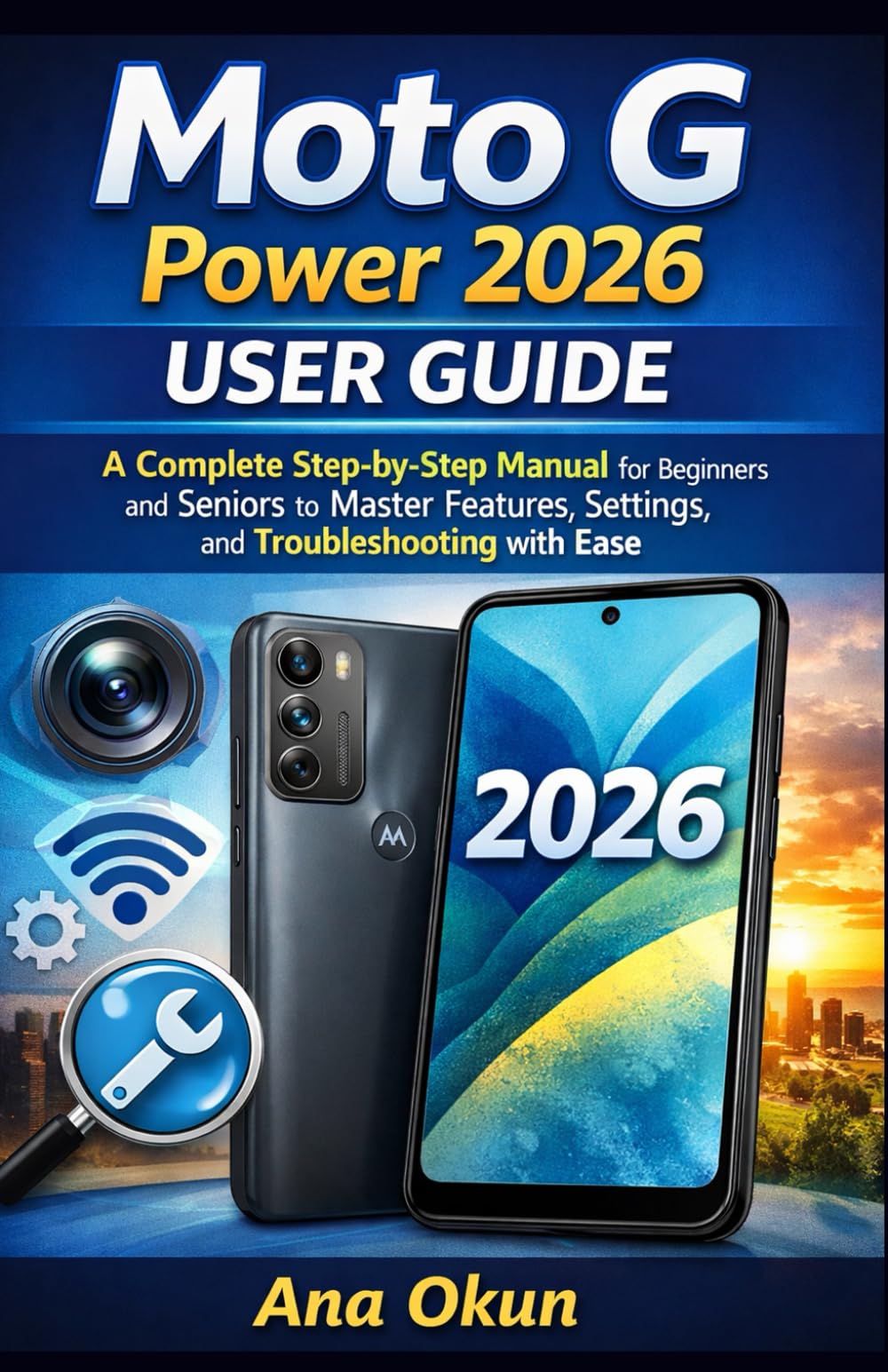
Image 1.1: Front cover of the Moto G Power 2026 User Guide. This image shows the book's title and overall design.
2. Ag obrachadh an inneal agad
2.1 A’ seòladh tron sgrìn dachaigh
The home screen is your central hub for accessing applications and information. Swipe left or right to view additional home screens. Swipe down from the top of the screen to access quick settings and notifications.
- Drathair an aplacaid: Swipe up from the bottom of the home screen to open the app drawer, which contains all installed applications.
- Giuirlidean: Long-press on an empty area of the home screen to add widgets for quick access to information like weather, calendar, or music controls.
- Faidhlichean: Drag one app icon over another to create a folder, helping you organize your applications.
2.2 Gairmean is Teachdaireachdan
Staying connected is a primary function of your Moto G Power 2026.
- A’ dèanamh gairmean: Tap air an Fòn icon, enter the number, and tap the call button. You can also select a contact from your address book.
- A' stiùireadh cheanglaichean: Cleachd an Caraidean app to add, edit, or delete contacts. You can sync contacts from your Google account.
- A' cur teachdaireachdan: Fosgail an Teachdaireachdan app, tap the new message icon, enter the recipient's number or select from contacts, and type your message.
2.3 Internet Connectivity and Apps
Tha an inneal agad a’ toirt taic do Wi-Fi agus dàta gluasadach airson ruigsinneachd eadar-lìn.
- Wi-Fi: Rach gu Roghainnean > Lìonra is eadar-lìon > Wi-Fi gus ceangal ri lìonraidhean a tha rim faighinn.
- Dàta gluasadach: Ensure your SIM card is inserted and mobile data is enabled in Roghainnean> Lìonra & eadar-lìn> Lìonra gluasadach.
- Neach-taic Google: Activate Google Assistant by saying "Hey Google" or long-pressing the power button (if configured). Use voice commands for tasks, information, and device control.
- Riaghladh App: Download new apps from the Google Play Store. Manage installed apps in Suidhichidhean> Apps & brathan to adjust permissions, clear cache, or uninstall.
3. Feartan a’ Chamara
The Moto G Power 2026 camera allows you to capture high-quality photos and videos. Open the Camara app to begin.
- A ’togail dhealbhan: Tap air a’ phutan còmhlaiche gus dealbh a thogail.
- Bhideothan Clàraidh: Gluais gu modh bhidio agus tap air a’ phutan clàraidh gus clàradh a thòiseachadh/stad.
- Modhan camara: Explore various modes such as Portrait, Night Vision, Panorama, and Pro Mode for different photographic effects.
- Roghainnean: Access camera settings to adjust resolution, aspect ratio, timer, and other preferences.
4. Fuasgladh cheistean cumanta
This section addresses common problems you might encounter with your Moto G Power 2026.
- Inneal nach eil a’ freagairt: If your device freezes, press and hold the power button for about 10-15 seconds to force a restart.
- Bataraidh a’ drèanadh gu sgiobalta: Thoir sùil air cleachdadh bataraidh ann an Suidhichidhean> Bataraidh to identify power-hungry apps. Reduce screen brightness, disable unnecessary features like GPS or Bluetooth when not in use, and close background apps.
- Connectivity Problems (Wi-Fi/Mobile Data):
- Toggle Wi-Fi or mobile data off and on.
- Ath-thòisich an router agad airson cùisean Wi-Fi.
- Ensure your mobile data plan is active and you have signal coverage.
- Aplacaid a’ tuiteam: Glan tasgadan is dàta an aplacaid ann an Roghainnean > Aplacaidean is fiosan > [Ainm an Aplacaid] > Stòradh is tasgadanMa mhaireas an duilgheadas, dì-stàlaich agus ath-stàlaich an aplacaid.
- Low Storage: Cuir às do neo-riatanach files, photos, and videos. Uninstall unused apps. Move large files to cloud storage or an external SD card (if supported). Check storage usage in Roghainnean> Stòradh.
5. Cumail suas agus Cùram
Proper maintenance ensures the longevity and optimal performance of your Moto G Power 2026.
- Ùrachaidhean bathar-bog: Regularly check for and install system updates in Roghainnean> Siostam> Ùrachadh siostaim. Updates often include performance improvements and security patches.
- Glanadh: Use a soft, lint-free cloth to clean the screen and body of the device. Avoid harsh chemicals or abrasive materials.
- Slàinte Bataraidh: Avoid extreme temperatures. Do not leave the device charging for extended periods after it reaches 100%.
- Cùl-taic dàta: Regularly back up your important data to a cloud service (like Google Drive) or a computer to prevent data loss.
- Dìon corporra: Smaoinich air còmhdach dìon agus dìonadair sgrion a chleachdadh gus dìon an aghaidh boinneagan is sgrìoban.
6. Sònrachaidhean
Key technical specifications for the Moto G Power 2026:
| Feart | Mion-fhiosrachadh |
|---|---|
| ASIN | B0GP71KXZ1 |
| Foillsichear | Foillsichte gu neo-eisimeileach |
| Ceann-latha foillseachaidh | 18 Gearran, 2026 |
| Cànain | Sasannach |
| Fad clò-bhualaidh | 144 duilleag |
| ISBN-13 | 979-8248918850 |
| Cuideam nì | 8.6 unnsa |
| Reading age | 12 - 18 bliadhna |
| Meudan | 5.5 x 0.33 x 8.5 òirleach |
Image 6.1: Back cover of the Moto G Power 2026 User Guide. This image displays the ISBN barcode and other publication information.
7. Barantas agus Taic
Airson fiosrachadh barantais agus taic do luchd-cleachdaidh, thoir sùil air làrach-lìn oifigeil Motorola. website or the documentation included with your device at the time of purchase. This manual provides general operational guidance and does not replace official warranty statements or specific support channels.
- Oifigeil Weblàrach: Visit the Motorola official weblàrach airson na goireasan taic as ùire, Ceistean Cumanta, agus fiosrachadh conaltraidh.
- Seirbheis teachdaiche: Contact Motorola customer service for technical assistance or warranty claims.
- Goireasan air-loidhne: Many common issues can be resolved by consulting online forums or support communities.