
Ro-ràdh
Thank you for choosing the iFFALCON 55U75A 55-inch Smart TV. This manual provides essential information for setting up, operating, and maintaining your new television. Please read it thoroughly before use and keep it for future reference.

The iFFALCON 55U75A 55-inch Smart TV, showcasing an dealbhadh caol aige.
Fiosrachadh Sàbhailteachd
Lean ceumannan sàbhailteachd bunaiteach an-còmhnaidh nuair a bhios tu a’ cleachdadh an toraidh seo gus cunnart teine, clisgeadh dealain agus leòn a lùghdachadh.
- Na nochd an telebhisean gu uisge no taiseachd.
- Na fosgail a’ chaibineat; thoir aire do luchd-obrach teisteanasach airson a h-uile seirbheiseachadh.
- Dèan cinnteach gu bheil fionnarachadh ceart timcheall an Tbh.
- Cleachd an inneal-atharrachaidh cumhachd agus na càbaill a thug an neach-dèanamh seachad a-mhàin.
- Cùm an telebhisean air falbh bho sholas dìreach na grèine, stòran teas, agus raointean magnetach làidir.
- Clean the TV with a soft, dry cloth. Avoid liquid cleaners.
Susbaint pacaid
Dèan cinnteach gu bheil a h-uile nì anns a’ phacaid:
- iFFALCON 55U75A 55-inch Smart TV
- Adapter cumhachd
- Càball cumhachd
- Smachd Iomallach
- Seas
- Leabhar-làimhe cleachdaiche
Suidhich
1. Stàladh Seas
Gus an seasamh Tbh a stàladh:
- Cuir an telebhisean gu faiceallach le aghaidh sìos air uachdar bog, còmhnard gus casg a chur air milleadh air an sgrion.
- Attach the stand legs to the designated slots on the bottom of the TV.
- Secure the legs with the provided screws.

Diagram showing the TV dimensions and how to attach the stand.
2. Ceangal Peripherals
Ceangail na h-innealan taobh a-muigh agad ris an telebhisean a’ cleachdadh nam puirt a tha rim faighinn:
- HDMI: For high-definition audio and video devices like gaming consoles, Blu-ray players, or set-top boxes. The TV features 4 HDMI ports.
- USB: Airson innealan stòraidh USB a cheangal gus meadhanan a chluich files.
- Wi-Fi: Ceangail ris an lìonra dachaigh agad airson ruigsinneachd eadar-lìn agus feartan Tbh snasail.
- Bluetooth: Airson ceangal gun uèir ri innealan claisneachd no goireasan co-chòrdail.

Cùl view den telebhisean, a’ mìneachadh nan diofar phuirt cuir-a-steach is toraidh.
3. A’ chiad chumhachd air
After connecting all necessary cables, plug the power cable into an electrical outlet. Press the power button on the remote control or the TV to turn it on. Follow the on-screen instructions for initial setup, including language selection, network connection, and Google TV account setup.
Ag obrachadh an telebhisean
Smachd Iomallach
The remote control allows you to navigate the TV's interface, adjust settings, and access smart features. Familiarize yourself with the buttons for power, volume, channel, input selection, and smart TV functions.
Feartan Google TV
Your iFFALCON 55U75A comes with Google TV, offering a personalized entertainment experience. Access your favorite streaming services, apps, and content recommendations. Use Google Assistant for voice commands to search for movies, control smart home devices, and more.
Display Technology: QLED and 144Hz Native Refresh Rate
Experience vibrant and lifelike visuals with QLED technology, featuring advanced quantum crystal materials for richer colors and higher stability. The 144Hz native refresh rate ensures ultra-smooth motion, ideal for gaming and fast-paced action scenes, reducing blur and enhancing clarity.
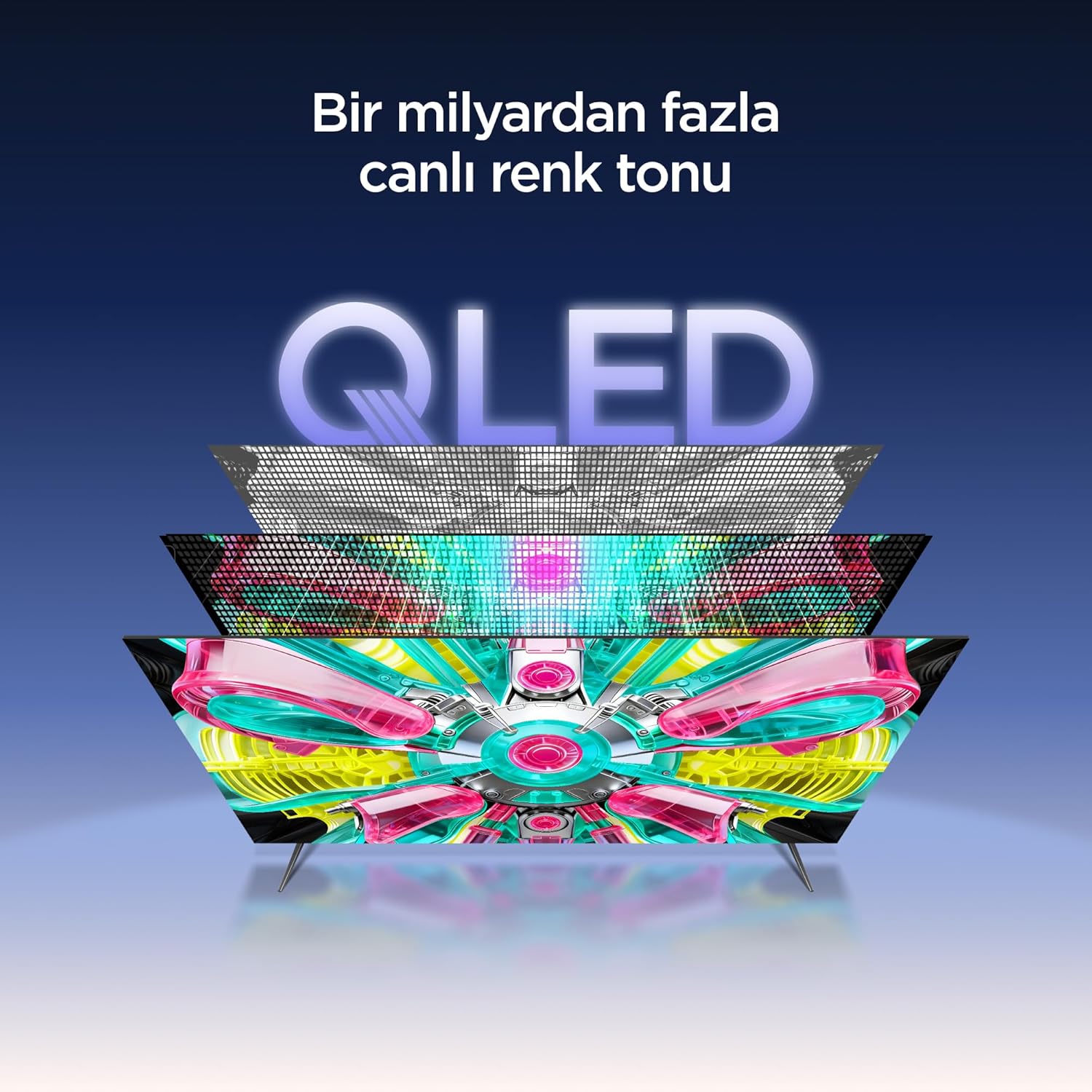
An illustration of the QLED display technology layers, providing over a billion vibrant color tones.
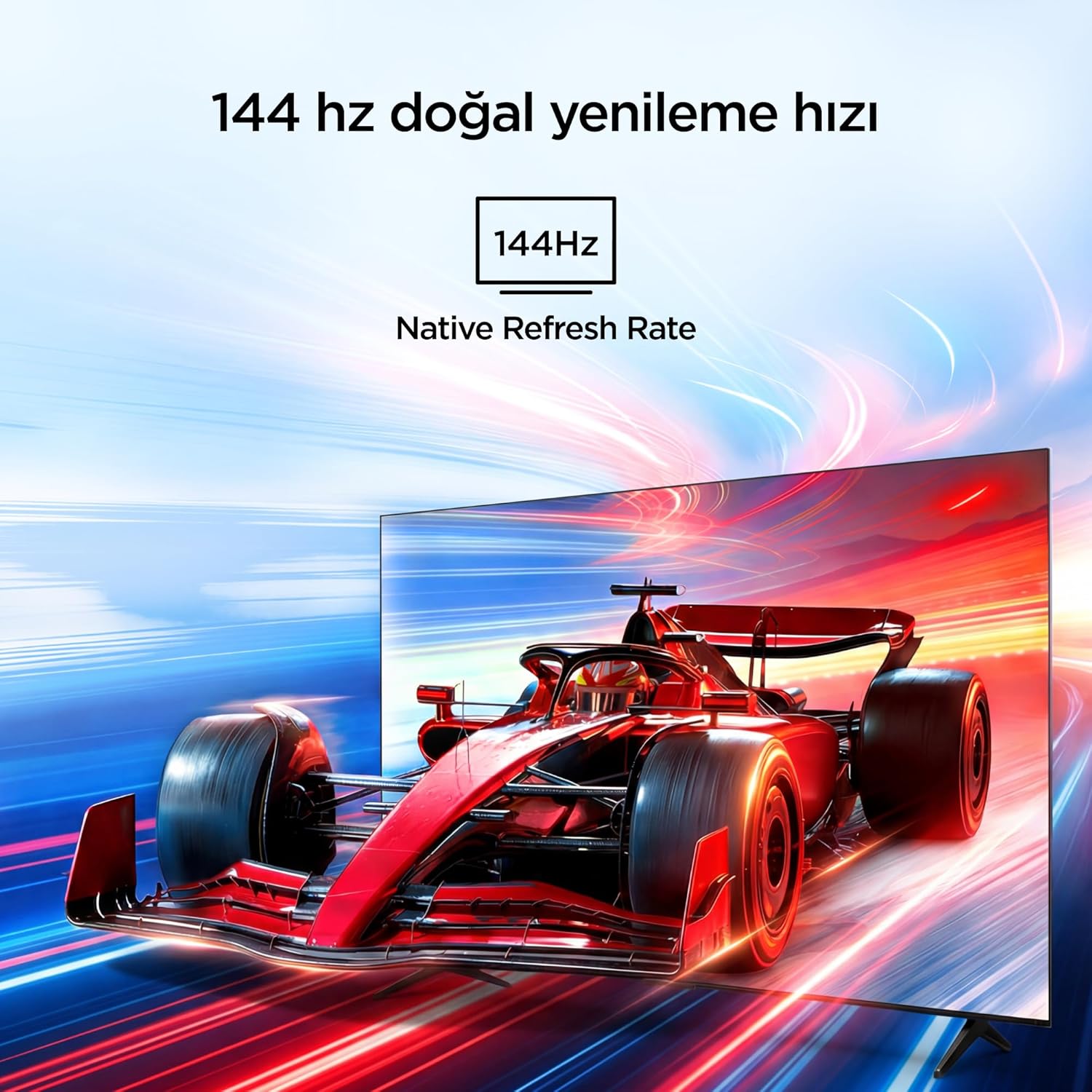
Visual representation of the 144Hz Native Refresh Rate, demonstrating smooth motion for gaming and action.
Audio Experience: Dolby Vision Atmos & DTS Virtual X
Immerse yourself in high-quality audio with Dolby Vision Atmos, delivering rich and captivating sound. DTS Virtual X provides virtual 3D sound, bringing the scene into your room with audio from above, the sides, and behind.

An image depicting the immersive audio experience provided by Dolby Vision Atmos.
Pròiseasar AiPQ Pro
The AiPQ Pro Processor, powered by artificial intelligence, optimizes contrast and color accuracy in every scene. It analyzes visual content and masterfully balances skin tones and color distribution for vivid and realistic visuals.
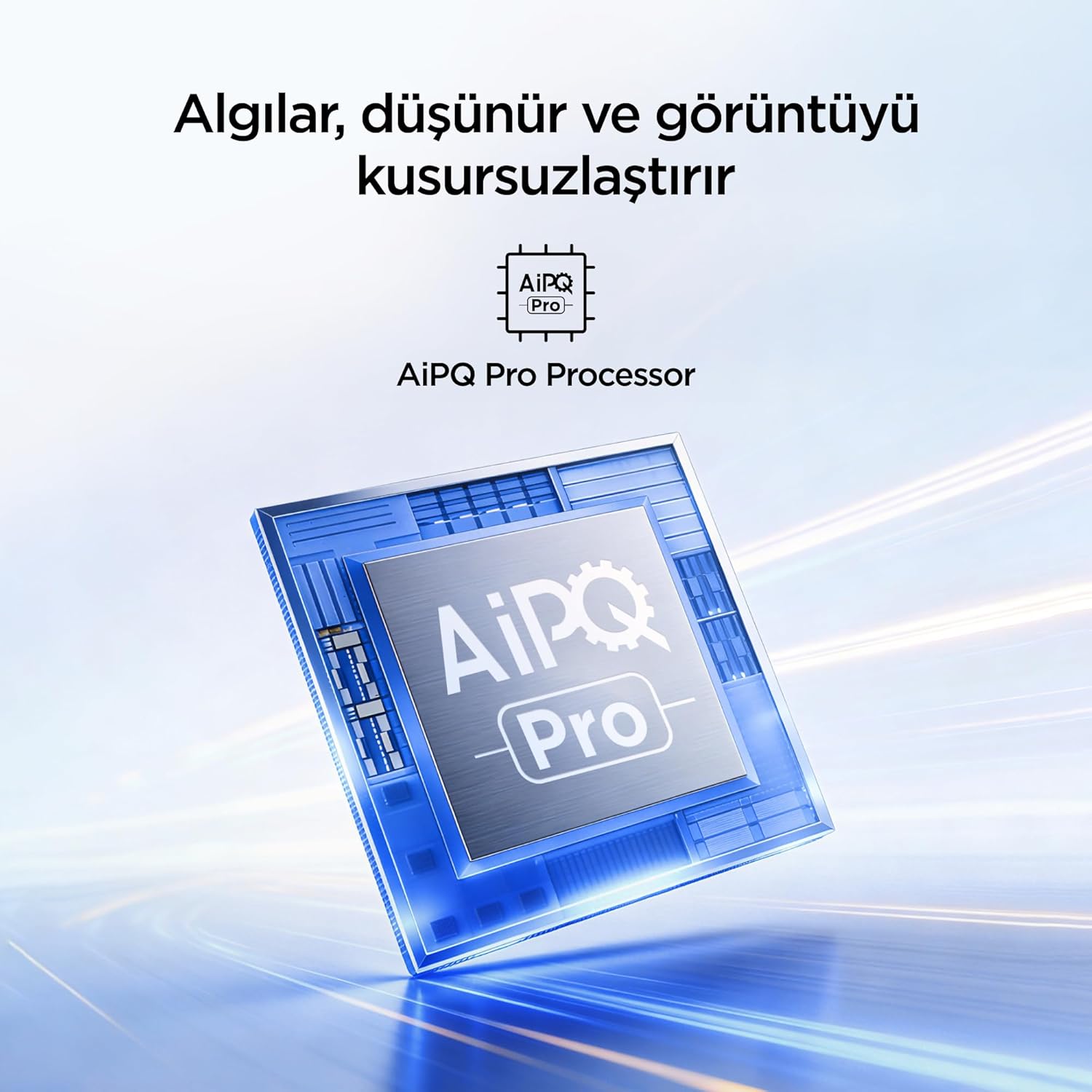
A visual of the AiPQ Pro Processor, highlighting its role in image optimization.
HVA Panel Technology
The HVA Panel offers 5x contrast enhancement, a low reflection film, and a wide viewing angle of over 178°. This technology provides powerful and accurate contrast, delivering sharper and more striking images.

Comparison illustrating the superior contrast and detail of HVA Panel Technology over conventional IPS panels.
Game Master & Gamebar
The Game Master feature, along with the dedicated Gamebar, provides special screen designs for gaming consoles. Comprehensive graphics and game modes allow for personalized settings, giving you an advantage when starting a game.

An image showing the Gamebar interface, designed for optimizing gaming experiences on consoles.
Cùram Sùla Iomadach
The TV is equipped with Multiple Eye Care technologies, such as low blue light and natural light optimization, to help reduce eye strain during long viewing sessions, providing a more comfortable experience.

Visual explanation of Multiple Eye Care features like low blue light and flicker-free viewing.
Cumail suas
Nì deagh chumail suas cinnteach gum mair an telebhisean agad fad-beatha agus gum bi e ag obair gu math.
- Glanadh an sgrion: Sguab an sgrion gu socair le clò bog, gun lint. Airson comharran stòlda, sguab beaganampnigh an clò le uisge no le inneal-glanaidh sgrion sònraichte (na spraeadh gu dìreach air an sgrion a-riamh).
- A' glanadh a' chaibineit: Cleachd clò bog, tioram gus caibineat an telebhisean a sguabadh.
- Fionnarachadh: Dèan cinnteach nach eil na fosglaidhean fionnarachaidh air cùl an telebhisean dùinte gus casg a chur air cus teasachadh.
- Corda cumhachd: Thoir sùil cunbhalach air a’ chàball cumhachd airson milleadh sam bith. Ma tha milleadh ann, cuir fios gu taic luchd-cleachdaidh airson fear eile.
Fuasgladh thrioblaidean
Ma thachras tu ri duilgheadasan leis an telebhisean agad, thoir sùil air na duilgheadasan agus na fuasglaidhean cumanta a leanas mus cuir thu fios chun taic.
| Trioblaid | Fuasgladh comasach |
|---|---|
| Gun chumhachd | Check if the power cord is securely plugged into the TV and the power outlet. Ensure the outlet is working. |
| Gun dealbh, ach tha fuaim ann | Check the input source. Ensure the external device is properly connected and powered on. |
| Gun fhuaim, ach tha dealbh ann | Check the volume level and mute settings. Ensure audio cables are correctly connected. |
| Chan eil smachd iomallach ag obair | Cuir na bataraidhean nan àite. Dèan cinnteach nach eil bacadh sam bith eadar an smachd iomallach agus mothachaire IR an Tbh. |
| Duilgheadasan le ceangal Wi-Fi | Restart your router and modem. Check TV network settings and ensure the password is correct. |
Sònrachaidhean
| Feart | Mion-fhiosrachadh |
|---|---|
| Meud sgrion | 55 Inch |
| Brand | iFFALCON |
| Teicneòlas taisbeanadh | QLED |
| Fuasgladh | 4K |
| Ìre Ath-nuadhachaidh | 144 Hz |
| Prìomh fheartan | 144Hz Native Refresh Rate, AiPQ Pro Processor, Bezel-less Design, Google Assistant, HVA Screen, Multi Eye Care, Free Sync |
| Teicneòlas ceangail | Bluetooth, HDMI, USB, Wi-Fi |
| Meudan toraidh (D x W x H) | 7D x 122.4L x 70.8À cm |
| Ainm Modail | 55U75A |
| Cuideam toraidh | 13.5 Cileagram |
| Puirt HDMI iomlan | 4 |
| Èifeachdas Lùth | A+ |
| Dath | Dubh |
| Modail Bliadhna | 2026 |
| Dèanadair | iFFALCON |
| Dùthaich Tùs | Sìona |
Barantas & Taic
Your iFFALCON 55U75A Smart TV comes with a Barantas neach-dèanamh 2-bliadhna. For warranty claims, technical support, or service inquiries, please contact iFFALCON customer service. Refer to the warranty card included in your package for detailed terms and conditions.
For further assistance, visit the official iFFALCON weblàrach no cuir fios chun na h-ionadan seirbheis ùghdarraichte aca.