
Magcubic L018
Magcubic L018 Mini Portable Projector User Manual
Modail: L018
Brand: Magcubic
Ro-ràdh
Thank you for choosing the Magcubic L018 Mini Portable Projector. This device is designed to provide a high-quality home cinema experience with its advanced features and portable design. Please read this manual carefully to ensure proper setup and operation.
Prìomh fheartan:
- Native 1080P & 4K Support: Enjoy crystal-clear images with native 1080p resolution and 4K decoding capabilities for a cinematic visual experience.
- 400 ANSI Lumens: Bright and vivid projections suitable for various lighting conditions.
- Android 14 OS: Access a wide range of streaming apps and content directly from the projector.
- Seasamh rothlach 180°: Flexible projection angles, allowing you to project onto walls, ceilings, or screens with ease.
- Dual-Band WiFi 6 & Bluetooth 5.2: Ensures ultra-fast, stable wireless connectivity for streaming and audio.
- Auto Keystone Correction & Electric Focus: Automatically adjusts image shape and sharpness for a perfect picture every time.
- Neach-labhairt togte: Integrated audio for an immersive experience.
Dè th' anns a' Bhocsa
- Magcubic L018 Mini Portable Projector
- Càball cumhachd
- Smachd Iomallach
- Leabhar-làimhe cleachdaiche
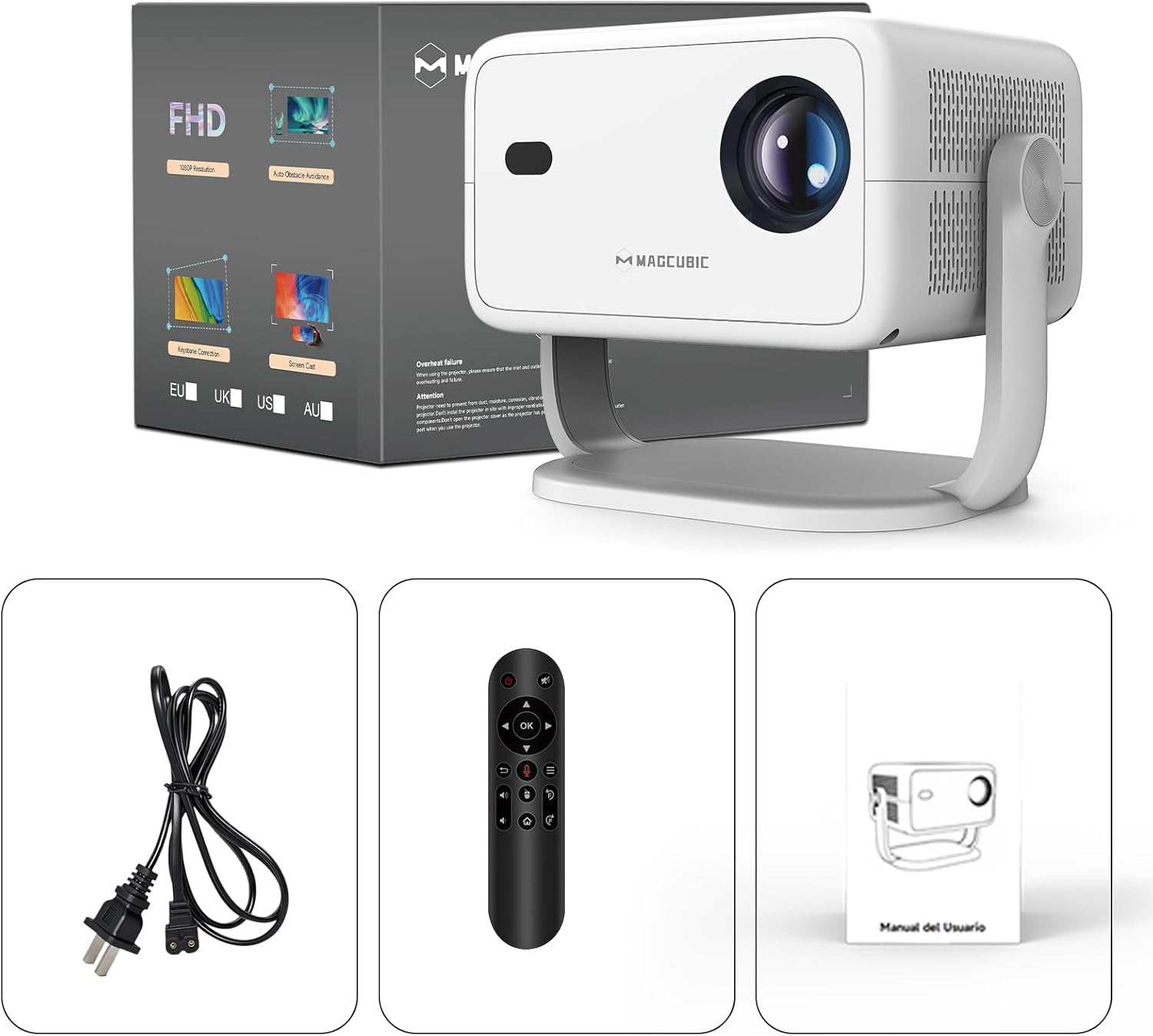
Image: The Magcubic L018 projector, power cable, remote control, and user manual are shown, illustrating the package contents.
Suidhich
- Ceangal cumhachd: Connect the provided power cable to the projector's power input and then to a power outlet.
- Suidheachadh: Place the projector on a stable surface (floor mount or tabletop stand) or mount it as desired. The 180° rotatable stand allows for flexible positioning, including ceiling projection.
- Cumhachd air: Brùth am putan cumhachd air an proiseactair no an smachd iomallach gus an inneal a thionndadh.
- Atharrachaidhean fèin-ghluasadach: The projector features automatic keystone correction and electric focus. It will automatically adjust the image shape and sharpness. If needed, use the remote control for fine-tuning the focus.
- Initial Setup (Android OS): Follow the on-screen prompts to complete the initial setup, including language selection, Wi-Fi connection, and time zone settings.
- Ceangal:
- Wi-Fi: Connect to your home Wi-Fi network (2.4G or 5G) via the settings menu for internet access and streaming.
- Bluetooth: Pair Bluetooth devices like external speakers or headphones through the Bluetooth settings.
- HDMI: Connect external devices (e.g., laptop, game console) using an HDMI cable to the HDMI port.
- USB: Insert a USB drive into the USB port to play local media files.
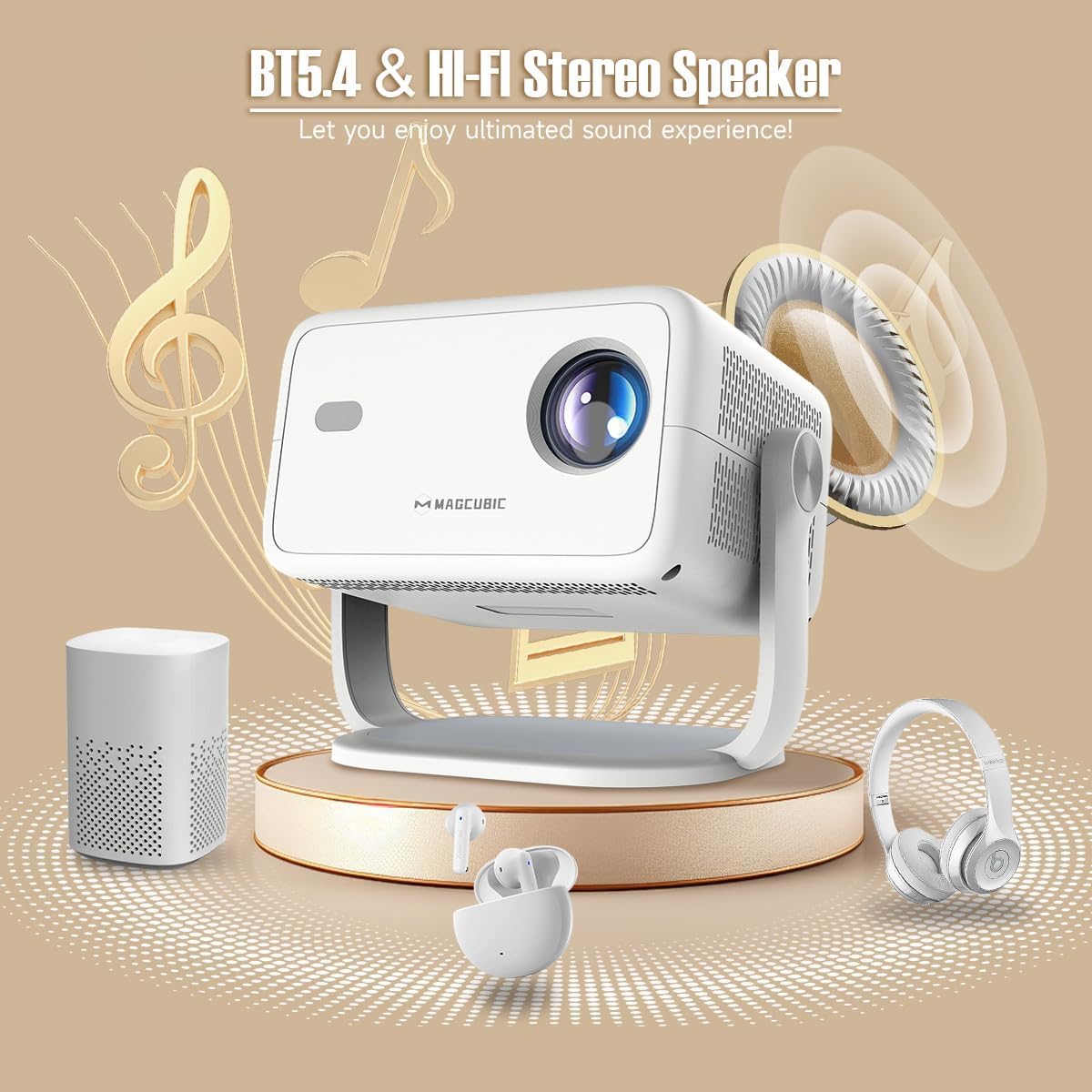
Image: The rear panel of the projector displays the HDMI, USB, and 3.5mm audio ports for connecting various devices.

Image: The projector is shown on a coffee table, projecting an image onto a wall, with on-screen indicators for auto keystone correction and auto focus.
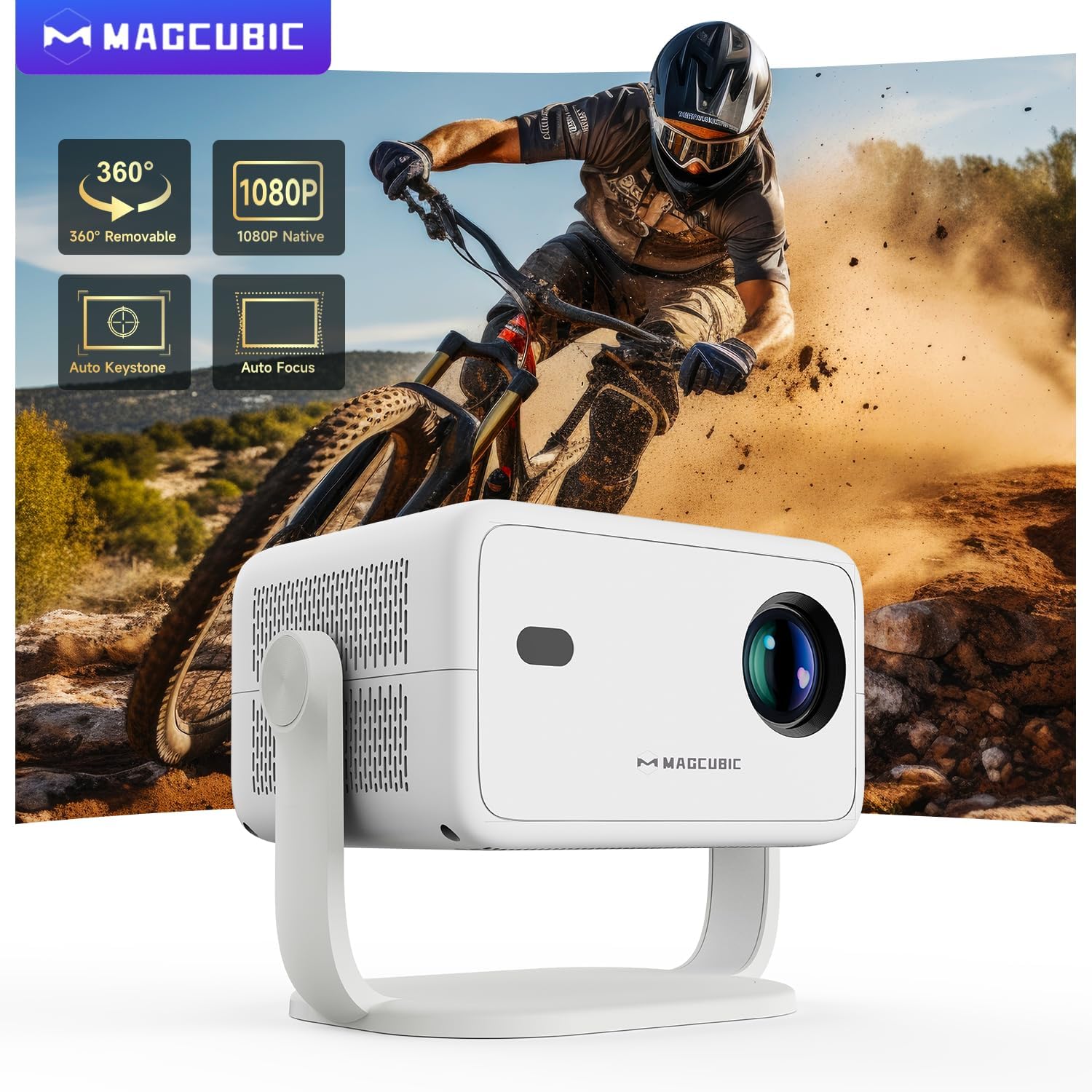
Image: The projector is shown rotating 180 degrees on its integrated stand, demonstrating its flexible projection capabilities.
Stiùireadh Obrachaidh
- Seòladh: Use the remote control to navigate the Android 14 OS interface. The remote supports both standard button navigation and an air mouse function for easier control.
- Cothrom an aplacaid: From the home screen, select your desired streaming apps (e.g., Netflix, YouTube, Prime Video) or browse the app store to download more.
- Sgàthan sgrion: Use the built-in screen mirroring function (compatible with Android and iOS devices) to project content from your smartphone or tablet wirelessly.
- Ath-chluich Meadhanan: Play videos, photos, or music from connected USB drives or HDMI sources.
- Toradh claisneachd: The projector has a built-in speaker. For enhanced audio, connect external Bluetooth speakers or headphones.
- Roghainnean ìomhaigh: Adjust brightness, contrast, color, and sharpness through the projector's settings menu to optimize your viewann an eòlas.
Video: This video demonstrates the features of the Mini Projector HY350Max Black, including its design, performance, auto-focus, auto-keystone, wireless mirroring, and audio capabilities.
Video: This video showcases the Portable Projector with 4K support and 180° rotatable stand, highlighting its versatility and ease of use for various projection scenarios.
Video: This video presents the Android 11 L018 projector, demonstrating its native 1080P resolution, 650 ANSI lumens, and 4K capabilities.
Video: This video highlights the WiMiUS P61 Pro Portable Projector with Official Netflix support, showcasing its smart features and entertainment options.
Video: This video features the Magcubic HY310 Portable Projector, demonstrating its compact design and projection capabilities.
Cumail suas
- A 'glanadh an lens: Sguab lionsa a’ phròiseictar gu socair le clò bog, gun lint. Na cleachd innealan-glanaidh no fuasglaidhean sgrìobach.
- Fionnarachadh: Dèan cinnteach gu bheil fosglaidhean fionnarachaidh a’ phròiseictar glan agus gun bhacadh gus casg a chur air cus teasachadh.
- Stòradh: Nuair nach eilear ga chleachdadh, stòraich am proiseactair ann an àite fionnar, tioram, air falbh bho sholas dìreach na grèine agus teòthachd anabarrach.
- Dìon duslach: Use a dust cover when the projector is not in use for extended periods.
Fuasgladh thrioblaidean
| Trioblaid | Adhbhar a dh’fhaodadh a bhith ann | Fuasgladh |
|---|---|---|
| Gun ìomhaigh air a taisbeanadh | Power cable disconnected, projector off, input source not selected. | Check power connection, turn on projector, select correct input source (HDMI, USB, Screen Mirroring). |
| Tha an ìomhaigh blurry | A-mach à fòcas, astar teilgean ceàrr. | Use the remote control to adjust electric focus. Ensure the projector is within the recommended projection distance (1.05m - 4m). |
| Tha an ìomhaigh air a shaobhadh (cruth trapesoid) | Chan eil am proiseactair ceart-cheàrnach ris an sgrion. | The projector has auto keystone correction. If manual adjustment is needed, check settings. |
| Gun fhuaim | Volume too low, external speaker not connected/paired, incorrect audio output selected. | Increase volume. Check Bluetooth connection for external speakers. Ensure internal speaker is selected or correct audio output is chosen. |
| Duilgheadasan le ceangal Wi-Fi | Facal-faire ceàrr, a-mach à raon, cùisean leis an router. | Verify Wi-Fi password. Move projector closer to the router. Restart router. |
Sònrachaidhean
- Brand:
- Magcubic
- Ainm a' mhodail:
- L018
- Cleachdaidhean a thathar a’ moladh:
- Taigh-dhealbh dachaigh
- Feartan sònraichte:
- Automatic screen alignment, Built-in speaker, Digital keystone correction, Auto focus, Wi-Fi enabled
- Teicneòlas ceangail:
- HDMI, USB, Wi-Fi
- Fuasgladh sgrion:
- 1920 x 1080 (Dùthchasach)
- Fuasgladh taisbeanaidh as àirde:
- 3840 x 2160 (4K Supported)
- Seòrsa taisbeanaidh:
- LED
- Factor foirm:
- So-ghiùlain
- Seòrsa stàladh:
- Floor mount, Tabletop stand
- Gile:
- 400 lm (ANSI)
- Dath:
- Geal
- Dètage:
- 80 watt
- Control Unit Type:
- Voice control, Remote control
- Innealan co-fhreagarrach:
- Television (and other HDMI/USB devices)
- Co-mheas coimeas:
- 10000:1
- Astar ro-mheasaidh as àirde:
- 4 Meatair
- Astar ro-mheasaidh as ìsle:
- 1.05 Meatair
- Eadar-aghaidh bathar-cruaidh:
- 3.5mm Audio, Bluetooth 5, HDMI, USB 2.0
- Còdachadh bhidio:
- H.264 no H.265
- Cuideam nì:
- 1.3 cileagram
- Dùthaich Tùs:
- Sìona
Barantas agus Taic
Your Magcubic L018 Mini Portable Projector comes with a Barantas toraidh 2-bliadhna. We are committed to providing excellent customer service.
- Transparency Verified: Each item has a unique code verified before shipment.
- 30-Day Return or Exchange: Airson do shìth inntinn.
- Taic Teicnigeach Fad-beatha: Our professional support team is available to assist you.
- 24/7 Service Professional: Dedicated support for any inquiries or issues.
For further assistance, please refer to the contact information provided with your purchase or visit the official Magcubic support weblàrach.
Ask a question about this manual
Ask about setup, troubleshooting, compatibility, parts, safety, or missing instructions. Manuals+ will review the question and use this page’s manual context to help answer it.