
Ro-ràdh
This manual provides detailed instructions for the setup, operation, and maintenance of your Oilsky M305 MP3 Player. Please read this manual thoroughly before using the device to ensure optimal performance and longevity.

Ìomhaigh: Tharview of the Oilsky M305 MP3 Player's key features.
1. Stiùirich rèiteachaidh
1.1 Fosgladh a’ bhogsa agus susbaint a’ phacaid
Carefully unpack your Oilsky M305 MP3 Player and verify all components are present.

Image: Contents of the Oilsky M305 MP3 Player box.
Bu chòir gum biodh:
- 1x Oilsky M305 Music Player
- 1x 128GB TF Card (pre-installed or separate)
- 1x USB Cable (for charging and data transfer)
- 1x Wired Earphones
- 1x Protective Film
- Cùis dìon 1x
- 1x Leabhar-làimhe Cleachdaiche
1.2 A’ cur cosgais air an inneal
Before first use, fully charge the device. Connect the provided USB cable to the player's charging port and to a USB power adapter (not included) or a computer's USB port. The charging indicator will show the charging status.
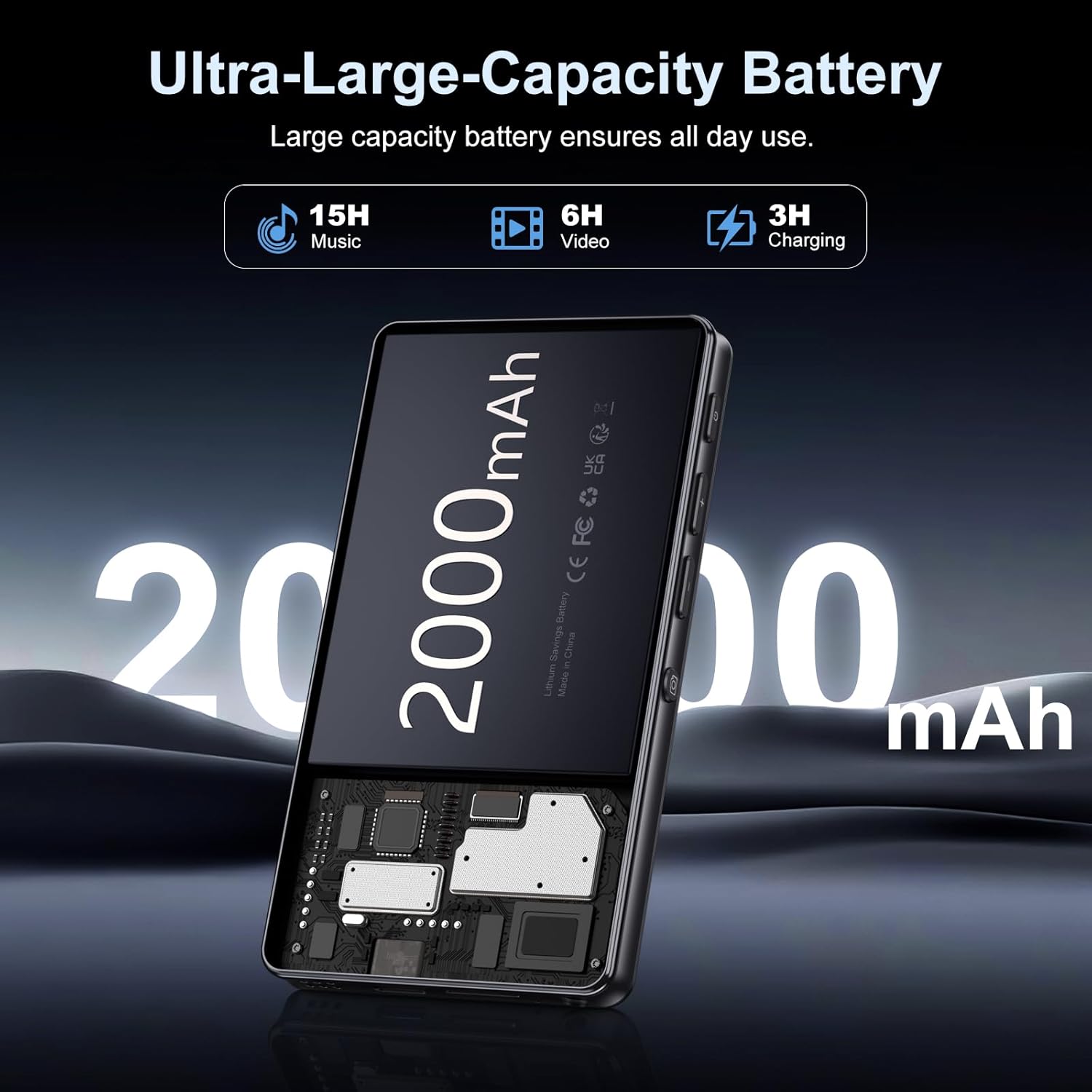
Image: Illustration of the 2000mAh battery and its charging/usage capabilities.
The 2000mAh battery provides approximately 15 hours of music playback and 6 hours of video playback on a full charge, which takes about 3 hours.
1.3 Cumhachd air / dheth
- Gus cumhachd a thoirt air: Brùth agus cum air a’ phutan cumhachd a tha suidhichte air taobh an inneil gus am bi an scrion a’ lasadh suas.
- Gus cumhachd a thoirt dheth: Press and hold the power button, then select 'Power Off' from the options that appear on the screen.
1.4 Suidheachadh tùsail
Nuair a chuireas tu an cumhachd air an toiseach, lean na stiùiridhean air an sgrion gus:
- Tagh an cànan as fheàrr leat.
- Connect to a Wi-Fi network for internet access and app downloads.
- Set up date and time.
2. Stiùireadh Obrachaidh
2.1 Basic Navigation (Touchscreen)
The Oilsky M305 features a 4.02-inch HD touchscreen for intuitive control. Use gestures similar to a smartphone:
- Tap: Gus nì a thaghadh no aplacaid fhosgladh.
- Swipe: Gus sgroladh tro liostaichean no atharrachadh eadar scrionaichean.
- Pinch-gu-zoom: In supported applications like image galleries.

Image: The 4.02-inch HD touchscreen in use, displaying video content.
2.2 Dealbh-chluich Ciùil
The device supports various music formats including MP3, WAV, APE, FLAC, and AAC. You can play music through the built-in speaker or connected headphones/Bluetooth devices.

Image: Music playback interface showing supported audio formats.
- Accessing Music: Open the pre-installed music player app or any downloaded streaming service (e.g., Spotify, Audible).
- Creating Playlists: Use the music player app to organize your songs into custom playlists.
- Cothromaiche: Adjust audio settings via the built-in equalizer for a personalized listening experience.

Image: Features for music management, including playlist creation and equalizer settings.
2.3 Ath-chluich Bhidio
The device supports various video formats including AVI, MKV, MP4, MPG, and MOV. Videos can be viewed on the 4.02-inch HD screen.

Image: Supported video and music formats for the device.
2.4 Cleachdadh Camara
The M305 is equipped with a 13MP rear camera and a 5MP front camera for capturing photos and videos.
- A ’togail dhealbhan: Fosgail an aplacaid Camara, frèamaich do dhealbh, agus tap air a’ phutan còmhlaiche.
- Bhideothan Clàraidh: Switch to video mode in the Camera app and tap the record button to start/stop.

Image: Illustration of the 5MP front and 13MP rear cameras.
2.5 Connectivity (Bluetooth & Wi-Fi)
The device features dual-band Wi-Fi for fast internet access and Bluetooth 5.0 for stable wireless connections.
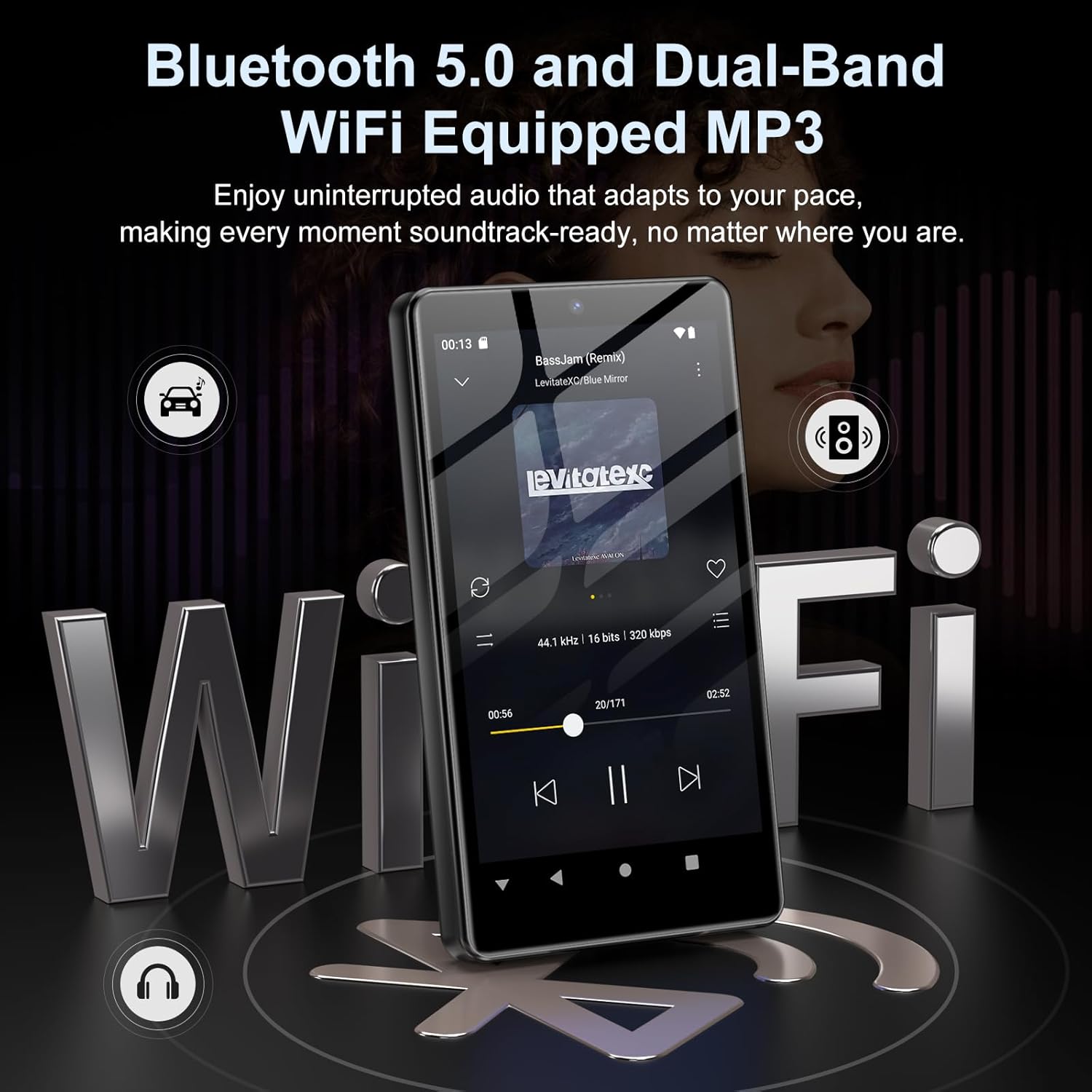
Image: Visual representation of Bluetooth and Wi-Fi connectivity.
- Wi-Fi: Rach gu Roghainnean > Lìonra is eadar-lìon > Wi-Fi gus ceangal ri lìonraidhean a tha rim faighinn.
- Bluetooth: Go to Settings > Connected devices > Bluetooth to pair with headphones, speakers, or other Bluetooth-enabled devices.
2.6 Stiùireadh Stòraidh
The M305 comes with 32GB of internal ROM and includes a 128GB TF card, supporting external storage expansion up to 1TB.

Image: Storage capacity details including internal ROM and TF card expansion.
- Viewing Storage: Navigate to Settings > Storage to see internal and external storage usage.
- A' gluasad Files: Connect the device to a computer using the USB cable to transfer music, videos, and photos.
2.7 Stàladh Aplacaid (Google Play Store)
Running on Android 13.0, the device allows you to install and uninstall applications from the Google Play Store.
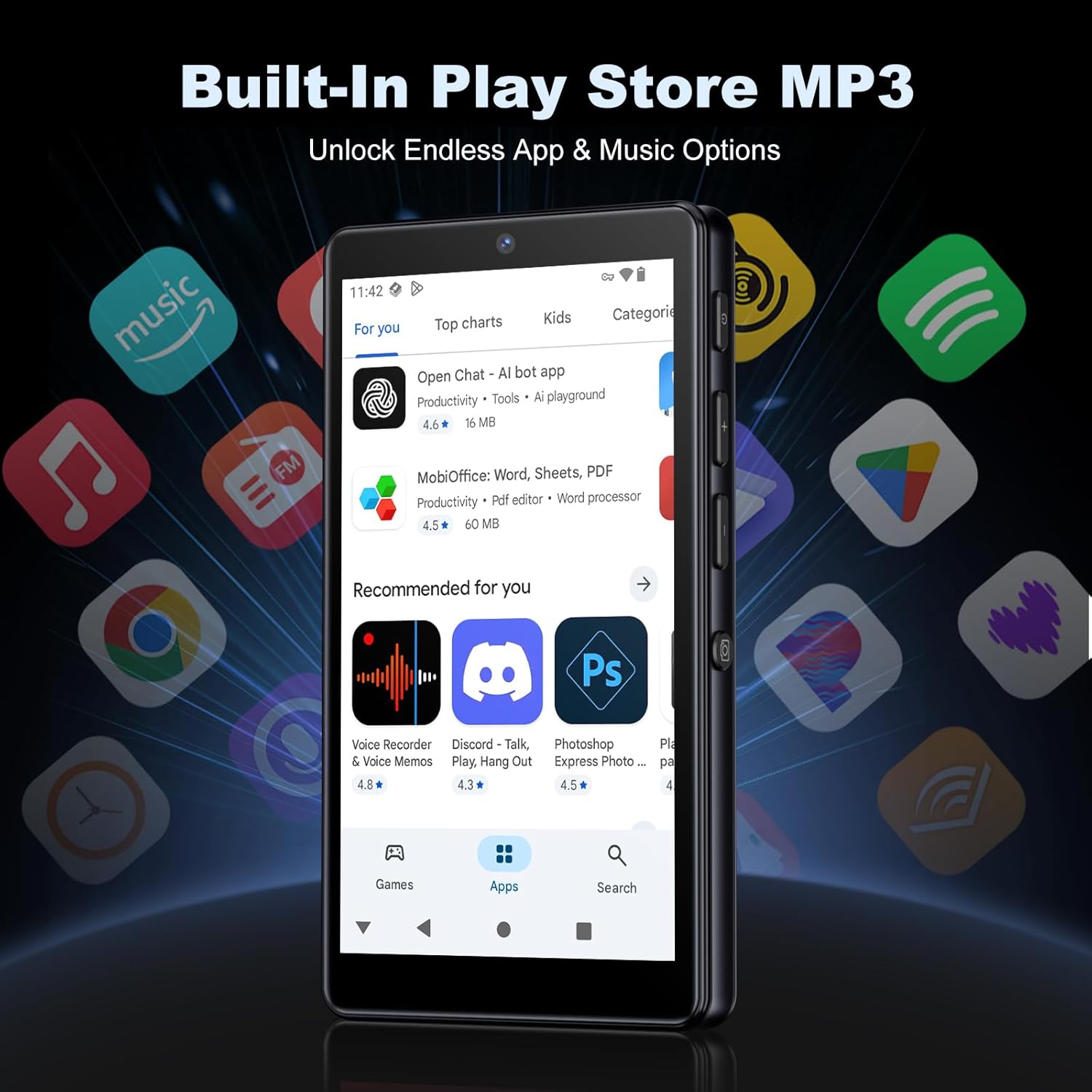
Image: The Google Play Store interface on the device.
- Stàladh Apps: Open the Play Store app, search for your desired application, and tap 'Install'.
- A’ dì-stàladh aplacaidean: Go to Settings > Apps, select the app, and tap 'Uninstall'.
3. Cumail suas
3.1 Glanadh
To clean the device, use a soft, dry, lint-free cloth. Avoid using abrasive cleaners, solvents, or aerosol sprays, which may damage the screen or finish.
3.2 Cùram Bataraidh
- Seachain a bhith a’ nochdadh an inneal gu fìor theodhachd.
- Na leig leis a’ bhataraidh a bhith air a dhì-luchdachadh gu tur gu tric.
- Cleachd dìreach an càball USB a chaidh a thoirt seachad airson cosgais.
3.3 Ùrachaidhean bathar-bog
Periodically check for software updates to ensure your device has the latest features and security patches. Go to Settings > System > System update.
4. A ’dèanamh trioblaid
4.1 Inneal gun a bhith a’ tionndadh air
- Dèan cinnteach gu bheil am bataraidh air a luchdadh. Ceangail an inneal ri charger airson co-dhiù 30 mionaidean.
- Try a forced restart by holding the power button for 10-15 seconds.
4.2 Cùisean Ceangail (Wi-Fi/Bluetooth)
- Wi-Fi: Check if the Wi-Fi network is active and you have entered the correct password. Try restarting your router.
- Bluetooth: Ensure the device you are trying to connect to is in pairing mode and within range. Try turning Bluetooth off and on again on both devices.
4.3 Aplacaidean a’ tuiteam no a’ reothadh
- Dùin agus ath-fhosgladh an aplacaid.
- Clear the app's cache: Settings > Apps > [App Name] > Storage & cache > Clear cache.
- If the issue persists, try uninstalling and reinstalling the app.
4.4 Droch Chàileachd Fuaime
- Check your earphones or Bluetooth speaker connection.
- Dèan cinnteach gu bheil am fuaim file chan eil e truaillidh.
- Adjust the equalizer settings in your music player.
5. Sònrachaidhean
| Feart | Mion-fhiosrachadh |
|---|---|
| Brand | Oil-thigh |
| Modail Àireamh | M305 |
| Siostam-obrachaidh | Android 13.0 |
| Pròiseasar | MTK 8-cridhe |
| RAM | 4 GB |
| Stòradh a-staigh (ROM) | 32 GB |
| Stòradh a-muigh | 128GB TF Card included, expandable up to 1TB |
| Meud sgrion | Sgrion-touch HD 4.02 òirleach |
| Camara cùil | 13MP |
| Camara aghaidh | 5MP |
| Bluetooth | Bluetooth 5.0 |
| Wi-Fi | Wi-Fi dà-chòmhlan |
| Comas Bataraidh | 2000mAh Lithium-polymer |
| Ùine Cluich Ciùil | Suas ri 15 uairean a thìde |
| Ùine ath-chluich bhidio | Suas ri 6 uairean a thìde |
| Ùine cosgais | Mu thuairmeas. 3 uairean |
| Cruthan claisneachd le taic | MP3, WAV, APE, FLAC, AAC, etc. |
| Cruthan bhidio le taic | AVI, MKV, MP4, MPG, MOV, etc. |
| Cruthan Ìomhaigh le taic | JPEG, BMP, GIF, PNG, etc. |
6. Fiosrachadh Barantais
The Oilsky M305 MP3 Player comes with a manufacturer's warranty. Please refer to the warranty card included in your package or contact Oilsky customer support for specific terms and conditions. Keep your proof of purchase for warranty claims.
7. Taic teachdaiche
If you encounter any issues not covered in this manual or require further assistance, please contact Oilsky customer support. Contact details can typically be found on the official Oilsky weban làrach no air a’ chairt barantais.