
1. Ro-ràdh
This manual provides essential information for setting up, operating, maintaining, and troubleshooting your NIMO 15.6-inch Laptop N152. Please read this manual thoroughly before using your device to ensure proper functionality and longevity.

Image 1.1: NIMO 15.6-inch Laptop, top-down view.
2. Suidhich
2.1 Fosgladh a’ bhogsa agus sgrùdadh tùsail
Carefully remove all components from the packaging. Verify that all items listed in the 'What's in the Box' section (Section 6) are present and undamaged. If any items are missing or damaged, contact customer support.
2.2 Charging the Laptop
Before first use, fully charge your NIMO laptop. Connect the provided 65W USB-C PD Fast Charger to the laptop's USB-C port and then to a power outlet. The charging indicator light will illuminate. A 15-minute charge provides approximately 2 hours of use.

Image 2.1: The 65W USB-C PD Fast Charger can charge multiple devices.
2.3 A’ cur cumhachd air agus rèiteachadh tùsail
Press the power button to turn on the laptop. Follow the on-screen instructions to complete the Windows 11 Home setup, including language selection, network connection, and user account creation. You can set up the fingerprint reader during this process for secure login.
3. Stiùireadh Obrachaidh
3.1 Meur-chlàr agus Pad-suathaidh
The NIMO N152 features an ergonomic backlit keyboard. To adjust the backlight brightness or toggle it on/off, use the dedicated function keys (Fn + F-key combination, refer to keyboard legends). The touchpad supports multi-touch gestures for enhanced navigation.
3.2 Leughadair Meòir-lorg
The fingerprint reader is integrated into the touchpad for secure and instant login. Once configured, simply place your registered finger on the sensor to unlock your device.
3.3 Feartan taisbeanaidh
The 15.6-inch Full HD (1920x1080) IPS anti-glare display offers clear visuals. The 180° hinge allows the screen to lay completely flat, useful for sharing content or collaborating.

Image 3.1: The 180° lay-flat hinge for versatile viewing.
3.4 Ceangalachd
The laptop is equipped with various ports for external devices:
- Puirt USB 3.0: Airson gluasad dàta aig astar àrd.
- Port USB 2.0: Airson innealan USB àbhaisteach.
- HDMI: Ceangail ri taisbeanaidhean no proiseactaran taobh a-muigh.
- Puirt Seòrsa-C: Airson cosgais agus gluasad dàta.
- Micro SD Reader: Airson stòradh a leudachadh no gluasad files bho chairtean cuimhne.
- Seacaid claisneachd: Airson fònaichean-cluaise no luchd-labhairt taobh a-muigh.
- Lock Kensington: Airson tèarainteachd corporra.
Ìomhaigh 3.2: Taobh view of the NIMO laptop showing available ports.
For wireless connectivity, the laptop supports Wi-Fi 6 for stable, high-speed internet and Bluetooth 5.2 for connecting wireless peripherals.
4. Prìomh fheartan
4.1 Coileanadh
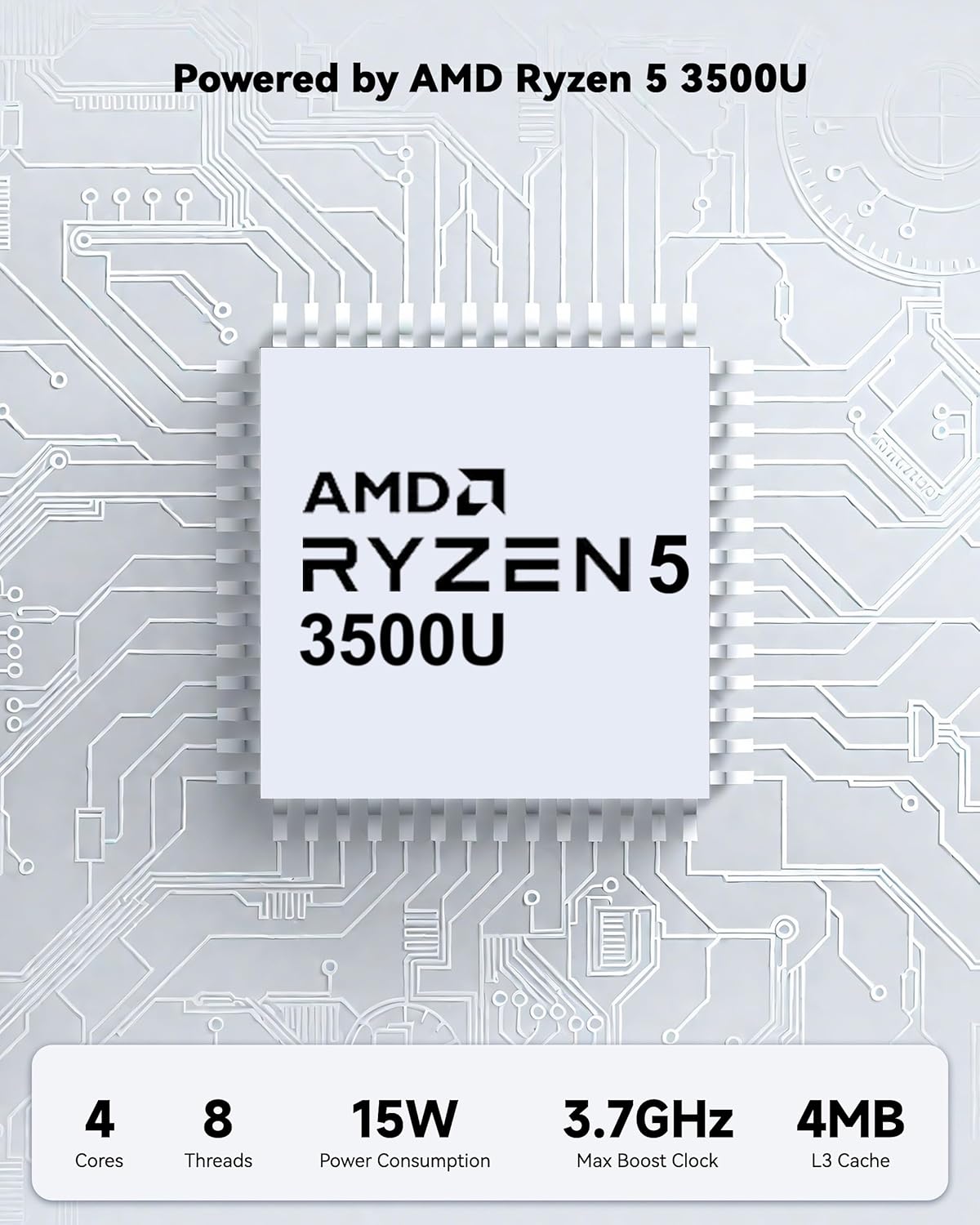
Powered by an AMD Ryzen 5 processor with 4 cores up to 3.7GHz and 16GB DDR4 RAM, the NIMO N152 is designed for efficient multitasking. The 512GB PCIe SSD ensures fast boot-ups and quick file transfers. The RAM is upgradable for future needs.

Image 4.1: AMD Ryzen 5 processor details.
4.2 Visuals and Audio
The 15.6-inch Full HD (1920x1080) IPS anti-glare display provides vibrant visuals with an 85% screen-to-body ratio. The integrated 2MP webcam allows for clear video calls.
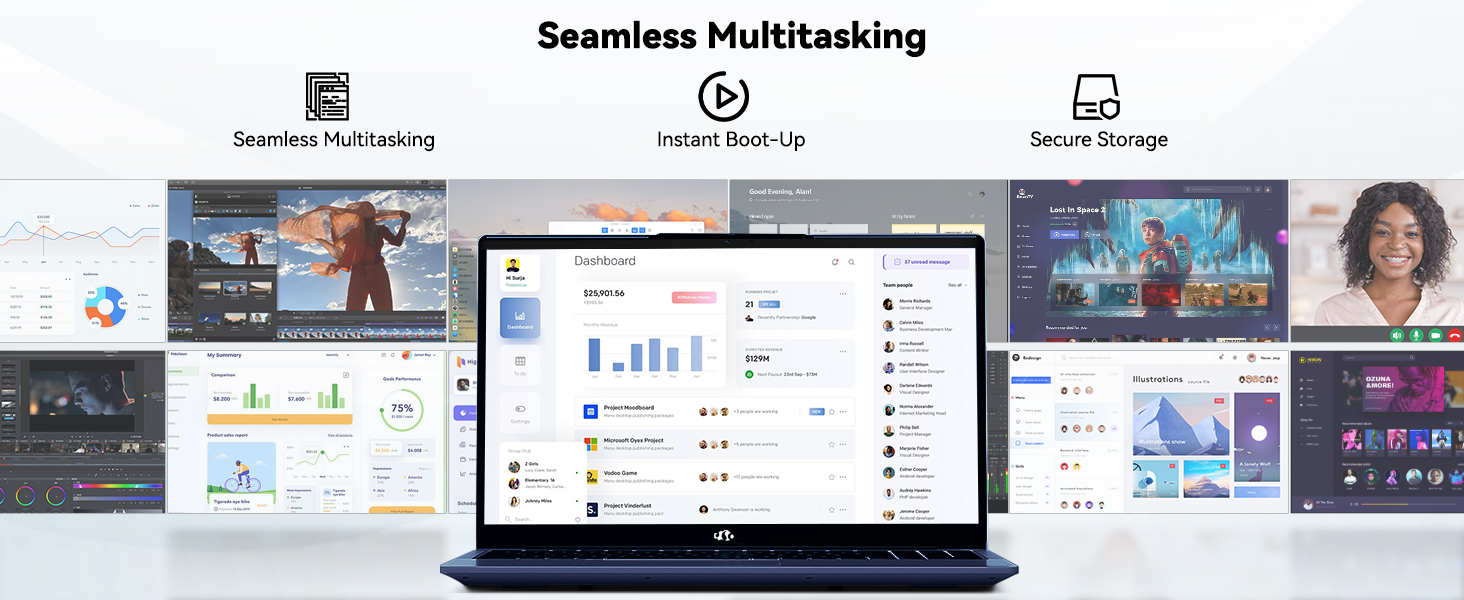
Image 4.2: The laptop's stunning Full HD display.

Image 4.3: The 1080p FHD camera for clear video conferencing.
4.3 Beatha Bataraidh
The laptop features a 54WH battery with smart battery optimization for extended lifespan and efficient power control, providing approximately 9 hours of average battery life.

Image 4.4: Smart Battery Optimization features.
4.4 Dealbhadh agus So-ghiùlaineachd
The NIMO N152 has a durable metal A-shell and a slim, lightweight design, weighing approximately 3.75 pounds.

Image 4.5: The NIMO laptop's lightweight and slim profile.
4.5 Bathar seachadview Bhideo
Bhidio 4.1: Coitcheann thairisview of the NIMO 15.6-inch laptop, highlighting its features and design.
4.6 Power and Portability Video
Video 4.2: This video demonstrates the power and portability aspects of the NIMO 15.6-inch laptop.
5. Cumail suas
5.1 Glanadh
- Cleachd clò bog, gun lint gus an sgrion agus an taobh a-muigh a ghlanadh.
- Airson smùid stòlda, cuir beagan uisge air.ampnigh an clò le uisge no le inneal-glanaidh a tha sàbhailte airson sgrion.
- Seachain ceimigean cruaidh, stuthan sgrìobach, no fuasglaidhean.
- Keep vents clear of dust and debris to ensure proper airflow.
5.2 Cùram Bataraidh
- Seachain a bhith a’ leigeil às a’ bhataraidh gu tur gu tric.
- Stòraich an laptop ann an àite fionnar, tioram nuair nach eilear ga chleachdadh airson ùine mhòr.
- Use only the provided NIMO charger.
5.3 Ùrachaidhean bathar-bog
Regularly update your operating system and drivers to ensure optimal performance and security. Windows 11 Home will prompt you for updates.
6. A ’dèanamh trioblaid
6.1 Laptop gun a bhith a’ tionndadh air
- Dèan cinnteach gu bheil an charger ceangailte gu tèarainte ris an laptop agus ri socaid cumhachd a tha ag obair.
- Dearbhaich gu bheil an socaid cumhachd ag obair le bhith a’ cur inneal eile a-steach.
- Allow the laptop to charge for at least 30 minutes before attempting to power on again.
6.2 Screen Issues
- If the screen is blank, try connecting an external monitor to check if the display output is working.
- Atharraich soilleireachd na sgrìn le bhith a’ cleachdadh nan iuchraichean gnìomh.
- Ath-thòisich an laptop.
6.3 Duilgheadasan Ceangail
- Wi-Fi: Check your router and internet connection. Ensure Wi-Fi is enabled on the laptop.
- Bluetooth: Verify Bluetooth is enabled and devices are in pairing mode.
- Innealan USB: Try connecting the device to a different USB port or another computer to rule out device issues.
6.4 Coileanadh Mall
- Dùin aplacaidean neo-riatanach a tha a’ ruith sa chùlaibh.
- Thoir sùil airson ùrachaidhean Windows sam bith a tha ri thighinn agus stàlaich iad.
- Dèan cinnteach gu bheil àite saor gu leòr air an SSD.
- Ruith sganadh bhìoras.
7. Sònrachaidhean
| Feart | Sònrachadh |
|---|---|
| Ainm Modail | NIMO N152 |
| Meud sgrion | 15.6 òirlich |
| Fuasgladh sgrion | 1920 x 1080 piogsail (IPS làn HD) |
| Pròiseasar | AMD Ryzen 5 (4 Cores, up to 3.7 GHz) |
| RAM | 16 GB DDR4 (Upgradable) |
| Luas Cuimhne | 3200 MHz |
| Dràibhear cruaidh | 512 GB SSD (PCIe) |
| Grafaigeachd coprocessor | AMD Integrated graphics |
| Siostam-obrachaidh | Windows 11 dachaigh |
| Seòrsa gun uèir | Wi-Fi 6 (802.11a/b/g/n/ac), Bluetooth 5.2 |
| Puirt USB 2.0 | 1 |
| Puirt USB 3.0 | 3 |
| Beatha bataraidh cuibheasach | 9 Uairean |
| Cuideam nì | 3.75 not |
| Meudan toraidh | 14.07 x 8.98 x 0.76 òirleach |
| Dath | Gorm |
| Cùl WebFuasgladh cam | 2 BP |
| Feartan sònraichte | Meur-chlàr le solas cùil, Leughadair lorgan-meòir, Fuaim HD, Meur-chlàr àireamhach |
7.1 Dè a tha sa bhogsa
- 1 x Coimpiutair NIMO N152
- 1 x Charger Luath Seòrsa-C 65W PD
- 1 x Leabhar-làimhe Cleachdaiche
- Windows 11 Home (Ro-stàlaichte)
8. Barantas agus Taic
Your NIMO N152 laptop comes with a Barantas an neach-dèanamh 2-bliadhna. Additionally, NIMO offers a 90-day hassle-free return and exchange policy. For any product-related questions, technical assistance, or warranty claims, please contact NIMO customer service.
8.1 Fiosrachadh conaltraidh
For support, you can reach out to the professional after-sales team via email or phone. Please refer to the official NIMO website or product page for the most current contact details.

Image 8.1: NIMO products are covered by a 2-year support.

Image 8.2: 90-Day Return policy.