
1. Ro-ràdh
This manual provides essential information for setting up, operating, maintaining, and troubleshooting your Google Pixel 10 Pro XL smartphone. Please read this guide thoroughly to ensure optimal performance and longevity of your device.
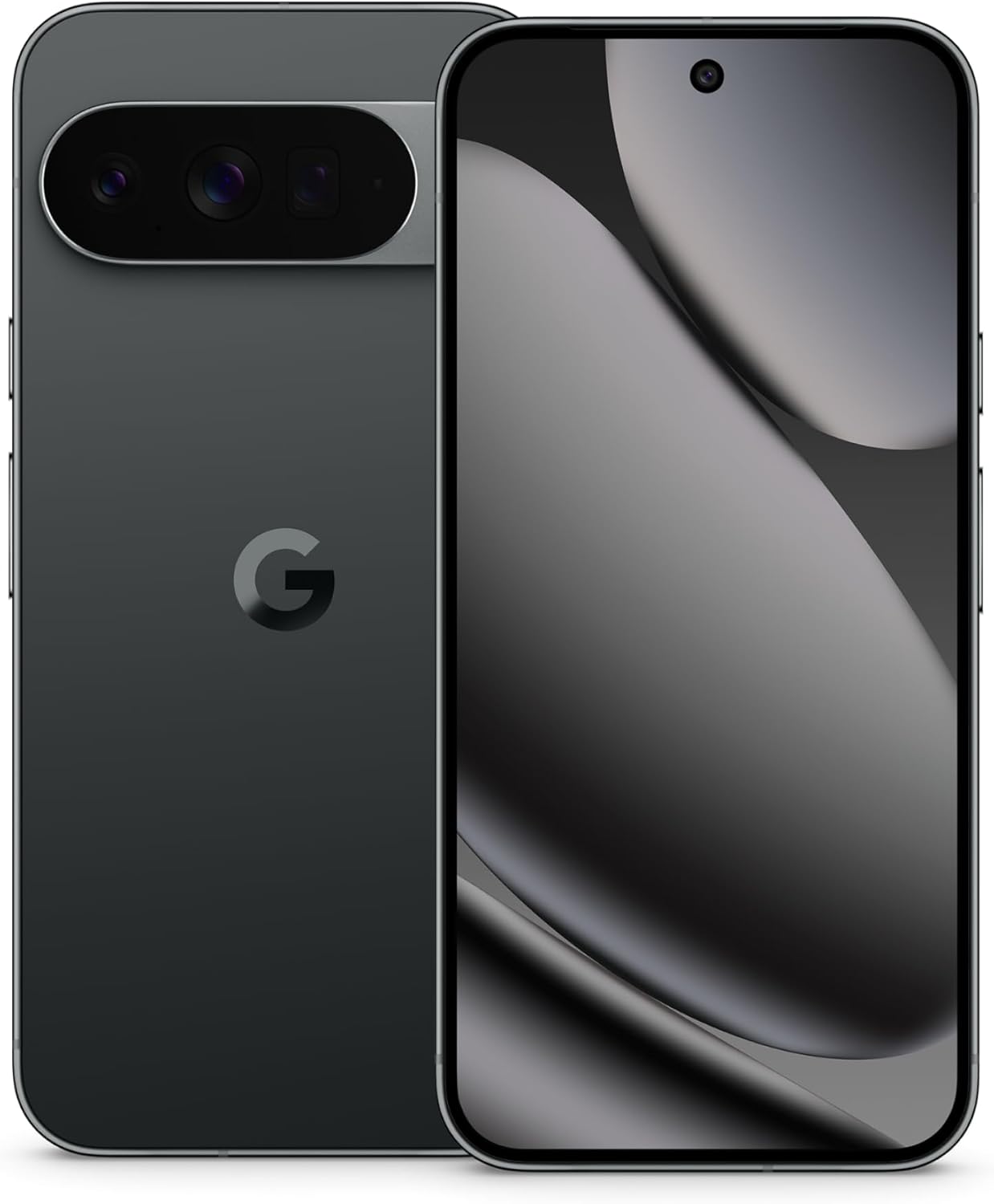
Image: The Google Pixel 10 Pro XL in Obsidian, showcasing its sleek design and camera bar.
2. Suidhich
2.1. Dè tha sa bhogsa
Upon opening your Google Pixel 10 Pro XL package, you should find the following items:
- Google Pixel 10 Pro XL Cell Phone
- Càball USB Type-C
Please note that other accessories, such as a power adapter or headphones, may be sold separately.
2.2. Unboxing agus Sgrùdadh Tòiseachaidh
Carefully remove the phone and accessories from the packaging. Inspect the device for any visible damage before proceeding with setup.
Video: An unboxing demonstration of the Google Pixel 10 Pro XL. This video illustrates the packaging contents and the initial appearance of the device.
2.3. Powering On agus Tòiseachadh Setup
- Brùth is cum sìos am putan Cumhachd (suidhichte air taobh deas an inneil) gus an nochd suaicheantas Google.
- Lean na stiùiridhean air an sgrion gus do chànan a thaghadh, ceangal ri lìonra Wi-Fi, agus gabhail ris na teirmichean is cumhaichean.
- Sign in with your Google Account or create a new one. This is essential for accessing Google services and the Play Store.
- Transfer data from your old device (optional). The setup wizard will guide you through options like Quick Switch Adapter or cloud backup.
2.4. SIM Card Activation (eSIM)
The Google Pixel 10 Pro XL supports eSIM technology, eliminating the need for a physical SIM card. During phone setup, you will be prompted to activate your eSIM. For more details, visit g.co/pixel/esim.
3. Ag obrachadh an inneal agad
3.1. Seòladh Bunaiteach
Your Pixel 10 Pro XL runs on Android 16, offering intuitive gesture navigation. Swipe up from the bottom to go home, swipe up and hold for recent apps, and swipe from the left or right edge to go back.
3.2. Siostam Camara
The device features a Triple Rear Camera System. Open the Camera app to access various modes, including Photo, Video, Portrait, and Night Sight.

Image: The Pixel 10 Pro XL's 100x Pro Res Zoom in action, capturing distant subjects with clarity.
Cleachd an 100x Pro Res Zoom for detailed distant shots. The upgraded 50 MP camera also supports Super Steady Videos for stable cinematic footage.

Image: The Pixel 10 Pro XL's Super Steady Video feature, ensuring smooth recording even during dynamic scenes.
3.3. Gemini AI Assistant
Your Pixel 10 Pro XL integrates the Gemini AI Assistant. Access it by saying "Hey Google" or by swiping from a corner (configurable). Gemini can assist with tasks, answer questions, and provide real-time information.

Image: The Gemini Live feature on the Pixel 10 Pro XL, allowing users to share their camera view for real-time AI assistance.
3.4. Riaghladh Bataraidh
The device is equipped with a fast-charging battery designed to last 24+ uair a thìde on a single charge. To optimize battery life:
- Atharraich soilleireachd an sgrion.
- Cuir modh Sàbhalaidh Bataraidh an gnìomh nuair a bhios feum air.
- Dùin aplacaidean nach eil air an cleachdadh a tha a' ruith air a' chùl.
For faster charging, use a compatible USB Type-C fast charger (sold separately).
3.5. Taisbeanadh
Experience vibrant visuals on the 6.8" Super Actua Display. This display offers high brightness and clarity for various viewsuidheachadh ing.

Image: Details of the Pixel 10 Pro XL's Super Actua display and its robust build quality.
4. Cumail suas
4.1. Glanadh an inneil agad
To clean your Pixel 10 Pro XL:
- Cleachd clò bog, gun lint.
- Seachain stuthan sgrìobach no ceimigean cruaidh.
- Airson smùid stòlda, beagan dampen an t-aodach le uisge.
4.2. Software Updates (Pixel Drops)
Google regularly releases software updates, known as "Pixel Drops," to enhance features, improve performance, and provide security patches. Ensure your device is connected to Wi-Fi and has sufficient battery life before installing updates.

Image: The Pixel Drops program, illustrating how the phone receives ongoing software enhancements.
4.3. Cùram Bataraidh
Gus fad-beatha do bhataraidh a leudachadh:
- Seachain teòthachd anabarrach.
- Do not consistently drain the battery to 0% or charge it to 100% if not necessary.
- Use certified charging accessories.
5. A ’dèanamh trioblaid
5.1. Cùisean Cumanta
- Inneal nach eil a’ freagairt: Brùth is cum sìos am putan Cumhachd airson timcheall air 30 diogan gus ath-thòiseachadh a sparradh.
- Duilgheadasan ceangail (Wi-Fi/Bluetooth): Try toggling Wi-Fi or Bluetooth off and on. If the issue persists, restart your device or reset network settings.
- Aplacaidean a’ tuiteam: Clear the cache and data for the problematic app in Settings > Apps. If it continues, uninstall and reinstall the app.
5.2. Ath-shuidheachadh Factaraidh
A factory reset will erase all data from your phone and restore it to its original factory settings. This can resolve persistent software issues but should be used as a last resort. Dèan cùl-taic den dàta agad mus lean thu air adhart.
- Rach gu Roghainnean > Siostam > Ath-shuidhich roghainnean.
- Tagh “Sguab às a h-uile dàta (ath-shuidheachadh factaraidh)”.
- Dearbhaich do cho-dhùnadh agus cuir a-steach do PIN/facal-faire ma thèid iarraidh ort.
6. Sònrachaidhean
The Google Pixel 10 Pro XL is engineered for advanced performance and user experience.

Image: An illustration of the Pixel 10 Pro XL's internal components, emphasizing its powerful processor and memory.
| Feart | Mion-fhiosrachadh |
|---|---|
| Ainm Modail | Pixel 10 Pro XL |
| Siostam-obrachaidh | Android 16 |
| Pròiseasar | Google Tensor (3.78 GHz CPU Speed) |
| RAM | 16 GB |
| Stòradh a-staigh | 256 GB (Maximum 256 GB Flash Memory Supported) |
| Meud taisbeanaidh | 6.8 Inches Super Actua Display |
| Fuasgladh Taisbeanaidh | 3292 x 3292 |
| Comas Bataraidh | 5200 mAh (Battery Power Rating: 5200) |
| Ceangalachd | Bluetooth, NFC, Wi-Fi, USB Type-C |
| Meudan (Bathar) | 6.4 x 3 x 0.3 òirleach |
| Cuideam nì | 12.3 unnsa (0.35 cileagram) |
| Dath | Obsidian |
| Neach-giùlain gun uèir | Gun fhosgladh airson a h-uile neach-giùlan |
7. Barantas agus Taic
7.1. Barantas Earranta
Your Google Pixel 10 Pro XL is covered by a limited warranty from Google. This warranty typically covers defects in materials and workmanship under normal use. For specific terms and conditions, including duration and coverage details, please refer to the warranty information provided with your purchase or visit the official Google support weblàrach.
7.2. Taic teachdaiche
For further assistance, technical support, or warranty claims, please contact Google Support:
- Taic air-loidhne: Visit the official Google Pixel Help Center (support.google.com/pixelphone).
- Fòraman Coimhearsnachd: Engage with other Pixel users and experts for solutions.
When contacting support, have your device's serial number and proof of purchase ready.