
1. Ro-ràdh
This manual provides detailed instructions for the safe and effective operation of your HelloBaby HB6081 Baby Monitor system. Please read this manual thoroughly before use and retain it for future reference. The system includes a 5.5-inch 720P HD monitor unit and two 1080P cameras, designed to provide secure and reliable monitoring of your baby without requiring a Wi-Fi connection.
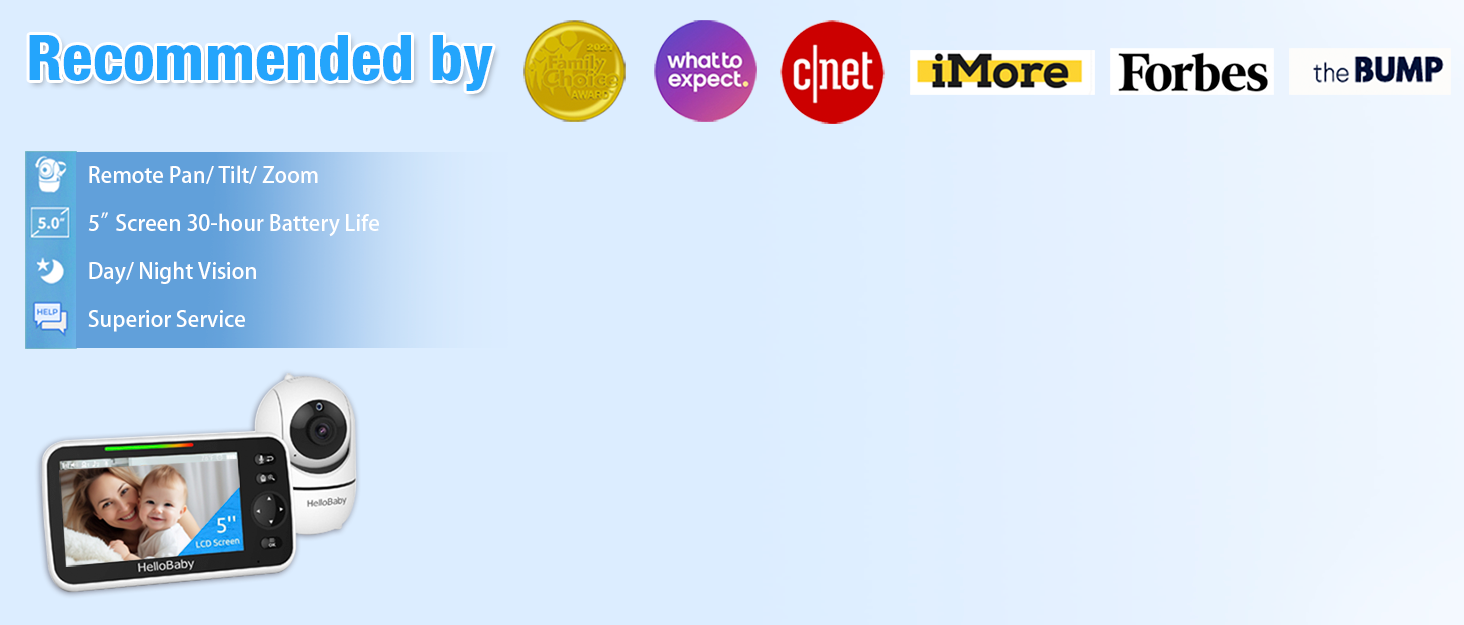
The HelloBaby HB6081 Baby Monitor system, featuring a parent unit and a camera, is designed for secure baby monitoring.
2. Fiosrachadh Sàbhailteachd Cudromach
- Cunnart Strangulation: Keep all cords out of reach of children. Never place the camera or cords within 3 feet (1 meter) of the crib or playpen. Secure cords to a wall or floor using clips or ties.
- Cunnart tachdadh: Tha pàirtean beaga anns an toradh seo. Cùm a-mach à ruigsinn chloinne.
- Overheating: Do not cover the monitor or camera with clothing, blankets, or any other material. Ensure proper ventilation.
- Uisge agus Taiseachd: Do not expose the product to water or moisture. Do not use near bathtubs, sinks, or other wet areas.
- Stòran cumhachd: Use only the AC power adapters provided. Using other adapters may damage the device and void the warranty.
- Sàbhailteachd bataraidh: The monitor unit contains a rechargeable battery. Do not attempt to replace it yourself. Contact customer support for battery service.
3. Pasgan-susbaint
Dèan cinnteach gu bheil a h-uile rud anns a’ phacaid agad:
- 720P 5.5" HD Baby Monitor (Parent Unit) x 1
- 1080P Plug-In Baby Camera x 2
- Charger x 3 (for monitor and cameras)
- Leabhar-làimhe cleachdaiche x 1
- Extra Wall Mounting Screws x 2
4. Toradh thallview
4.1 Aonad Phàrant (Sgrùdadh)
The parent unit features a 5.5-inch 720P HD display for clear viewing of your baby. It includes controls for camera functions, two-way talk, and menu navigation.
4.2 Aonad Baby (Camara)
Each baby unit is a 1080P camera equipped with pan, tilt, and zoom capabilities, as well as infrared night vision and a microphone for two-way audio. The cameras connect wirelessly to the parent unit using a secure 2.4GHz FHSS encrypted technology, ensuring privacy and preventing hacking.

The HelloBaby HB6081 system includes one parent unit and two baby cameras.
4.3 Prìomh fheartan
- Ceangal tèarainte: No Wi-Fi, no internet, no app required. Private, closed transmission system.
- 5.5" HD Split-Screen Display: View up to two cameras simultaneously.
- Dual 1080P Cameras: High-definition video feed.
- Pan-Tilt-Zoom: Remote control of camera angle (355° pan, 120° tilt) and 2x digital zoom.
- Còmhradh Dà-shligheach: Communicate with your baby or partner.
- Sealladh Oidhche Infridhearg Fèin-ghluasadach: Soilleir viewa’ fuireach ann an solas ìosal no dorchadas.
- Bataraidh 4000mAh: Extended battery life for the parent unit.
- Feartan a bharrachd: Adjustable lullabies, soothing night light, room temperature monitoring, feeding timer, VOX (Voice Operated Exchange) mode.

Key features of the HelloBaby HB6081 monitor, including pan-tilt-zoom, long range, night vision, and two-way audio.
This video demonstrates the features and ease of use of the HelloBaby baby monitor, including its secure connection, pan-tilt-zoom, and night vision capabilities.
5. Suidhich
5.1 A' cur cosgais air an Aonad Phàrant
- Connect the small end of one power adapter to the parent unit's charging port.
- Plug ceann eile an inneal-atharrachaidh a-steach gu ionad cumhachd.
- Cuir cosgais air an aonad phàrant airson co-dhiù 4 uairean mus cleachd thu e an toiseach gus dèanamh cinnteach gu bheil am bataraidh ag obair aig an ìre as fheàrr. Seallaidh ìomhaigh a’ bhataraidh air an sgrion inbhe a’ chosgais.
5.2 Powering the Baby Units (Cameras)
- Connect the small end of the remaining power adapters to each baby unit's power port.
- Plug the other end of each adapter into a power outlet.
- The baby units will power on automatically when connected to power.
5.3 Positioning the Baby Units (Cameras)
- Place the baby unit on a flat surface, such as a dresser or shelf, or mount it to a wall or crib using the provided screws.
- Ensure the camera is at least 3 feet (1 meter) away from your baby to prevent strangulation hazards from the power cord.
- Position the camera to provide a clear view of your baby's crib or play area.
- Seachain a bhith a’ cur a’ chamara ann an solas dìreach na grèine no faisg air stòran teas.
5.4 Paidhreachadh Tùsail (ma tha sin riatanach)
Your cameras are pre-paired to the parent unit. If a camera loses connection or you add an additional camera (up to 4 total), follow these steps to pair:
- Turn on the parent unit and the baby unit you wish to pair.
- Air an aonad phàrant, brùth air a’ phutan Clàr-taice putan.
- Seòl gu na Camara icon and select it.
- Choose an available camera slot (e.g., Camera 2, Camera 3, Camera 4) and select Paidhir.
- Taobh a-staigh 10 diogan, brùth agus cùm grèim air an Paidhir button on the back of the baby unit until the parent unit displays the camera's video feed.
6. Stiùireadh Obrachaidh
6.1 Cumhachd air / dheth
- Gus an aonad phàrant a thionndadh air, brùth is cum sìos am putan Cumhachd button until the HelloBaby logo appears.
- To turn off the parent unit, press and hold the Cumhachd putan gus an tèid an sgrion dheth.
- Baby units power on automatically when connected to an electrical outlet.
6.2 Stiùireadh Clàr
Cleachd an Clàr-taice button to access settings and features. Use the directional arrows (Suas/Sìos/Clì/Deas) to navigate and the OK putan gus taghaidhean a dhearbhadh.
6.3 Pan, Tilt, agus Zoom (PTZ)
- Fhad 's a tha viewing a camera, use the directional arrows on the parent unit to remotely pan (move horizontally) and tilt (move vertically) the camera.
- Brùth an Sùm button (magnifying glass icon) to activate 2x digital zoom. Use the directional arrows to move the zoomed image. Press Sùm again to exit zoom mode.

The parent unit allows remote control of camera pan, tilt, and zoom functions.
6.4 Còmhradh Dà-shligheach
- Brùth agus cùm an Micreofon button on the parent unit to speak to your baby through the camera's speaker.
- Release the button to stop speaking and listen to your baby.

The two-way talk feature allows communication between the parent unit and the baby unit.
6.5 Sealladh na h-Oidhche
The baby unit automatically activates infrared night vision in low-light conditions, providing a clear black and white image on the parent unit. No manual adjustment is required.

The monitor provides clear day and night imaging with automatic infrared night vision.
6.6 Split-Screen View
- If you have multiple cameras, access the Camara clàr-taice.
- Tagh an Sgrion Split roghainn gu view feeds from two cameras simultaneously.
- The system supports up to four cameras, allowing for multi-child monitoring.

The split-screen function allows monitoring of multiple cameras simultaneously.
6.7 VOX (Voice Operated Exchange) / ECO Mode
- VOX mode conserves battery by turning off the screen when no sound is detected from the baby unit. The screen will automatically turn on when sound is detected.
- To activate or adjust VOX sensitivity, go to the Clàr-taice agus tagh an Mothalachd VOX option. Choose from low, medium, or high sensitivity levels.
6.8 Laoidhean-cadail agus Solas na h-Oidhche
- Faigh cothrom air an Tàladh option in the menu to play soothing melodies through the baby unit. You can select individual lullabies or a continuous loop.
- The baby unit features a gentle night light. This can be controlled via the menu on the parent unit.
6.9 Temperature Monitoring and Feeding Timer
- The current room temperature is displayed on the parent unit screen. You can set temperature alerts in the menu to be notified if the room temperature goes above or below a set range.
- Tha an Uaireadair biadhaidh feature allows you to set reminders for feeding times, helping you maintain a consistent schedule.
7. Cumail suas
- Glanadh: Use a soft, dry cloth to clean the surfaces of the parent unit and baby units. Do not use cleaning sprays or liquid cleaners.
- Cùram Bataraidh: To prolong battery life, avoid fully discharging the parent unit battery frequently. Charge it regularly. If storing the unit for an extended period, charge it to about 50% and store in a cool, dry place.
- Stòradh: Store the monitor system in a clean, dry environment away from extreme temperatures.
8. A ’dèanamh trioblaid
| Trioblaid | Fuasgladh comasach |
|---|---|
| Gun ìomhaigh air an aonad phàrant |
|
| Càileachd droch ìomhaigh |
|
| Gun fhuaim no fuaim sgaraichte |
|
| Bidh bataraidh an aonaid phàrant a’ drèanadh gu luath |
|
9. Sònrachaidhean
| Feart | Mion-fhiosrachadh |
|---|---|
| Modail Àireamh | HB6081 |
| Meud sgrion | 5.5 òirlich |
| Fuasgladh sgrùdaidh | 720p hd |
| Fuasgladh camara | 1080p |
| Teicneòlas ceangail | 2.4GHz FHSS (No WiFi) |
| Ceàrn Pan | 355 ceum |
| Ceàrn Teilt | 120 ceum |
| Zoom didseatach | 2x |
| Bataraidh Aonad Phàrant | 4000 mAh (ath-phàigheadh) |
| Stòr cumhachd | Battery Powered (Monitor), Plug-In (Cameras) |
| Teòthachd Obrachaidh | 0°C - 40°C (32°F - 104°F) |
| Meudan (Sgrùdadh) | 8.5 x 4.2 x 5.2 òirleach (tuairmse) |
| Cuideam | 2.07 pounds (total package approximate) |
10. Barantas agus Taic
HelloBaby products are designed for reliability and performance. For warranty information, technical support, or customer service inquiries, please refer to the contact details provided on the HelloBaby official weblàrach no pacaigeadh an toraidh. Cùm do chuidhteas ceannach mar dhearbhadh ceannach airson tagraidhean barantais.