
1. Toradh thallview
The CAMECHO Android 15 Car Radio is an advanced multimedia system designed for seamless integration into VW Sharan II 7N and Seat Alhambra II models from 2012 to 2015. It features a 9-inch Incell touchscreen display, powered by Android 15 with 4GB RAM and 128GB ROM, ensuring smooth performance for all your in-car entertainment and navigation needs.
Key features include wireless Carplay and Android Auto, built-in GPS navigation, Wi-Fi connectivity, Bluetooth for hands-free calls and music streaming, FM/RDS radio, and support for a reversing camera. The system also offers a split-screen function for multitasking and customizable steering wheel controls.
2. Pasgan-susbaint
Dèan cinnteach gu bheil na nithean gu lèir a tha air an liostadh gu h-ìosal air an toirt a-steach don phacaid agad:
- 1 x Android Car Radio (with frame)
- 1 x Leabhar-làimhe Cleachdaiche
- 1 x Micreofon taobh a-muigh
- 1 x Cùl View Camara
- 1 x CAM-IN Cable
- 1 x càball cumhachd
- 1 x Adaptair Antenna
- 2 x càballan USB
- 1 x GPS Antenna
- 1 x Càball RCA
- 2 x cromagan sreap
- 4 x sgriothan
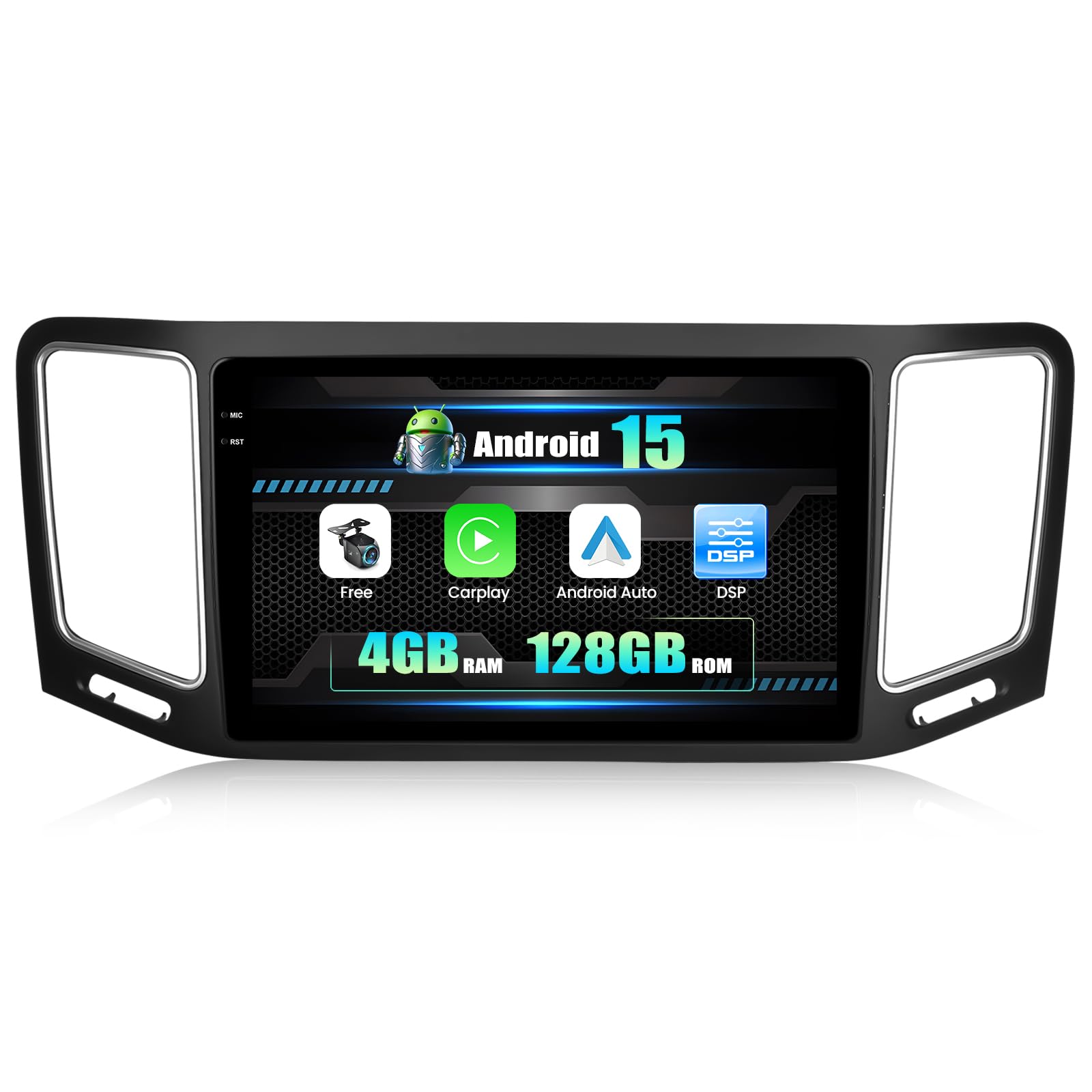
Figure 2.1: Included components and wiring diagram for the CAMECHO Android 15 Car Radio.
3. Setup agus Stàladh
3.1 Sgrùdadh ro-stàlaidh
Before beginning installation, ensure your vehicle is compatible with the CAMECHO Android 15 Car Radio. This unit is designed for VW Sharan II 7N and Seat Alhambra II models manufactured between 2012 and 2015.

Figure 3.1: Comparison of dashboard before and after car radio installation. Note regarding RGB video converter for original rear view gnìomh.
3.2 Ceanglaichean Uèiridh
Refer to the wiring diagram provided in Figure 2.1 and the included user manual for detailed connection instructions. Ensure all cables are securely connected to their respective ports.
- Càball cumhachd: Ceangail ri solar cumhachd a’ charbaid.
- Càbaill USB: For connecting external devices or charging.
- Cuir a-steach/Toradh RCA: For audio and video connections.
- Cuir a-steach Camara Aiseag: Ceangail an cùl a tha air a ghabhail a-steach view camara.
- Antenna GPS: Stèidhich ann an àite le speur soilleir view for optimal signal.
- Antenna Rèidio: Connect for FM/RDS reception.
- Micreofon taobh a-muigh: Ceangail airson càileachd gairm nas fheàrr.
Nota Cudromach: If your vehicle's original CD player has a rear view function, a Volkswagen RGB video converter box may be required for proper integration with this unit. This converter box is not included and must be purchased separately.
4. Stiùireadh Obrachaidh
4.1 Initial Power On and System Setup
After successful installation, turn on your vehicle's ignition. The car radio will power on automatically. Follow the on-screen prompts for initial setup, including language selection and time zone.
4.2 Carplay gun uèir & Android Auto
This unit supports wireless Carplay for iPhone and Android Auto for Android phones. To connect:
- Dèan cinnteach gu bheil Bluetooth agus Wi-Fi air an comasachadh air an fhòn-smart agad.
- On the car radio, navigate to the Carplay or Android Auto application.
- Lean an stiùireadh air-sgrion gus an inneal agad a chàradh.

Figure 4.1: Wireless Carplay and Android Auto functionality display.
4.3 Ceangal Bluetooth
Pair am fòn cliste agad tro Bluetooth airson gairmean gun làmhan agus sruthadh claisneachd.
- Rach gu na roghainnean Bluetooth air rèidio a’ chàir.
- Cuir Bluetooth an gnìomh air an fhòn agad agus rannsaich airson innealan a tha rim faighinn.
- Select the car radio's Bluetooth name (e.g., "CAMECHO BT") and confirm pairing.

Figure 4.2: Bluetooth hands-free calling and music playback interface.
4.4 Seòladh GPS & Wi-Fi
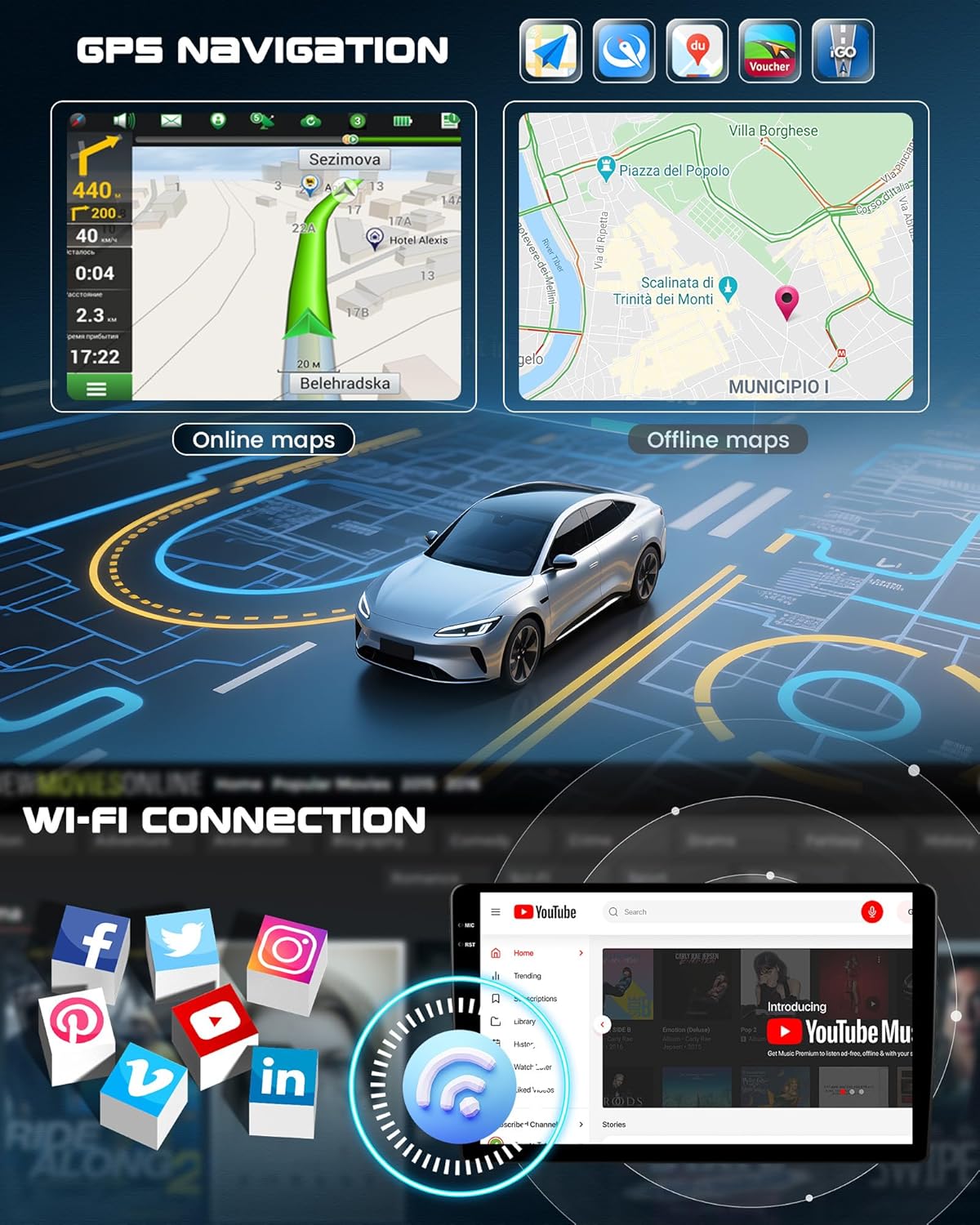
The unit comes with built-in offline maps. Connect to Wi-Fi to download map data updates or use online navigation services. The integrated Wi-Fi also allows for internet browsing and app downloads.

Figure 4.3: GPS navigation and Wi-Fi connectivity display.
4.5 Gnìomh Sgrion Roinnte
Utilize the split-screen feature to run two applications simultaneously, such as navigation and music playback.

Figure 4.4: Split-screen mode showing two applications side-by-side.
4.6 Smachd cuibhle stiùiridh
The unit supports learning and customizing your vehicle's original steering wheel controls. Access the steering wheel control settings in the system menu to map functions like volume, track skip, and call management.
4.7 Taic-aiseag
When the vehicle is shifted into reverse, the display automatically switches to the rear view camera feed, providing a clear view of the area behind your vehicle with guiding lines for safe parking.
4.8 Neach-taic Guth
The voice assistant feature allows for hands-free operation of various functions. Activation may be required through the system settings.
Figear 4.5: Os a chionnview of advanced operating features including reversing, voice control, and steering wheel integration.
4.9 DAB and OBD2 Functions
The car radio supports DAB (Digital Audio Broadcasting) and OBD2 (On-Board Diagnostics II) functions. Please note that a separate DAB module and OBD2 adapter must be purchased and connected to activate these features.
5. Sònrachaidhean
| Feart | Sònrachadh |
|---|---|
| Siostam | Android 15 |
| CPU | 4-Core (1.5 GHz) |
| RAM | 4 GB |
| ROM | 128 GB |
| Meud sgrion | 9 òirlich |
| Stuth sgrion | Incell Touchscreen |
| Fuasgladh sgrion | 1280*720 |
| Bluetooth | Le taic |
| Wi-Fi | Le taic |
| Seòladh GPS | Built-in (offline maps, online updates via Wi-Fi) |
| Còmhlan rèidio | FM/RDS |
| Cumhachd Toraidh | 4*45 w |
| Modh Toraidh Fuaim | Stereo (5.1 channel surround sound configuration) |
| Cothromaiche | EQ 32-còmhlan |
| Vol Obrachaidhtage | 9 V - 16 V |
| Teòthachd Obrachaidh | -20 ℃ gu 70 ℃ |
| Eadar-aghaidh USB | USB dùbailte |
| Cuir-a-steach Aiseagach | AHD/CVBS |
| Cruthan bhidio | MKV/RMVB/AVI/MP4/MDV, msaa. |
| Cruthan claisneachd | APE/FLAC/WAV/MP3/WMA, msaa. |
| Cruthan Dealbhan | PNG/JPEG/JPG/GIF/WBMP/BNP, msaa. |
6. Cumail suas
To ensure the longevity and optimal performance of your CAMECHO Android 15 Car Radio, follow these general maintenance guidelines:
- Glanadh: Cleachd clò bog, tioram airson an sgrion agus an taobh a-muigh a ghlanadh. Seachain innealan-glanaidh sgrìobach no fuasglaidhean.
- Ùrachaidhean bathar-bog: Periodically check for system software updates via Wi-Fi to ensure you have the latest features and security patches.
- Suidheachaidhean Àrainneachdail: Cleachd an aonad taobh a-staigh an raoin teòthachd ainmichte (-20℃ gu 70℃) gus casg a chur air milleadh.
7. A ’dèanamh trioblaid
If you encounter any issues with your CAMECHO Android 15 Car Radio, please refer to the following general troubleshooting steps:
- Gun chumhachd: Thoir sùil air na ceanglaichean cumhachd uile agus bogsa fiùs a’ charbaid. Dèan cinnteach gu bheil an lasadh air.
- Gun fhuaim: Verify speaker connections, volume settings, and audio source selection.
- Cùisean Comharran GPS: Dèan cinnteach gu bheil an antenna GPS air a stàladh gu ceart agus gu bheil solas soilleir ann. view nan speur.
- Duilgheadasan le paidhir Bluetooth: Ensure Bluetooth is enabled on both devices and try restarting both the car radio and your smartphone.
- Sgrion-suathaidh gun fhreagairt: Try restarting the unit. If the issue persists, a factory reset might be necessary (refer to the system settings).
For persistent issues or complex problems, please contact customer support.
8. Barantas agus Taic
CAMECHO products are designed for quality and reliability. For warranty information, please refer to the documentation included with your purchase or contact CAMECHO customer service directly.
8.1 Taic teachdaiche
For technical assistance, troubleshooting, or any inquiries regarding your product, please contact our support team:
- Post-d: CAMECHOVIP@126.com

Figure 8.1: CAMECHO Customer Support is available to assist you.