
1. Ro-ràdh
The AOSU 2K Indoor Security Camera is designed to provide comprehensive home surveillance with advanced features for monitoring your home, pets, or children. This manual provides detailed instructions for setting up, operating, and maintaining your camera to ensure optimal performance and security.
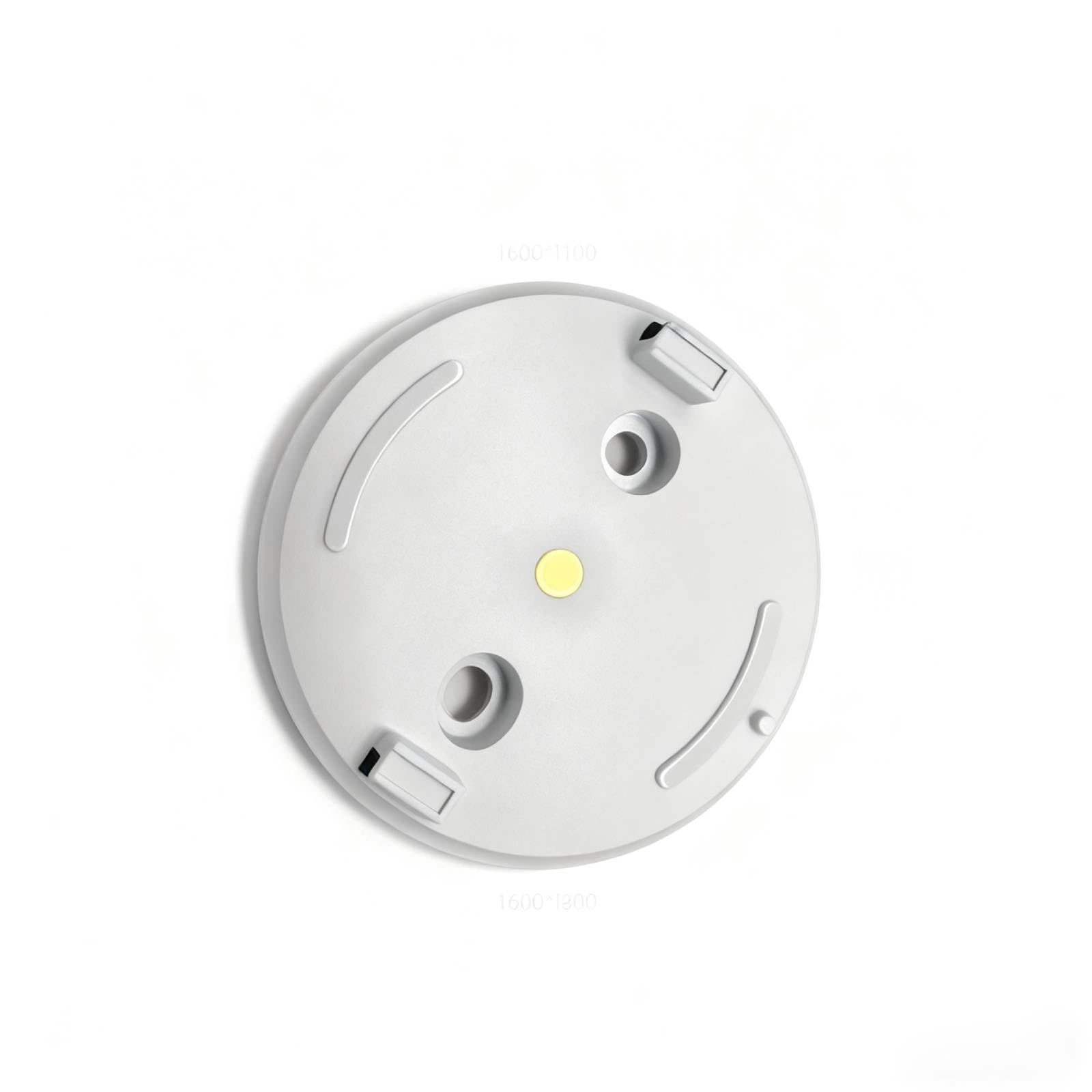
Figure 1: AOSU 2K Indoor Security Camera
2. Toradh thallview
The AOSU 2K Indoor Security Camera offers a range of features to enhance your home security:
- Rùn 2K QHD: A ’toirt seachad foo bhidio soilleir agus mionaideachtage.
- 360° Home View: Offers a comprehensive view of your room with 360° horizontal rotation and 155° vertical tilt.
- Smart Motion Tracking: Automatically tracks movement of people or pets within its field of view.
- One-Touch Calls: Built-in two-way audio for live communication, activated by a touch-to-talk button.
- Lèirsinn Oidhche IR: Ensures clear visibility in low-light environments.
- Hassle-Free 2.4GHz Wi-Fi Connection: Simple and quick setup.
- Co-chòrdail ri Alexa: View video feed on Alexa-enabled screens.
Bhidio 1: Tharview of AOSU 4MP Indoor Security Camera features including 4MP resolution, 360 motion tracking, IR night vision, 2-way audio, and privacy mode.
3. Pasgan-susbaint
Upon unboxing your AOSU 2K Indoor Security Camera, verify that all the following components are included:
- AOSU 2K Indoor Security Camera
- Adapter cumhachd
- Càball cosgais USB
- Bracaid sreap
- Sgriothan-sreap agus Acair Balla
- Stiùireadh tòiseachaidh luath
4. Suidhich
Follow these steps to set up your AOSU 2K Indoor Security Camera:
- Download the AOSU App: Scan the QR code provided in the Quick Start Guide or search for "AOSU" in your device's app store (available for Apple and Android).
- Cruthaich cunntas: Fosgail an aplacaid agus lean an stiùireadh air an sgrion gus cunntas cleachdaiche ùr a chruthachadh.
- Cumhachd air a 'chamara: Connect the camera to a power source using the provided USB cable and power adapter. The camera will power on and indicate its status (e.g., blinking LED).
- Cuir inneal ris san aplacaid: In the AOSU app, tap the "+" icon to add a new device. Select your camera model from the list.
- Pair the Camera: Follow the app's instructions to pair your camera. This typically involves scanning a QR code on the camera or connecting to a temporary Wi-Fi network created by the camera. Ensure your phone is connected to a 2.4GHz Wi-Fi network during setup.
- Suidheachadh: Choose a desired indoor spot for your camera. The app may offer a Wi-Fi strength test to help you find the best location.
- Stàladh (roghainneil): If mounting, use the provided bracket, screws, and wall anchors. Ensure the camera is securely attached and positioned for optimal viewing.
5. Stiùireadh Obrachaidh
Once your camera is set up, you can utilize its features through the AOSU app:
- Beò View: Access real-time video streaming from your camera.
- Smachd Pan/Tilt: Use the app's controls to remotely adjust the camera's 360° horizontal and 155° vertical viewing ceàrnan.
- Fuaim dà-shligheach: Tap the microphone icon in the app to speak through the camera's speaker and listen through its microphone.
- Lorgaidheachd Gluasadach: Enable smart motion tracking in the app settings to have the camera automatically follow detected movement.
- Lèirsinn Oidhche IR: Bidh an camara ag atharrachadh gu fèin-ghluasadach gu sealladh oidhche ann an suidheachaidhean solais ìosal.
- Modh dìomhaireachd: Activate privacy mode to automatically cover the camera lens when not in use, ensuring your privacy.
- Clàradh Tachartas: The camera records events when motion is detected. These recordings are stored on the onboard 32GB storage.
- Brathan: Configure push notifications in the app to receive alerts on your phone when motion is detected.
6. Cumail suas
Gus dèanamh cinnteach gum mair do chamara fad-beatha agus gum bi e ag obair gu math:
- Glanadh: Sguab lionsa is bodhaig a’ chamara gu socair le clò bog, tioram. Seachain ceimigean cruaidh no stuthan sgrìobach a chleachdadh.
- Ùrachaidhean firmware: Regularly check the AOSU app for available firmware updates. Updates often include performance improvements and security enhancements.
- Solar cumhachd: Use only the provided power adapter and cable to prevent damage.
- Suidheachadh: Dèan cinnteach gu bheil an camara air a chur ann an àite seasmhach, air falbh bho sholas dìreach na grèine, teòthachd anabarrach, agus taiseachd.
7. A ’dèanamh trioblaid
If you encounter issues with your AOSU 2K Indoor Security Camera, try the following solutions:
- Camara gun cheangal ri Wi-Fi:
- Dèan cinnteach gu bheil an lìonra Wi-Fi agad 2.4GHz.
- Check Wi-Fi signal strength at the camera's location using the app's built-in test.
- Ath-thòisich an router Wi-Fi agad agus a’ chamara.
- Càileachd bhidio truagh:
- Thoir sùil air astar do cheangail eadar-lìn.
- Dèan cinnteach gu bheil lionsa a’ chamara glan.
- Atharraich suidheachadh a’ chamara airson solas nas fheàrr.
- Dearbhadh gluasad nach eil ag obair:
- Dearbhaich gu bheil roghainnean lorgaidh gluasad air an comasachadh san aplacaid.
- Adjust motion sensitivity if necessary.
- Dèan cinnteach nach eil bacadh sam bith ann a chuireas bacadh air a’ chamara view.
- Cùisean Fuaim Dà-shligheach:
- Thoir sùil air roghainnean na fuaime air an fhòn agad agus san aplacaid.
- Ensure your phone's microphone is not muted.
- Camara far loidhne:
- Thoir sùil a bheil an camara air a chumhachdachadh.
- Verify your Wi-Fi network is active and accessible.
- Ath-thòiseachadh an camara agus an router.
8. Sònrachaidhean
| Feart | Sònrachadh |
|---|---|
| Cleachdaidhean a thathar a’ moladh airson toradh | Tèarainteachd a-staigh |
| Brand | aosu |
| Teicneòlas ceangail | Wired (for power), Wireless (for data) |
| Feart sònraichte | PTZ Technology (Pan/Tilt/Zoom) |
| Cleachdadh a-staigh / a-muigh | A-staigh |
| Meud an nì L x W x H | 25 x 25 x 25 millimeters |
| A bheil feum air bataraidhean | Chan eil |
| Cuideam nì | 1 Punnd |
| UPC | 699838752955 |
| Dèanadair | AOSU |
9. Barantas agus Taic
For warranty information and customer support, please refer to the documentation included with your product or visit the official AOSU website. Contact information for technical assistance can typically be found in the Quick Start Guide or on the manufacturer's support page.