
1. Ro-ràdh
Welcome to your new NIMO 15.6" IPS FHD Student Laptop, Model N154. This manual provides essential information to help you get started, operate, and maintain your device. Designed for both home and business use, this laptop combines performance with user-friendly features to enhance your productivity and entertainment experience.
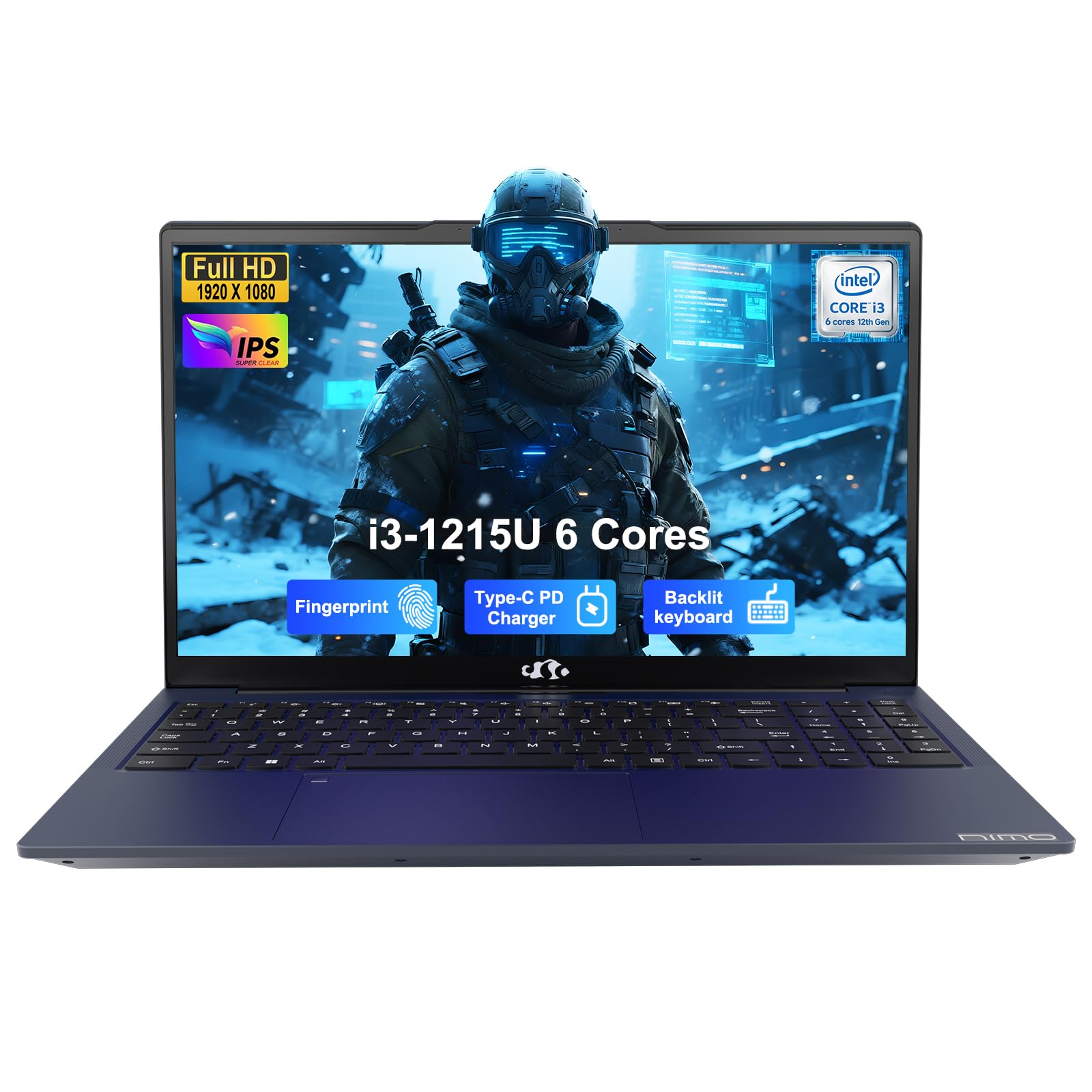
Image: The NIMO 15.6-inch IPS FHD Student Laptop, showcasing an dealbhadh caol aige.
2. Dè tha sa bhogsa
Thoir sùil air susbaint a’ phacaid gus dèanamh cinnteach gu bheil a h-uile rud ann:
- 1 x Coimpiutair NIMO N154
- 1 x Charger Luath Seòrsa-C 65W PD
- 1 x Leabhar-làimhe Cleachdaiche (an sgrìobhainn seo)
- Windows 11 Home (pre-installed)
3. Suidheachadh tòiseachaidh
3.1. A’ cur cosgais air an laptop
Before first use, fully charge your NIMO laptop using the included 65W USB-C PD Fast Charger. Connect the charger to the Type-C port on your laptop and a power outlet. The charging indicator light will illuminate.

Image: The 65W USB-C PD Fast Charger, capable of charging the laptop, tablet, and smartphone.
3.2. A’ cur cumhachd air agus rèiteachadh tùsail
Press the power button to turn on your laptop. Follow the on-screen instructions to complete the Windows 11 Home setup, including language selection, network connection, and user account creation.
4. Ag Obrachadh an Laptop agad
4.1. Taisbeanadh
Your laptop features a 15.6-inch Full HD (1920x1080) IPS anti-glare display. This screen provides clear visuals and reduces eye strain during extended use. The 180° open angle allows for flexible viewann an dreuchdan.
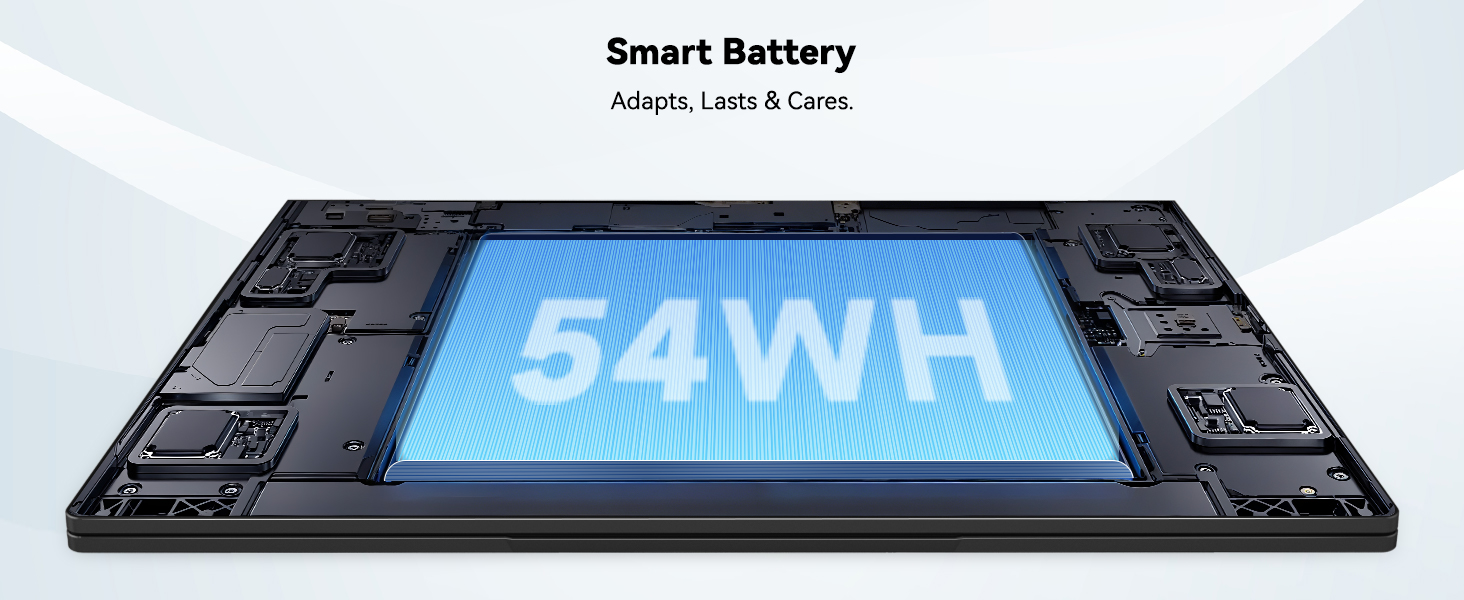
Image: The laptop's 15.6-inch Full HD IPS display with vibrant colors.
4.2. Meur-chlàr agus Pad-suathaidh
The ergonomic backlit keyboard allows for comfortable typing in various lighting conditions, with adjustable brightness. The touchpad includes an integrated fingerprint sensor for secure, one-touch login.

Image: Features of the laptop's input, including backlit keyboard, webcam shield, fingerprint sensor, and numeric keypad.
4.3. Fingerprint Login
Utilize the fingerprint sensor on the touchpad for quick and secure access to your laptop. Configure your fingerprint in the Windows settings for enhanced security.

Image: Close-up of the integrated fingerprint scanner on the touchpad for secure login.
4.4. Puirt agus Ceangalachd
The NIMO N154 laptop offers a variety of ports for versatile connectivity:
- Port USB 2.0: 1
- Puirt USB 3.0: 3
- Port HDMI: For external display connections.
- Port Seòrsa C: Supports 65W Power Delivery for charging and data transfer.
- Slot cairt Micro SD: Airson stòradh a leudachadh no gluasad files.
- Headphone Combo Jack: Airson cuir a-steach/toradh claisneachd.
- Slot Lock Kensington: Airson tèarainteachd corporra.
The laptop also features Wi-Fi 6 for fast and reliable wireless internet access.

Image: Diagram illustrating the various ports available on the NIMO laptop, including USB, HDMI, Type-C, Micro SD, headphone jack, and Kensington lock.
4.5. Fuaim agus Webcam
Integrated speakers provide clear audio for video calls, online classes, and media consumption. The 2.0MP webcam is suitable for video conferencing, complemented by a privacy switch for enhanced security.

Image: Details on the 1080p FHD camera and privacy camera convenience features.
4.6. Pròiseasar agus Coileanadh
Powered by the 6-Core Intel i3-1215U processor, your laptop is designed for efficient multitasking, handling numerous browser tabs, spreadsheets, and video calls without significant slowdowns.
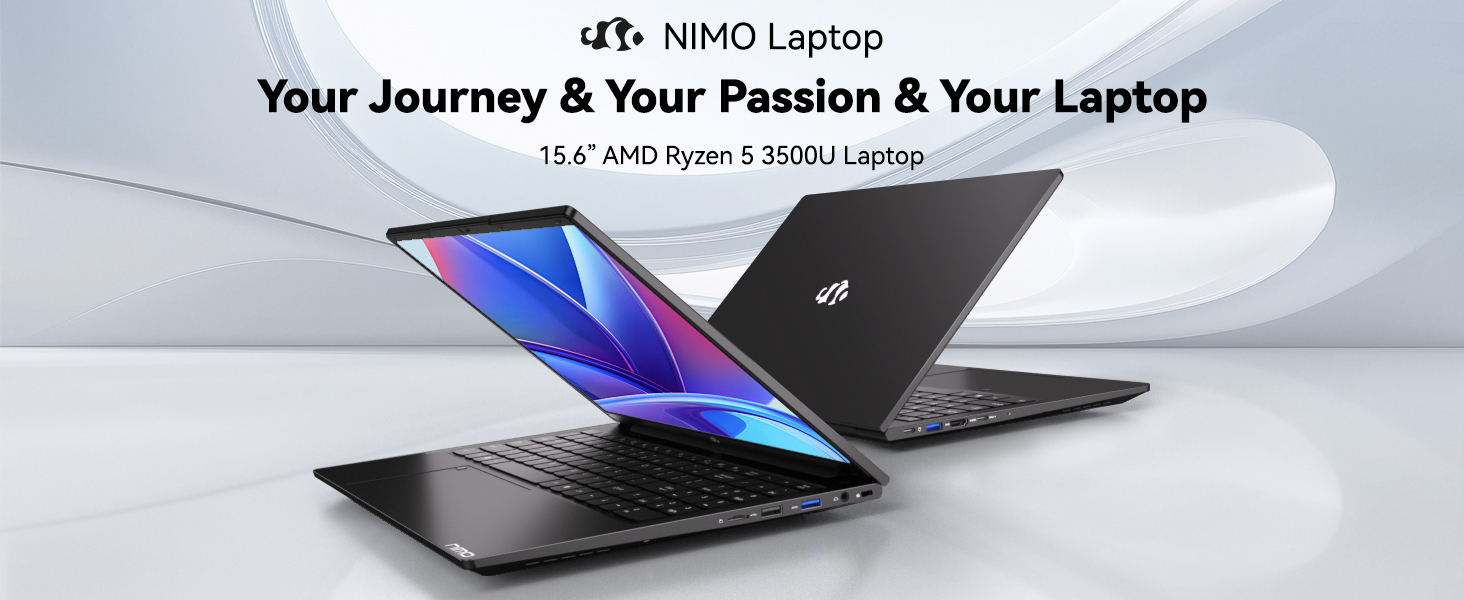
Image: Visual representation of the 12th Gen Intel Core i3-1215U Processor, highlighting its 6 cores, 8 threads, 15W power consumption, and 3.7 GHz Turbo Boost.
5. Cumail suas
5.1. Glanadh
Regularly clean your laptop to ensure optimal performance and longevity. Use a soft, lint-free cloth for the screen and exterior. For stubborn marks, dampnigh an clò le beagan uisge no le inneal-glanaidh a tha sàbhailte airson sgrionaichean. Seachain ceimigean làidir.
5.2. Ùrachaidhean bathar-bog
Keep your operating system and drivers updated to benefit from the latest security patches and performance improvements. Windows Update can be accessed through the Settings menu.
5.3. Cùram Bataraidh
To maximize battery life, avoid extreme temperatures and fully discharging the battery frequently. For long-term storage, charge the battery to around 50-70%.

Image: An illustration of the laptop's internal battery, labeled 54WH, emphasizing smart battery management.
6. A ’dèanamh trioblaid
6.1. Laptop gun a bhith a’ tionndadh air
- Dèan cinnteach gu bheil an charger ceangailte gu tèarainte ris an laptop agus ri socaid cumhachd a tha ag obair.
- Dèan cinnteach a bheil an inneal-atharrachaidh cumhachd ag obair gu ceart.
- Feuch ri am putan cumhachd a chumail airson 10-15 diogan gus ath-shuidheachadh cruaidh a dhèanamh.
6.2. Cùisean Ceangail Wi-Fi
- Dearbhaich gu bheil Wi-Fi air a chomasachadh ann an roghainnean Windows.
- Ath-thòisich an router agus am modem agad.
- Ensure your Wi-Fi drivers are up to date.
6.3. Coileanadh Mall
- Dùin aplacaidean neo-riatanach a tha a’ ruith sa chùlaibh.
- Thoir sùil airson ùrachaidhean Windows sam bith a tha ri thighinn agus stàlaich iad.
- Dèan cinnteach gu bheil àite saor gu leòr air an stòradh agad (SSD).
Airson tuilleadh cuideachaidh, thoir sùil air an earrann Barantas is Taic.
7. Sònrachaidhean
| Feart | Sònrachadh |
|---|---|
| Ainm Modail | NIMO N154 |
| Meud sgrion | 15.6 òirlich |
| Fuasgladh sgrion | 1920 x 1080 piogsail (làn HD) |
| Pròiseasar | Intel Core i3-1215U (6 cridheachan, suas ri 4.4 GHz) |
| RAM | 8 GB DDR4 (3200 MHz) |
| Dràibhear cruaidh | SSD 512 GB |
| Grafaigeachd coprocessor | Grafaigean aonaichte |
| Siostam-obrachaidh | Windows 11 dachaigh |
| Seòrsa gun uèir | Wi-Fi 6 (802.11a/b/g/n/ac) |
| Puirt USB 2.0 | 1 |
| Puirt USB 3.0 | 3 |
| Beatha bataraidh cuibheasach | 9 Uairean |
| Cuideam nì | 3.75 not |
| Meudan toraidh | 14.07 x 8.98 x 0.76 òirleach |
| Feartan sònraichte | Fingerprint Reader, HD Audio, Memory Card Slot, Numeric Keypad |
8. Barantas agus Taic
NIMO is committed to providing quality products and excellent customer service.
8.1. Fiosrachadh Barantais
Your NIMO N154 laptop comes with a comprehensive Barantas 2-bliadhna, covering manufacturing defects and hardware malfunctions under normal use. This warranty ensures your investment is protected.

Image: Text indicating '2-Year Support' for Nimo products.
8.2. Poileasaidh Tilleadh
Bidh sinn a’ tabhann a Poileasaidh tilleadh 90-latha from the date of purchase. If you are not satisfied with your product, you may return it within this period according to the terms and conditions.

Image: Text indicating '90-Day Return' for Nimo products.
8.3. Cuir fios gu Taic
Our dedicated US-based support team is available to assist you with any questions or issues. You can reach us via email at seirbheis@nimopc.com. We aim to provide professional and high-quality customer service.

Image: A customer service representative wearing a headset, representing professional customer assistance.