
NEDIS WIFICDP31BK
Nedis WIFICDP31BK Smart Dual Lens Video Doorbell
Leabhar-làimhe stiùiridh
Ro-ràdh
Thank you for choosing the Nedis WIFICDP31BK Smart Dual Lens Video Doorbell. This manual provides essential information for the safe and efficient operation of your device. Please read these instructions carefully before use and retain them for future reference.
The Nedis WIFICDP31BK is a Wi-Fi enabled video doorbell featuring dual lenses for comprehensive surveillance, 4MP (1296p) resolution, color night vision, two-way audio, and smart motion detection. It is designed for outdoor security and operates wirelessly with a built-in rechargeable battery.
Fiosrachadh Sàbhailteachd
- Ensure the device is installed in a location protected from extreme weather conditions, although it is IP54 rated for moisture resistance.
- Na feuch ri an inneal a thoirt às a chèile no a chàradh thu fhèin. Thoir aire do luchd-obrach teisteanasach airson a h-uile seirbheis.
- Use only the specified charging cable and power source (5V, 2W) to charge the battery.
- Cùm an inneal air falbh bho stòran teas dìreach agus lasraichean fosgailte.
- Cuir às don bhataraidh agus don inneal a rèir nan riaghailtean ionadail.
Bathar seachadview agus susbaint pacaid
The Nedis WIFICDP31BK video doorbell includes the following components:
- 1x Nedis WIFICDP31BK Video Doorbell
- Càball cosgais USB
- Sgriubha stàladh
- Leabhar-stiùiridh (an sgrìobhainn seo)

Image: The Nedis WIFICDP31BK video doorbell shown alongside its wireless chime unit.
Suidhich
1. A 'cur cosgais air a' Bhataraidh
Before initial use, fully charge the integrated 4400 mAh battery using the provided USB charging cable. Connect the cable to the doorbell's charging port and a compatible 5V USB power adapter (not included). The charging indicator will show the charging status.
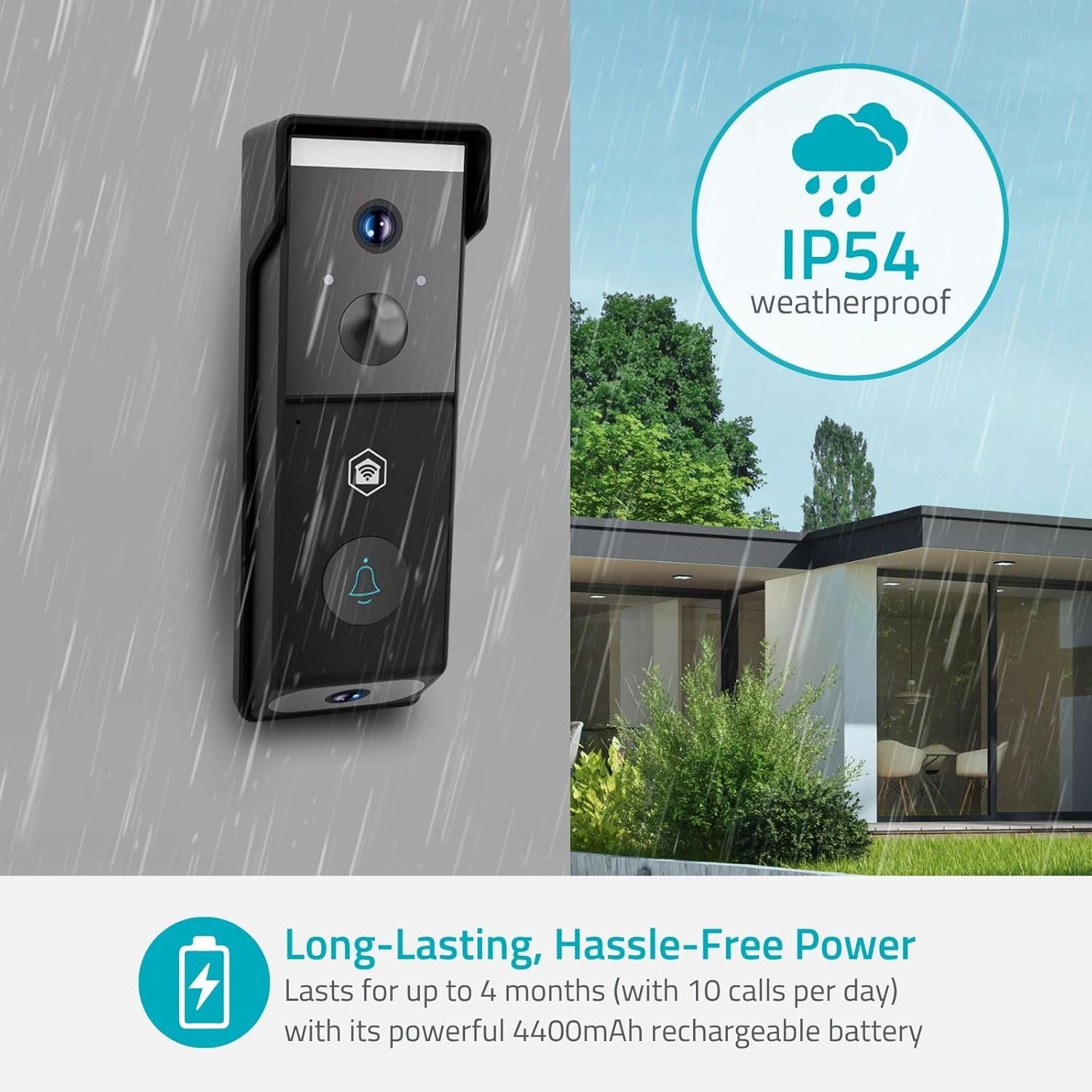
Image: The doorbell is designed to be weatherproof (IP54 rated) and features a long-lasting rechargeable battery.
2. Installing the Nedis SmartLife App
The Nedis WIFICDP31BK operates with the Nedis SmartLife application. Download the app from your smartphone's app store (iOS or Android). Follow the on-screen instructions to create an account or log in.
- Lorg airson "Nedis SmartLife" in the App Store or Google Play Store.
- Stàlaich an aplacaid.
- Clàraich cunntas ùr no log a-steach le fear a th’ ann mu thràth.
3. Connecting the Doorbell to Wi-Fi
Within the Nedis SmartLife app, follow these steps to add your doorbell:
- Fosgail an aplacaid Nedis SmartLife.
- Tap air an ìomhaigh "+" gus inneal ùr a chur ris.
- Select "Video Doorbell" or similar from the device list.
- Follow the in-app instructions to put the doorbell into pairing mode (usually by pressing and holding a button on the device).
- Enter your Wi-Fi network details (2.4 GHz network required).
- Scan the QR code displayed on your phone with the doorbell's camera, if prompted.
- Wait for the connection to establish. Once connected, the doorbell will appear in your app.
4. A’ cur suas a’ chlag-dorais
The doorbell is designed for wall mounting. Choose a suitable location near your entrance, ensuring a clear view for both cameras. Use the provided mounting screws to securely attach the doorbell to the wall. Ensure the installation height allows the downward camera to monitor packages effectively.

Image: Illustration of the dual camera system, showing the front camera view for visitors and the downward camera view for packages.
Operating the Doorbell
1. Beò View agus Fuaim Dà-shligheach
Open the Nedis SmartLife app and select your doorbell to access the live video feed. You can view both the front and downward camera feeds. Use the microphone and speaker icons within the app to engage in two-way communication with visitors at your door.
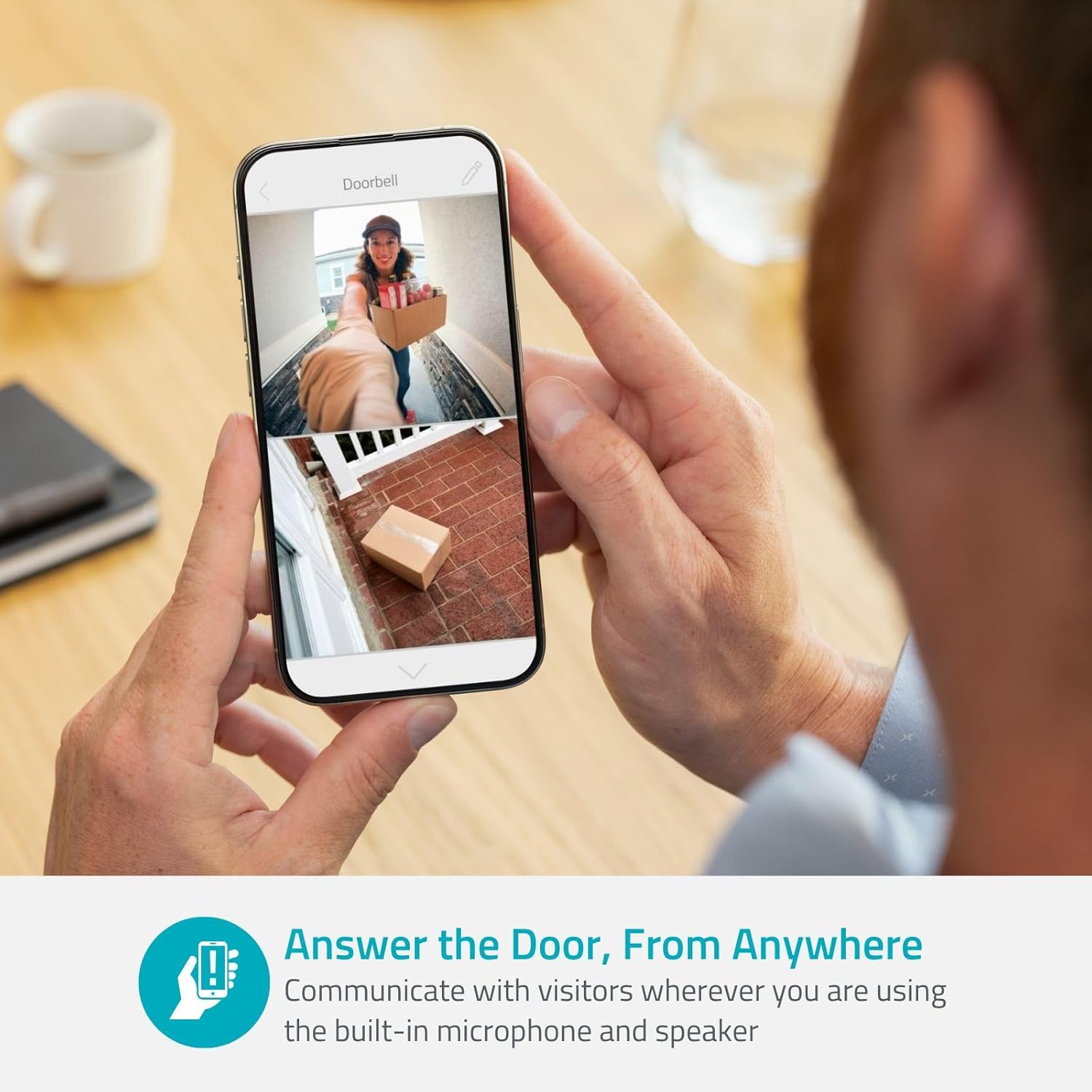
Image: A user interacting with the doorbell via the smartphone app, demonstrating the two-way audio feature.
2. Lorgaireachd Gluasaid agus Rabhaidhean
The doorbell features intelligent motion detection. When motion is detected, you will receive instant notifications on your smartphone. You can customize motion detection zones and sensitivity settings within the app to reduce false alerts.
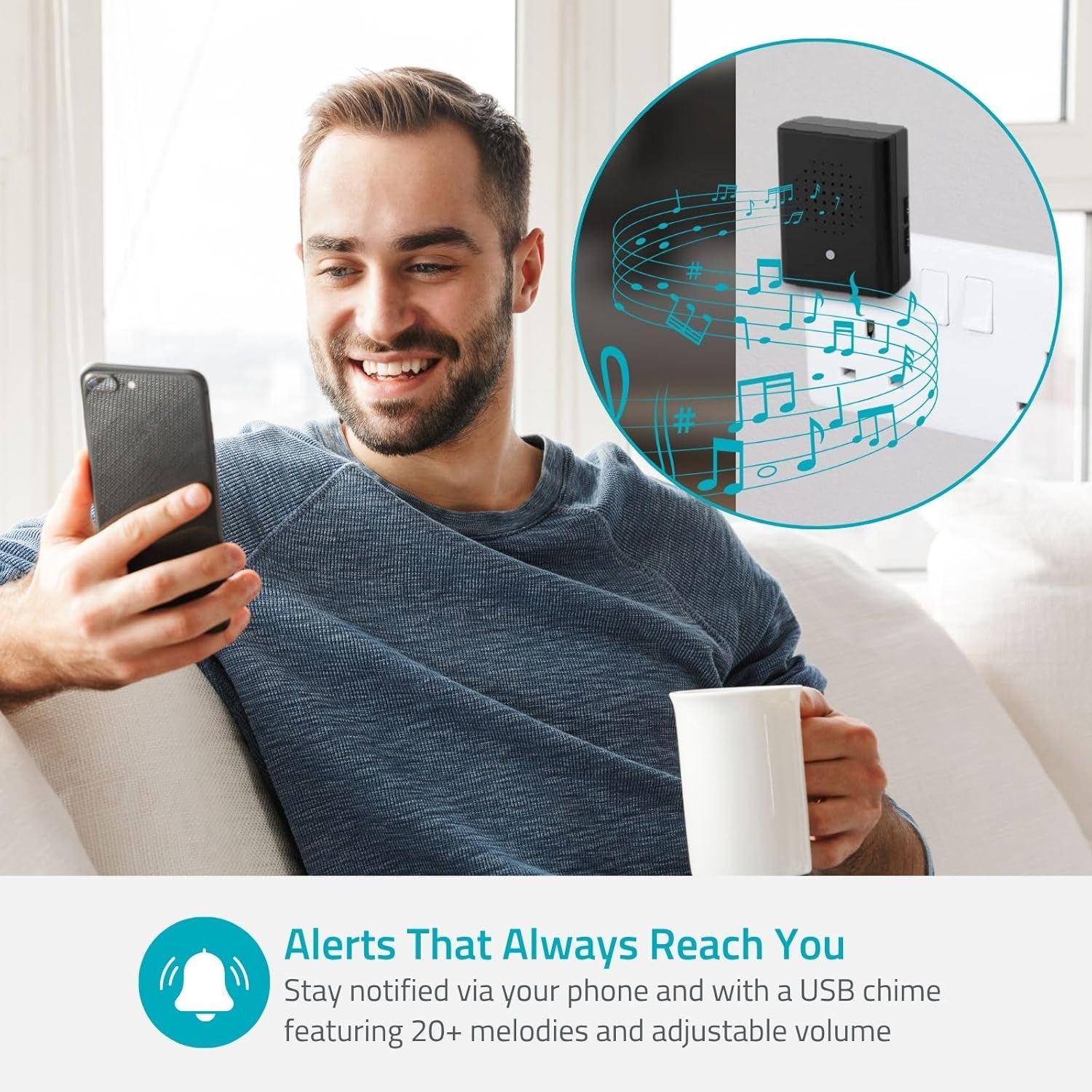
Image: A person checking their smartphone for alerts from the doorbell, with a visual representation of the wireless chime.
3. Sealladh na h-Oidhche
The doorbell is equipped with color night vision, ensuring clear visibility even in low-light conditions or complete darkness. This feature automatically activates when ambient light is insufficient.
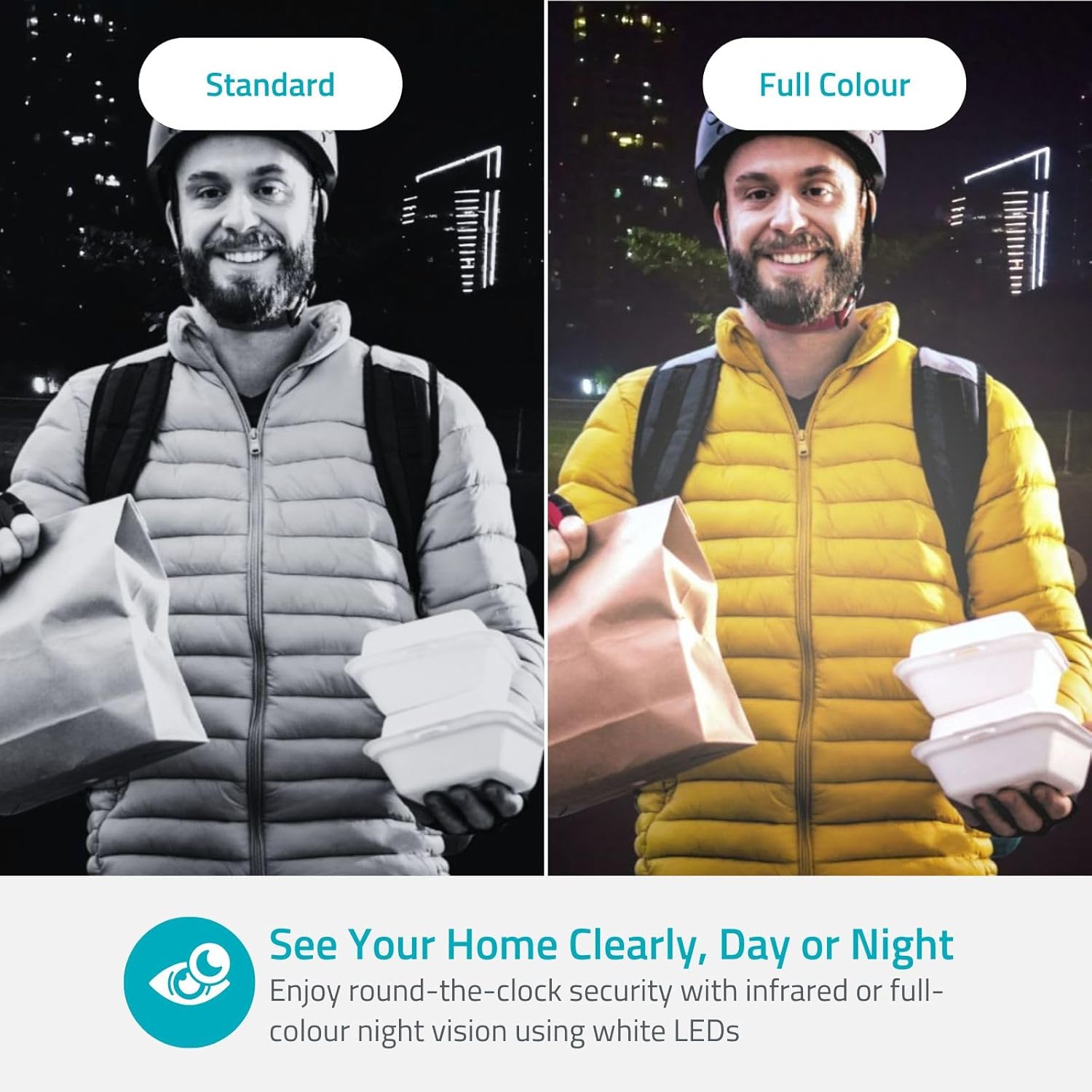
Image: A side-by-side comparison showing the difference between standard infrared night vision and the doorbell's full-color night vision.
4. Roghainnean stòraidh
Video recordings can be stored locally on a microSD card (not included) inserted into the doorbell, or via cloud storage (subscription may be required). Refer to the Nedis SmartLife app for cloud storage options and details.
5. Smart Home Integration
The Nedis WIFICDP31BK can be integrated with smart home platforms such as Google Assistant and Amazon Alexa. This allows for voice control and viewing the doorbell feed on compatible smart displays. Refer to the Nedis SmartLife app or your smart home platform's instructions for integration steps.
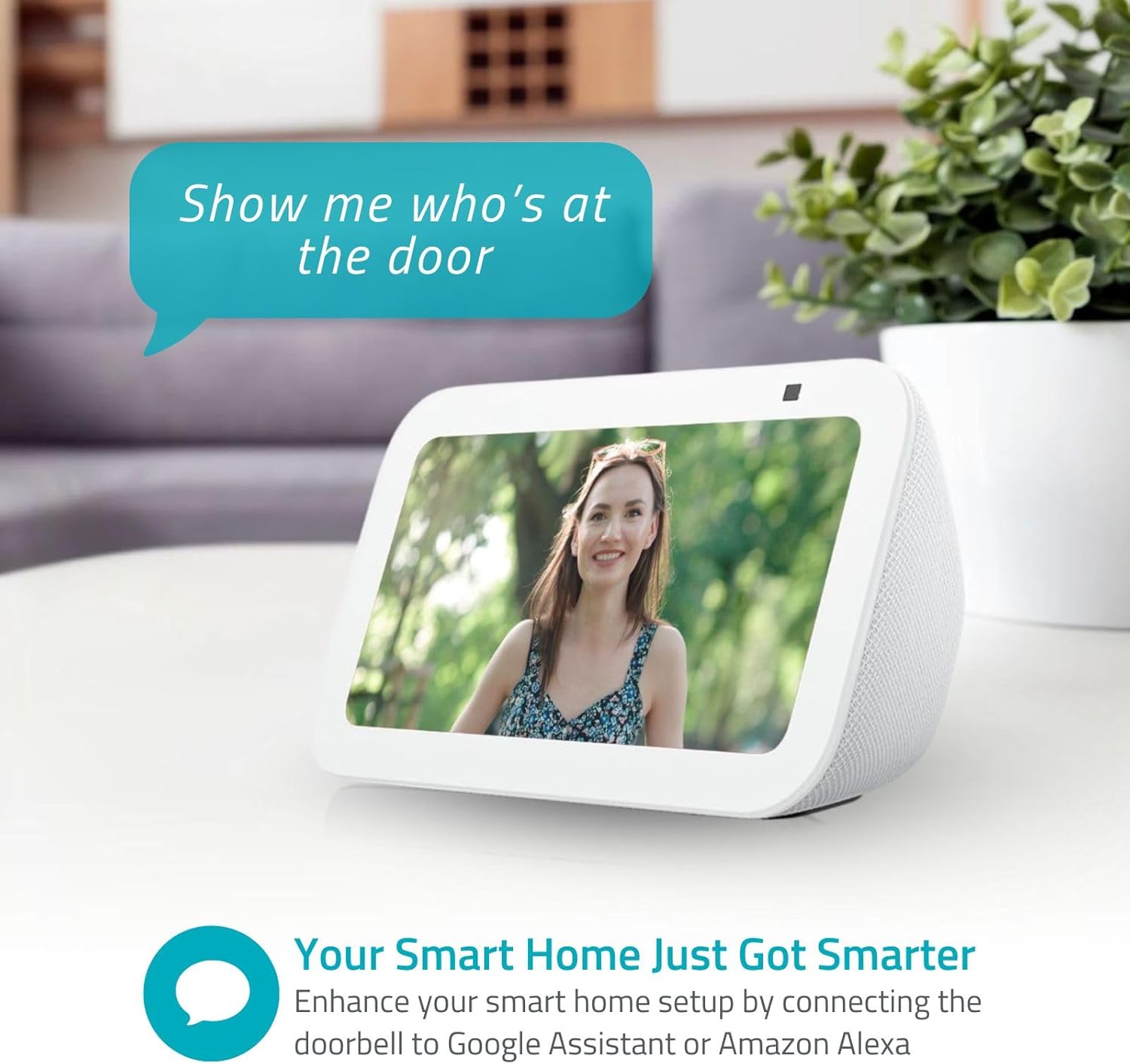
Image: A smart display showing the live feed from the doorbell, demonstrating its compatibility with smart home systems.
Cumail suas
- Riaghladh bataraidh: The 4400 mAh battery provides extended operation. Recharge the battery when the app indicates a low power level. Battery life can vary based on usage and environmental factors.
- Glanadh: Gently wipe the camera lenses and the doorbell's exterior with a soft, damp aodach. Na cleachd ceimigean cruaidh no innealan-glanaidh sgudail.
- Dìon na h-aimsir: The doorbell has an IP54 rating, meaning it is protected against dust ingress and splashing water. While it is weather-resistant, avoid direct exposure to heavy rain or prolonged submersion.
Fuasgladh thrioblaidean
- Inneal nach eil a 'ceangal ri Wi-Fi:
- Dèan cinnteach gu bheil an lìonra Wi-Fi agad 2.4 GHz. Chan eil an clag dorais a’ toirt taic do lìonraidhean 5 GHz.
- Thoir sùil air ceartachd facal-faire Wi-Fi.
- Gluais an clag dorais nas fhaisge air an router Wi-Fi agad rè an t-suidheachaidh.
- Ath-thòisich an router agad agus a’ chlag dorais.
- Càileachd bhidio truagh:
- Check your Wi-Fi signal strength at the doorbell's location. A weak signal can affect video streaming.
- Ensure the camera lenses are clean and free from obstructions.
- Dearbhadh gluasad nach eil ag obair:
- Verify that motion detection is enabled in the Nedis SmartLife app.
- Adjust motion sensitivity and detection zones in the app.
- Dèan cinnteach nach eil bacadh corporra sam bith ann a chuireas bacadh air an sensor view.
- Beatha bataraidh goirid:
- Tachartasan tric airson gluasad a lorg agus beò view access can drain the battery faster. Adjust settings to optimize.
- Dèan cinnteach gu bheil cosgais iomlan air a ’bhataraidh.
- Extreme cold weather can reduce battery performance.
Sònrachaidhean
| Feart | Mion-fhiosrachadh |
|---|---|
| Ainm Modail | WIFICDP31BK |
| Brand | NEDIS |
| Teicneòlas ceangail | Wireless (Wi-Fi) |
| Fuasgladh | 4 Megapixels (1296p / 1080p) |
| Feartan sònraichte | Two-way audio, Weather-resistant (IP54), Night vision (color) |
| Cleachdadh | A-muigh |
| Innealan co-fhreagarrach | Fòn-smart |
| Stòr cumhachd | Battery (4400 mAh), Mains (for charging) |
| Modh smachd | Nedis Smartlife Application |
| Seòrsa stàladh | Srath balla |
| Dath | Dubh |
| Stuth | Plastaig |
| Ìre an aghaidh uisge | Moisture Resistant (IP54) |
| Seòrsa rabhaidh | Gluasad a-mhàin |
| Raon Lèirsinn Oidhche | 5 Meatair |
| Voltage | 5 Volt |
| Dètage | 2 watt |
| View Ceàrn | 115 ceum |
| Meudan (LxWxH) | 44 x 49 x 142 mm |
| Cuideam nì | 285 gram |
Barantas agus Taic
For warranty information and technical support, please refer to the official Nedis weblàrach-lìn no cuir fios chun t-seirbheis teachdaiche aca. Cùm dearbhadh do cheannach airson tagraidhean barantais.
Goireasan air-loidhne: Tadhail www.nedis.com for product updates, FAQs, and support contact details.
Sgrìobhainnean co-cheangailte - WIFICDP31BK
 |
Nedis WIFICDP30WT Rechargeable Video Doorbell Quick Start Guide This guide provides essential information for setting up and using the Nedis WIFICDP30WT Rechargeable Video Doorbell. Learn about its features, specifications, safety instructions, charging, wired connection, and mounting. |
 |
Stiùireadh Tòiseachaidh Luath airson Clag Doras Bhidio Wi-Fi Smart Stiùireadh tòiseachaidh luath coileanta airson Clag Doras Bhidio Wi-Fi Smart, a’ mìneachadh susbaint a’ phacaid, feartan an toraidh, roghainnean solar cumhachd, suidheachadh aplacaid, dòighean ceangail innealan (AP agus Drochaid Còd QR), beò view eadar-aghaidh, roinneadh innealan, ceumannan stàlaidh, agus mion-chomharrachaidhean teicnigeach. |
 |
Nedis WIFICDP10xx Wi-Fi Video Doorphone Quick Start Guide Comprehensive guide for setting up and using the Nedis WIFICDP10xx Wi-Fi video doorphone. Learn about installation, app connection, safety precautions, and maintenance. |
 |
AMCREST 1080P Wi-Fi Video Doorbell User Manual - Setup and Installation Guide Comprehensive user manual for the AMCREST 1080P Wi-Fi Video Doorbell. Learn about installation, setup with the Amcrest Smart Home app, features, and troubleshooting. Get detailed instructions for your smart home security. |
 |
Amcrest Wi-Fi Doorbell Installation Guide Step-by-step instructions for installing your Amcrest Wi-Fi Doorbell, including required tools and equipment. |
 |
Leabhar-làimhe G-Homa VD1001C Smart Video Doorbell + Chime Tha an leabhar-stiùiridh seo a’ toirt seachad stiùireadh mionaideach airson Clag Doras Bhidio is Chime Smart G-Homa VD1001C, a’ còmhdach stàladh, suidheachadh, feartan, gnìomhan, agus fuasgladh dhuilgheadasan airson tèarainteachd dachaigh nas fheàrr. |
Ask a question about this manual
Ask about setup, troubleshooting, compatibility, parts, safety, or missing instructions. Manuals+ will review the question and use this page’s manual context to help answer it.