
1. Toradh thallview
The AJAZZ AJ139 V2 MC is a versatile tri-mode gaming mouse designed for precision and responsiveness. It features a PAW3311 sensor for accurate tracking, a 1000Hz return rate for smooth performance, and a long-lasting 500mAh battery. Its compact and lightweight design makes it suitable for extended use and portability.
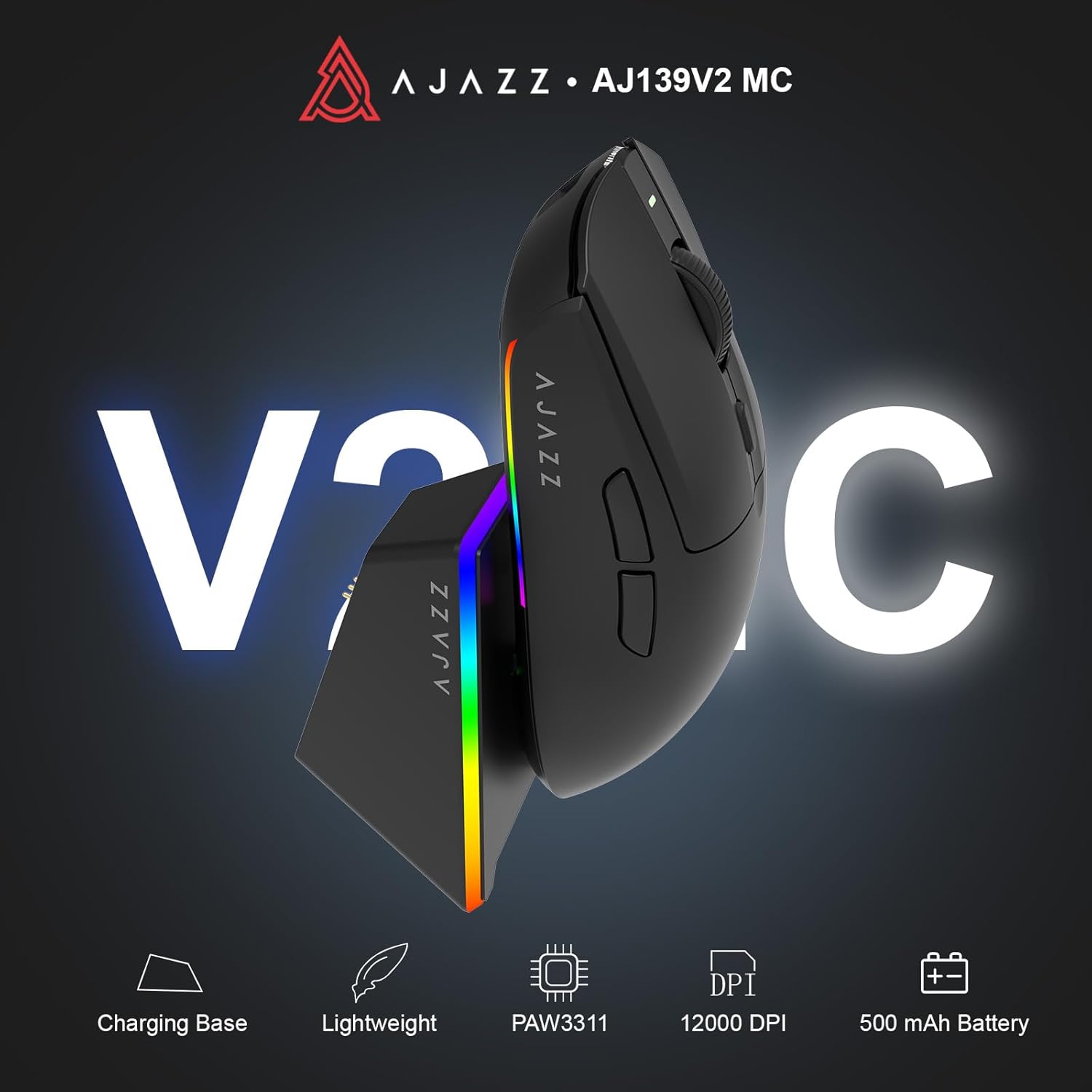
Figure 1.1: AJAZZ AJ139 V2 MC Gaming Mouse and Charging Dock.
Bhidio 1.1: Thar-chrìochview of the AJAZZ AJ139 V2 MC Gaming Mouse, highlighting its features and design.
2. Pasgan-susbaint
Dèan cinnteach gu bheil a h-uile nì anns a’ phacaid:
- Luchag Gheamannan AJAZZ AJ139 V2 MC
- Doc luchdadh a-nuas
- Càball cosgais USB-C
- 2.4G USB Receiver (Dongle)
- Leabhar-làimhe cleachdaiche
3. Prìomh fheartan
- PAW3311 Sensor Technology: Equipped with the PAW3311 sensor, this mouse ensures precise tracking and accurate cursor control for optimal performance.
- High 1000Hz Return Rate: Experience smooth and responsive performance with a 1000Hz return rate, enhancing your gaming or work experience.
- Bataraidh fad-mhaireannach 500mAh: The integrated 500mAh battery provides extended power, ensuring uninterrupted use for prolonged periods.
- Ceangal trì-mhodh: Supports versatile connectivity options including Wired, 2.4G Wireless, and Bluetooth, adapting to various devices and setups.
- Dealbhadh teann agus aotrom: Weighing approximately 66 grams, the mouse features a compact design for easy portability and comfortable use during long sessions.
- Solais RGB gnàthaichte: Features integrated RGB lighting for personalized aesthetics.
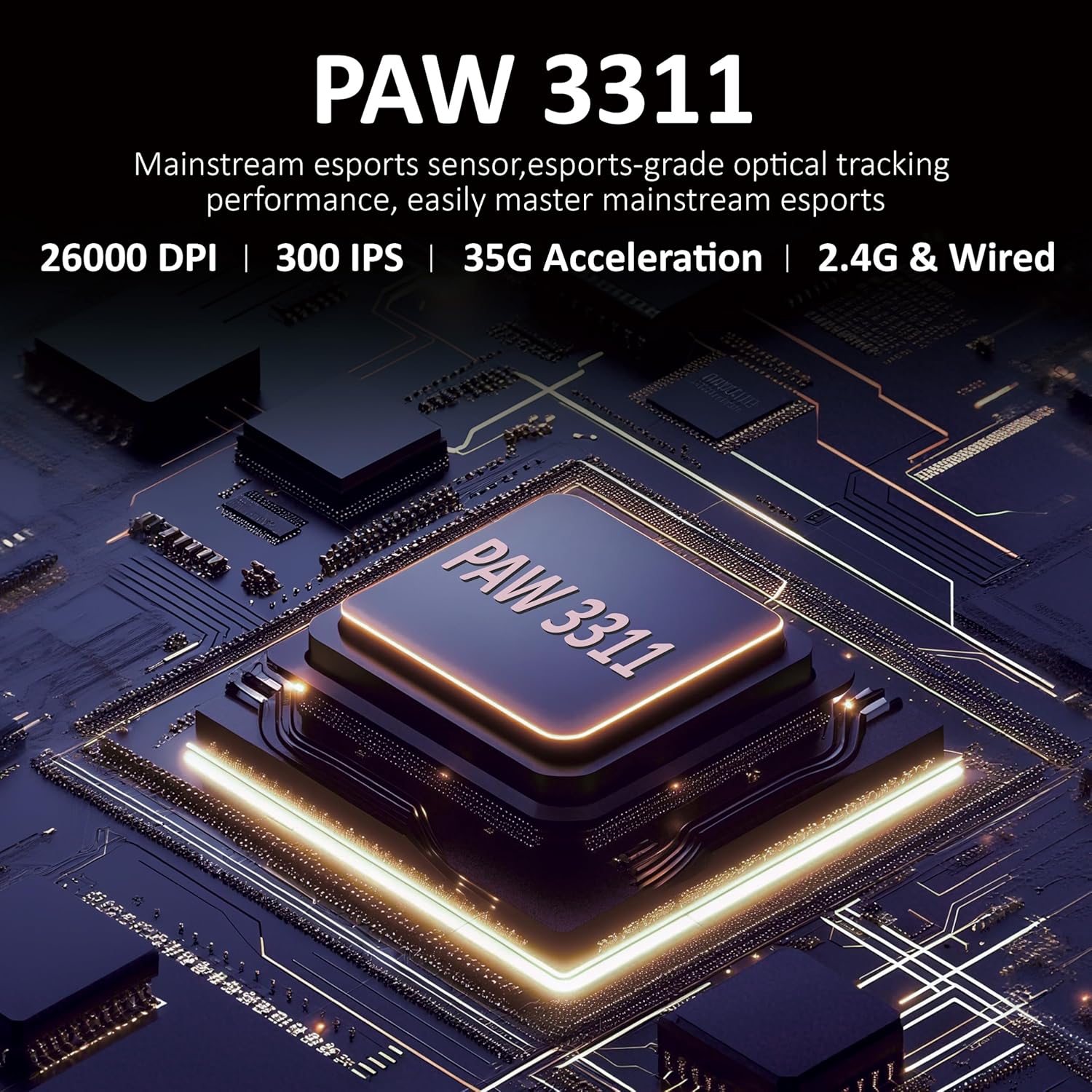
Figear 3.1: Mionaideach view of the PAW3311 sensor technology.
Video 3.1: Demonstration of the mouse's 500mAh battery life.

Figure 3.2: The lightweight design of the AJAZZ AJ139 V2 MC mouse.
4. Stiùirich rèiteachaidh
4.1. A 'ceangal na luchaige
The AJAZZ AJ139 V2 MC offers three connection modes:
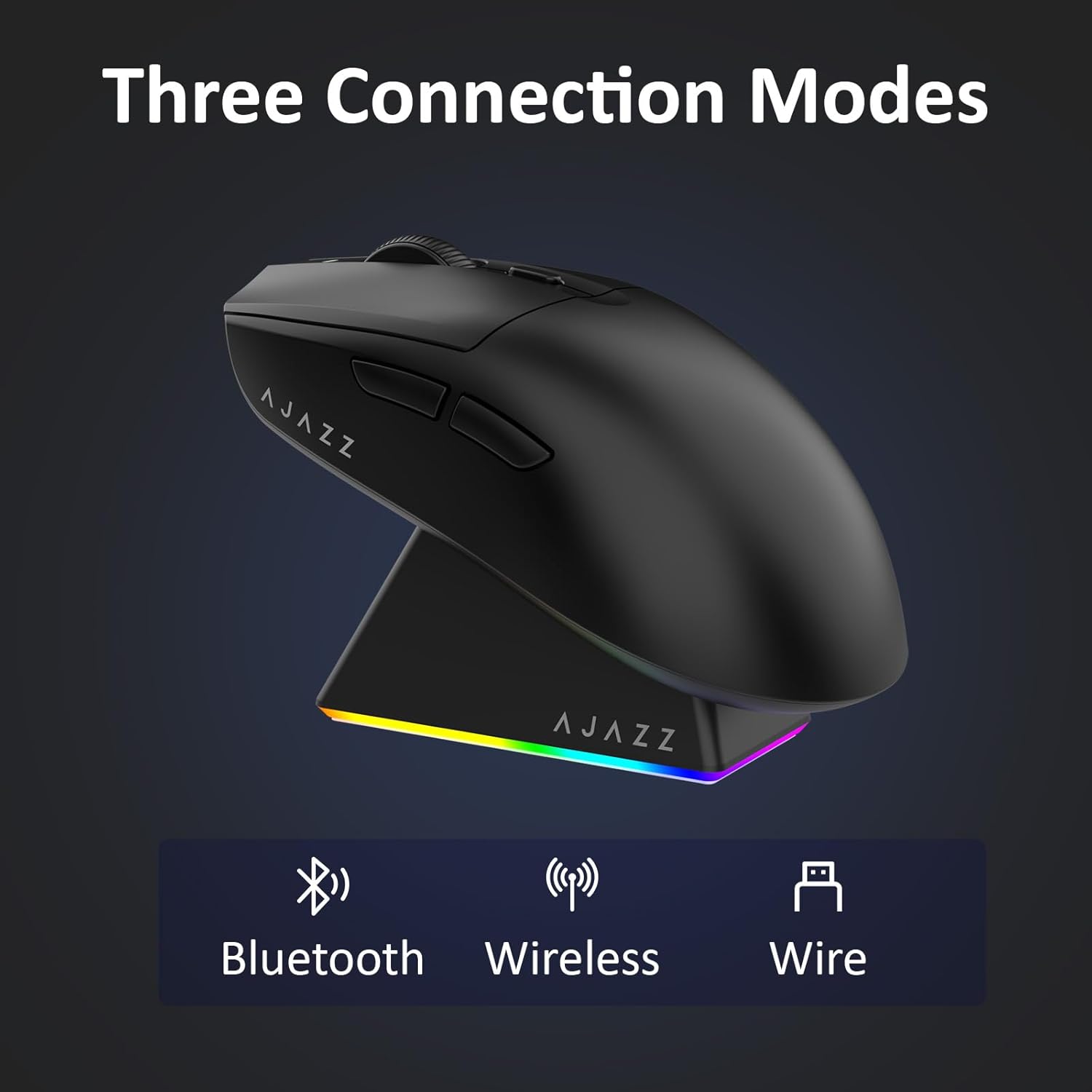
Figear 4.1: Riochdachadh lèirsinneach de na trì modhan ceangail.
- Modh gun uèir 2.4G:
- Lorg an glacadair USB 2.4G a tha air a stòradh san roinn air taobh shìos na luchaige.
- Plug an cuidhteas USB a-steach do phort USB a tha ri fhaighinn air do choimpiutair.
- Sleamhnaich an suidse aig bonn na luchaige chun an t-suidheachaidh '2.4G'. Ceanglaicheas an luchag gu fèin-ghluasadach.
- Modh Bluetooth:
- Sleamhnaich an suidse aig bonn na luchaige chun an t-suidheachaidh 'BT'.
- Air an inneal agad, fosgail roghainnean Bluetooth agus rannsaich airson innealan ùra.
- Select 'AJAZZ AJ139 V2 MC' from the list to pair.
- Modh Wired:
- Connect the USB-C charging cable to the mouse and the other end to your computer's USB port.
- The mouse will function as a wired device and charge simultaneously.
4.2. A’ cur cosgais air an luchag
The mouse can be charged using the included charging dock or directly via the USB-C cable.
- A’ cleachdadh an Doc Cosgais:
- Connect the USB-C charging cable to the charging dock and then to a power source (e.g., computer USB port, USB wall adapter).
- Place the mouse onto the charging dock, aligning the magnetic contacts. The RGB lighting on the dock and mouse will indicate charging status.
- Cosgais Dìreach USB-C:
- Connect the USB-C charging cable directly to the mouse and a power source.
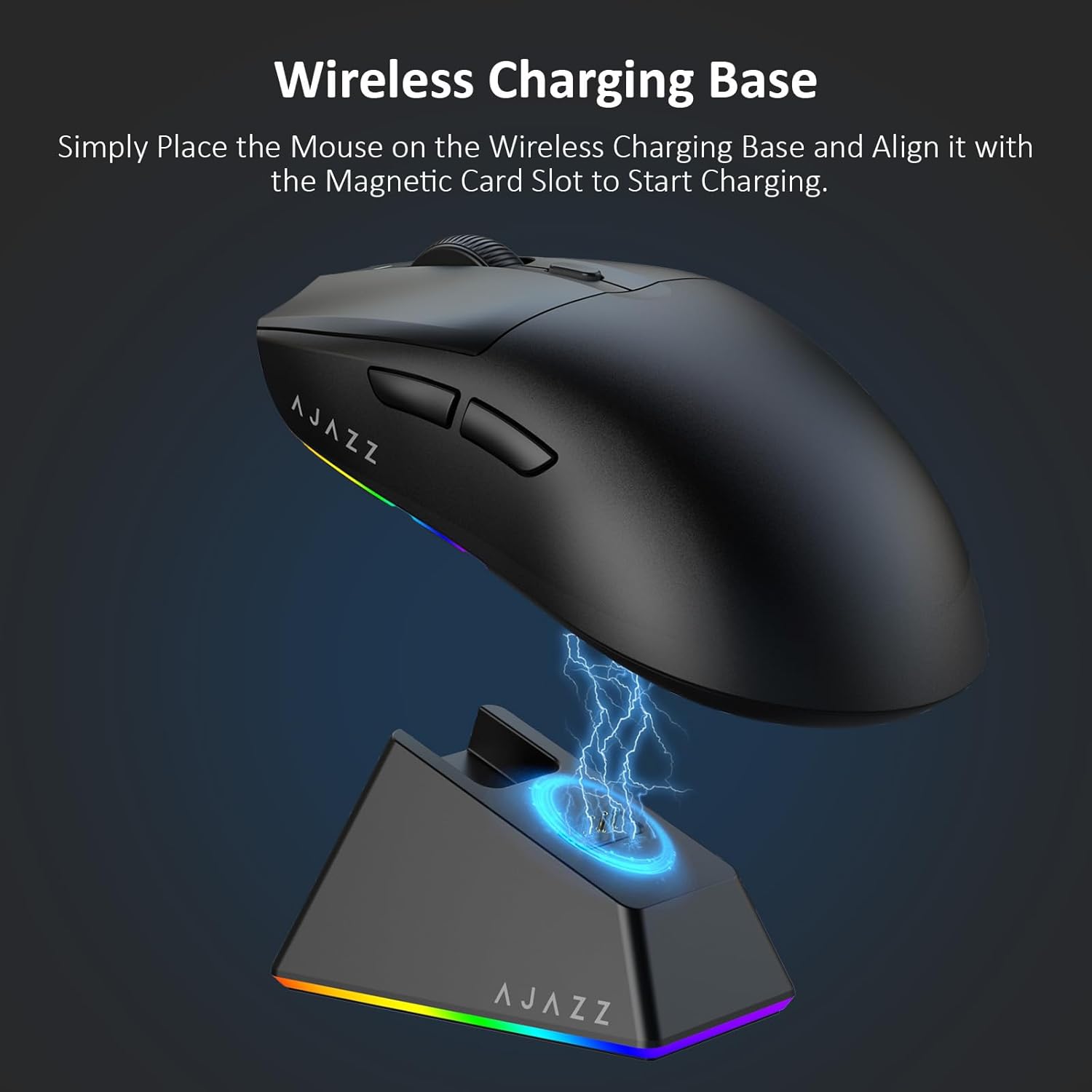
Figure 4.2: The mouse being charged on its wireless charging base.
5. Stiùireadh Obrachaidh
5.1. Atharrachadh DPI
The mouse features a dedicated DPI adjustment button on its underside, allowing you to cycle through different sensitivity levels. Press the button to change the DPI setting to suit your preference.
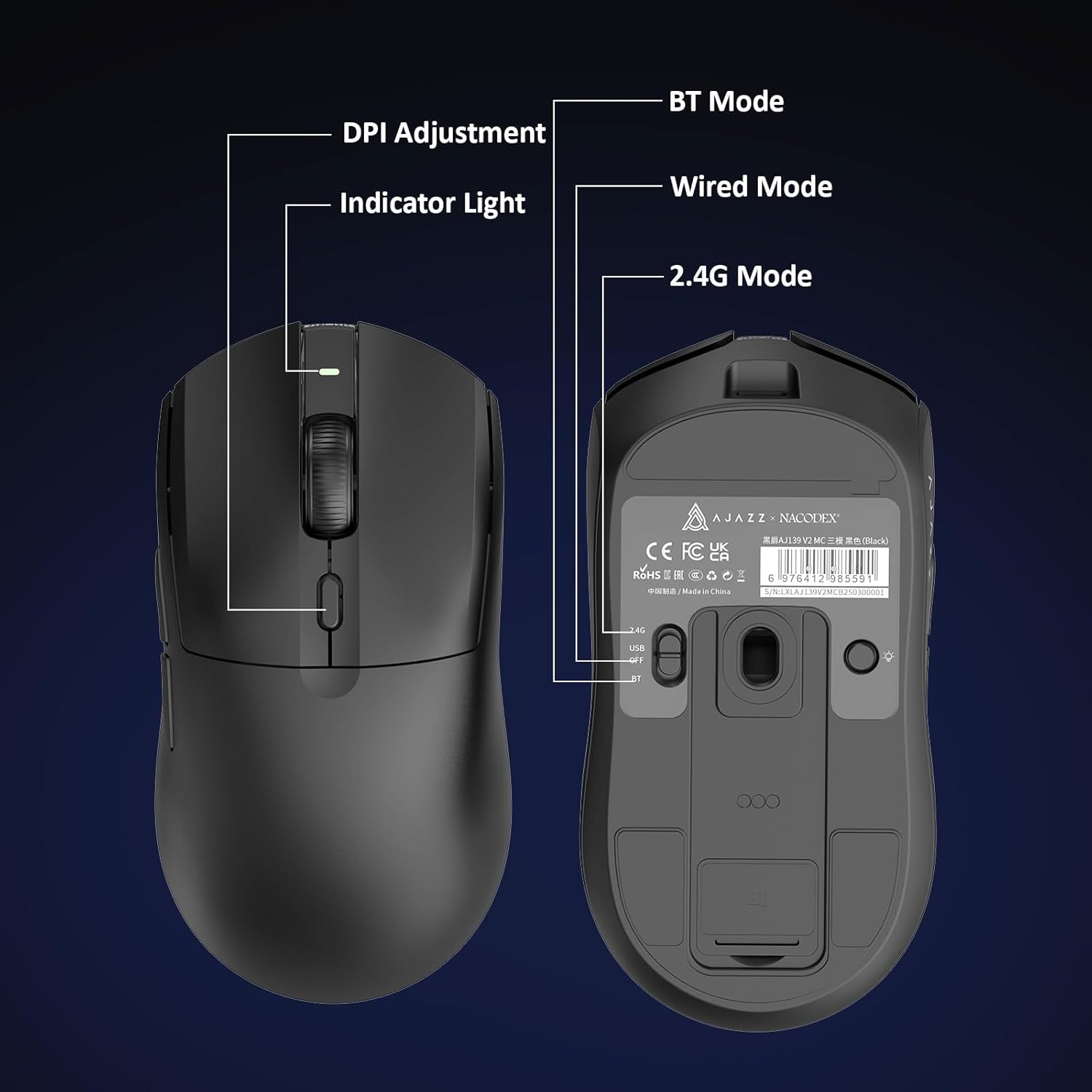
Figure 5.1: Location of the DPI adjustment button and connection mode switch on the mouse underside.
5.2. Gnìomhan Putan
The mouse is equipped with 6 programmable buttons:
- Putan Cliog Clì
- Putan Cliog deas
- Cuibhle Scrollaidh (Cliogail)
- DPI Adjustment Button (on underside)
- Two Side Buttons (typically for forward/backward navigation)
For advanced customization of button functions and macros, please refer to the official AJAZZ software (downloadable from the manufacturer's weblàrach).
5.3. Smachd Solais RGB
The mouse and charging dock feature customizable RGB lighting. Specific controls for lighting modes and colors are typically managed through the official AJAZZ software. A dedicated light button on the underside of the mouse allows for basic cycling or turning off the lighting.
6. Cumail suas
- Glanadh: Cleachd clò bog, tioram airson uachdar na luchaige a ghlanadh. Airson salachar stòlda, cleachd clò beagan tioram.amp faodar clò a chleachdadh, a’ dèanamh cinnteach nach tèid taiseachd a-steach do na pàirtean a-staigh.
- Cùram mothachaidh: Cùm am mothachair optigeach air taobh shìos na luchaige glan agus saor bho dhuslach no sprùilleach gus cruinneas tracadh a chumail suas.
- Fad-beatha bataraidh: Gus beatha a’ bhataraidh a leudachadh, seachain a bhith a’ cur an luchag fo làn-luchdachadh gu tric. Cuir cosgais oirre nuair a tha comharra a’ bhataraidh ìosal.
7. A ’dèanamh trioblaid
| Trioblaid | Fuasgladh comasach |
|---|---|
| Mouse not responding in 2.4G Wireless mode. | Ensure the 2.4G USB receiver is securely plugged into a USB port and the mouse switch is set to '2.4G'. Try a different USB port. |
| Mouse not pairing via Bluetooth. | Ensure the mouse switch is set to 'BT' and your device's Bluetooth is enabled and discoverable. Try unpairing and re-pairing the device. |
| Chan eil an luchag a’ cur cosgais. | Verify the USB-C cable is properly connected to both the dock/mouse and the power source. Ensure the mouse is correctly seated on the charging dock's magnetic contacts. |
| Inconsistent tracking or cursor movement. | Clean the optical sensor on the underside of the mouse. Ensure you are using the mouse on a suitable surface (e.g., a mouse pad). |
| Solas RGB gun a bhith ag obair. | Check the mouse's software settings for lighting control. Ensure the mouse has sufficient battery charge. |
8. Sònrachaidhean Teicnigeach
| Feart | Sònrachadh |
|---|---|
| Brand | AJAZZ |
| Ainm Modail | Aj139 V2 MC |
| Dath | V2 MC Black |
| Teicneòlas ceangail | Bluetooth, USB, gun uèir 2.4G |
| Teicneòlas lorg gluasad | Optaigeach (Brathadair PAW3311) |
| Mouse Maximum Sensitivity | 12000 Dots per Inch (DPI) |
| Ìre Tilleadh | 1000 Hz |
| Comas Bataraidh | 500 mAh |
| Meud a' Phutain | 6 |
| Stiùireadh làimhe | Deas |
| Innealan co-fhreagarrach | Coimpiutair Deasg |
| Siostam-obrachaidh | Windows |
| Raon | 10 meatairean |
| Cuideam nì | 4 unnsa (timcheall air 113 gram) |
| Meud nithean L x W | 5"L x 2.5"L (mu 12.7cm x 6.35cm) |
| Feart sgeadachaidh | Solais RGB |
| Stuth cuairteachaidh | Plastaig |
| Crìochnaich | Mata |
9. Barantas agus Taic
This product comes with a standard manufacturer's warranty. For detailed warranty information, please refer to the official AJAZZ weblàrach-lìn no cuir fios chun neach-reic agad.
For technical support, troubleshooting assistance, or any product-related inquiries, please visit the AJAZZ official support page or contact their customer service team.
Goireasan air-loidhne:
AJAZZ Official Store