
Ro-ràdh
This manual provides detailed instructions for the setup, operation, and maintenance of your Ratakee Digital Alarm Clock Radio H249. Please read this manual thoroughly before using the device to ensure proper functionality and to maximize your user experience. This device features a large LED display, dual alarms, AM/FM radio with presets, adjustable alarm volume, sleep timer, and display dimmer.

Ìomhaigh: Aghaidh view of the Ratakee Digital Alarm Clock Radio H249, displaying the time 12:00 PM in blue LED digits.
Feartan toraidh seachadview
- Taisbeanadh mòr LED: 6.6-inch screen with 1.6-inch blue LED numbers for clear visibility.
- Alarm dà-chànanach: Set two independent alarms with options for beep or radio wake-up.
- Rèidio AM/FM: Digital tuning with frequency ranges FM 87.5-108MHz and AM 520-1710KHz.
- Presets Stèisean: Save up to 20 AM and 20 FM stations for quick access.
- Meud rabhaidh a ghabhas atharrachadh: Alarm volume can be set from levels 5 to 15.
- Timer cadail: Program the radio to turn off automatically after 10-90 minutes.
- Dimmer taisbeanaidh: Four brightness levels for the LED display.
- Dreuchd Snooze: Provides an extra 9 minutes of sleep.
- Cùl-taic Bataraidh: 2 AAA batteries (not included) preserve time and alarm settings during power outagtha.
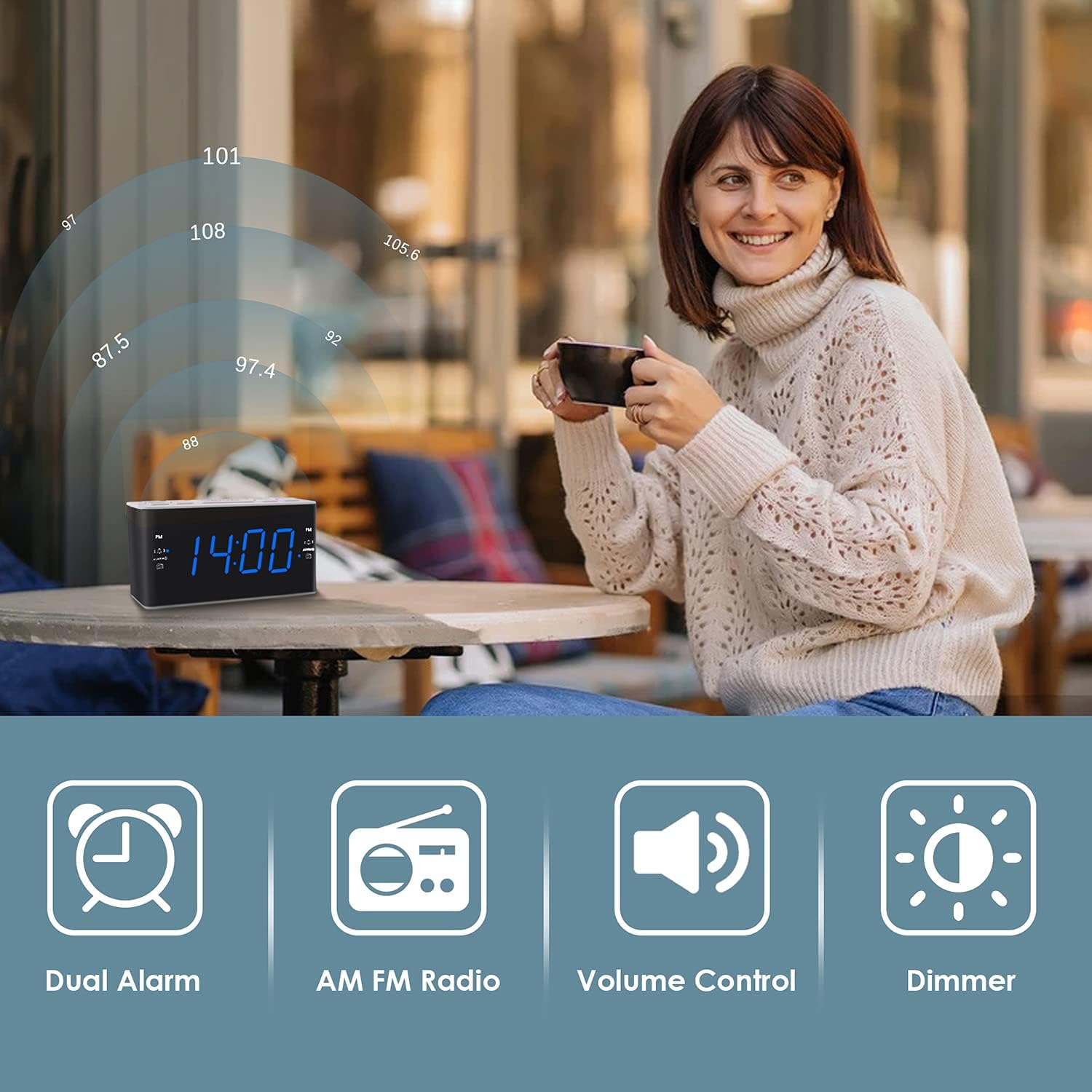
Image: Visual representation of the alarm clock's main features: Dual Alarm, AM FM Radio, Volume Control, and Dimmer, with a woman enjoying music in the background.
Suidhich
1. Ceangal Cumhachd
The Ratakee H249 operates on AC power. Connect the provided power cord to the clock radio and then plug it into a standard AC 120V 60Hz wall outlet. The display will illuminate once power is supplied.
2. Stàladh cùl-taic bataraidh
For battery backup, insert two (2) AAA batteries (not included) into the battery compartment located on the bottom of the unit. The battery backup maintains time and alarm settings during a power interruption but does not power the clock display or radio functions.
3. Suidheachadh Tùsail na h-Ùine
- Brùth agus cùm an AM FEAR-CIUIL putan. Tòisichidh na figearan uair a’ priobadh.
- Cleachd an VOL+ or VOL- putanan gus an uair atharrachadh. Thoir aire don chomharra PM ma tha thu a’ suidheachadh àm PM.
- Brùth an AM FEAR-CIUIL putan a-rithist. Bidh na figearan mionaid a’ priobadh.
- Cleachd an VOL+ or VOL- putanan gus na geàrr-chunntasan atharrachadh.
- Brùth an AM FEAR-CIUIL putan aon uair eile gus dearbhadh agus modh suidheachadh ùine fhàgail.
Stiùireadh Obrachaidh
1. A’ suidheachadh innealan-rabhaidh (Alarm 1 agus Alarm 2)
The clock radio features two independent alarms. The process is identical for both.
- Brùth agus cùm an ALARM1 (no ALARM2) button. The alarm hour digits will flash.
- Cleachd an VOL+ or VOL- buttons to set the desired alarm hour. Observe the PM indicator.
- Brùth an ALARM1 (no ALARM2) button again. The alarm minute digits will flash.
- Cleachd an VOL+ or VOL- putanan gus na mionaidean rabhaidh a tha thu ag iarraidh a shuidheachadh.
- Brùth an ALARM1 (no ALARM2) button again to select the alarm source:
- Beep: A standard alarm tone.
- Rèidio: Wakes you up to the last tuned radio station.
- Brùth an ALARM1 (no ALARM2) button one more time to confirm and activate the alarm. An alarm icon will appear on the display.
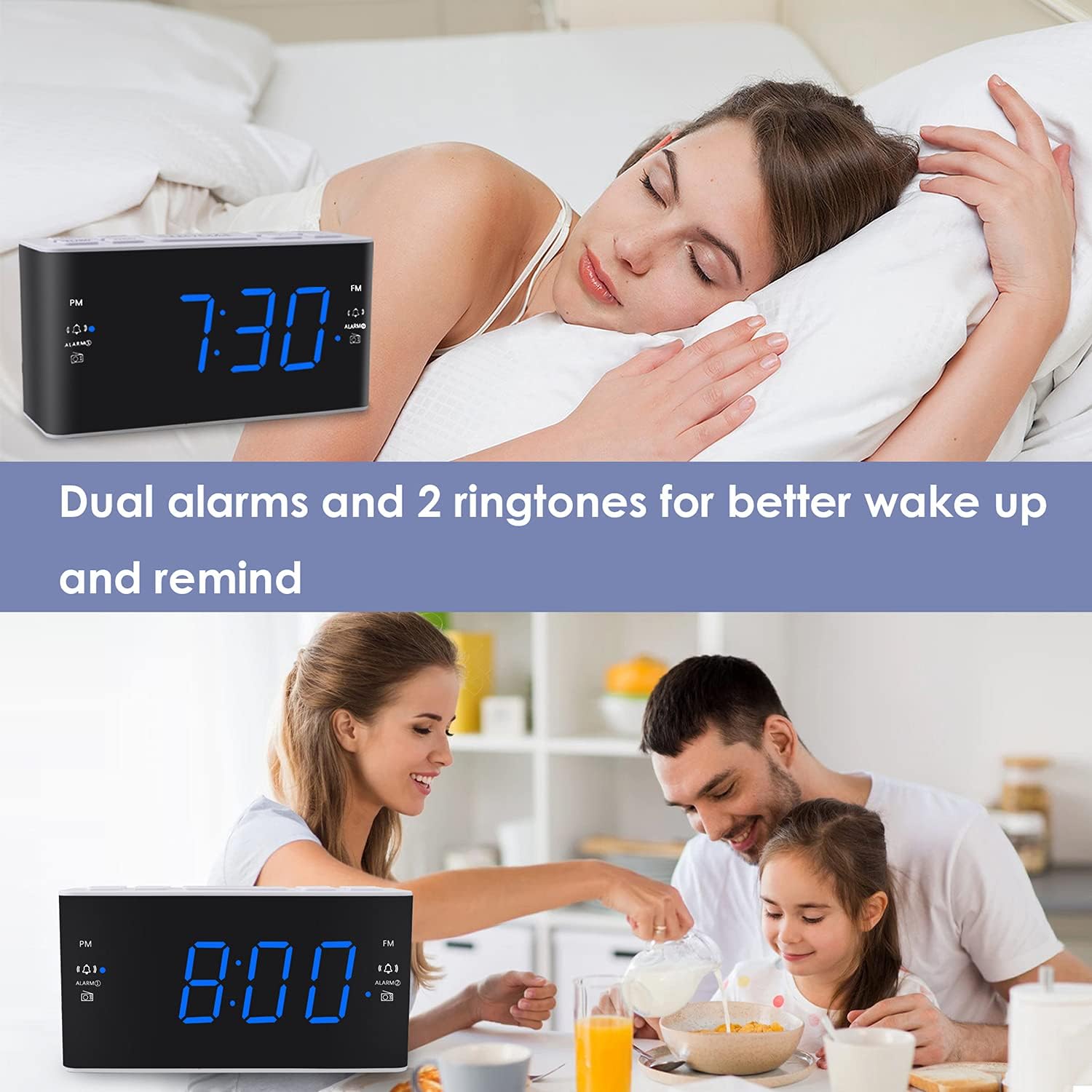
Image: The alarm clock displaying 7:30, with icons indicating dual alarms are set, positioned on a bedside table next to a person waking up.
2. Atharrachadh Meud an Alarma
When an alarm is sounding, use the VOL+ or VOL- buttons to adjust the alarm volume between levels 5 and 15.
3. Gnìomh Snooze
Nuair a chluinneas tu inneal-rabhaidh, brùth air a’ phutan mhòr SNOOZE / DIMMER button to temporarily silence the alarm for 9 minutes. The alarm will sound again after 9 minutes. This can be repeated up to 5 times. To cancel the alarm completely, press any other button (e.g., ALARM1, ALARM2, RADIO).
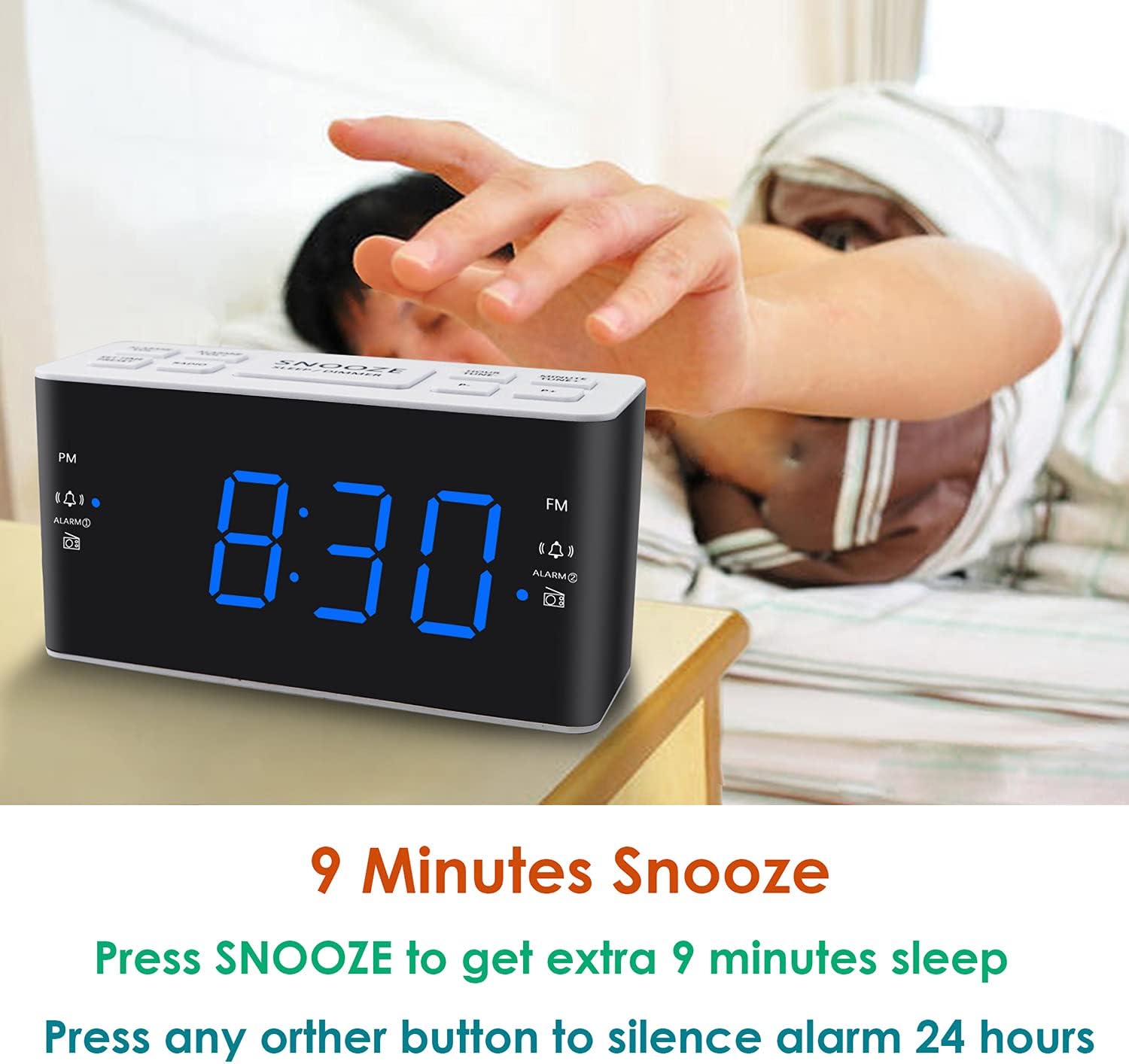
Image: A hand reaching to press the SNOOZE button on the alarm clock, which shows 8:30, illustrating the snooze function.
4. Obrachadh Rèidio AM/FM
- Brùth an RADIO putan gus an rèidio a thionndadh air no dheth.
- To tune, press the VOL+ or VOL- buttons to manually adjust the frequency. Press and hold these buttons for automatic scanning to the next available station.
- A' suidheachadh ro-shuidhichte: While listening to a desired station, press and hold the PREASACHADH button. The preset number will flash. Use VOL+ or VOL- to select a preset slot (P01-P20 for AM/FM). Press PREASACHADH a-rithist airson sàbhaladh.
- A ’cuimhneachadh presets: Brùth goirid air an PREASACHADH putan gus gluasad tro stèiseanan a chaidh a shàbhaladh.
- Adjusting Radio Volume: Cleachd an VOL+ or VOL- buttons when the radio is on to adjust the listening volume.
5. Timer cadail
Leigidh an timer cadail leis an rèidio cluich airson ùine shuidhichte mus cuir e dheth gu fèin-ghluasadach.
- Fhad ’s a tha an rèidio a’ cluich, brùth air a’ phutan LAOIDH button (if available, otherwise use a combination like SNOOZE + RADIO, or refer to specific button if different).
- Brùth am putan a-rithist LAOIDH button to cycle through available sleep times (e.g., 10, 20, 30, 60, 90 minutes).
- The radio will turn off automatically after the selected time.
6. Dimmer Taisbeanaidh
Gus soilleireachd an taisbeanaidh LED atharrachadh, brùth air a’ phutan SNOOZE / DIMMER button (when the alarm is not sounding). Each press will cycle through the four available brightness levels (High, Medium, Low, Off).

Image: The alarm clock displaying 20:00 (8 PM) with a dimmed blue LED display, illustrating the dimmer function for nighttime use.
Cumail suas
1. Glanadh
To clean the clock radio, gently wipe the surface with a soft, dry cloth. Do not use abrasive cleaners, waxes, or solvents as these can damage the finish. Ensure the device is unplugged before cleaning.
2. Ath-chur Bataraidh (Cùl-taic)
Mura tèid na roghainnean ùine is rabhaidh a chumail rè briseadh cumhachdtage, the AAA backup batteries may need to be replaced. Open the battery compartment, remove the old batteries, and insert two new AAA batteries, observing the correct polarity (+/-). Close the compartment securely.
Fuasgladh thrioblaidean
| Trioblaid | Adhbhar a dh’fhaodadh a bhith ann | Fuasgladh |
|---|---|---|
| Tha taisbeanadh a’ chloca dheth no chan eil e ag obair. | No AC power; power outage; display dimmer set to 'Off'. | Ensure the power cord is securely plugged into a live outlet. Check for power outages. Press the SNOOZE / DIMMER putan gus soilleireachd an taisbeanaidh atharrachadh. |
| Time/Alarm settings are lost after a power outage. | Tha bataraidhean cùl-taic marbh no gun a bhith air an stàladh. | Install two fresh AAA batteries or replace existing ones in the battery compartment. |
| Chan eil an inneal-rabhaidh a’ fuaimeachadh. | Chan eil an inneal-rabhaidh air a ghnìomhachadh; tha meud an rabhaidh ro ìosal; tha an t-àm rabhaidh ceàrr. | Ensure the alarm icon is visible on the display. Re-check alarm time and source. Adjust alarm volume (levels 5-15). |
| Fàilteachas rèidio bochd. | Antenna not extended; interference; weak signal. | Fully extend the FM wire antenna. Reposition the clock radio to improve reception. Avoid placing near electronic devices that may cause interference. |
| Radio presets are not saved. | Incorrect saving procedure; power interruption without backup. | Ensure you press and hold the PREASACHADH button to save, then press again to confirm. Ensure backup batteries are installed and functional to retain settings during power loss. |
Sònrachaidhean
| Feart | Mion-fhiosrachadh |
|---|---|
| Brand | Ratakee |
| Modail Àireamh | H249 |
| Seòrsa Taisbeanaidh | Digital LED (Blue) |
| Stòr cumhachd | Corded Electric (AC 120V 60Hz) |
| Cùl-taic Bataraidh | 2 AAA batteries (not included) for settings retention |
| Meudan toraidh | 6.14" L x 3.15" À x 2.17" D |
| Cuideam nì | 4 unnsa (0.25 not) |
| Radio Frequency (FM) | 87.5-108 MHz |
| Radio Frequency (AM) | 520-1710 KHz |
| Feartan sònraichte | Adjustable Brightness, Adjustable Volume, Dual Alarms, Radio, Sleep Timer |
| Stuth | Plastaig |

Image: Dimensional drawing of the alarm clock, indicating its width (6.14in), height (3.15in), and depth (2.17in).
Barantas agus Taic
Fiosrachadh Barantais
This Ratakee Digital Alarm Clock Radio H249 comes with a Barantas cuibhrichte 1-bliadhna bho cheann-latha a’ cheannaich. A bharrachd air sin, a Gealladh airgead air ais 90-latha is offered. This warranty covers manufacturing defects and malfunctions under normal use. It does not cover damage caused by misuse, accidents, unauthorized modifications, or external factors.
Taic Luchd-cleachdaidh
For technical assistance, troubleshooting not covered in this manual, or warranty claims, please contact Ratakee customer support through the retailer's platform or the contact information provided with your purchase. Please have your model number (H249) and purchase date available when contacting support.