
LeapFrog 80-621200
LeapFrog Preschool Game and Go Handheld Video Game Toy Instruction Manual
Modail: 80-621200
Brand: LeapFrog
Ro-ràdh
The LeapFrog Preschool Game and Go is a handheld video game toy designed to introduce young children to fundamental concepts such as numbers, letters, and shapes through engaging mini-games and music. This device offers a portable and interactive learning experience for children aged 2 years and older.
Dè th' anns a' Bhocsa
- LeapFrog Preschool Game and Go Handheld Toy
- Stiùireadh tòiseachaidh luath
Note: 3 AAA batteries are included for demo purposes only. New batteries are recommended for regular use.
Suidhich
Stàladh bataraidh
- Lorg an roinn bataraidh air cùl an inneil.
- A’ cleachdadh screwdriver, fosgail còmhdach roinn a’ bhataraidh.
- Cuir a-steach 3 bataraidh AAA ùra, a’ dèanamh cinnteach gu bheil iad a’ freagairt gu ceart (+/-).
- Cuir an àite còmhdach roinn a’ bhataraidh agus tèarainte leis an sgriubha.
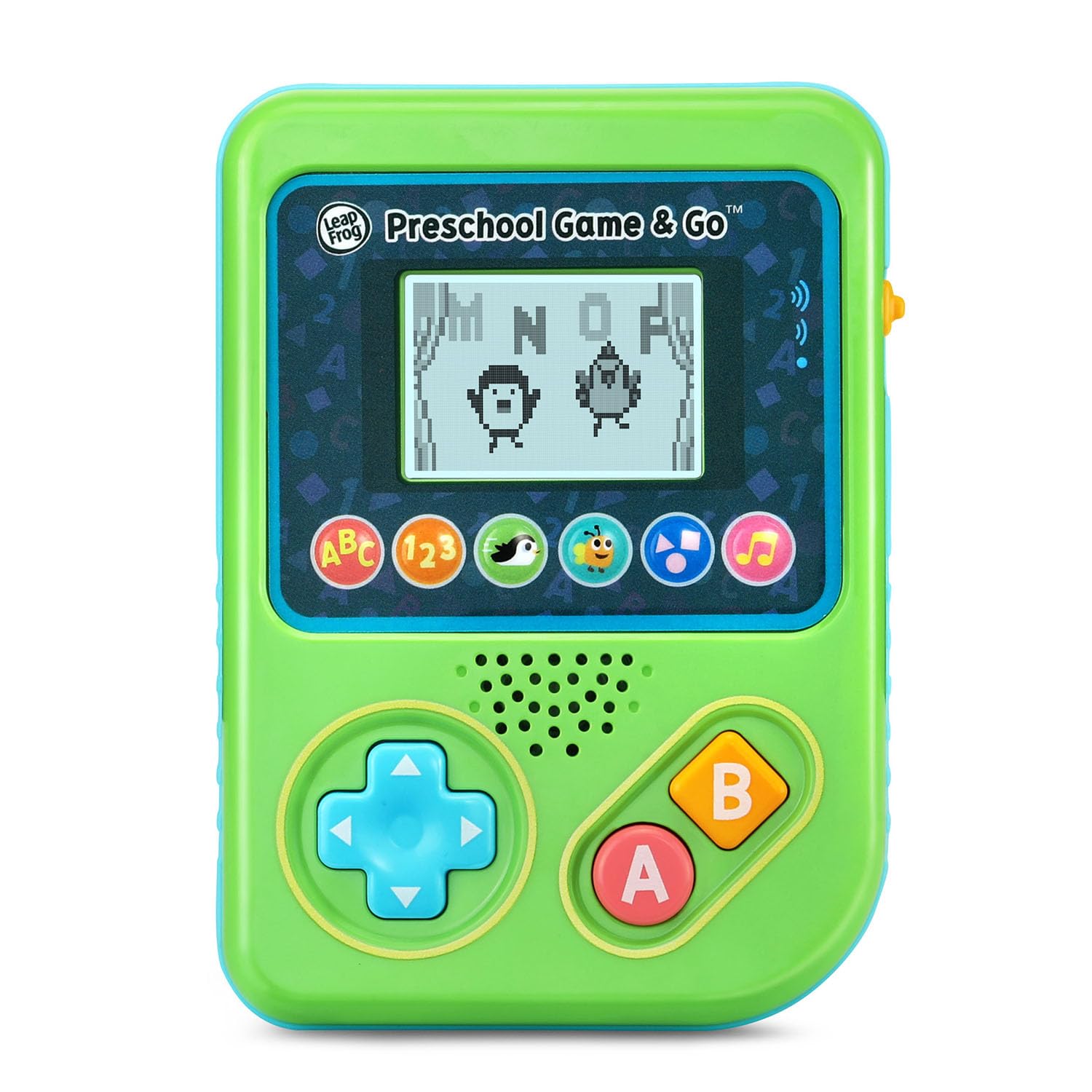
Figear 1: Aghaidh view of the LeapFrog Preschool Game and Go.
Cumhachd air / dheth
- To power on the device, slide the orange power switch located on the right side of the unit upwards.
- To power off the device, slide the orange power switch downwards.
Smachd tomhas-lìonaidh
- The device features two volume settings.
- Adjust the volume using the dedicated switch or button, typically located near the power switch, to select between a lower or higher sound output.
Stiùireadh Obrachaidh
Smachdan
- Pad Treòrachaidh (D-Pad): Located on the left side, use this to navigate menus and control characters within games.
- Putan: Typically used for selection or action within games.
- Putan B: Typically used for secondary actions or going back in menus.
Taghadh Gèam
The device features six distinct game icons below the screen. Press the corresponding icon to select a game:
- ABC Icon: Activates the ABC Swim game.
- 123 Icon: Activates the 123 Treasure game.
- Penguin Icon: Activates the Letter Slide game.
- Bug Icon: Activates the Snack Track game.
- Shapes Icon: Activates the Shape Ape game.
- Music Note Icon: Activates the Song Shuffle feature.
Personalizing Game Play
You can personalize the experience by adding a child's name (up to 10 characters). The child's name will appear in certain games, such as the Letter Slide game, where they collect letters to spell their name.
Geamannan Ionnsachaidh
The LeapFrog Preschool Game and Go includes six exciting learning games:
- ABC Swim: Pop bubbles to explore letter sounds.
- 123 Treasure: Collect coins and count hearts to introduce numbers.
- Letter Slide: Help a penguin slide and jump to collect letters, including those in the child's personalized name.
- Snack Track: Feed a hungry bug by eating and counting snacks.
- Shape Ape: Catch various shapes as they fall from trees.
- Song Shuffle: Dance along to three engaging learning songs.
Bhidio 1: Taisbeanadh bhidio oifigeil toraidhasing the LeapFrog Preschool Game & Go features and gameplay.
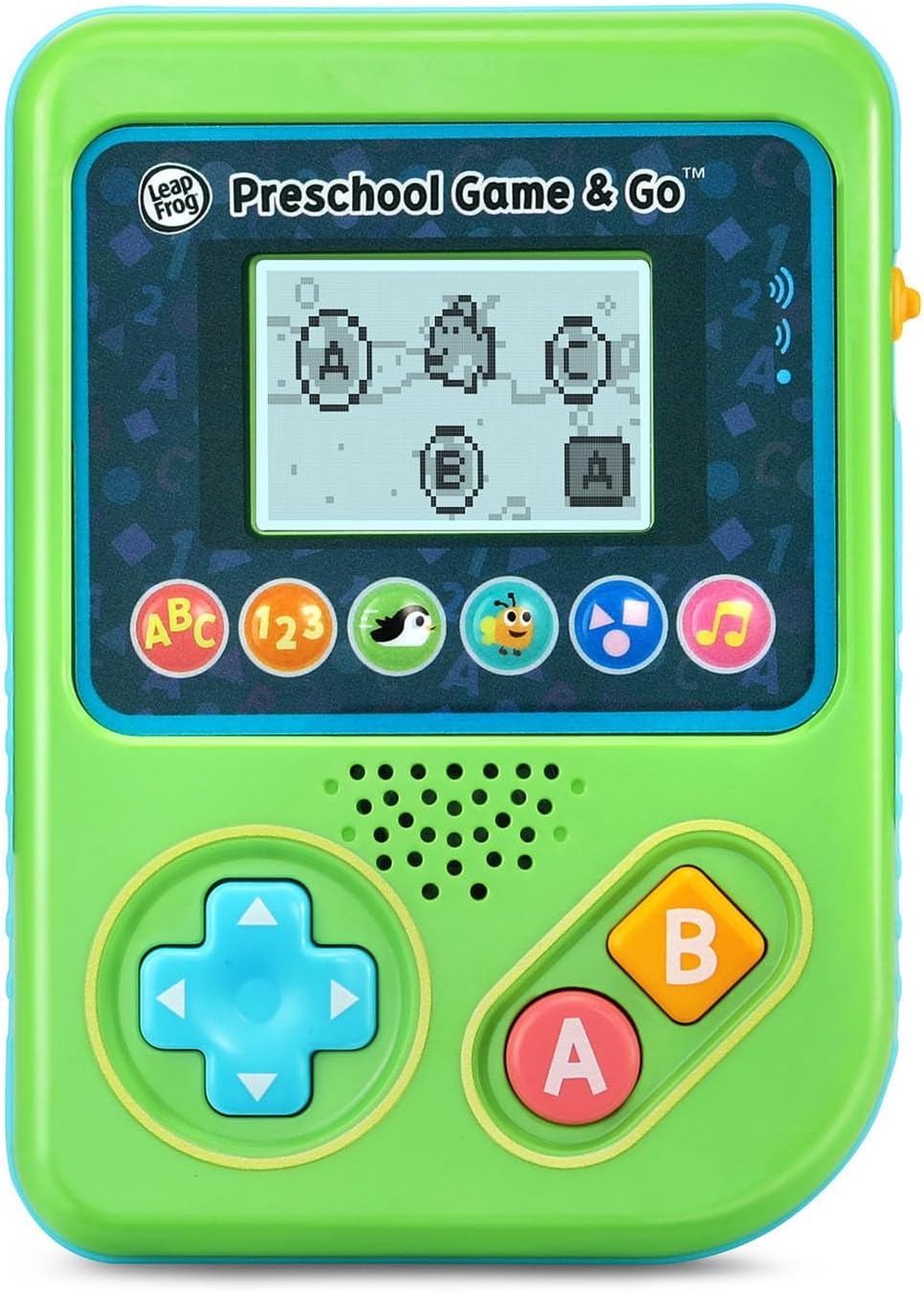
Figure 2: The ABC Swim game interface on the device screen.
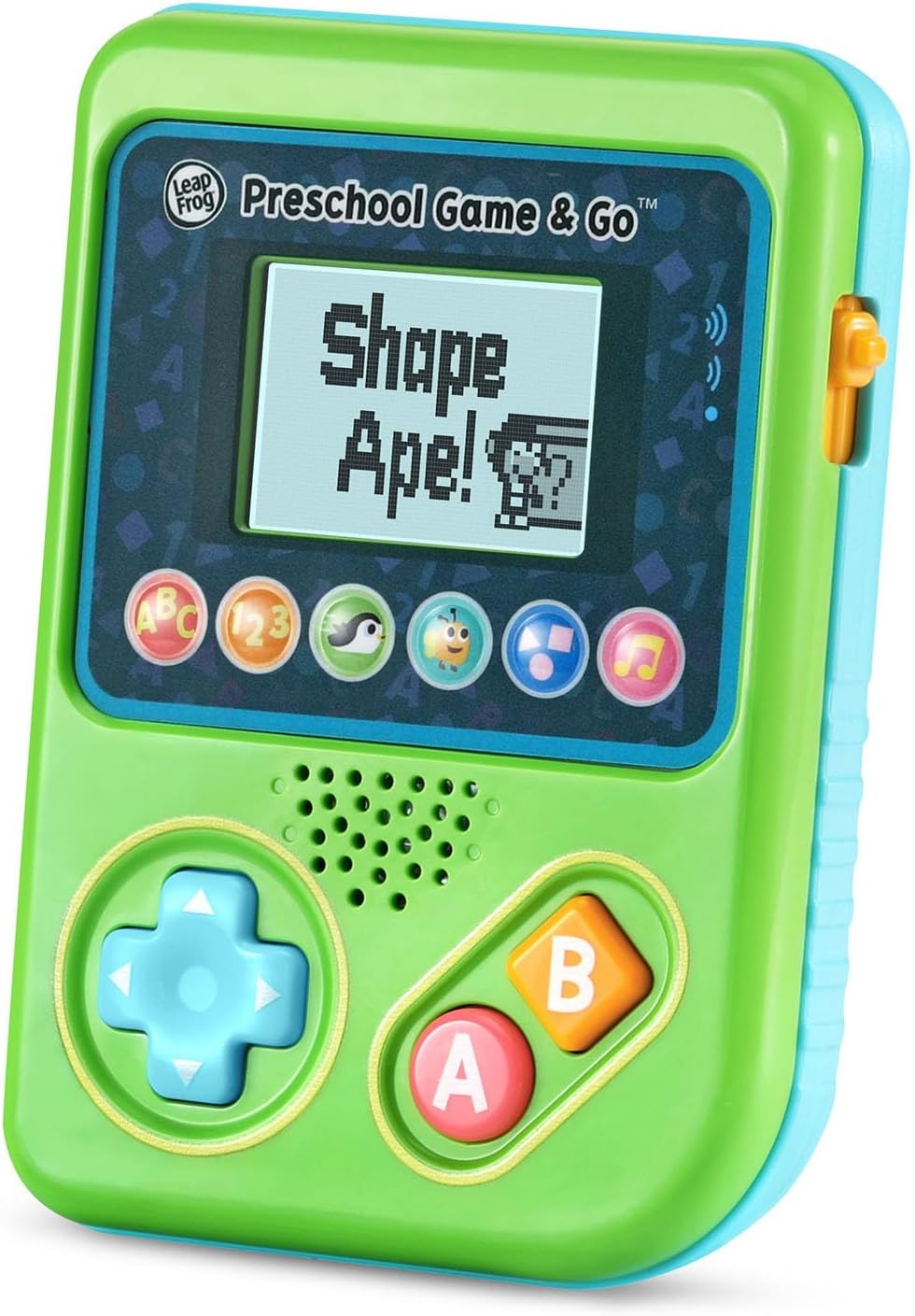
Figure 3: The Shape Ape game interface on the device screen.
Cumail suas
- To clean the device, wipe it with a slightly damp aodach. Na bi a 'bogadh ann an uisge.
- Seachain an inneal a nochdadh gu fìor theodhachd no solas dìreach.
- Thoir air falbh bataraidhean mura tèid an inneal a chleachdadh airson ùine mhòr gus casg a chur air aodion.
Fuasgladh thrioblaidean
- Inneal nach eil a’ tionndadh air: Ensure fresh batteries are correctly installed. Check the power switch position.
- Gun fhuaim no fuaim ìosal: Adjust the volume switch. Replace batteries if sound is distorted or very low.
- Cùisean sgrion: If the screen is blank or flickering, try turning the device off and on again. Replace batteries if the issue persists.
- Putanan neo-fhreagairt: Ensure the device is powered on. If a specific button is unresponsive, try cleaning around it. If the issue continues, replace batteries.
Sònrachaidhean
| Feart | Mion-fhiosrachadh |
|---|---|
| Modail Àireamh | 80-621200 |
| Raon Aois | 2+ Bliadhnaichean |
| Stòr cumhachd | Cumhachd bataraidh |
| Bataraidhean a dhìth | 3 bataraidh AAA (air an toirt a-steach airson taisbeanadh) |
| Seòrsa Rianadair | Smachd putan |
| Seòrsa Taisbeanaidh | Didseatach |
| Stuth | Plastaig |
| Meudan toraidh | 1.3 x 4.1 x 5.6 òirleach |
| Cuideam nì | 6.4 unnsa |
Barantas agus Taic
For warranty information, product registration, or additional support, please refer to the contact information provided in the Quick Start Guide included with your product or visit the official LeapFrog weblàrach. Cùm do chuidhteas ceannach airson tagraidhean barantais.
Ask a question about this manual
Ask about setup, troubleshooting, compatibility, parts, safety, or missing instructions. Manuals+ will review the question and use this page’s manual context to help answer it.