
1. Ro-ràdh
This manual provides essential information for the safe and effective operation of your ComMarker Titan1 60W JPT Mopa Fiber Laser Engraving Machine. Please read this manual thoroughly before operating the device to ensure proper usage and to prevent damage or injury. The ComMarker Titan1 is designed for high-precision engraving and marking on various materials, including metals, plastics, and jewelry, offering advanced features like color marking and 3D engraving capabilities.
2. Fiosrachadh Sàbhailteachd
The ComMarker Titan1 is a Class 1 Laser Product (IEC 60825-1 Report Number: 2501Q25848E-SFA1, FDA Accession No.: 2521455-000). Despite being a Class 1 product, proper safety precautions are crucial during operation.
- Always wear appropriate laser safety goggles when operating the machine.
- Ensure the work area is well-ventilated to dissipate fumes and particles generated during engraving.
- Never look directly into the laser beam or at reflections from shiny surfaces.
- Keep flammable materials away from the engraving area.
- Do not operate the machine if any covers are removed or safety interlocks are bypassed.
- Dèan cinnteach gu bheil an inneal air a shuidheachadh gu ceart.
- Dèan eòlas ort fhèin air àite agus gnìomh a’ phutan stad èiginn.
3. Pasgan-susbaint
Dearbhaich gu bheil a h-uile rud a tha air an liostadh gu h-ìosal air a ghabhail a-steach sa phacaid agad. Ma tha rud sam bith a dhìth no air a mhilleadh, cuir fios gu taic luchd-cleachdaidh.

Ìomhaigh: Tharview of the ComMarker Titan1 60W JPT Mopa Fiber Laser Engraving Machine and its accessories.
- ComMarker Titan1 Laser Engraver Body
- Adapter cumhachd
- Càball Dàta
- Switch coise
- Goggles sàbhailteachd laser
- Sreath Allen Wrench
- USB Drive (containing software and drivers)
- Riaghladair
- Uèir talmhainn
- Placing Helper (material positioning aids)
- Sample Materials (Rings, Metal Pendants, Pendants)
4. Feartan toraidh
- 60W JPT Mopa Laser Source: Provides high-speed engraving up to 15,000mm/s and supports color marking on stainless steel.
- Cruinneas àrd: Achieves 8K HD accuracy with a precision of 0.01mm.
- Large Engraving Area: Maximum engraving area of 300mm x 300mm.
- Motorized Elevation: Features electric lifting for precise height adjustment and focusing.
- Dual Focusing Modes: Supports both manual and electric focusing for optimal results.
- Co-fhreagarrachd bathar-bog: Compatible with Lightburn and EzCad2 software.
- Co-chòrdalachd stuthan farsaing: Engraves stainless steel, aluminum, gold, silver, alloys, most painted products, and non-transparent plastics.
- 3D Engraving & Cutting: Capable of creating depth effects and performing cutting tasks on suitable materials.
- Fad-beatha fada: Designed for durability with a laser source lifespan of 100,000 hours.


5. Stiùirich rèiteachaidh
- A' dì-phapadh: Thoir a h-uile pàirt a-mach às a’ phacaid gu faiceallach. Cùm am pasgan airson còmhdhail no stòradh san àm ri teachd.
- Co-chruinneachadh: Place the laser engraver body on a stable, level surface. Connect the laser head assembly to the main unit, ensuring all fasteners are secure.
- Ceangal cumhachd: Connect the power adaptor to the machine and then to a grounded electrical outlet (110V).
- Bun-stèidh: Attach the provided ground wire to the designated grounding point on the machine and to a suitable ground source.
- Ceangal dàta: Connect the data cable from the machine to your computer.
- Stàladh bathar-bog: Insert the USB drive into your computer. Install the provided EzCad2 software and drivers. If using Lightburn, download and install the latest version from the official Lightburn weblàrach.
- Goggles sàbhailteachd: Always put on the laser safety goggles before powering on the machine.
6. Stiùireadh Obrachaidh
- Cumhachd air: Ensure all connections are secure and safety goggles are worn. Press the power button on the machine.
- Cur air bhog bathar-bog: Open EzCad2 or Lightburn software on your computer.
- Suidheachadh stuthan: Place the material to be engraved on the work platform. Use the placing helpers if needed to secure the material.
- A 'cuimseachadh: Adjust the laser head height using the motorized elevation until the laser is properly focused on the material surface. You can use either manual or electric focusing. Refer to the software's focusing guide for precise adjustment.
- Design Import/Creation: Import your design (BMP, GIF, JPG, JPEG, DXF, DST, AI, etc.) or create a new one within the software.
- Roghainnean paramadair: Set the appropriate laser parameters (power, speed, frequency, passes) based on the material type and desired engraving effect (e.g., color marking, deep engraving, cutting).
- Ro-làimhview (Red Light): Use the red light preview function in the software to verify the engraving area and position on your material.
- Tòisich a 'gràbhaladh: Aon uair ‘s gu bheil thu riaraichte leis an ro-làimhview and parameters, initiate the engraving process from the software. You may use the foot switch for convenient start/stop control.
- Sgrùdadh: Supervise the engraving process. In case of any issue, press the emergency stop button immediately.
- Cumhachd dheth: After engraving is complete, power off the machine and disconnect it from the power source.
7. Cumail suas
- Glanadh Lionsan: Regularly inspect and clean the laser lens with a specialized lens cleaning solution and lint-free wipes to ensure optimal laser performance.
- Raon obrach: Keep the work platform and surrounding area clean from debris and dust.
- Fionnarachadh: Ensure the ventilation system is clear and functioning properly to prevent accumulation of fumes and particles.
- Sgrùdadh càball: Thoir sùil bho àm gu àm air na càbaill uile airson comharran caitheamh no milleadh. Cuir càbaill millte nan àite sa bhad.
- Ùrachaidhean bathar-bog: Keep your engraving software (Lightburn, EzCad2) updated to the latest version for best performance and compatibility.
8. A ’dèanamh trioblaid
| Trioblaid | Adhbhar a dh’fhaodadh a bhith ann | Fuasgladh |
|---|---|---|
| Laser gun losgadh | Power not connected; Emergency stop engaged; Software error; Laser source issue. | Check power connections; Release emergency stop; Restart software/computer; Contact support if laser source is suspected. |
| Droch chàileachd greanta | Incorrect focus; Dirty lens; Incorrect power/speed settings; Material not flat. | Re-focus the laser; Clean the lens; Adjust engraving parameters; Ensure material is flat and secure. |
| Machine not connecting to computer | Loose data cable; Driver not installed; Software not recognizing device. | Check data cable connection; Install/reinstall drivers from USB drive; Restart software/computer. |
| Unexpected machine shutdown | Overheating; Power fluctuation; Loose power connection. | Ensure proper ventilation; Check power supply stability; Secure power cable. |
9. Sònrachaidhean
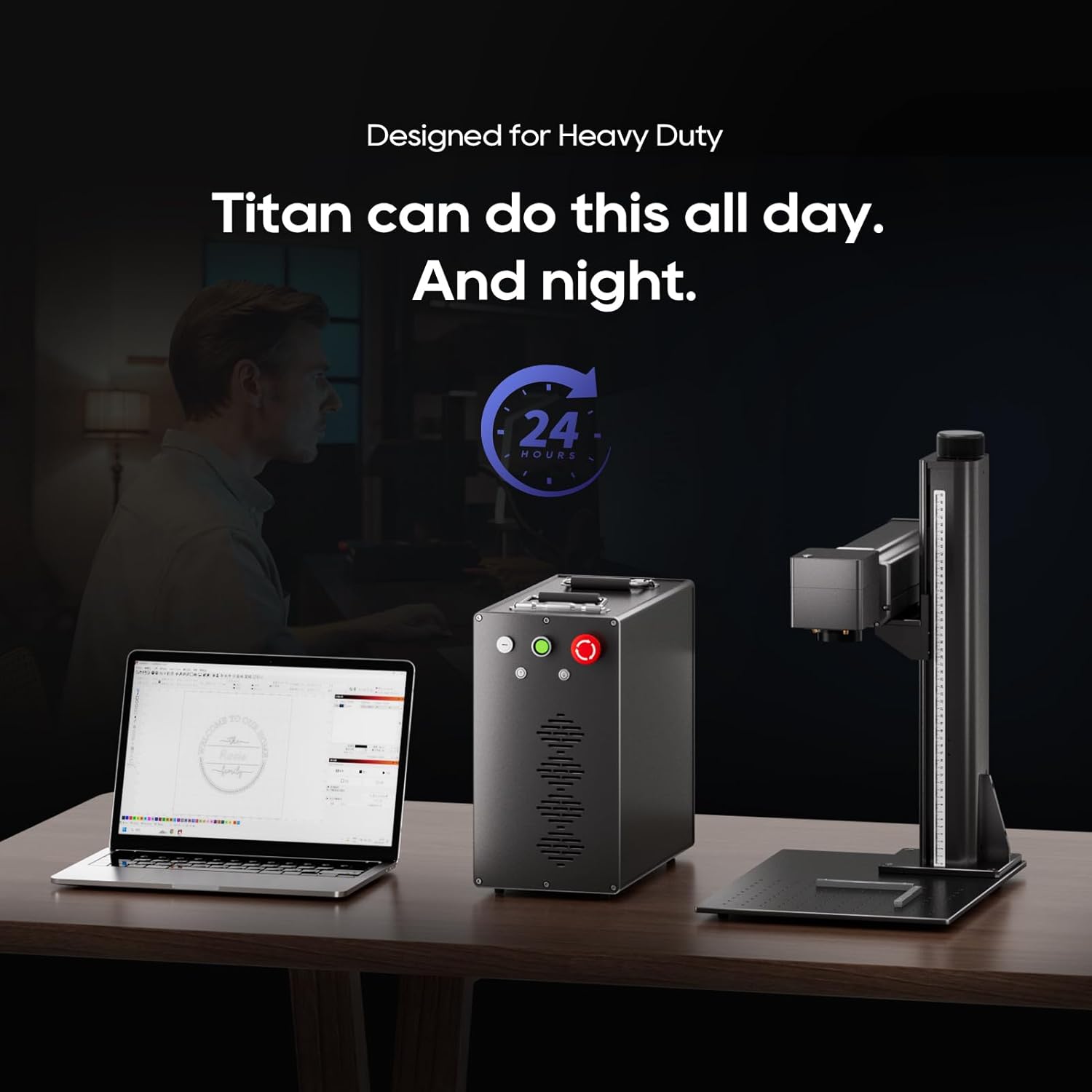
Image: Detailed dimensions of the ComMarker Titan1 60W JPT Mopa Fiber Laser Engraving Machine.
| Feart | Mion-fhiosrachadh |
|---|---|
| Dèanadair | ComMarcair |
| Modail Àireamh | Titan1 Mopa |
| Stòr laser | 60W JPT Mopa Fiber Laser |
| Wavelength laser | 1064 nm |
| Luas gràbhalaidh | Suas gu 15,000mm / s |
| Cruinneas gràbhaladh | 0.01mm, 8K HD |
| Maximum Engraving Area | 300mm x 300mm |
| Stòr cumhachd | AC/DC, 110V |
| Co-chòrdalachd siostam | Windows 7/8/10/11, MAC (Lightburn) |
| Cruthan Grafaigeach a tha air an Taiceadh | BMP, GIF, JPG, JPEG, DXF, DST, AI, etc. |
| Meudan toraidh | 22 x 25.8 x 21.5 òirleach (timcheall air 559 x 655 x 546 mm) |
| Clas laser | Class 1 Laser Product (IEC 60825-1) |
10. Barantas agus Taic
For warranty information, please refer to the documentation included with your purchase or contact ComMarker customer support directly. If you encounter any issues not covered in this manual or require technical assistance, please reach out to ComMarker customer service through their official website or the contact information provided at the time of purchase.
Goireasan air-loidhne: For additional guides, software updates, and community support, visit the official ComMarker weblàrach.