
Ro-ràdh
This manual provides essential information for setting up, operating, maintaining, and troubleshooting your Acer Aspire 14 AI Copilot+ PC. This high-performance laptop features an Intel Core Ultra 7 Processor, 32GB LPDDR5X RAM, a 1TB PCIe Gen 4 SSD, and a 14-inch WUXGA Touchscreen Display, designed for enhanced productivity and AI-powered experiences.
Stiùireadh rèiteachaidh
1. Dì-phapadh agus sgrùdadh tùsail
Carefully remove your Acer Aspire 14 PC and its accessories from the packaging. Ensure all components, including the AC Adapter, are present and undamaged.

Figure 1: Acer Aspire 14 AI Copilot+ PC, open and ready for setup.
2. A’ ceangal an inneal-atharrachaidh cumhachd
Connect the AC Adapter to the power port on your laptop and then plug it into a power outlet. It is recommended to fully charge the battery before initial use.
3. A’ chiad chumhachd air agus suidheachadh Windows
Press the power button to turn on your PC. Follow the on-screen instructions to complete the Windows 11 Home setup, including language selection, network connection, and user account creation.
4. Ceangal Peripherals
Your PC supports various compatible devices. Use the available ports to connect external displays via HDMI, mice, keyboards, storage devices, printers, or wireless headphones. For wireless connectivity, utilize Wi-Fi 6E and Bluetooth 5.3.

Figear 2: Taobh view a’ mìneachadh phuirt a tha rim faighinn airson ceanglaichean iomaill.
Stiùireadh Obrachaidh
Obrachadh Bunaiteach
- Cumhachd air / dheth: Press the power button located on the keyboard deck to turn the device on or off.
- Sgrion-touch: The 14-inch WUXGA (1920 x 1200) display is multi-touch enabled. Interact directly with the screen using your fingers for navigation and input.
- Touch Pad: Use the integrated touchpad for cursor control and gesture-based navigation.
- Meur-chlàr backlit: The keyboard features backlighting for comfortable typing in various lighting conditions.

Figear 3: Suas gu h-àrd view den mheur-chlàr agus am pada-suathaidh le solas cùil.
AI Copilot+ Features
Leverage the integrated AI Copilot+ capabilities for enhanced productivity and creative tasks. The Intel Core Ultra 7 Processor with its Neural Processing Unit (NPU) and Intel Arc 140V GPU accelerates AI workloads, providing faster performance for AI-driven applications.
Taisbeanadh agus grafaigean
The 14-inch WUXGA (1920 x 1200) IPS LED-Backlit display offers vibrant visuals with 300-Nits brightness and a 120Hz refresh rate. The integrated Intel Arc 140V GPU handles graphics processing efficiently for both work and entertainment.
WebCleachdadh camara
The integrated FHD Webcam (1920 x 1080) with Blue Glass supports 1080p FHD video, ideal for video conferencing and online communication.
Ceangalachd
The device supports Wi-Fi 6E (2.4GHz, 5GHz, and 6GHz bands with 2x2 MU-MIMO Technology) and Bluetooth 5.3 for robust wireless connections.
Cumail suas
Cleaning Your PC
Use a soft, lint-free cloth to clean the screen and exterior surfaces. For stubborn smudges, slightly dampNigh an clò le uisge no le inneal-glanaidh a tha sàbhailte airson sgrionaichean. Seachain ceimigean cruaidh no stuthan sgrìobach.
Ùrachaidhean bathar-bog
Regularly check for and install operating system and driver updates to ensure optimal performance and security. Windows 11 Home will prompt you for necessary updates.
Cùram Bataraidh
To prolong battery life, avoid extreme temperatures and allow the battery to discharge partially before recharging. For long-term storage, charge the battery to about 50%.
Riaghladh Stòraidh
The 1TB PCIe Gen 4 Solid State Drive provides ample storage. Regularly back up important data and manage files gus coileanadh an t-siostaim a chumail suas.
Fuasgladh thrioblaidean
Cùisean Coitcheann agus Fuasglaidhean
- PC not powering on: Dèan cinnteach gu bheil an inneal-atharrachaidh AC ceangailte gu tèarainte agus gu bheil an socaid cumhachd ag obair. Feuch socaid eadar-dhealaichte.
- Cùisean taisbeanaidh: If the screen is blank or flickering, try restarting the PC. Check external display connections if applicable.
- Gun cheangal Wi-Fi: Verify that Wi-Fi is enabled in Windows settings. Restart your router and PC.
- Coileanadh slaodach: Close unnecessary applications. Check for background processes and ensure sufficient free storage space.
For more complex issues, refer to the Acer support weblàrach-lìn no cuir fios gu seirbheis teachdaiche.
Sònrachaidhean Bathar
| Feart | Sònrachadh |
|---|---|
| Brand | Acer |
| Ainm Modail | Aspire 14 |
| Modail Àireamh | A14-52mt-701k |
| Pròiseasar | Intel Core Ultra 7 Processor 258V (up to 4.8 GHz) |
| RAM | 32 GB LPDDR5X |
| Stòradh | SSD 1 TB PCIe Gen 4 |
| Taisbeanadh | 14" WUXGA (1920 x 1200) Multi-Touch IPS LED-Backlit, 300 Nits, 120Hz Refresh Rate |
| Grafaigean | Intel Arc 140V GPU (Integrated) |
| Siostam-obrachaidh | Windows 11 dachaigh |
| Ceangalachd | Wi-Fi 6E, Bluetooth 5.3 |
| Puirt | 3x USB Ports, 1x Thunderbolt Port, HDMI |
| Webcam | Integrated FHD (1920 x 1080) with Blue Glass |
| Feartan sònraichte | AI Copilot+, Enhanced Webcamara, meur-chlàr le solas cùil |
| Dimensions (L x W x Thickness) | 13"F x 1"L x 9"À |
| Cuideam nì | 1.8 cileagram |
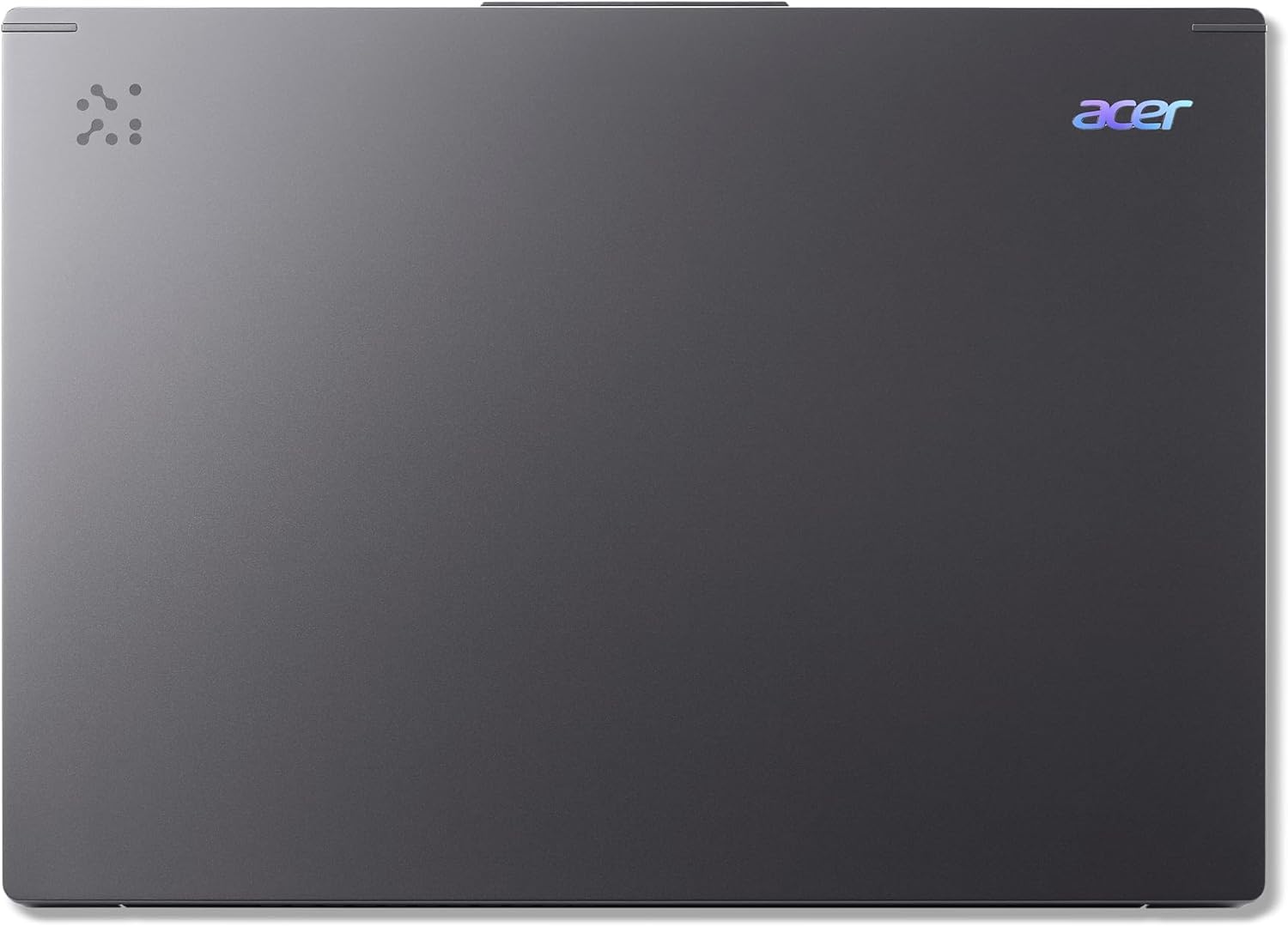
Figure 4: The Acer Aspire 14 AI Copilot+ PC in a closed state.
Fiosrachadh Barantais
Your Acer Aspire 14 AI Copilot+ PC comes with a Barantas Dèanadair 1 Bliadhna. Please retain your proof of purchase for warranty claims. For detailed terms and conditions, refer to the warranty card included with your product or visit the official Acer weblàrach.
Taic Luchd-cleachdaidh
For further assistance, technical support, or service inquiries, please visit the official Acer support website or contact their customer service hotline. You can find contact information and resources on the Acer weblàrach: www.acer.com/support.