
ARCCTV P2
ARCCTV 2K Security Camera Outdoor P2 User Manual
Modail: P2
1. Ro-ràdh
This manual provides detailed instructions for the installation, operation, and maintenance of your ARCCTV 2K Security Camera Outdoor P2. Please read this manual thoroughly before using the product to ensure correct usage and optimal performance. Keep this manual for future reference.

Dealbh 1.1: Aghaidh view of the ARCCTV 2K Security Camera Outdoor P2.
2. Dè tha sa bhogsa
Dèan cinnteach gu bheil na pàirtean uile anns a’ phacaid:
- Corp camara
- Adaptor Cumhachd 5V1A
- Sgriothan-sreap (seata)
- Screw Positioning Sticker
- Stiogair Rabhadh
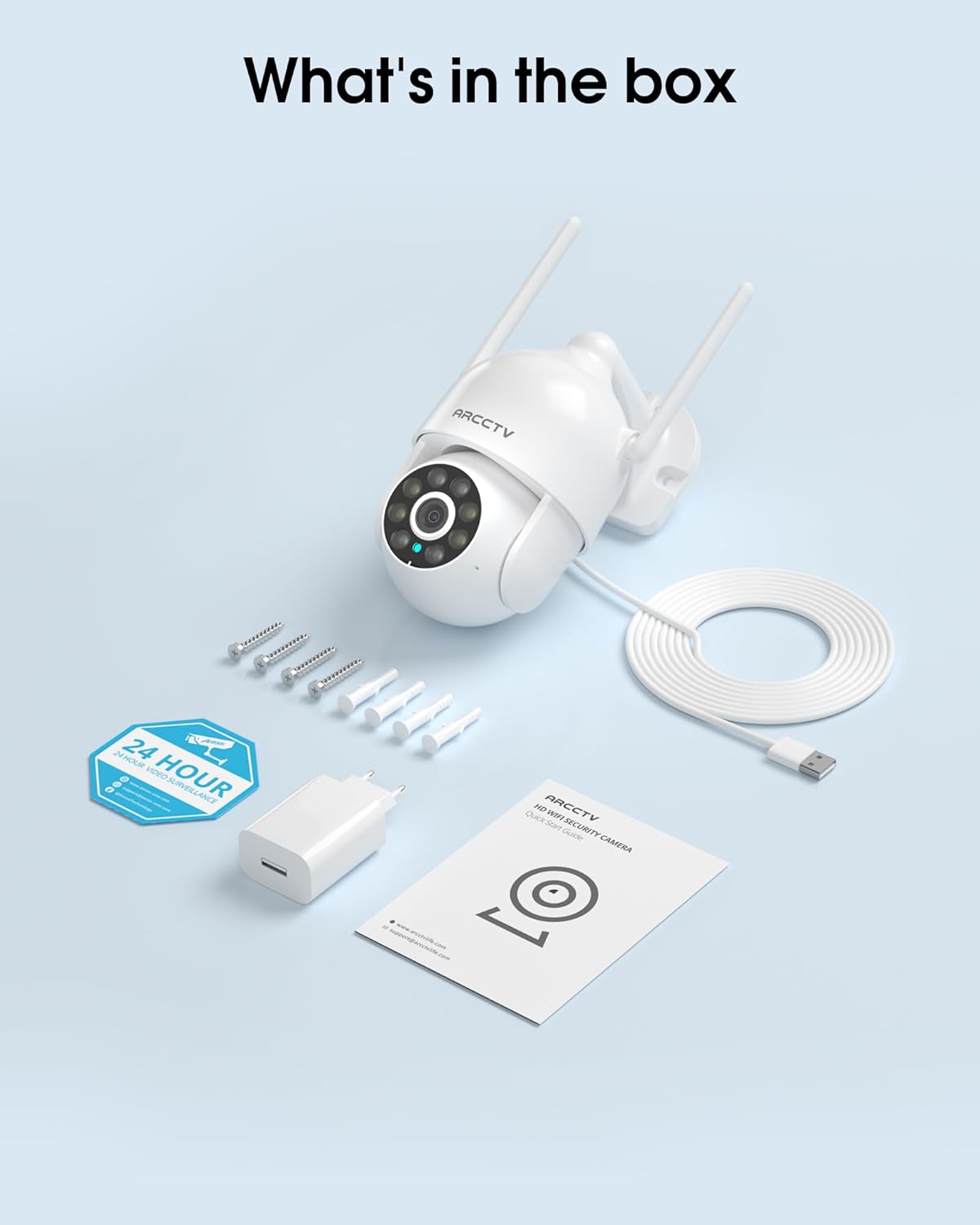
Image 2.1: All items included in the ARCCTV 2K Security Camera package.
3. Feartan toraidh
- Fuasgladh 2K Ultra HD: Provides clear 2304x1296p video.
- Sealladh Oidhche làn-dhathte: Built-in spotlight enables vivid color monitoring in low light.
- 360° Pan-Tilt-Zoom (PTZ): Remotely control 355° horizontal and 90° vertical rotation.
- Tracadh Gluasad Fèin-ghluasadach: Smart AI automatically follows and records detected movement.
- WiFi dà-chòmhlan: Supports both 2.4G and 5G WiFi for stable connectivity.
- Fuaim dà-shligheach: Micreofon agus neach-labhairt togte airson conaltradh.
- IP66 Dìon-sìde: Durable design for outdoor use in various weather conditions (-4°F ~ 122°F).
- Stòradh sùbailte: A’ toirt taic do stòradh cairt microSD ionadail (suas ri 128GB, gun a bhith air a ghabhail a-steach) agus stòradh sgòthan roghainneil.
- Clàradh 24/7: Continuous recording capability with stable power supply.
4. Suidhich
4.1 Stàladh
- Tagh àite: Tagh àite a-muigh le solas soilleir view of the area you wish to monitor. Ensure it is within range of your Wi-Fi network and a power outlet.
- Stàlaich an camara: Use the provided screw positioning sticker to mark drill holes. Drill holes, insert wall anchors, and secure the camera body to the wall using the mounting screws.
- Ceangal cumhachd: Plug the 5V1A power adapter into the camera and then into a power outlet. The camera will power on and begin its startup sequence.
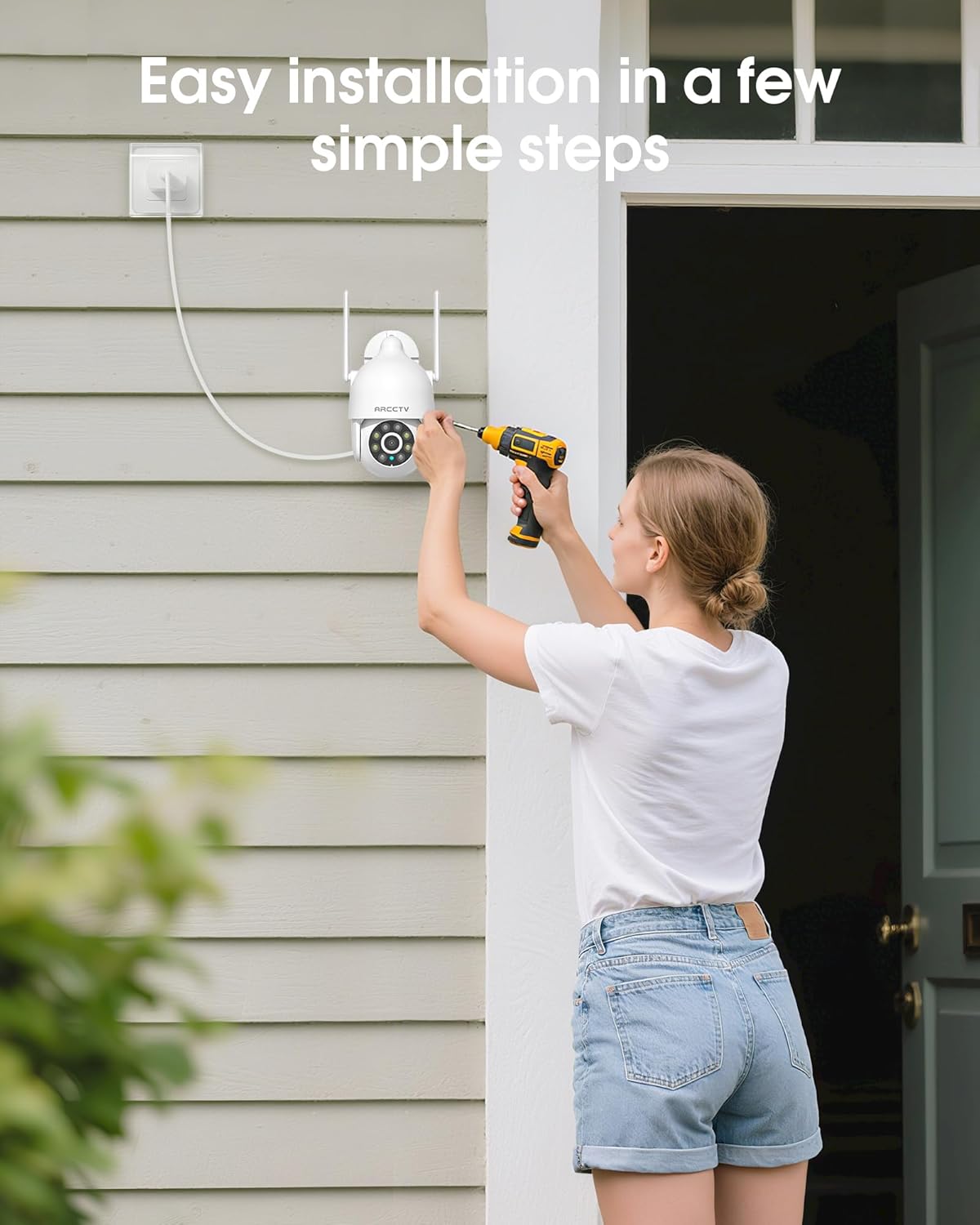
Image 4.1: Illustration of easy camera installation steps.
4.2 Luchdaich sìos an aplacaid agus cruthachadh cunntas
- Download the official ARCCTV app from your smartphone's app store (iOS or Android).
- Fosgail an aplacaid agus lean an stiùireadh air an sgrion gus cunntas ùr a chruthachadh no log a-steach ma tha fear agad mu thràth.
Ceangal Wi-Fi 4.3
- Anns an aplacaid, tap air an ìomhaigh “Cuir Inneal ris” no “+”.
- Select your camera model and follow the prompts to connect it to your Wi-Fi network. The camera supports both 2.4GHz and 5GHz bands for stable connectivity.
- Dèan cinnteach gu bheil am fòn cliste agad ceangailte ris an aon lìonra Wi-Fi rè a’ phròiseas rèiteachaidh.
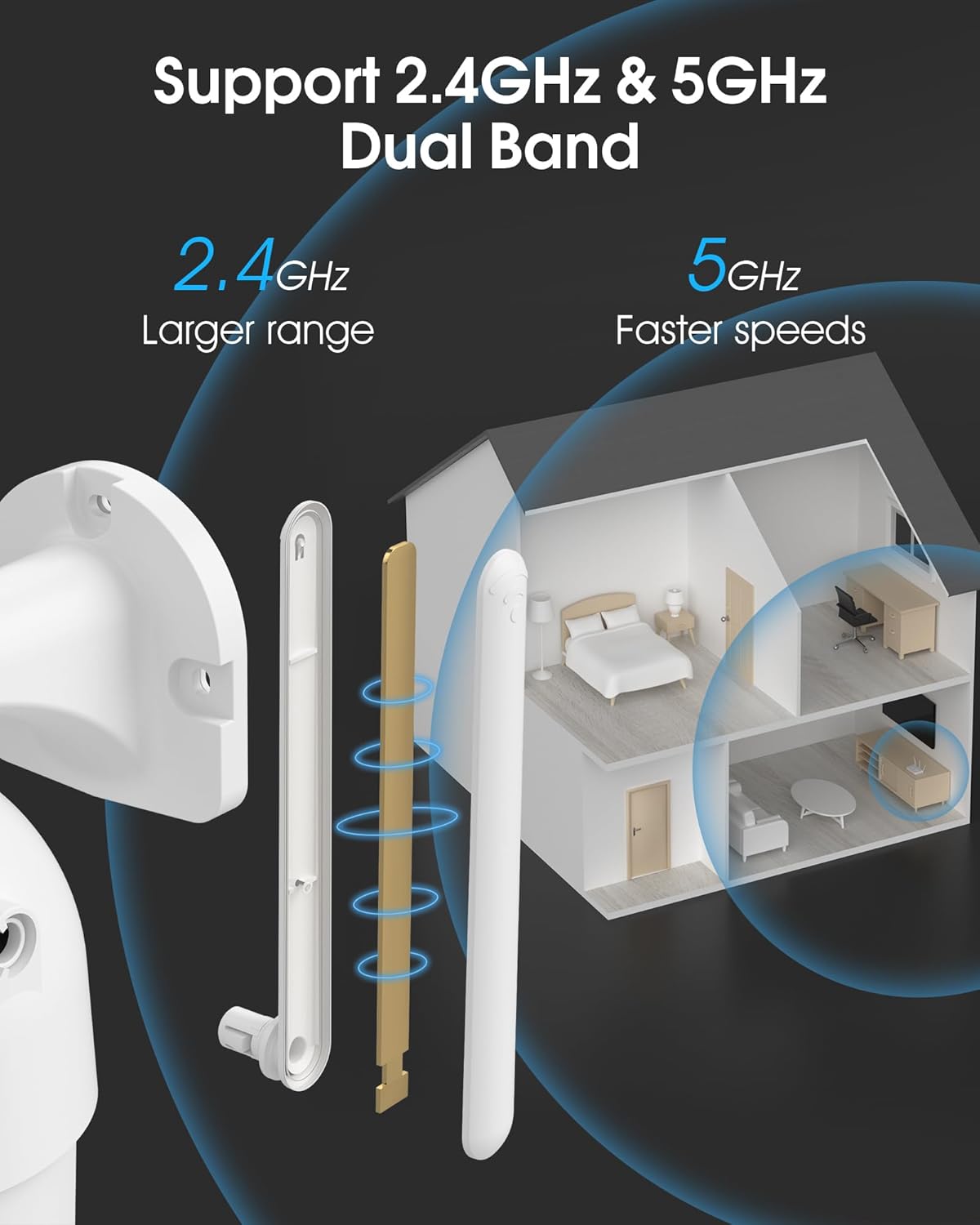
Image 4.2: The camera supports both 2.4GHz (larger range) and 5GHz (faster speeds) Wi-Fi bands.
4.4 Stàladh Cairt MicroSD (Roghainneil)
For local storage, install a microSD card (up to 128GB, not included) into the designated slot on the camera. Ensure the camera is powered off before inserting or removing the card.
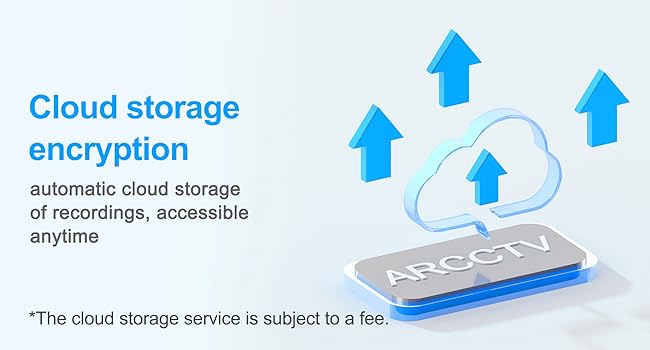
Image 4.3: Location of the microSD card slot on the camera.
5. A’ cleachdadh a’ chamara
5.1 Beò View
Open the ARCCTV app and select your camera to view the live feed. You can monitor your property in real-time.
5.2 Smachd Pan-Tilt-Zoom (PTZ)
Air an beò view screen, use the directional controls to rotate the camera horizontally (Pan: 355°) and vertically (Tilt: 90°) to adjust the viewing angle. You can also set preset points for quick navigation.
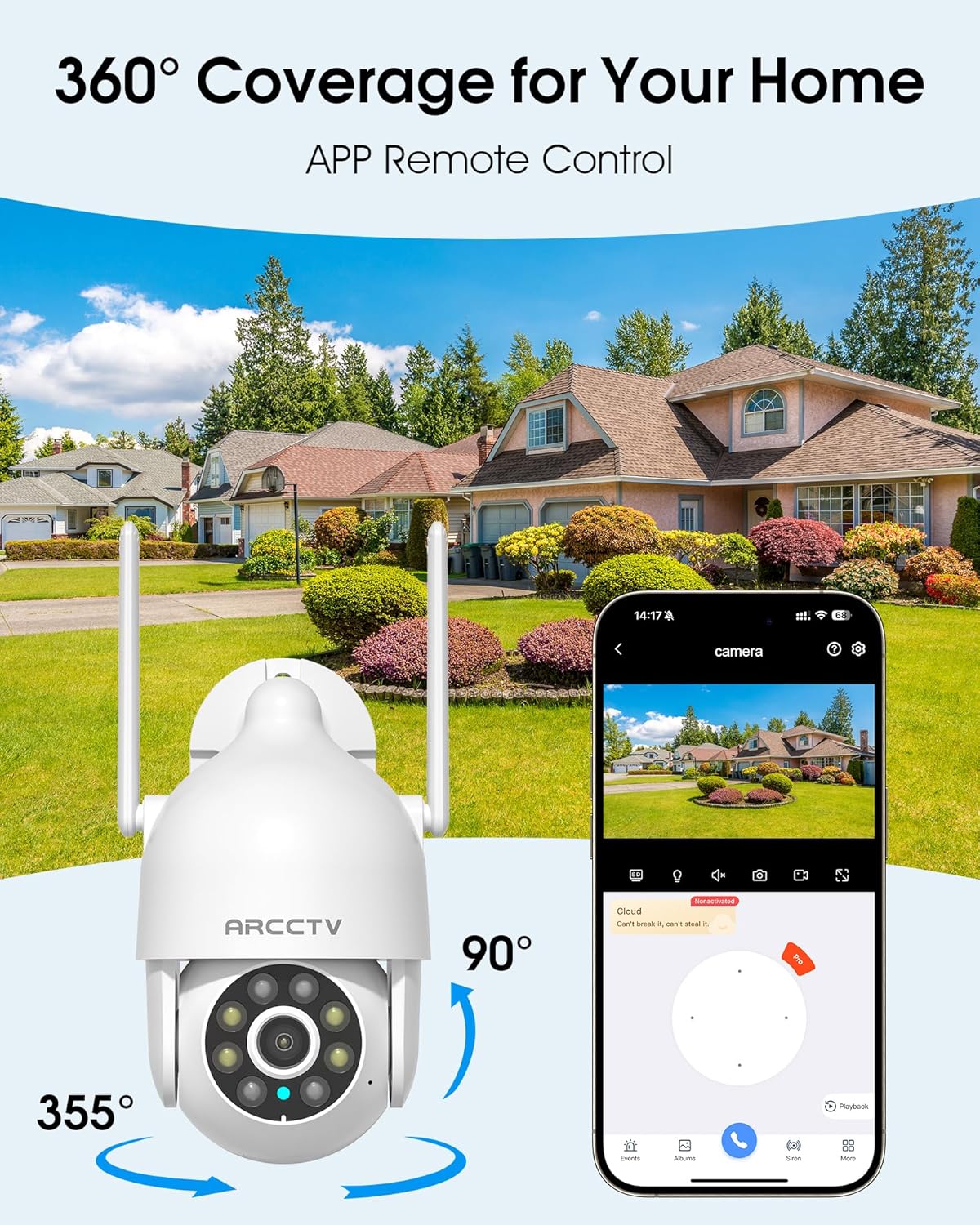
Image 5.1: The camera offers 360° coverage through remote pan and tilt controls.
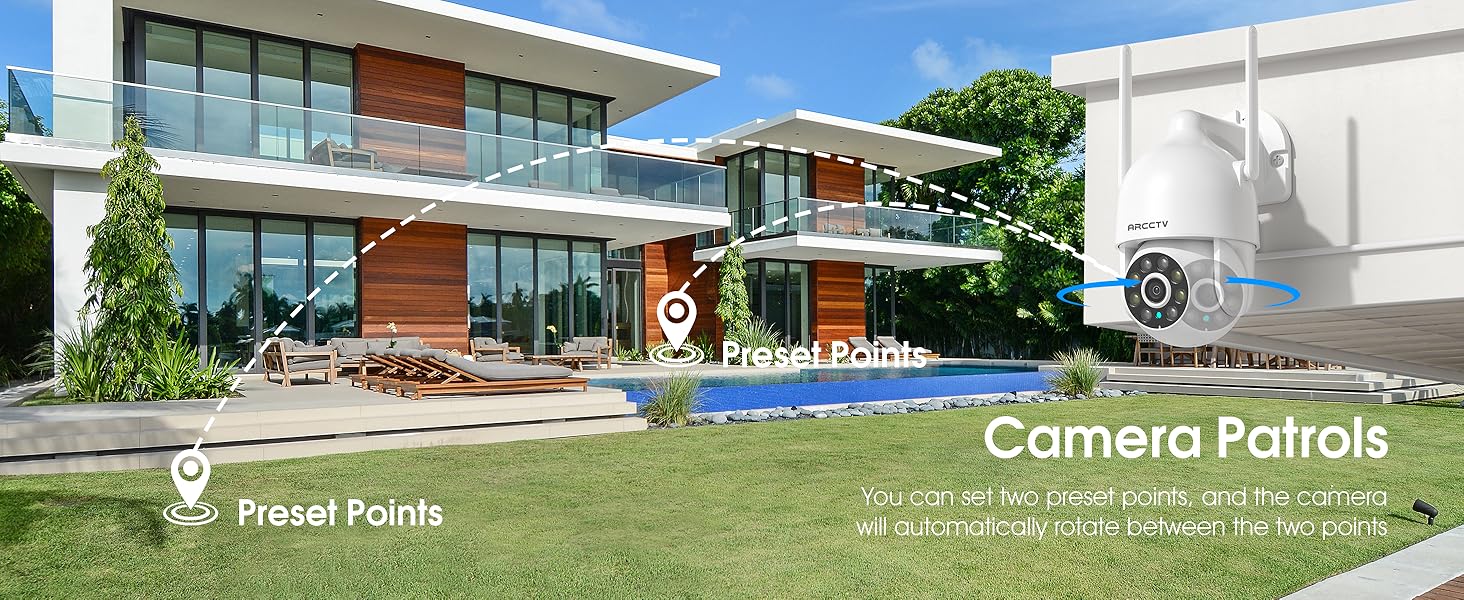
Image 5.2: Setting up camera patrol routes between preset points.
5.3 Motion Tracking and Alerts
The camera features smart AI motion tracking that automatically follows detected movement. You can customize alert zones and receive instant notifications on your smartphone when motion is detected.

Image 5.3: The camera's smart motion tracking feature in action.

Image 5.4: Instant alerts with customizable settings, including spotlight, siren, and two-way audio.
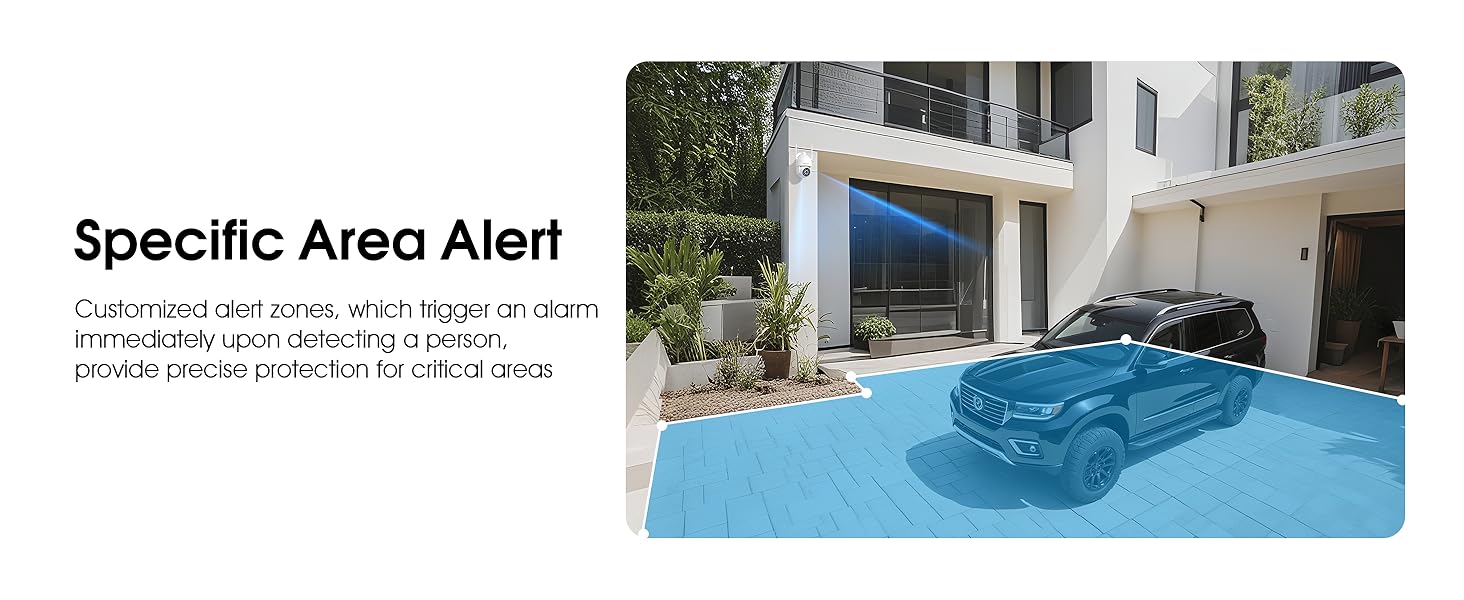
Image 5.5: Setting up specific area alerts for precise protection.
5.4 Modhan Sealladh Oidhche
The camera offers both full-color night vision (activated by the built-in spotlight) and infrared night vision for clear monitoring in various low-light conditions.

Image 5.6: Comparison of Color Night Vision and Infrared Night Vision.
5.5 Fuaim Dà-shligheach
Use the two-way audio feature to communicate with visitors or deter unwanted guests directly through the camera's built-in microphone and speaker.
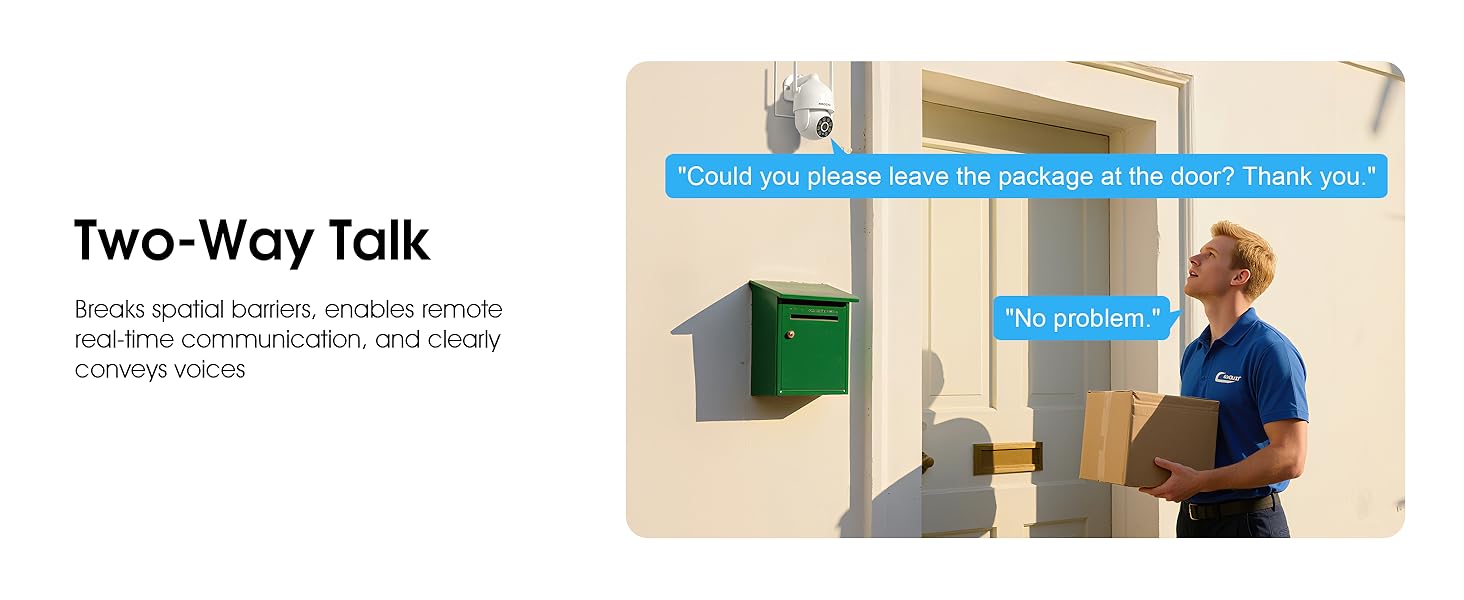
Image 5.7: Utilizing two-way talk for remote communication.
5.6 Clàradh agus Ath-chluich
The camera supports 24/7 continuous recording. Footage can be saved to a local microSD card (up to 128GB) or to optional cloud storage. Access recorded videos through the app's playback function.

Image 5.8: The camera provides 24/7 recording capabilities.
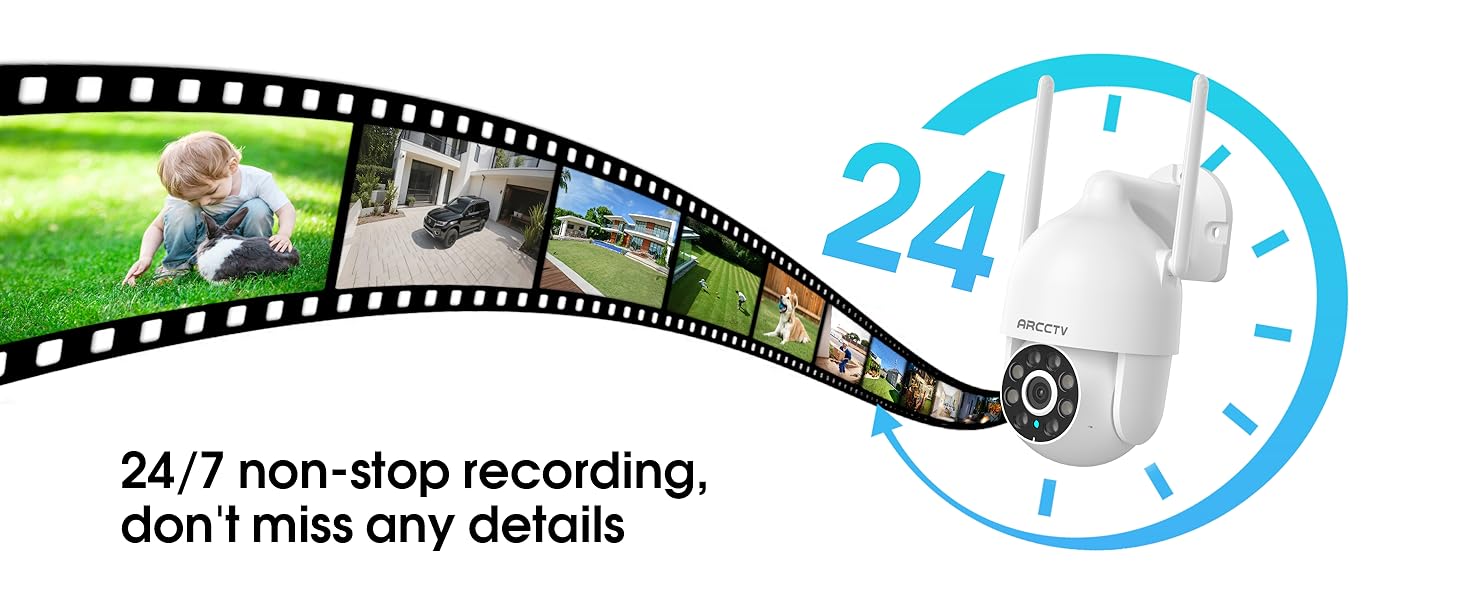
Image 5.9: Continuous 24/7 recording ensures no details are missed.
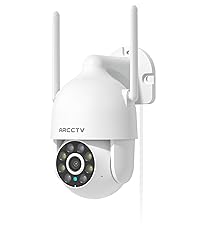
Image 5.10: Cloud storage encryption for secure and accessible recordings (subscription may apply).
5.7 Roinneadh Teaghlaich
The app supports multi-member sharing, allowing family members to view the camera feed and collaborate on security monitoring.
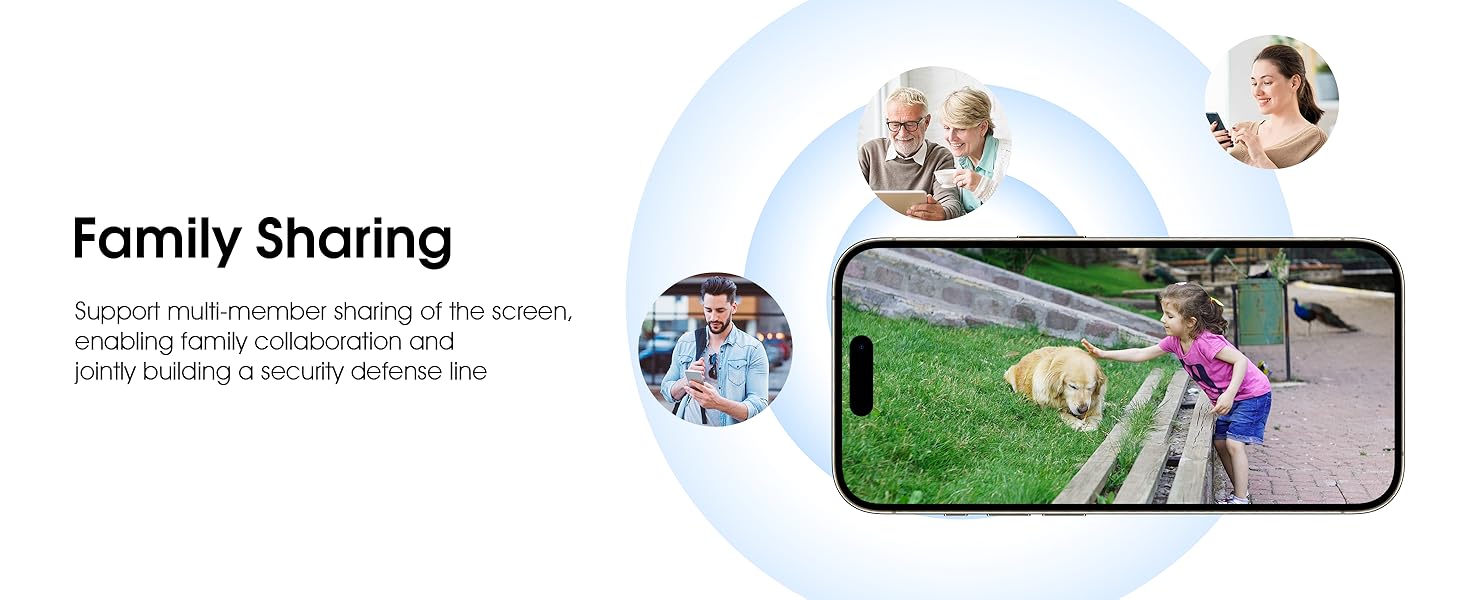
Image 5.11: The family sharing feature allows multiple users to access the camera feed.
5.8 Co-chòrdalachd Alexa
The camera is compatible with Alexa, allowing you to check the monitoring screen using voice commands.
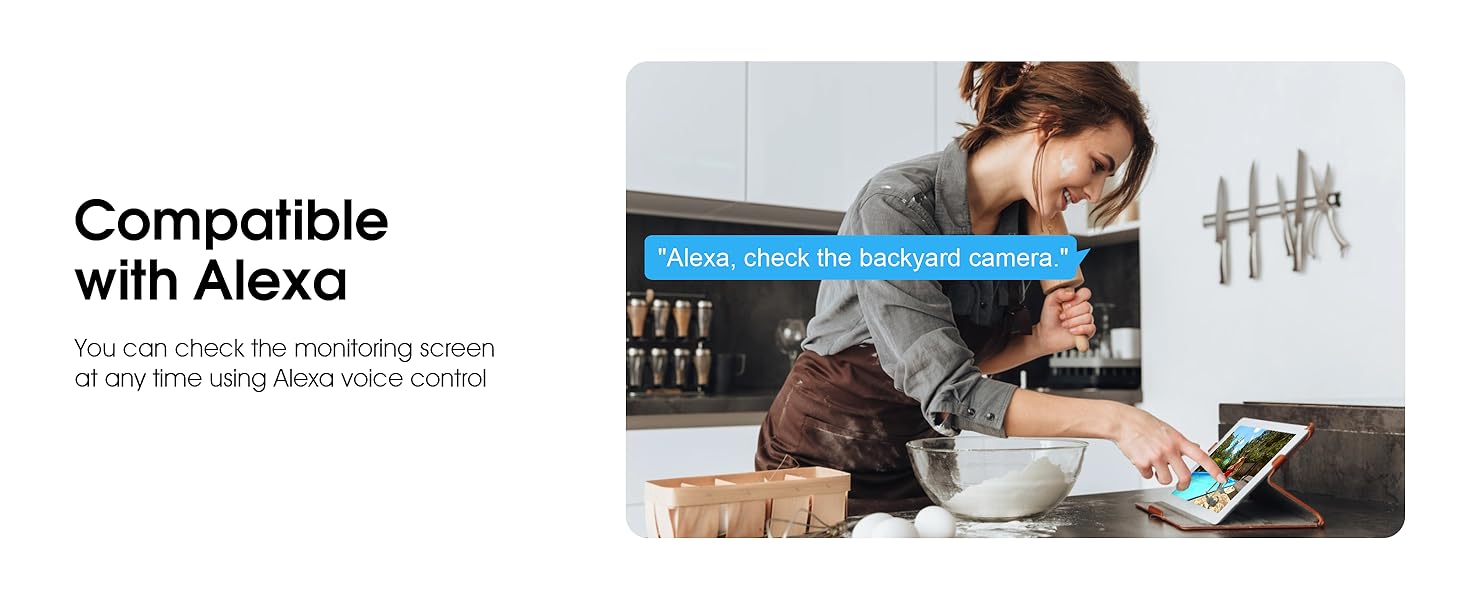
Image 5.12: Voice control via Alexa for convenient monitoring.
6. Cumail suas
6.1 Glanadh a’ Chamara
Glan lionsa is taigheadas a’ chamara bho àm gu àm le clò bog, tioram.amp clò gus duslach is sprùilleach a thoirt air falbh. Na cleachd ceimigean cruaidh no innealan-glanaidh sgrìobach.
6.2 Ùrachaidhean Firmware
Ensure your camera's firmware is up to date for optimal performance and security. Check for updates within the ARCCTV app and follow the instructions to install them.
6.3 Stiùireadh Stòraidh
If using a microSD card, regularly check its status in the app. Format the card periodically to maintain performance. For cloud storage, manage your subscription and storage space through the app.
7. A ’dèanamh trioblaid
- Camara gun cheangal ri Wi-Fi:
- Ensure your Wi-Fi network is 2.4GHz or 5GHz and has a strong signal at the camera's location.
- Verify the Wi-Fi password is entered correctly.
- Ath-thòisich an router agad agus a’ chamara.
- Càileachd Ìomhaigh truagh:
- Glan an lionsa camara.
- Dèan cinnteach gu bheil solas iomchaidh ann airson an coileanadh as fheàrr de lèirsinn oidhche.
- Thoir sùil air astar do cheangail eadar-lìn.
- Dearbhadh gluasad nach eil ag obair:
- Dearbhaich gu bheil lorg gluasad air a chomasachadh ann an roghainnean an aplacaid.
- Atharraich roghainnean cugallachd.
- Dèan cinnteach nach eil bacadh sam bith ann an raon a’ chamara view.
- No Recording to MicroSD Card:
- Ensure a microSD card is properly inserted and formatted in the app.
- Check if the card is full; consider formatting or replacing it.
- Dearbhaich roghainnean clàraidh san aplacaid.
8. Sònrachaidhean
| Feart | Sònrachadh |
|---|---|
| Ainm Modail | P2 |
| Cleachdadh a-staigh / a-muigh | A-muigh |
| Fuasgladh glacadh bhidio | 2K (2304x1296p) |
| Teicneòlas ceangail | Wireless (Wi-Fi) |
| Teicneòlas conaltraidh gun uèir | Wi-Fi (2.4G/5G Dual-Band) |
| Viewann an Ceàrn | 360 Degrees (355° Pan, 90° Tilt) |
| Raon Lèirsinn Oidhche | 50 troigh |
| Ìre an aghaidh uisge | IP66 uisge-dhìonach |
| Stòr cumhachd | Adapter cumhachd 5V1A |
| Cuimhne Flash le taic Meud as àirde | 128 GB (MicroSD) |
| Comasan Clàraidh Claisneachd is Lèirsinneach | Bhidio & Fuaim |
| Feart sònraichte | 2-Way Audio, Motion Tracking, Full Color Night Vision |
| Meudan nì L x W x H | 7.8 x 6.6 x 5.3 òirleach |
| Cuideam nì | 1.39 not |
9. Barantas agus Taic
For warranty information and technical support, please refer to the official ARCCTV website or contact their customer service directly. Contact details are typically provided on the product packaging or within the mobile application.
Ask a question about this manual
Ask about setup, troubleshooting, compatibility, parts, safety, or missing instructions. Manuals+ will review the question and use this page’s manual context to help answer it.