
Ro-ràdh
This manual provides essential information for the assembly, operation, maintenance, and troubleshooting of your Deli Gaming Table E91511. Please read these instructions carefully before assembly and use to ensure proper function and longevity of your product.
Rabhaidhean Sàbhailteachd
- Cruinnich an deasg an-còmhnaidh a rèir an stiùiridh a tha air a thoirt seachad.
- Ensure the desk is properly anchored to the floor to prevent tipping, especially when using heavy setups.
- Be cautious when moving the desk, as it may require two people due to its size and weight.
- Do not overload the desk beyond its specified weight capacity.
- Cùm pàirtean beaga air falbh bhon chloinn aig àm co-chruinneachadh.
Susbaint pacaid
Before beginning assembly, verify that all components are present and undamaged. Refer to the included assembly instructions for a detailed list of parts and hardware. Typically, the package includes:
- Desktop surface (Metal and Composite)
- Desk legs (K-type carbon steel frame)
- Crossbars and support beams
- Bathar-cruaidh cruinneachaidh (sgriuban, boltaichean, leacan)
- Assembly tools (if included, otherwise standard tools like a screwdriver may be required)
- Leabhar-làimhe stiùiridh
Suidheachadh agus Seanadh
The Deli Gaming Table E91511 is designed for quick assembly with minimal tools. Follow the step-by-step instructions provided in the separate assembly guide included with your product. Ensure you have adequate space for assembly and consider having a second person assist with lifting and positioning larger components.
Ceumannan na Seanadh Coitcheann:
- Fosgail na pàirtean uile agus cuir iad air uachdar glan, bog gus casg a chur air sgrìoban.
- Attach the K-shaped table legs to the main support frame using the provided hardware. Ensure all connections are secure.
- Carefully place the desktop surface onto the assembled leg frame. Align the pre-drilled holes.
- Secure the desktop to the frame using the remaining hardware. Do not overtighten.
- Verify all screws and bolts are tightened and the desk is stable before placing any equipment on it.

Image: Close-up of the K-shaped table legs, demonstrating the stable structure.
Stiùireadh Obrachaidh
The Deli Gaming Table E91511 offers a spacious and stable surface for various uses, including gaming, streaming, home office work, and student workstations.
- Wider Gaming Surface: The 120 cm width accommodates dual monitors or extra peripherals, providing ample àite airson do shuidheachadh.
- Dealbhadh ergonomic: The desk is designed for comfortable use, allowing for extended periods of activity without discomfort.
- Riaghladh càbaill: Utilize the integrated 3D cable management box (if applicable) to keep your cables organized and your workspace tidy.
- Comas luchdaidh: The desk is engineered for heavy setups and consistent use. Ensure weight is distributed evenly.
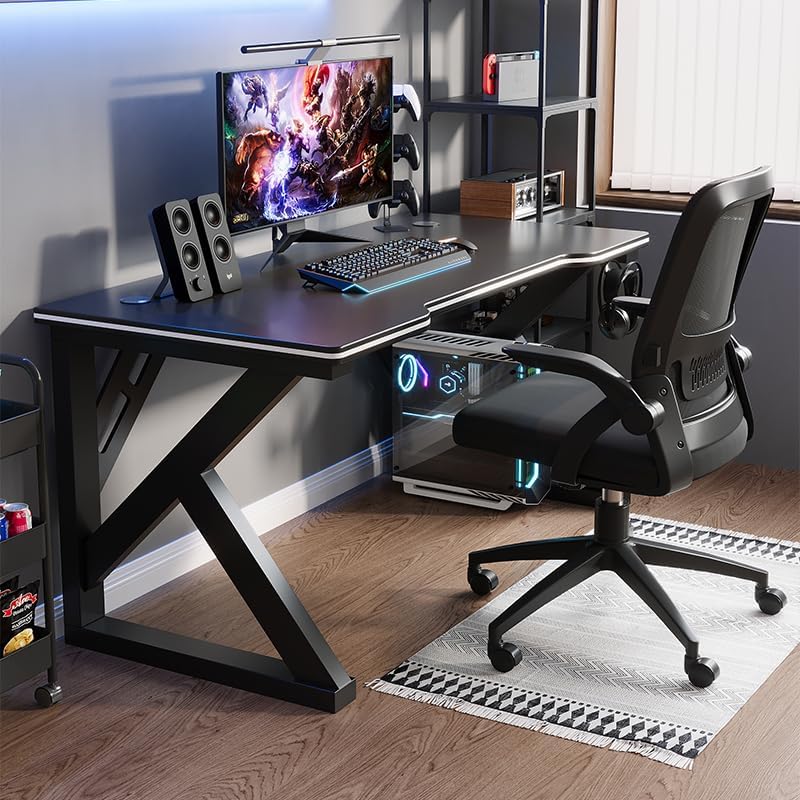
Image: A gaming setup on the Deli Gaming Table, illustrating its spacious surface.

Ìomhaigh: Suas is sìos view of a user at the Deli Gaming Table, highlighting ergonomic design.
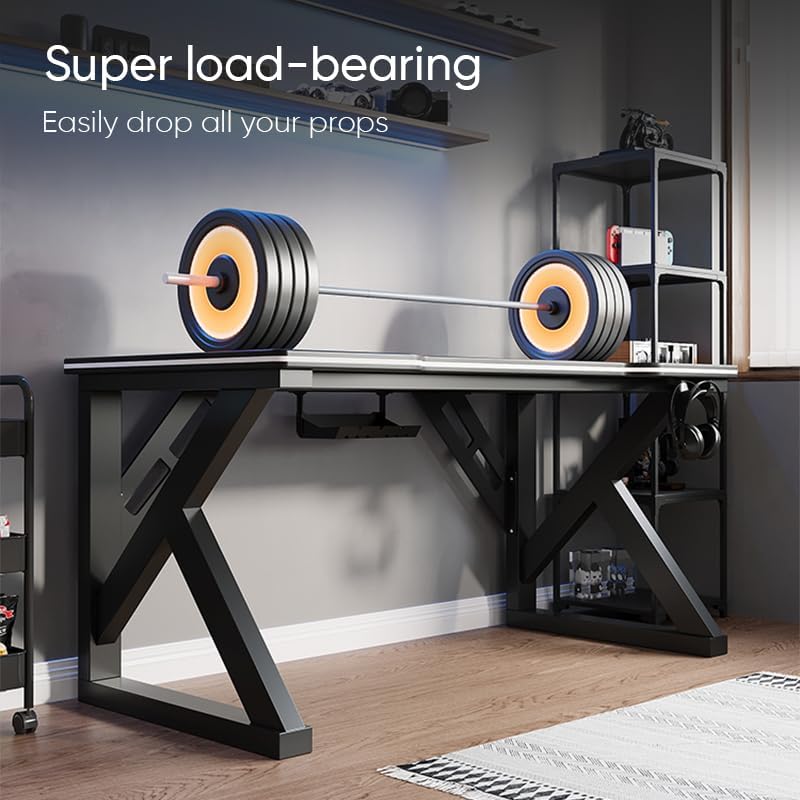
Image: The Deli Gaming Table demonstrating its load-bearing capability.
Cumail suas
Regular maintenance will help preserve the appearance and functionality of your Deli Gaming Table.
- Glanadh: Sguab uachdar is casan an deasg le clò bog, tioramamp cloth. Avoid abrasive cleaners or harsh chemicals that could damage the painted finish or material.
- Dòrtadh: Glan suas dòrtadh sa bhad gus casg a chur air staining no milleadh air an uachdar.
- Sgrùdadh bathar-cruaidh: Periodically check all screws and bolts to ensure they remain tight. Retighten if necessary to maintain stability.
- Bacadh meirge: While the desk is made of metal, prolonged exposure to moisture can lead to rust. Keep the desk in a dry environment and wipe away any moisture promptly.
Fuasgladh thrioblaidean
Desk is unstable or wobbly:
- Dèan cinnteach gu bheil na sgriothan agus na boltaichean cruinneachaidh uile air an teannachadh gu tur.
- Check that the desk is on a level surface. Adjust floor glides if present.
- Verify that all parts are correctly assembled according to the instruction manual.
Tha pàirtean a dhìth no millte:
- Review the package contents list in your assembly manual.
- Contact customer support with your model number and a description of the missing or damaged part.
Duilgheadas le co-chruinneachadh:
- Leugh an stiùireadh cruinneachaidh a-rithist gu faiceallach, a’ toirt aire do na diagraman.
- Dèan cinnteach gu bheil thu a’ cleachdadh an uidheamachd cheart airson gach ceum.
- If issues persist, consider seeking assistance from another person.
Sònrachaidhean

Image: Dimensions of the Deli Gaming Table.
| Feart | Mion-fhiosrachadh |
|---|---|
| Modail Àireamh | E91511 |
| Meudan (W x D x H) | 120 cm x 60 cm x 75 cm |
| Dath | Dubh |
| Seòrsa Stuth | Metal and Composite (E1 grade material) |
| Stuth frèam | K-type Carbon Steel Frame |
| Seòrsa Crìochnachaidh | Air a pheantadh |
| Cuideam nì | 13000 gram |
| Co-chruinneachadh a dhìth | Tha |
| Cleachdaidhean Molta | Gaming, Streaming, Home Office, Student Workstation |
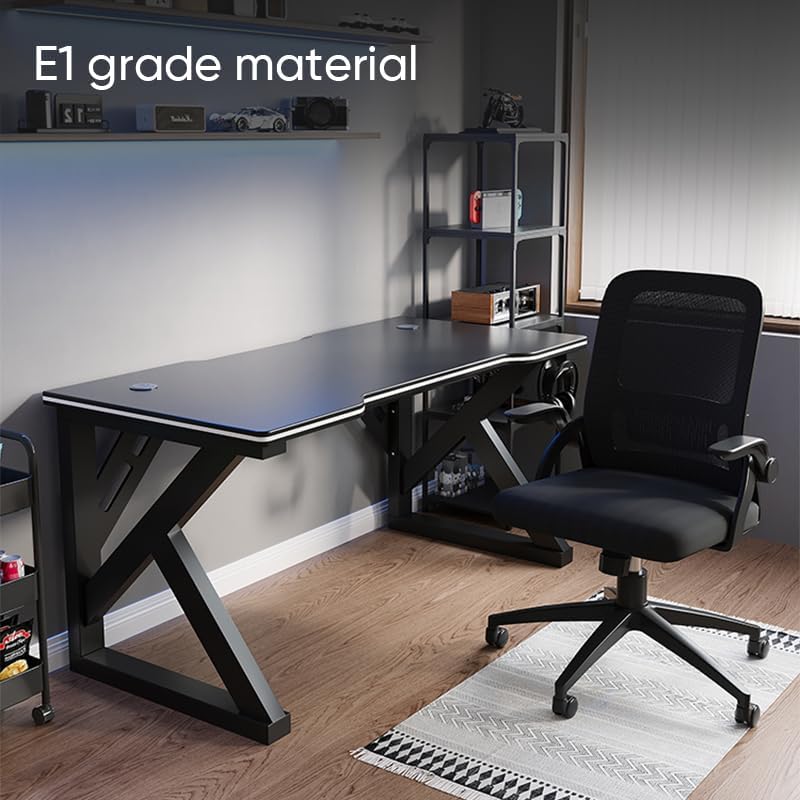
Image: The Deli Gaming Table highlighting E1 grade material.
Fiosrachadh Barantais
For specific warranty details regarding your Deli Gaming Table E91511, please refer to the warranty card included with your purchase or visit the official Deli weblàrach. Mar as trice bidh teirmichean barantais a’ còmhdach lochdan saothrachaidh fo chumhachan cleachdaidh àbhaisteach.
Taic Luchd-cleachdaidh
If you have any questions, require assistance with assembly, or need to report a missing/damaged part, please contact Deli customer support through the following channels:
- Weblàrach: Visit the official Deli weblàrach airson goireasan taic agus foirmean conaltraidh.
- Post-d: Thoir sùil air na sgrìobhainnean ceannach agad airson seòlaidhean puist-d seirbheis teachdaiche.
- Fòn: Thoir sùil air pacaigeadh an toraidh no an làrach-lìn oifigeil weblàrach-lìn airson àireamhan fòn seirbheis luchd-cleachdaidh.
Please have your model number (E91511) and proof of purchase ready when contacting support.