
Ro-ràdh
Thank you for choosing the YOFITS YF39 Portable FM AM Radio. This compact and feature-rich device is designed to provide reliable audio entertainment and practical functions wherever you go. With its robust signal reception, versatile playback options, and emergency features, the YF39 is an ideal companion for daily use, outdoor activities, and emergency preparedness.

Figure 1: YOFITS YF39 Portable FM AM Radio (Black)
Suidhich
1. Cosgais Tùsail
Before first use, fully charge the radio's built-in 700mAh rechargeable battery. Use the included Micro USB charging cable to connect the radio to a USB adapter, computer, car charger, or power bank. The LED indicator will remain lit during charging and turn green when fully charged.
2. Leudachadh Antenna
For optimal signal reception, especially for FM radio, fully extend the 18-inch long telescopic antenna. For AM radio, the built-in antenna is generally sufficient, but extending the telescopic antenna can still improve reception.

Figure 2: Radio with extended antenna for enhanced signal reception.
Stiùireadh Obrachaidh
1. Cumhachd Air/Dheth agus Smachd Meud
Brùth an Putan cumhachd (usually marked with a power symbol) to turn the radio on or off. Adjust the volume using the knob toirt suidhichte air taobh an inneil.
2. FM/AM Radio Tuning
To switch between FM and AM modes, short-press the putan MODE. For automatic station scanning, long-press the Putan SCAN. The radio will automatically search and save available stations. To directly access a station, input its corresponding number using the numeric keypad.
3. MP3 Player Function
Insert a TF (Micro SD) card containing MP3 audio files into the designated TF card slot. The radio will automatically switch to MP3 playback mode. Use the navigation buttons (Roimhe/Air adhart) to select tracks and the Putan Cluich / Stad gus smachd a chumail air ath-chluich.
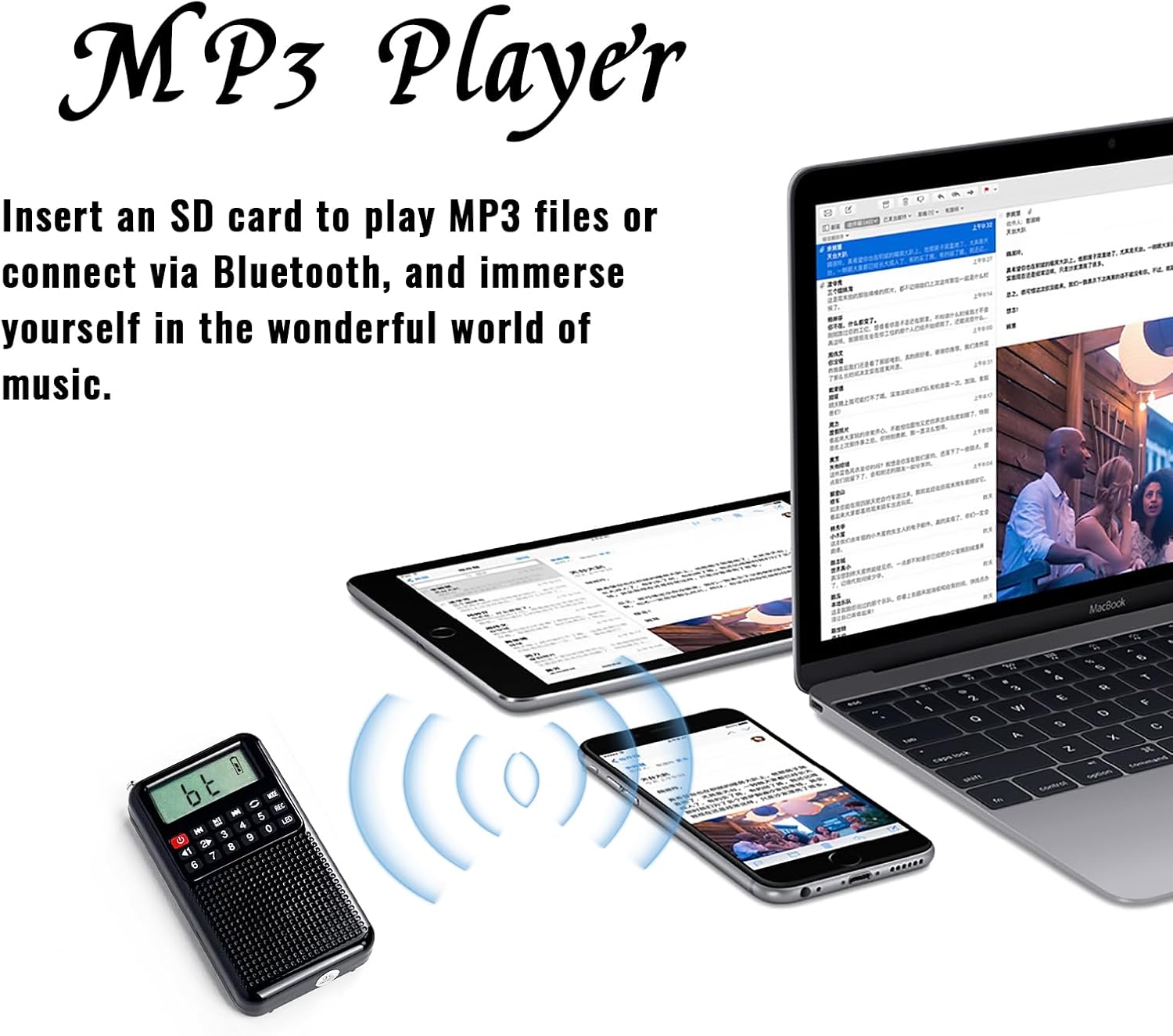
Figure 3: MP3 Player and Bluetooth connectivity.
4. Clàradh Gutha
With a TF card inserted, short-press the putan REC to start recording. Short-press again to stop recording. To delete unwanted recordings, long-press the putan REC.

Figure 4: Voice recording function in use.
5. Gnìomh Labhraiche Bluetooth
The YF39 can also function as a Bluetooth speaker. Short-press the putan MODE until 'bt' appears on the display. Enable Bluetooth on your mobile phone or other device and search for 'YF39' to pair. Once connected, you can play audio from your device through the radio's speaker. Note: This device cannot connect to Bluetooth headsets or earbuds.
6. Emergency LED Flashlight
To activate the built-in LED flashlight, short-press the Putan LED. This feature is useful for camping, nighttime activities, or during power outagtha.
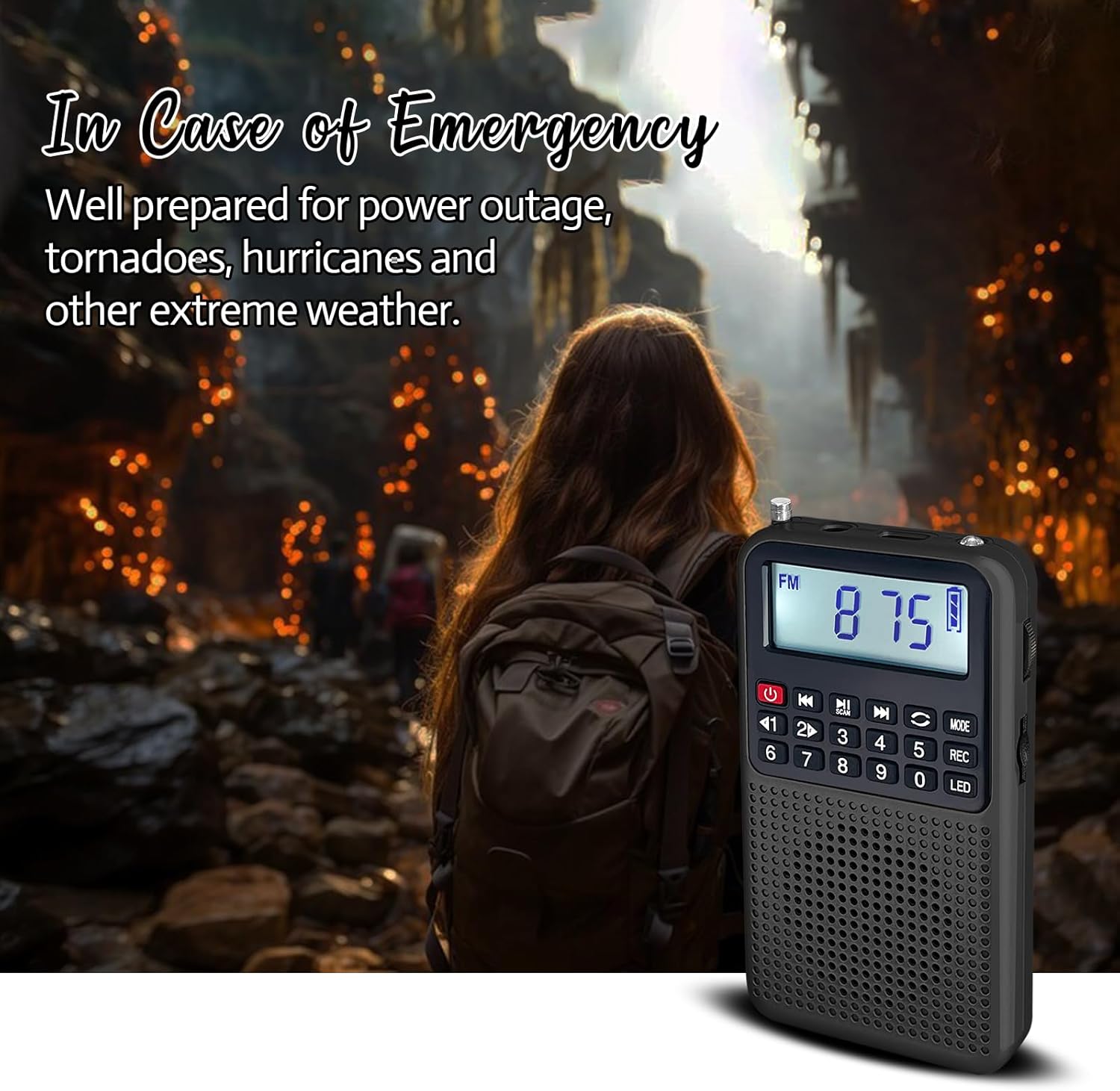
Figure 5: Emergency LED flashlight in action.
7. Earphone Output
For private listening, plug your earphones into the 3.5mm earphone jack. The radio's internal speaker will automatically mute when earphones are connected.

Figure 6: Enjoying audio with earphones.
Cumail suas
To ensure the longevity and optimal performance of your YOFITS YF39 radio, follow these maintenance guidelines:
- Glanadh: Sguab an rèidio le clò bog, tioram. Na cleachd innealan-glanaidh sgrìobach no fuasglaidhean.
- Stòradh: Stòraich an rèidio ann an àite fionnar, tioram air falbh bho sholas dìreach na grèine agus teòthachd anabarrach.
- Cùram Bataraidh: If not used for extended periods, charge the battery at least once every three months to maintain its health.
- Antena: Handle the telescopic antenna gently to prevent bending or breaking. Retract it when not in use.
Fuasgladh thrioblaidean
If you encounter issues with your YOFITS YF39 radio, please refer to the following common solutions:
- Gun chumhachd: Ensure the battery is charged. Connect the radio to a power source using the Micro USB cable.
- Glacadh rèidio bochd: Fully extend the telescopic antenna. Try repositioning the radio to find a stronger signal. Interference from electronic devices or buildings can affect reception.
- Gun fhuaim: Check the volume level. Ensure earphones are not plugged in if you intend to use the speaker.
- MP3 Playback Issues: Ensure the TF card is inserted correctly and contains MP3 format files. The radio only supports MP3 audio.
- Fàilligeadh Paidhreachaidh Bluetooth: Ensure the radio is in Bluetooth mode ('bt' displayed). Make sure your device's Bluetooth is enabled and within range.
Sònrachaidhean
| Feart | Mion-fhiosrachadh |
|---|---|
| Brand | YOFITS |
| Modail | YF39 |
| Meudan | 2.3"L x 0.7"W x 4.1"H (59*106*18.5mm) |
| Cuideam nì | 5 unnsa (107g) |
| Dath | Dubh |
| Stòr cumhachd | Bataraidh ath-thagraidh 700mAh |
| Còmhlan-rèidio | FM: 76-108 MHz, AM: 520-1710 kHz |
| Ceangalachd | Bluetooth, USB A to USB Type C |
| Feartan sònraichte | MP3 Player, Voice Recorder, Built-In AM FM Antenna, Built-In Flashlight |
| Co-phàirtean air an toirt a-steach | Owner's Manual, Micro USB Cable |
Barantas agus Taic
YOFITS is committed to delivering innovative and quality products. For any support inquiries or questions regarding your YF39 radio, please contact us directly.
- Oifigeil Weblàrach: www.kk-yofits.com
- Post-d taic: yofits_support@163.com
We stand by our products and are dedicated to providing excellent customer service.