
1. Ro-ràdh
Thank you for choosing the YI Smart Security Camera 360° PTZ Dome Camera. This camera provides comprehensive surveillance with its 360° pan and tilt capabilities, delivering crystal-clear 1080p Full HD video. Designed for indoor use, it features advanced motion detection, smart auto-tracking, enhanced night vision, and two-way audio communication. This manual will guide you through the setup, operation, and maintenance of your new security camera.
Prìomh fheartan:
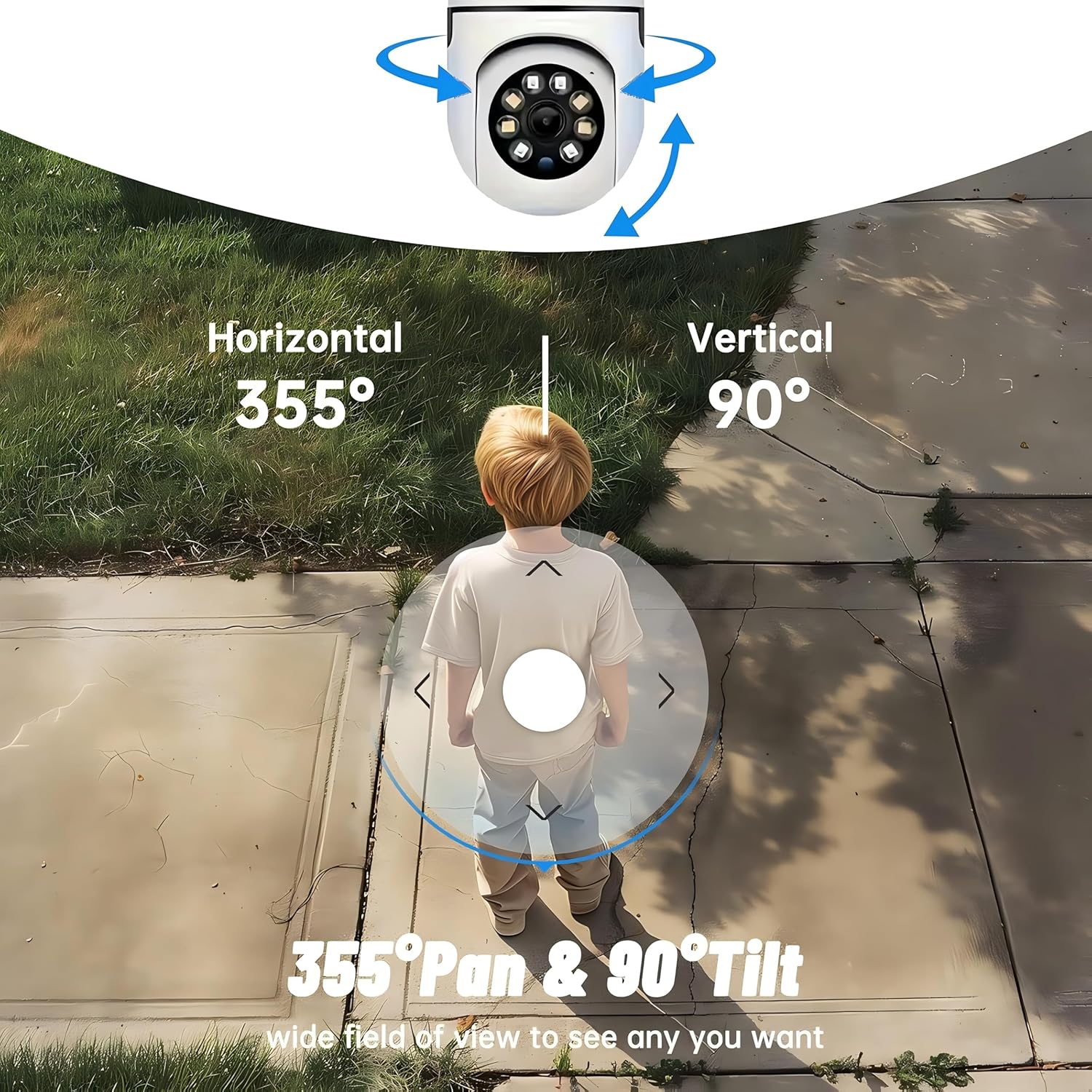
- Còmhdach 360 °: 355° horizontal and 90° vertical rotation for zero blind spots.
- 1080p Làn HD: High-definition video for clear monitoring.
- Lorgaireachd Gluasaid & Tracadh Fèin-ghluasadach: Alerts and tracks moving objects automatically.
- Lèirsinn oidhche leasaichte: Multiple modes including full-color night vision.
- Fuaim dà-shligheach: Micreofon agus neach-labhairt togte airson conaltradh ann an àm fìor.
- Stòradh sùbailte: Supports Cloud storage and local storage via microSD card (up to 128GB).
2. Pasgan-susbaint
Thoir sùil air a’ phacaid airson nan nithean a leanas:
- YI Smart Security Camera x1
- Càball USB x1
- Leabhar-làimhe Cleachdaiche x1 (An sgrìobhainn seo)
3. Toradh thallview
Familiarize yourself with the components of your YI Smart Security Camera.

Figear 3.1: Aghaidh view of the YI Smart Security Camera, showing the lens, LED lights, and two antennas.

Figure 3.2: Dimensions of the YI Smart Security Camera, indicating a height of 180mm (7.08in), width of 102mm (4.0in), and depth of 85mm (3.34in).
4. Setup agus Stàladh
4.1 Cumhachdachadh Tùsail
- Connect the provided USB cable to the camera's power port and plug the other end into a compatible USB power adapter (not included).
- The camera will power on and initiate its self-test sequence. Wait for the indicator light to flash, indicating it's ready for setup.
4.2 Luchdaich sìos an aplacaid agus cruthachadh cunntas
- Luchdaich sìos an YI IOT App bhon App Store (iOS) no Google Play Store (Android).
- Fosgail an aplacaid agus lean an stiùireadh air an sgrion gus cunntas ùr a chruthachadh no log a-steach ma tha fear agad mu thràth.
4.3 Adding Your Camera to the App
- In the YI IOT App, tap the "+" icon to add a new device.
- Tagh modail do chamara bhon liosta.
- Follow the app's instructions to connect the camera to your 2.4GHz Wi-Fi network. This typically involves scanning a QR code generated by the app with the camera's lens.
- Cho luath ‘s a bhios tu ceangailte, faodaidh tu ainm a thoirt don chamara agad agus tòiseachadh beò viewing.
4.4 A ’dìreadh a’ chamara
The camera is designed for indoor use and can be placed on a flat surface or wall-mounted. For wall mounting, use the included mounting accessories (if applicable) and ensure the camera is securely fastened.
Figear 4.1: Examples of multi-scene applications, including wall and ceiling mounting, and placement in living rooms, bedrooms, and studies.
5. Ag Obrachadh do Chamara
5.1 Smachd Pan-Tilt
The YI Smart Security Camera offers extensive pan and tilt capabilities, allowing you to monitor a wide area.
- Cuairteachadh còmhnard: 355°
- Cuairteachadh dìreach: 90°
In the YI IOT App, use the directional controls on the live view screen to remotely adjust the camera's viewceàrn ing.

Figure 5.1: Illustration of the camera's 355° horizontal pan and 90° vertical tilt capabilities, providing a wide field of view.
5.2 Motion Detection & Smart Auto Tracking
The camera can detect movement and automatically track objects, sending alerts to your smartphone.
- Dearbhadh Gluasad: When motion is detected, the camera will send an instant push notification with a 6-second video clip to your phone via the YI IOT App.
- Smart Auto Tracking: If enabled, the camera will automatically follow moving objects for up to 10 seconds after detection, ensuring continuous monitoring of the activity.
Adjust sensitivity settings and notification preferences within the app.

Figure 5.2: Real-time alarm notification on the YI IOT app, showing an intruder detected by the camera.
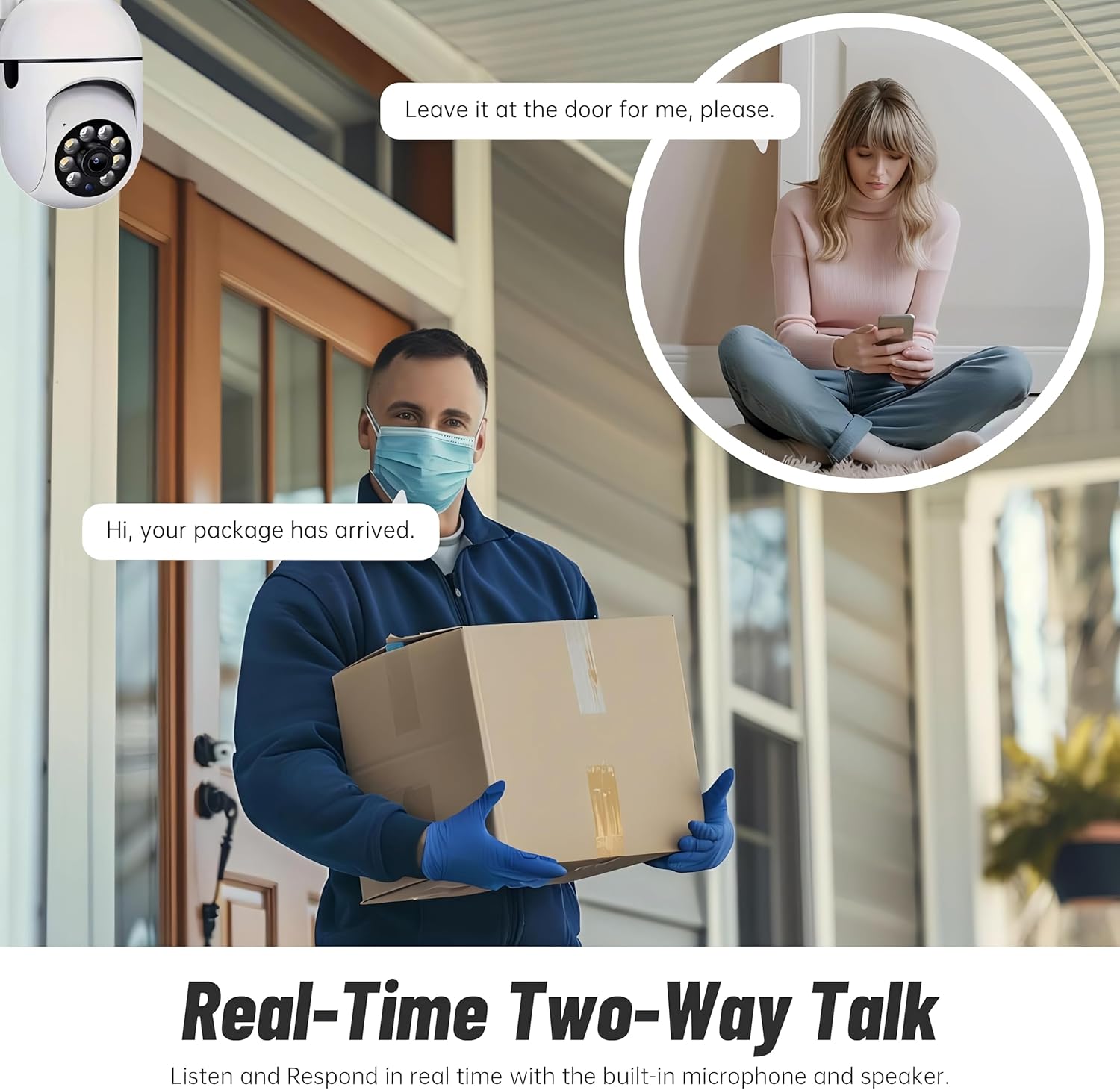
Figure 5.3: The camera's motion tracking feature focusing on a moving pet.

Figure 5.4: Visual representation of a motion detection alert, showing the camera capturing movement and sending notifications.
5.3 Sealladh Oidhche Leasaichte
The camera is equipped with ultra-long-distance infrared LEDs and floodlight LEDs, offering multiple night vision modes for clear visibility in low-light conditions.
- Sealladh-oidhche àbhaisteach: Standard black and white infrared view.
- Sealladh Oidhche Tuigseach: Automatically switches between infrared and full-color based on detected activity.
- Sealladh Oidhche Làn-Dathte: Provides a color image even in low light, utilizing the built-in floodlight.
You can switch between these modes directly from the YI IOT App.

Figure 5.5: Comparison illustrating the difference between standard infrared night vision (monochrome) and 1080p full-color night vision.
5.4 Fuaim Dà-shligheach
Communicate through the camera using its built-in microphone and high-power speaker.
- Modh intercom: Press and hold the microphone icon in the app to speak, and release to listen. Ideal for giving commands to pets or deterring unwanted visitors.
- Modh gun làmhan: Allows for a continuous two-way conversation, similar to a phone call.
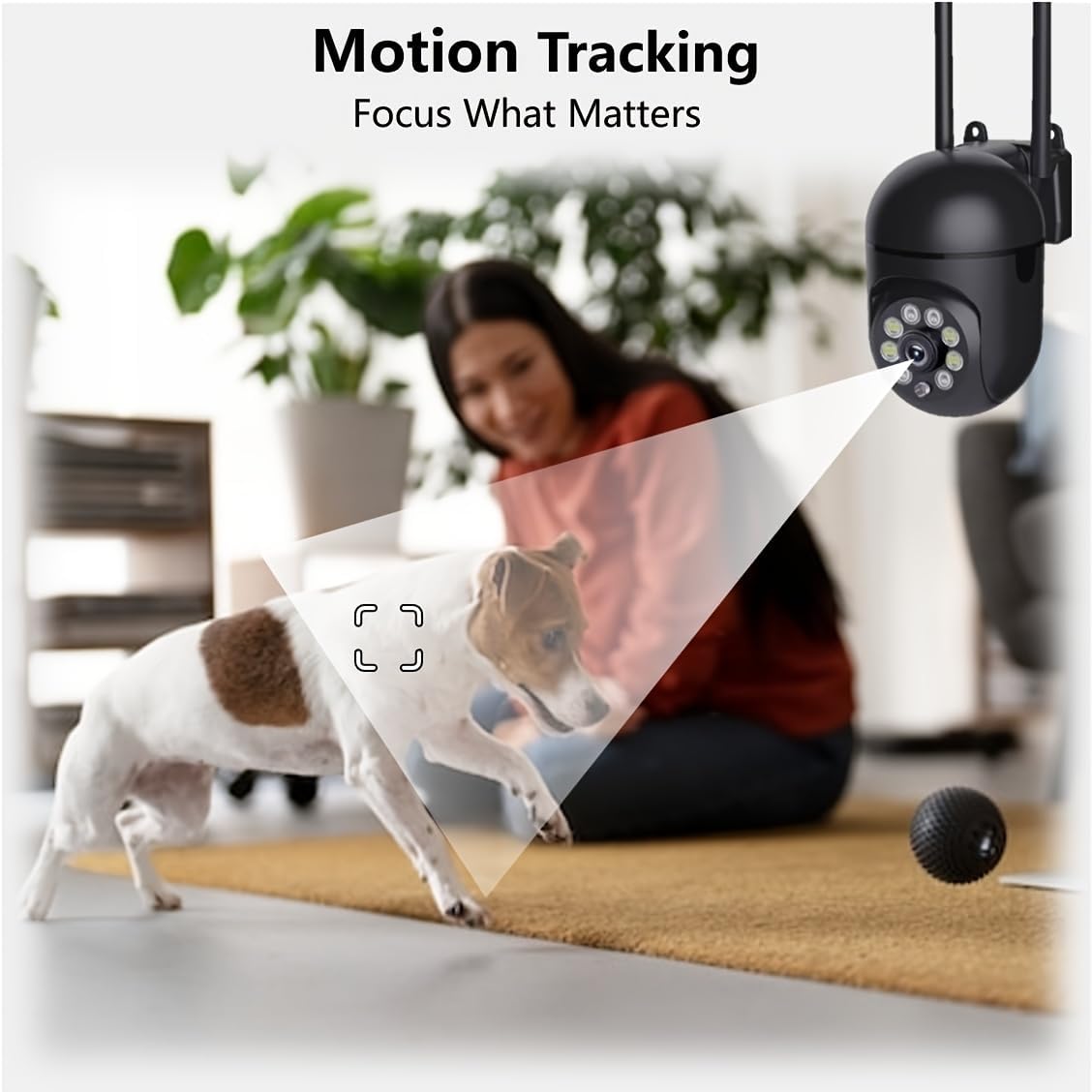
Figure 5.6: Demonstration of real-time two-way talk, allowing communication between the camera's location and the app user.
5.5 Cloud & Local Storage
Your camera offers flexible storage options for your video footage.
- YI Cloud Storage: Securely store 6-second video clips triggered by motion or sound detection. This ensures your footage is safe from loss, theft, or damage to local storage. Available for both iOS and Android.
- Stòradh Ionadail: The camera supports microSD cards up to 128GB (not included) for continuous recording or event-triggered recordings.
6. Cumail suas
Gus dèanamh cinnteach à coileanadh agus fad-beatha as fheàrr do chamara, lean na stiùiridhean cumail suas seo:
- Glanadh: Sguab lionsa is bodhaig a’ chamara gu socair le clò bog, tioram. Seachain ceimigean cruaidh no stuthan sgrìobach a chleachdadh.
- Ùrachaidhean firmware: Regularly check for and install firmware updates via the YI IOT App. Updates often include performance improvements, new features, and security enhancements.
- Cearcall cumhachd: If the camera becomes unresponsive, unplug it from the power source for 10 seconds, then plug it back in to restart it.
7. A ’dèanamh trioblaid
Ma thachras tu ri duilgheadasan leis a’ chamara agad, thoir sùil air na duilgheadasan agus na fuasglaidhean cumanta a leanas:
| Trioblaid | Adhbhar a dh’fhaodadh a bhith ann | Fuasgladh |
|---|---|---|
| Camara far loidhne | Gun chumhachd; Wi-Fi air a dhì-cheangal; Cùis leis an router | Check power connection; Restart camera and router; Reconnect camera to Wi-Fi via app. |
| Càileachd droch ìomhaigh | Dirty lens; Insufficient lighting; Network bandwidth | Clean the lens; Ensure adequate lighting or enable night vision; Check Wi-Fi signal strength. |
| Chan eil lorg gluasad ag obair | Feature disabled; Incorrect sensitivity; Obstruction | Cuir an comas lorg gluasad san aplacaid; Atharraich cugallachd; Dèan cinnteach gu bheil e soilleir view. |
| Cùisean claisneachd dà-shligheach | Microphone/speaker muted; App permissions; Network delay | Check app settings; Grant microphone permissions; Ensure stable network connection. |
| Cha deach cairt MicroSD aithneachadh | Card not inserted correctly; Incompatible card; Corrupted card | Reinsert card; Use a compatible card (Class 10 or higher); Format card in app or replace. |
If the problem persists, please contact YI customer support.
8. Sònrachaidhean
Detailed technical specifications for the YI Smart Security Camera.
| Feart | Sònrachadh |
|---|---|
| Ainm Modail | CB201-1X-W |
| Cleachdadh a-staigh / a-muigh | A-staigh |
| Fuasgladh glacadh bhidio | 1080p Làn HD |
| Teicneòlas ceangail | Gun uèir (Wi-Fi 2.4GHz) |
| Raon Pan / Teilt | 355 ° còmhnard, dìreach 90 ° |
| Raon Lèirsinn Oidhche | 10 Meatair |
| Fuaim dà-shligheach | Tha |
| Roghainnean stòraidh | Cloud Storage, MicroSD Card (up to 128GB) |
| Stòr cumhachd | Electric Corded |
| Innealan co-fhreagarrach | Fòn-làimhe (iOS/Android) |
| Meudan toraidh (L x W x H) | 4 x 3.35 x 7.09 òirleach |
| Co-phàirtean air an toirt a-steach | Security Camera x1, USB Cable x1 |
9. Barantas agus Taic
For warranty information and technical support, please refer to the official YI website or contact their customer service directly. Details can typically be found on the product packaging or within the YI IOT App's 'About' or 'Support' section.
Taic air-loidhne: Visit the official YI weblàrach airson Ceistean Cumanta, stiùiridhean fuasgladh dhuilgheadasan, agus roghainnean conaltraidh.
Taic App: Access support resources directly within the YI IOT App.