
Ro-ràdh
Thank you for choosing the Yoidesu Portable Bluetooth Speaker. This device combines a vintage aesthetic with modern audio technology, featuring Bluetooth 5.3 connectivity, a dynamic lyrics display, a clock, and a calendar function. This manual provides detailed instructions for setup, operation, and maintenance to ensure optimal performance and longevity of your speaker.
Dè th' anns a' Bhocsa
- 1 x Yoidesu Portable Bluetooth Speaker
- 1 x càball cosgais USB
Bathar seachadview
The Yoidesu Portable Bluetooth Speaker features a compact design with intuitive controls and a clear display. Familiarize yourself with the components below.

The Yoidesu Portable Bluetooth Speaker features a vintage TV-inspired design, making it a stylish addition to any desktop.

Its compact size and lightweight design ensure easy portability for use at home or on the go.
Smachdan agus puirt

The speaker features simple controls including an ON/OFF switch and a MODE button for switching between functions.

The rear of the speaker houses the charging port and a slot for a Micro SD card.
Suidhich
1. A ’cur cosgais air an Labhraiche
Before first use, fully charge the speaker. Connect the provided USB cable to the speaker's charging port and a compatible USB power adapter (not included). The charging indicator will show the charging status.
2. Cumhachd air / dheth
- Gus a chumhachdachadh: Sleamhnaich am AIR/DHETH tionndaidh chun t-suidheachaidh 'ON'.
- Gus an cumhachd a chuir dheth: Sleamhnaich am AIR/DHETH tionndaidh chun t-suidheachaidh 'OFF'.
3. Càraid Bluetooth
The speaker utilizes Bluetooth V5.3 for stable wireless connection.
- Ensure the speaker is powered on and in Bluetooth mode (indicated on the display).
- Dèan comas air Bluetooth air do fòn cliste no inneal eile.
- Lorg airson available devices and select "Yoidesu Speaker" (or similar name) from the list.
- Once connected, the speaker will emit a confirmation sound, and the display will show the Bluetooth icon.
The speaker connects wirelessly to your device using Bluetooth 5.3 technology for a stable audio experience.
4. Time and Date Synchronization
After connecting to Bluetooth, the speaker will automatically synchronize the time, date, and week from your connected device. No manual adjustment is typically required.
Stiùireadh Obrachaidh
1. Atharrachadh modh
Brùth an MODE button to cycle through available playback modes: Bluetooth mode and Micro SD card playback mode.
2. Ath-chluich Ciùil (Modh Bluetooth)
Once paired via Bluetooth, simply start playing music on your connected device. The audio will stream to the speaker.
3. Music Playback (Micro SD Card)
Insert a Micro SD card (up to 128GB, not included) containing MP3 audio files into the designated slot. Switch to Micro SD card mode using the MODE button. The speaker will automatically begin playing music from the card.
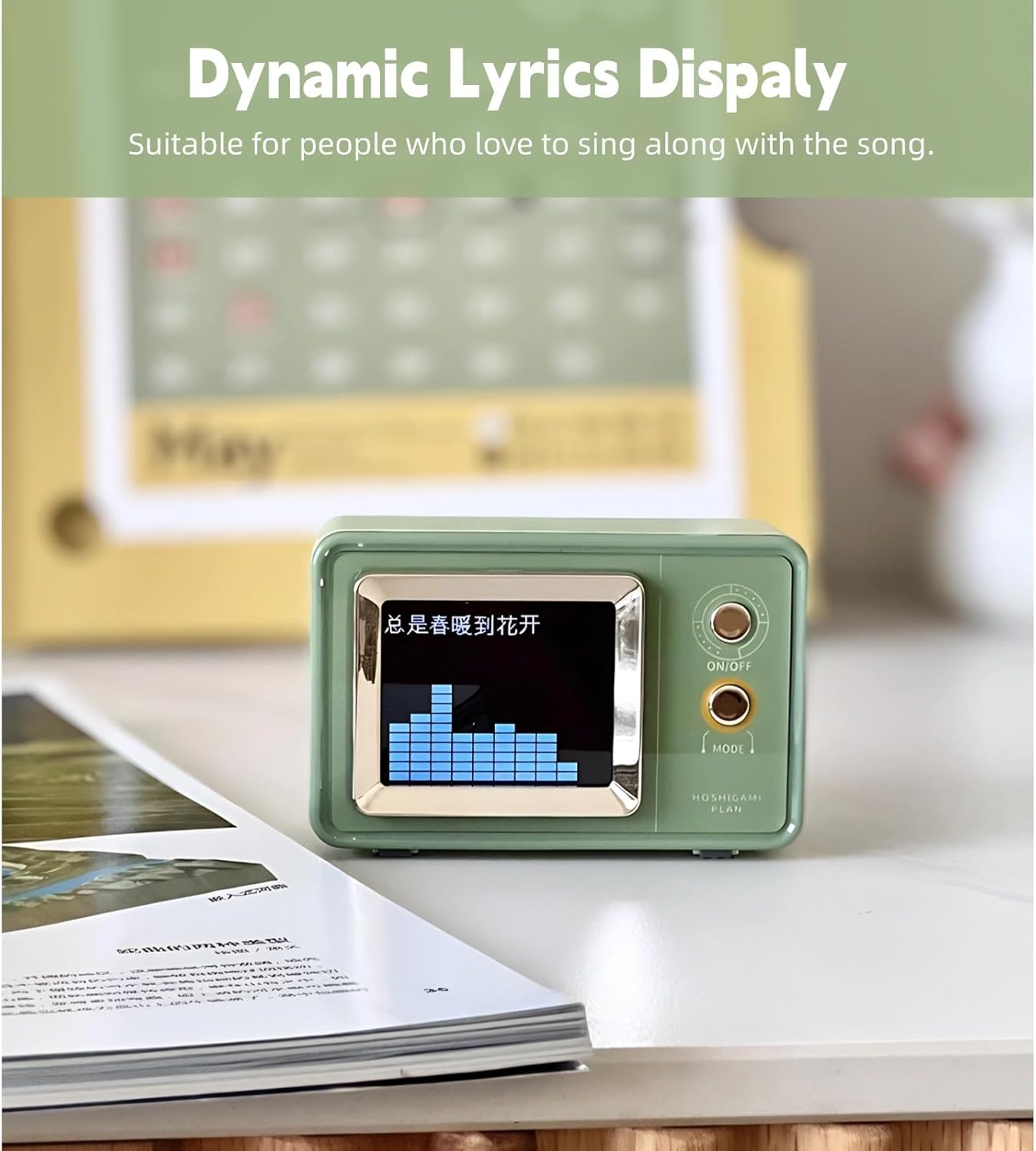
4. Dynamic Lyrics Display
When playing music that includes embedded lyrics data (e.g., from certain music apps or files), the speaker's display can show dynamic lyrics, enhancing the listening experience.

The dynamic lyrics display function allows you to follow along with your favorite songs.

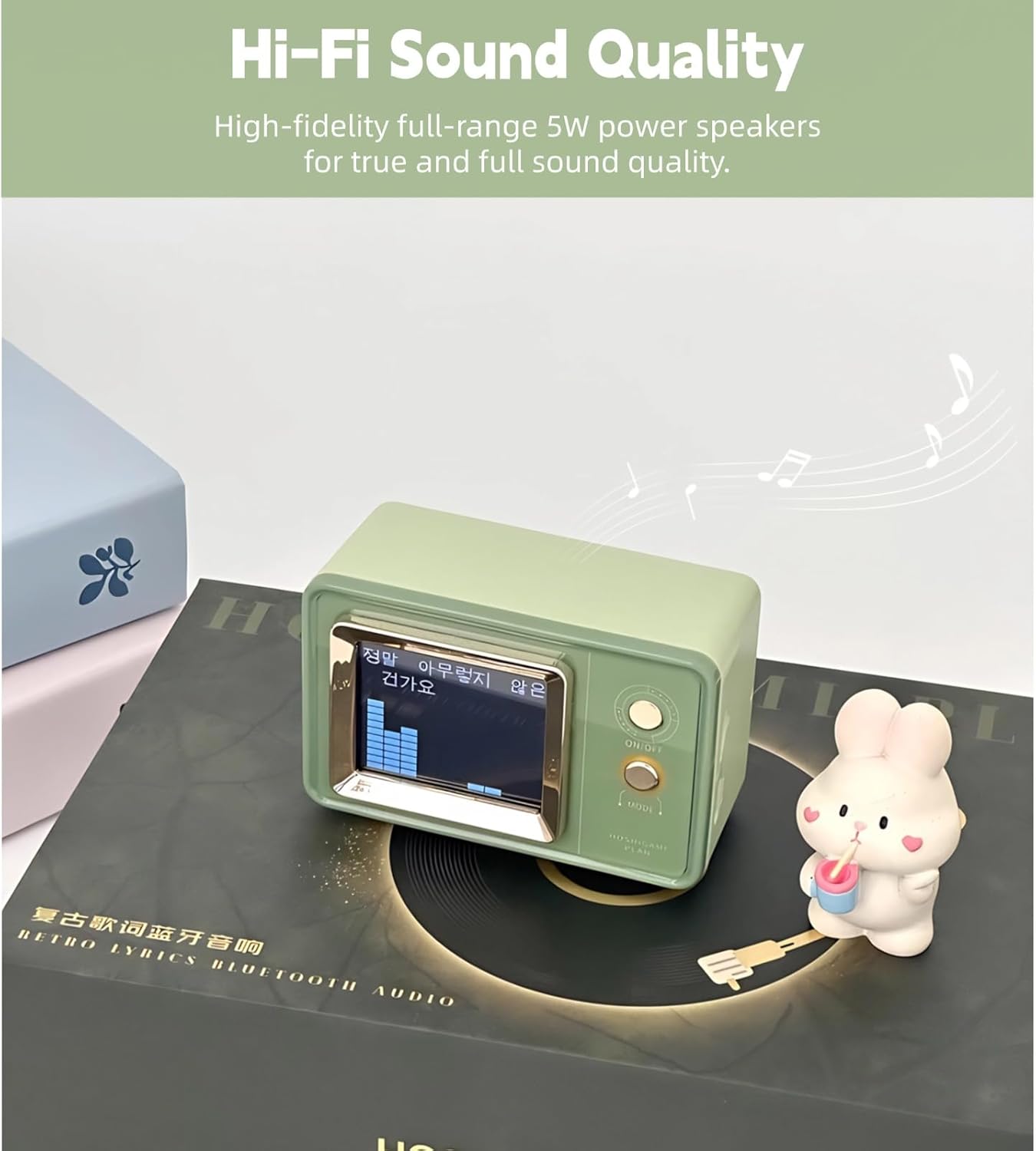
Experience high-fidelity sound with a visual representation of the audio on the speaker's display.
5. Clock and Calendar Function
The speaker's display shows the current time, date, and day of the week, automatically synchronized via Bluetooth.
The multi-function display automatically synchronizes time, date, and day of the week when connected to your phone.
6. Smachd tomhas-lìonaidh
Volume is typically controlled directly from your connected Bluetooth device. Ensure both the speaker and your device's volume are adjusted to a comfortable level.
Cumail suas
Glanadh
Wipe the speaker with a soft, dry cloth. Do not use abrasive cleaners, alcohol, or solvents, as these may damage the surface. Avoid getting moisture into any openings.
Stòradh
Nuair nach eilear ga chleachdadh airson ùine mhòr, stòraich an neach-labhairt ann an àite fionnar, tioram air falbh bho sholas dìreach na grèine agus teòthachd anabarrach. Thathar a’ moladh am bataraidh a ghearradh bho àm gu àm gus a shlàinte a chumail suas.

The built-in 600mAh lithium-ion battery provides extended playback time, reducing the need for frequent charging.
Fuasgladh thrioblaidean
| Trioblaid | Adhbhar a dh’fhaodadh a bhith ann | Fuasgladh |
|---|---|---|
| Chan eil an neach-labhairt a’ dol air. | Tha bataraidh air ìsleachadh. | Cuir cosgais air an neach-labhairt a’ cleachdadh a’ chàball USB a chaidh a thoirt seachad. |
| Chan urrainnear paidhir a dhèanamh tro Bluetooth. | Bluetooth is not enabled on device or speaker is not in pairing mode. | Ensure Bluetooth is active on both devices. Restart both devices and try pairing again. Move devices closer. |
| Gun fhuaim no meud ìosal. | Volume levels are too low on speaker or connected device. | Increase volume on both the speaker and the connected device. Ensure the speaker is not muted. |
| Lyrics display not working. | Ceol file does not contain embedded lyrics data. | Ensure the music source provides lyrics data. Not all music files or streaming services support this feature. |
Sònrachaidhean
- Brand: Yoidesu
- Àireamh Modail: Yoidesuoz2fxcv0i7
- Teicneòlas ceangail: Bluetooth v5.3
- Neach-labhairt cumhachd toraidh as àirde: 5 watt
- Modh Toraidh Fuaim: Stereo
- stuth dùnaidh: Styrene acrylonitrile butadiene (ABS)
- Stòr cumhachd: Cumhachd bataraidh
- Comas bataraidh: 600 mìleamp Uairean
- Modh ath-chluich: Bluetooth, Micro SD Card (up to 128GB)
- Modh smachd: Tap air putanan
- Meudan nì (D x W x H): 8.26" x 5.11" x 2.36"
- Cuideam nì: 311 gram
- Innealan co-fhreagarrach: Fòn-làimhe, Clàr, Cluicheadair MP3, Laptop
Fiosrachadh Barantais
This product comes with a limited warranty. Please refer to the product packaging or contact Yoidesu customer support for specific warranty terms and conditions.
Taic
For further assistance, technical support, or warranty claims, please contact Yoidesu customer service through the retailer where the product was purchased or visit the official Yoidesu weblàrach.