
1. Fiosrachadh Sàbhailteachd Cudromach
Please read all safety instructions carefully before using your Xiaomi TV S Mini LED 75" 2025. Keep this manual for future reference.
- Stòr cumhachd: Ceangail an telebhisean ri stòr cumhachd AC a-mhàin mar a tha air a chomharrachadh air an leubail.
- Fionnarachadh: Dèan cinnteach gu bheil fionnarachadh iomchaidh timcheall an telebhisean. Na cuir bacadh air fosglaidhean fionnarachaidh.
- Uisge agus Taiseachd: Na cuir an telebhisean fosgailte do uisge no taiseachd. Na cuir nithean làn lionntan air an telebhisean.
- Glanadh: Tarraing a-mach am pluga bhon telebhisean mus glan thu e. Cleachd clò bog, tioram. Seachain innealan-glanaidh leaghaidh.
- Seirbheis: Na feuch ris an toradh seo a sheirbheis dhut fhèin. Thoir sùil air gach seirbheis gu luchd-obrach le teisteanas.
- Suidheachadh: Place the TV on a stable, level surface or mount it securely to a wall using a compatible VESA mount.
2. Pasgan-susbaint
Dèan cinnteach gu bheil a h-uile nì anns a’ phacaid:
- Xiaomi TV S Mini LED 75" 2025
- Smachd Iomallach
- Càball cumhachd
- TV Stand Components (if included)
- Leabhar-làimhe cleachdaiche (an sgrìobhainn seo)
3. Stiùirich rèiteachaidh
3.1 A’ fosgladh a’ telebhisean
Carefully remove the TV from its packaging. It is recommended to have two people for this process due to the size and weight of the 75-inch model.
3.2 Installing the TV Stand (Optional)
If you are not wall-mounting the TV, attach the included stand components according to the separate stand installation guide. Ensure all screws are tightened securely.
3.3 Gèilleadh Balla (Roghainneil)
The Xiaomi TV S Mini LED 75" 2025 supports VESA wall mounts with a pattern of 400 x 300 mm. Use appropriate wall-mounting hardware and consult a professional for installation to prevent injury or damage.
3.4 Ceangal iomaill
Connect your devices to the TV's input ports. Refer to the back panel image for port locations.
Ìomhaigh: Cùl view of the TV displaying available connection ports.
- Cumhachd: Ceangail an càball cumhachd ris an telebhisean agus an uair sin ri socaid cumhachd.
- HDMI: Connect Blu-ray players, game consoles, or other HDMI devices.
- USB: Ceangail innealan stòraidh USB airson ath-chluich meadhanan.
- Ethernet: Airson ceangal eadar-lìn uèirleas.
- Antenna/Càball: Ceangail an antenna no cuir-a-steach Tbh càball agad.
3.5 A’ chiad chumhachd air agus a’ chiad shuidheachadh
After connecting all cables, plug in the TV and press the power button on the remote control. Follow the on-screen instructions to complete the initial setup, including network connection, Google account login, and channel scanning.

Ìomhaigh: Aghaidh view of the Xiaomi TV S Mini LED 75" 2025.
4. Stiùireadh Obrachaidh
4.1 Smachd Iomallach thairisview
The included remote control provides access to all TV functions. Familiarize yourself with the button layout for easy navigation.
4.2 Gnìomhan Bunaiteach
- Cumhachd: Brùth gus an Tbh a thionndadh air no dheth.
- Meud: Use the +/- buttons to adjust the sound level.
- Seanail: Cleachd na putanan CH +/- gus seanalan atharrachadh.
- Teachd a-steach: Select the desired input source (HDMI, AV, etc.).
- Dachaigh: Access the Google TV home screen.
4.3 Feartan Tbh Smart (Google TV)
Your Xiaomi TV runs on Google TV, offering a personalized entertainment experience.

Image: Google TV interface with app icons and content suggestions.
- Aplacaidean: Luchdaich sìos is stàlaich aplacaidean bhon Google Play Store.
- Neach-taic Guth: Use the built-in Google Assistant for voice commands.
- Molaidhean susbaint: Google TV provides personalized recommendations based on your viewann an cleachdaidhean.

Image: Using the Hey Google voice assistant to search for content.
4.4 Roghainnean taisbeanaidh
Atharraich roghainnean an deilbh gus an dealbh agad a dhèanamh cho math 's as urrainn dhut viewann an eòlas.
Ìomhaigh: Tharview of the TV's advanced display technologies.
- Modhan dealbh: Select from various preset modes (e.g., Standard, Vivid, Movie, Game) or customize your own.
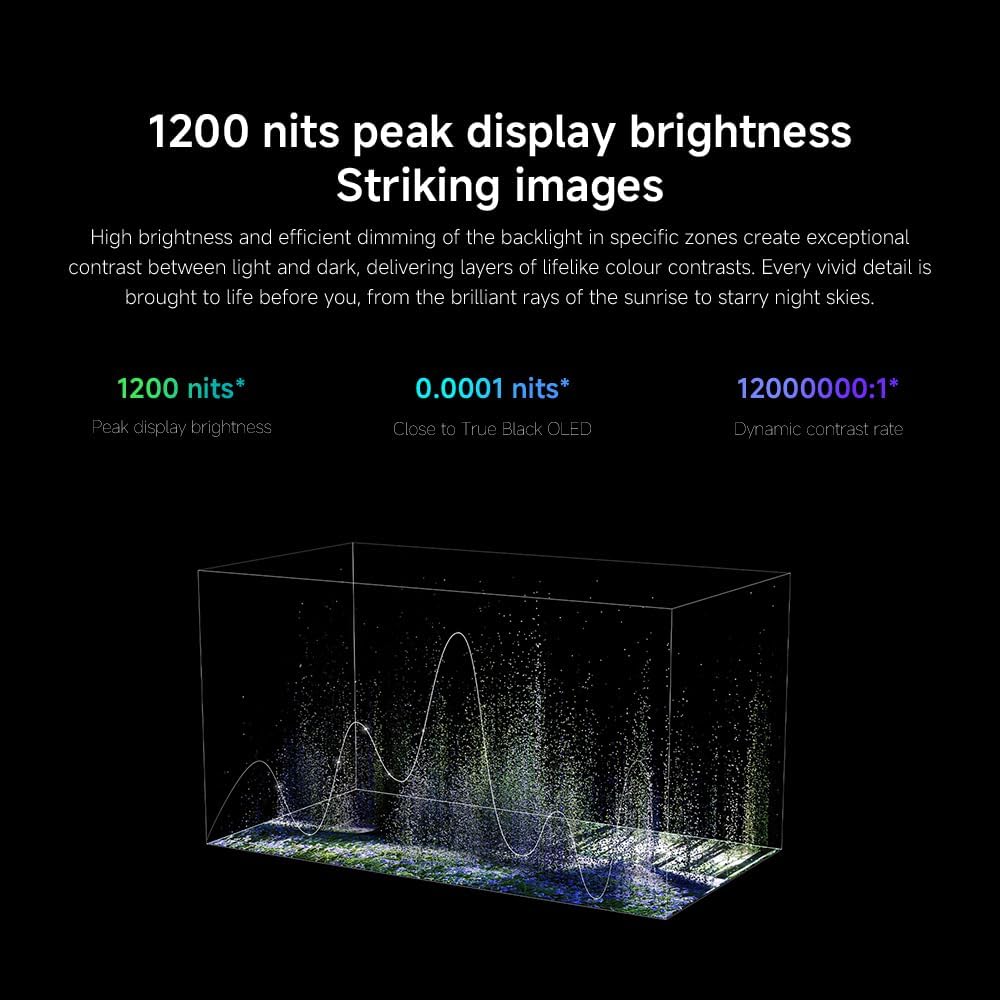
- Gile / coimeas: Fine-tune these settings for optimal visual clarity. The TV features 1200 nits peak brightness for stunning visuals.
- Dath: Adjust color saturation and tint. The QD-MiniLED display offers accurate color reproduction.
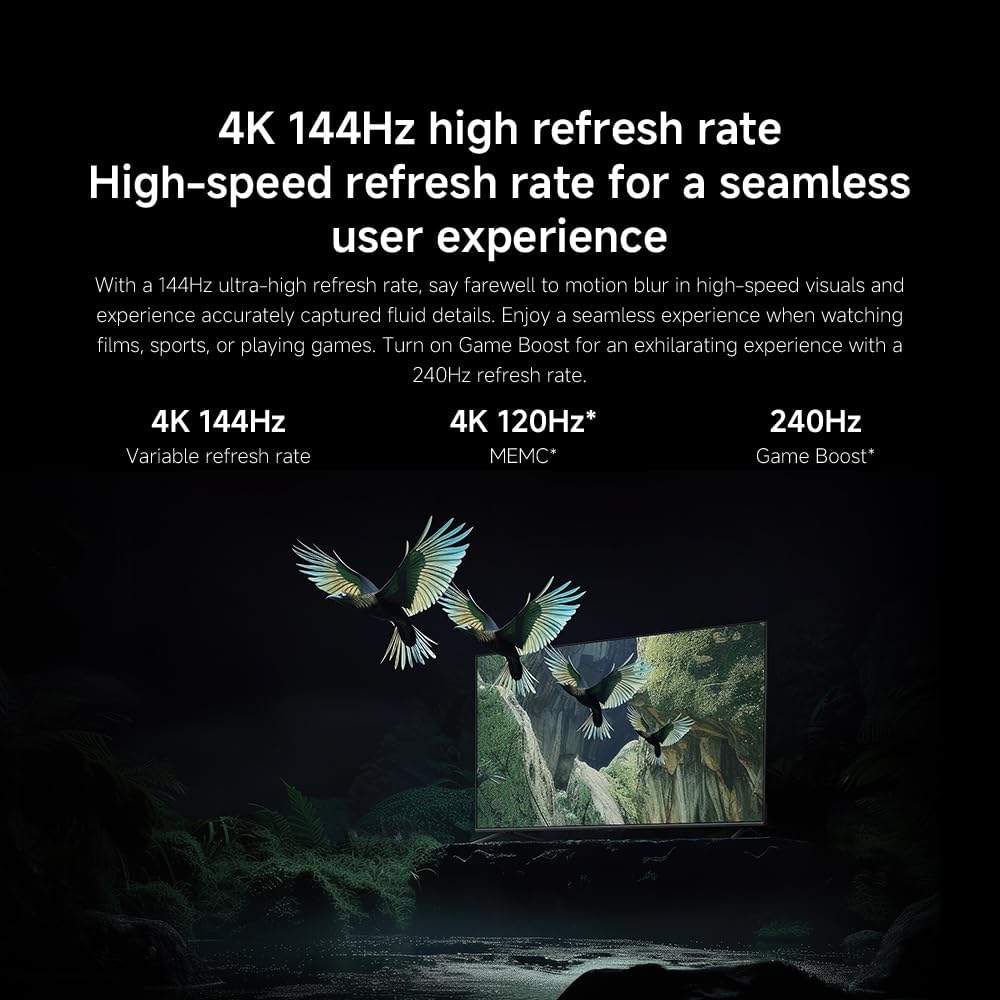
- Ìre Ath-nuadhachaidh: The TV supports a 144Hz refresh rate for ultra-smooth motion.
- Inneal AI: The powerful AI engine enhances image quality automatically.

Image: Visual representation of the 144Hz refresh rate for seamless motion.
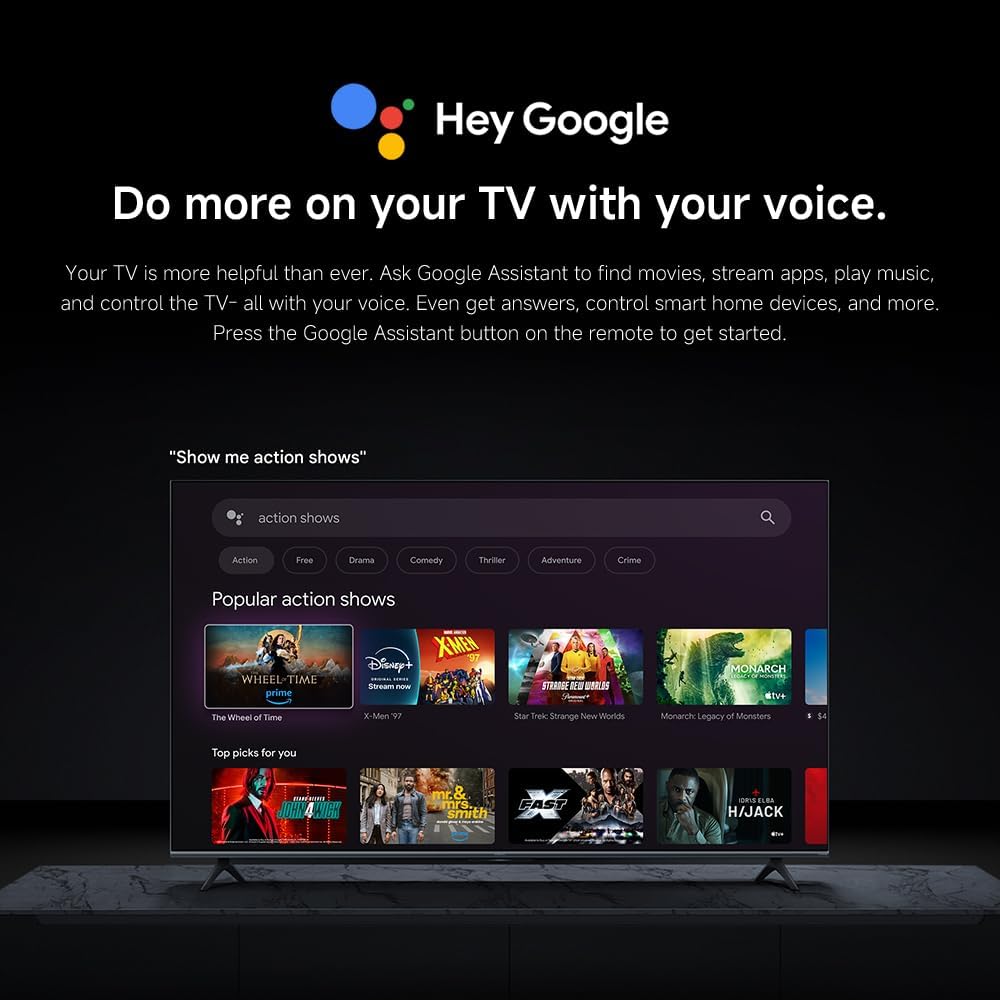
Image: The Quad cortex A73 processor, responsible for AI image enhancement and performance.
4.5 Roghainnean claisneachd
Configure audio output and sound enhancements.

Image: Depiction of the TV's quality audio-visual experience.
- Modh Fuaim: Choose from preset sound modes (e.g., Standard, Movie, Music) or customize.
- Dolby Atmos: Enable Dolby Atmos for an immersive audio experience.
4.6 Ceangalachd
The TV offers various connectivity options.
- Bluetooth: Ceangail innealan le comas Bluetooth leithid fònaichean-cluaise no luchd-labhairt.
- Wi-Fi: Ceangail ris an lìonra gun uèir agad aig an taigh airson ruigsinneachd eadar-lìn.
- Apple AirPlay: Sruth susbaint gu dìreach bho na h-innealan Apple agad.
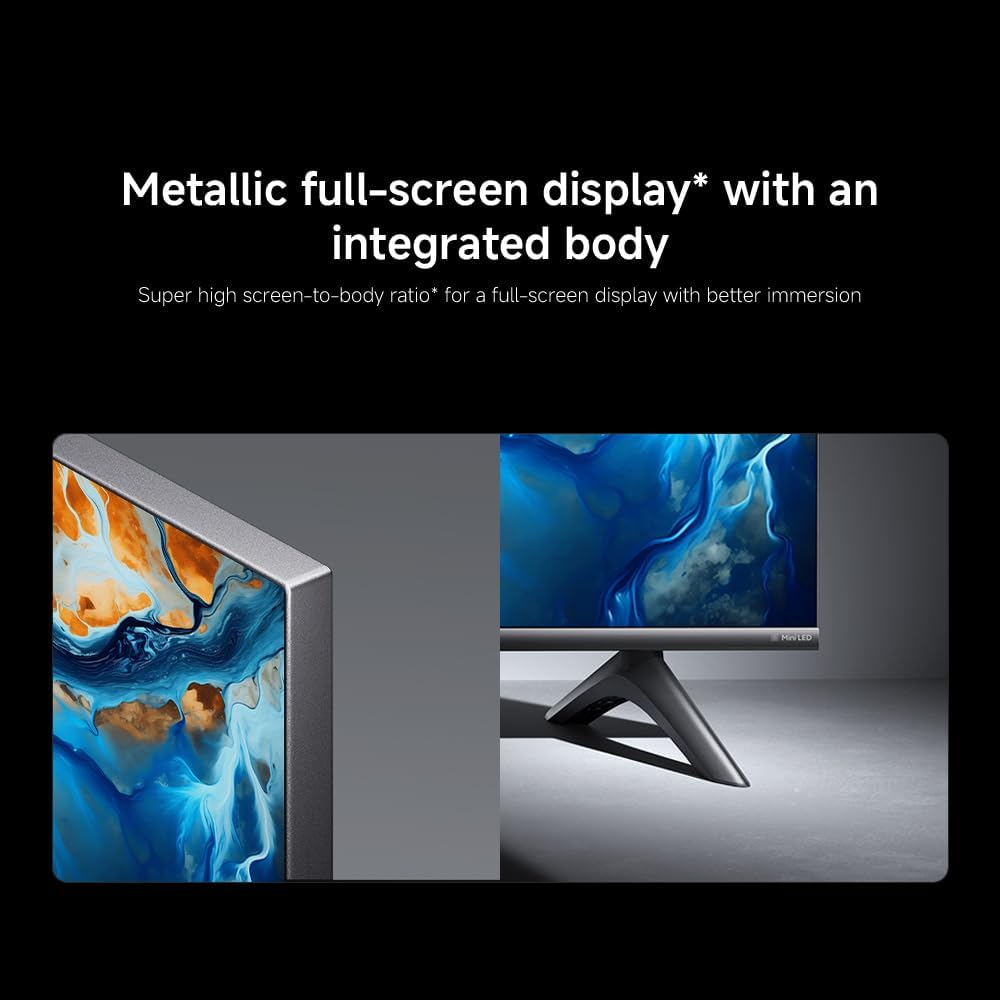
Image: Apple AirPlay functionality for streaming from Apple devices.
5. Cumail suas
5.1 Glanadh na Sgrion
To clean the screen, first unplug the TV. Gently wipe the screen with a soft, lint-free cloth. For stubborn marks, slightly dampen the cloth with water or a specialized screen cleaner, then wipe dry immediately. Do not spray liquid directly onto the screen.
5.2 Ùrachaidhean bathar-bog
Dh’fhaodadh gum faigh an telebhisean ùrachaidhean bathar-bog bho àm gu àm gus coileanadh a leasachadh agus feartan ùra a chur ris. Dèan cinnteach gu bheil an telebhisean agad ceangailte ris an eadar-lìon gus na h-ùrachaidhean seo fhaighinn. Faodaidh tu sgrùdadh a dhèanamh airson ùrachaidhean le làimh ann an clàr-taice roghainnean an telebhisean.
6. A ’dèanamh trioblaid
Ma thachras duilgheadasan leis an telebhisean agad, thoir sùil air na fuasglaidhean cumanta a leanas:
| Trioblaid | Fuasgladh comasach |
|---|---|
| Gun chumhachd | Thoir sùil a bheil an càball cumhachd ceangailte gu tèarainte ris an telebhisean agus ris an t-socaid cumhachd. Dèan cinnteach gu bheil an socaid ag obair. |
| Gun dealbh, ach tha fuaim ann | Dearbhaich gu bheil an stòr cuir-a-steach ceart air a thaghadh. Thoir sùil air ceanglaichean càball ri innealan taobh a-muigh. |
| Gun fhuaim, ach tha dealbh ann | Thoir sùil air ìre na fuaime agus inbhe a’ mhùchaidh. Dèan cinnteach gu bheil na càbaill claisneachd ceangailte gu ceart. |
| Chan eil smachd iomallach ag obair | Cuir bataraidhean ùra nan àite. Dèan cinnteach nach eil bacadh sam bith eadar an smachd iomallach agus an telebhisean. |
| Càileachd droch dhealbh | Adjust picture settings (brightness, contrast, sharpness). Check antenna or cable connection. Ensure content source is high quality. |
| Smart TV features unresponsive | Check internet connection. Restart the TV by unplugging it for a few minutes and plugging it back in. |
If the issue persists after trying these steps, contact customer support.
7. Sònrachaidhean
Key technical specifications for the Xiaomi TV S Mini LED 75" 2025:
| Feart | Sònrachadh |
|---|---|
| Brand | XIAOMI |
| Modail Àireamh | 59292 |
| Meud sgrion | 75 òirlich |
| Teicneòlas taisbeanadh | 4K UHD, LED, QD-MiniLED |
| Fuasgladh | 4K (3840 x 2160) |
| Ìre Ath-nuadhachaidh | 144 Hz |
| Soilleireachd as àirde | 1200 not |
| Siostam-obrachaidh | Tbh Google |
| Pròiseasar | Quad Cortex A73 |
| RAM | 3 GB |
| Stòradh | 32 GB |
| Teicneòlas claisneachd | Dolby Atmos |
| Ceangalachd | Bluetooth, Wi-Fi, Apple AirPlay |
| Meudan an toraidh (leis an stand) | 42.5D x 166.8L x 102.8À cm |
| Cuideam an toraidh (leis an stand) | 31 kg |
| Srath balla VESA | 400 x 300 mm |
| Co-phàirtean air an toirt a-steach | TV, remote control, power cable |
8. Barantas agus Taic
Your Xiaomi TV S Mini LED 75" 2025 is covered by a manufacturer's warranty. Please refer to the warranty card included in your package for specific terms and conditions. For technical support, service inquiries, or to purchase accessories, please visit the official Xiaomi weblàrach no cuir fios chun na h-ionadan seirbheis ùghdarraichte aca.
Goireasan air-loidhne: For additional information, FAQs, and software downloads, visit the official Xiaomi support page.