
1. Ro-ràdh
The KKB G200 4G LTE Cellular Security Camera is designed for robust outdoor surveillance in locations without traditional Wi-Fi access. This solar-powered, wire-free camera offers 2K HD resolution, color night vision, two-way audio, and remote monitoring via a dedicated mobile application. Its integrated 4G LTE connectivity ensures continuous operation and real-time alerts, making it ideal for farms, construction sites, remote cabins, and other off-grid environments.
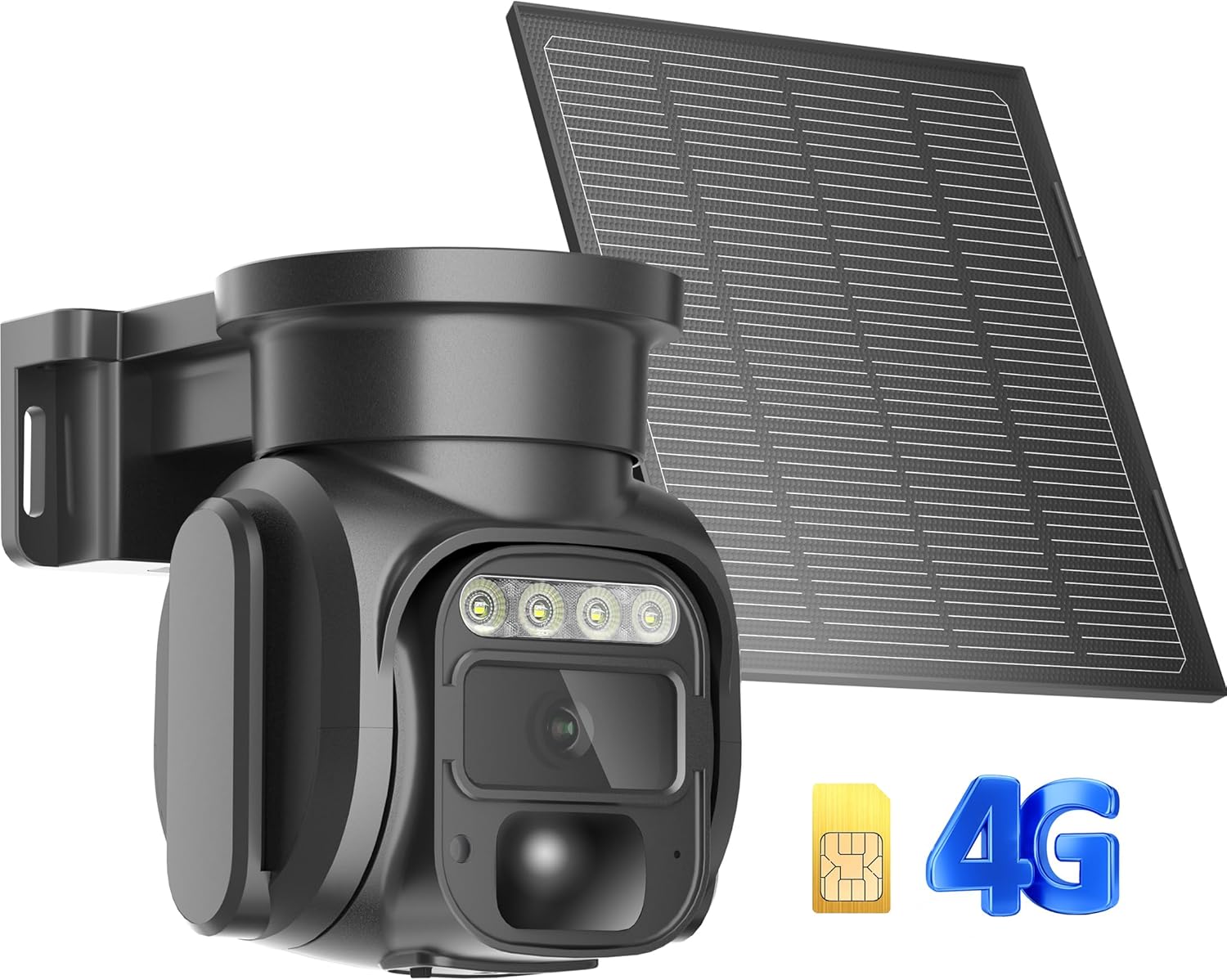
Figure 1: KKB G200 4G LTE Cellular Security Camera and Solar Panel.
2. Pasgan-susbaint
Dèan cinnteach gu bheil a h-uile rud anns a’ phacaid agad:
- 1 x KKB 4G LTE Security Camera
- Pannal grèine 1 x 5W
- 1 x Built-in SIM Card (non-replaceable)
- 1 x Leabhar-làimhe Cleachdaiche
- Installation Accessories (screws, wall anchors, mounting bracket)
3. Prìomh fheartan
- Ceangal 4G LTE: Operates independently without Wi-Fi, connecting via a built-in SIM card to Verizon, T-Mobile, or AT&T networks.
- Solar cumhachd: Equipped with a 5W solar panel for continuous charging, ensuring wire-free and sustainable operation.
- Rùn 2K HD: A’ glacadh foo bhidio soilleir agus mionaideachtage.
- Sealladh oidhche dath: Provides full-color night vision or infrared night vision for enhanced visibility in low-light conditions.
- Pan-Tilt-Zoom (PTZ): Offers a 355° horizontal and 90° vertical rotation for comprehensive area coverage and 4x digital zoom.
- Dearbhadh Gluasad Glic: Features a sensitive PIR motion sensor that sends instant alerts to your smartphone upon detecting human or animal movement.
- Fuaim dà-shligheach: Built-in microphone and speaker allow for real-time communication with visitors or to deter intruders.
- Ruigsinneachd air astar: Monitor your property from anywhere using the iCam365 mobile application.
- Stòradh sùbailte: Supports local storage via an SD card (up to 128GB, not included) and optional cloud storage.
- Dealbhadh dìon-sìde: IP66 rated for outdoor use, capable of withstanding various weather conditions from -10°C to 55°C (14°F to 131°F).
4. Stiùirich rèiteachaidh
4.1 Cìs tòiseachaidh
Before initial use, fully charge the camera for 12 hours using a standard 5V/1A or 5V/2A charger. Avoid using fast chargers, as this may damage the device or prevent proper functionality.
4.2 Stàladh Cairt SIM agus Cairt SD
The camera comes with a built-in, non-replaceable SIM card that automatically connects to the local 4G network. It does not support third-party SIM cards. If you wish to use local storage, insert a Micro SD card (up to 128GB, not included) into the designated slot.

Figure 2: SIM Card and optional Micro SD Card slot.
4.3 Luchdaich sìos is Ceangal an Aplacaid
- Luchdaich sìos an iCam365 app from your smartphone's app store (Android or iOS).
- Cruthaich cunntas agus log a-steach.
- Ensure the camera is powered on (check the power switch at the bottom of the camera).
- Follow the in-app instructions to add your device. The app will guide you through connecting the camera via Bluetooth.
- Once connected, you can name your device and configure initial settings.
4.4 A’ cur suas a’ chamara agus am pannal grèine
Use the provided installation accessories to securely mount the camera and solar panel. Choose a location that offers optimal sunlight exposure for the solar panel and a clear view for the camera. The solar panel can be angled to maximize sun absorption.

Figear 3: Example of camera and solar panel installation.
5. Stiùireadh Obrachaidh
5.1 Remote Monitoring and Live View
Access the iCam365 app on your smartphone to view beò footage from your camera anytime, anywhere, using 4G data. The app provides controls for pan, tilt, and digital zoom functions.
5.2 Lorgaireachd Gluasaid agus Rabhaidhean
The integrated PIR motion sensor detects movement and sends immediate alert notifications to your phone. You can adjust the sensitivity settings within the iCam365 app to minimize false alarms.

Figure 4: Motion detection alert on smartphone.
5.3 Sealladh na h-Oidhche
The camera automatically switches to night vision mode in low-light conditions. You can choose between full-color night vision or infrared night vision for optimal clarity.

Figure 5: Night vision capabilities of the camera.
5.4 Fuaim Dà-shligheach
Utilize the two-way audio feature through the app to speak and listen remotely. This allows for direct communication with individuals near the camera.
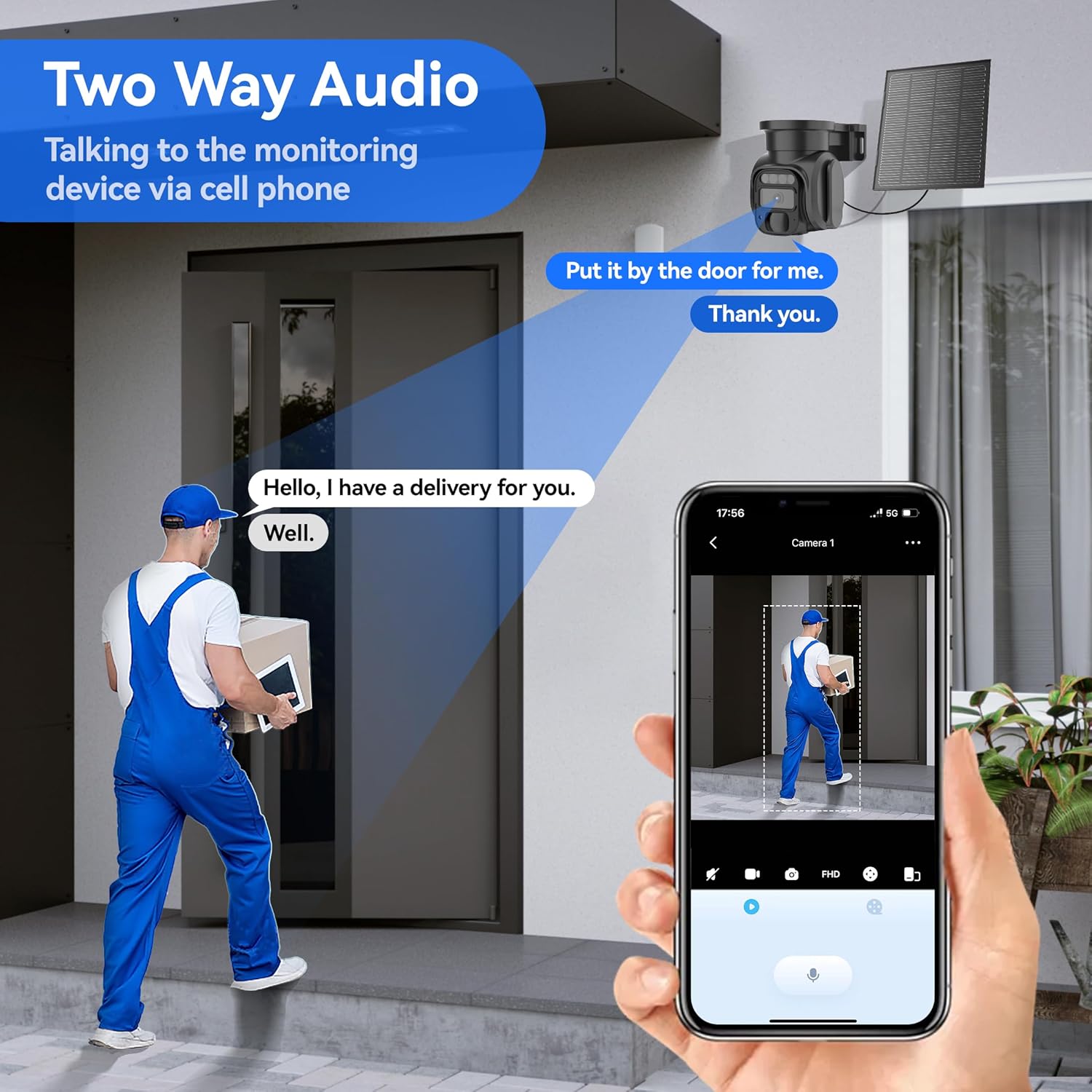
Figure 6: Two-way audio functionality.
5.5 Stòradh bhidio
Foo air a chlàradhtage can be saved to a Micro SD card (not included) or uploaded to the optional cloud storage service. Review and manage recordings directly from the iCam365 app.
6. Data Plan Information
The KKB G200 camera operates exclusively with its pre-installed SIM card. It includes 300MB of free trial data for initial use. To continue service, you must subscribe to a data plan directly through the iCam365 app. Available plans include:
- $14.9 / mìos
- $79.9/6 months
- $149.9 / bliadhna
These plans offer unlimited data usage during the subscription period. The camera does not support third-party SIM cards.

Figure 7: KKB Cellular Data Plan options.
7. Cumail suas
7.1 Charging Tips
Always use a standard 5V/1A or 5V/2A charger for charging the camera. Using fast chargers may cause damage to the device.
7.2 Seasmhachd an aghaidh sìde
The camera is IP66 waterproof, designed to operate effectively in various outdoor conditions. Its operating temperature range is from -10°C to 55°C (14°F to 131°F).
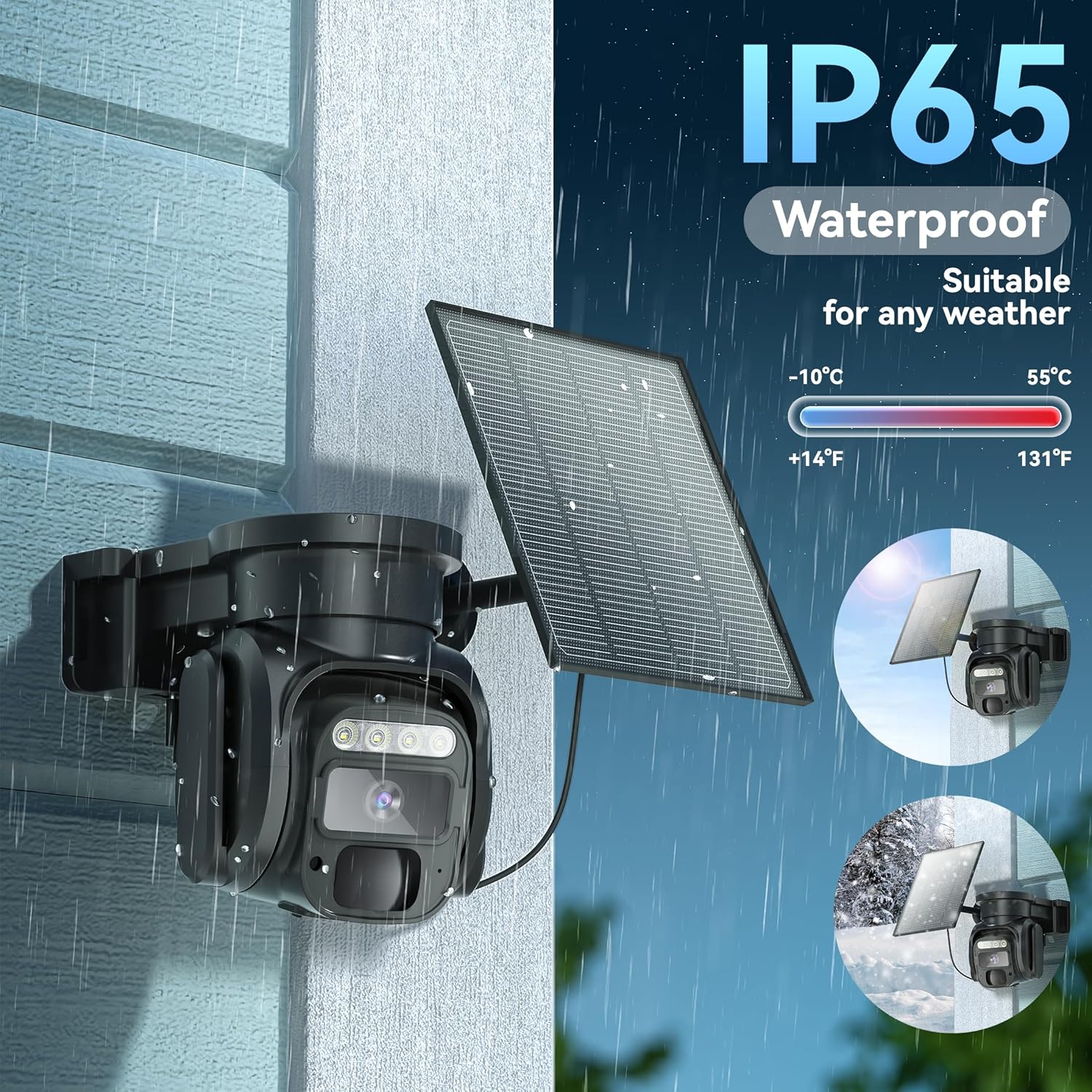
Figure 8: IP66 Waterproof rating for all-weather use.
7.3 Glanadh
Glan lionsa a’ chamara agus am pannal grèine bho àm gu àm le clò bog, tioram.amp cloth to ensure optimal performance and clear image capture. Avoid abrasive cleaners.
8. A ’dèanamh trioblaid
- Camera not turning on/dying at night: Ensure the solar panel is positioned to receive maximum direct sunlight throughout the day. Verify the initial 12-hour charge was completed. Check battery status in the app.
- Gun cheangal lìonra: Confirm the camera is powered on. Check the data plan status in the iCam365 app. Ensure the camera is in an area with adequate 4G LTE signal coverage.
- Rabhaidhean nach deach fhaighinn: Check notification settings within the iCam365 app and your smartphone's system settings. Ensure the camera has an active data plan.
- Càileachd bhidio truagh: Ensure the camera lens is clean. Check the network signal strength. Adjust video resolution settings in the app if necessary.
- Cùisean claisneachd dà-shligheach: Check volume settings on your smartphone and within the app. Ensure there are no obstructions blocking the microphone or speaker on the camera.
9. Sònrachaidhean Teicnigeach
| Feart | Sònrachadh |
|---|---|
| Modail Àireamh | G200 |
| Teicneòlas ceangail | Wireless (Cellular 4G LTE) |
| Stòr cumhachd | Cumhachd na Grèine (Pannal Grèine 5W) |
| Fuasgladh glacadh bhidio | 2K |
| Sealladh na h-oidhche | Color Night Vision, Infrared Night Vision |
| Raon Pan / Teilt | 355 ° còmhnard, 90 ° inghearach |
| Zoom didseatach | 4x |
| Dearbhadh Gluasad | Sensor Gluasad PIR |
| Fuaim | 2-Way Audio (Built-in Microphone & Speaker) |
| Roghainnean stòraidh | Cairt Micro SD (suas ri 128GB, gun a bhith air a ghabhail a-steach), Stòradh Nèil |
| Co-fhreagarrachd an aplacaid | iCam365 (Android, iOS) |
| Ìre an aghaidh uisge | IP66 |
| Teòthachd Obrachaidh | -10°C gu 55°C (14°F gu 131°F) |
| Bataraidhean | 4 bataraidh lithium-ion (air a ghabhail a-steach) |
| Meudan | 3.7 x 5.9 x 5.6 òirleach |
| Cuideam nì | 2.35 not |
10. Barantas agus Taic
For any issues or questions, KKB offers multi-channel service including in-app online contact and email support. 7x24 hours professional technical support is available to assist you.

Figure 9: KKB Customer Support.