
1. Fiosrachadh Sàbhailteachd Cudromach
Please read these safety instructions carefully before operating your TV and retain them for future reference. Always follow basic safety precautions to reduce the risk of fire, electric shock, and injury.
- Cumhachd: Connect the TV to an AC power outlet only. Do not overload wall outlets. Ensure the power cord is not damaged or pinched.
- Fionnarachadh: Do not block ventilation openings. Install the TV in a location with adequate airflow.
- Glanadh: Unplug the TV before cleaning. Use a soft, dry cloth. Do not use liquid cleaners or aerosol sprays.
- Uisge agus Taiseachd: Na cuir an telebhisean fosgailte do uisge no taiseachd. Na cuir nithean làn lionntan air an telebhisean.
- Seasmhachd: Ensure the TV is placed on a stable surface or securely mounted to prevent it from falling.
2. Dè tha air a ghabhail a-steach
Dèan cinnteach gu bheil a h-uile pàirt anns a’ phacaid:
- LG 55QNED85T 55-inch 4K QNED Smart TV
- Base (Stand)
- Càball cumhachd so-ruigsinneach
- Magic Remote (MR 24Y)
- Bataraidhean AA x 2
3. Suidhich
3.1 A’ dì-phapadh
Carefully remove the TV and all accessories from the packaging. It is recommended to keep the packaging materials for future transport or service needs.
3.2 Stàladh Seas
Gus an seasamh Tbh a stàladh:
- Cuir an telebhisean aghaidh sìos air uachdar bog, còmhnard gus casg a chur air milleadh air an sgrion.
- Cuir pàirtean an t-seasamh ris na sliotan co-fhreagarrach aig bonn an Tbh.
- Daingnich an stand leis na sgriothan a tha air an toirt seachad. Dèan cinnteach gu bheil na sgriothan uile air an teannachadh gu daingeann.

Aghaidh view of the LG 55QNED85T 55-inch 4K QNED Smart TV with its stand installed.

Taobh view of the LG 55QNED85T 55-inch 4K QNED Smart TV showing its slim profile agus seas.
3.3 Gèilleadh Balla (Roghainneil)
If you choose to wall mount your TV, refer to the instructions provided with your wall mount bracket. Ensure the bracket is compatible with VESA standards for your TV model and installed by a qualified professional.
3.4 Ceangal iomaill
Connect external devices such as set-top boxes, gaming consoles, or sound systems to the TV's ports. The TV features HDMI, USB, Ethernet, Bluetooth, and Wi-Fi connectivity.

Cùl view of the LG 55QNED85T 55-inch 4K QNED Smart TV showing various input and output ports.
3.5 Ceangal cumhachd
After connecting all desired devices, plug the detachable power cable into the TV's power input and then into a wall outlet.
3.6 Suidheachadh tùsail
Upon first power-on, the TV will guide you through the initial setup process. This includes selecting your language, connecting to a network (Wi-Fi or Ethernet), and scanning for channels.
4. Obrachadh an Tbh agad
4.1 Magic Remote (MR 24Y)
The LG Magic Remote allows for intuitive control of your TV. It functions like an air mouse, allowing you to point and click. It also features a dedicated AI button for smart functions.

The LG AI Magic Remote offers dedicated buttons and features for AI functions, including AI Chatbot, AI Concierge, AI Search, AI Picture Wizard, AI Voice ID, and AI Sound Wizard.
4.2 WebFeartan Smart OS 24
Bidh an telebhisean LG QNED agad ag obair air webOS 24, offering a smart and user-friendly interface. Key features include:
- LG ThinQ AI: Integrated artificial intelligence for enhanced control and personalization.
- Amazon Alexa air a thogail a-steach: Use voice commands for various TV functions and smart home control.
- Aithneachadh Guth Innleachdach: Control your TV and search for content using your voice.
- App Remote Control (LG ThinQ): Control your TV from your smartphone using the LG ThinQ app.
- Concierge AI: Provides personalized keyword suggestions and recommendations based on your vieweachdraidh ing.

The AI Concierge feature provides personalized keyword suggestions and recommendations based on your search and vieweachdraidh ing.
- Rannsachadh AI: A’ tabhann mholaidhean pearsanaichte airson do cheistean agus fuasglaidhean a bharrachd le Microsoft Copilot.

AI Search provides personalized recommendations for your queries and can integrate with Microsoft Copilot for additional solutions.
- ID Guth AI: Recognizes each user's vocal signature and offers personalized recommendations as you speak.

AI Voice ID recognizes individual user voices to provide personalized content recommendations.
4.3 Roghainnean dhealbhan
Your QNED TV combines Quantum Dot and NanoCell technologies for vibrant and accurate colors. The α8 AI Processor Gen 2 optimizes picture quality.
- QNED Dynamic Colors: LG's wide color gamut technology provides enhanced color reproduction.
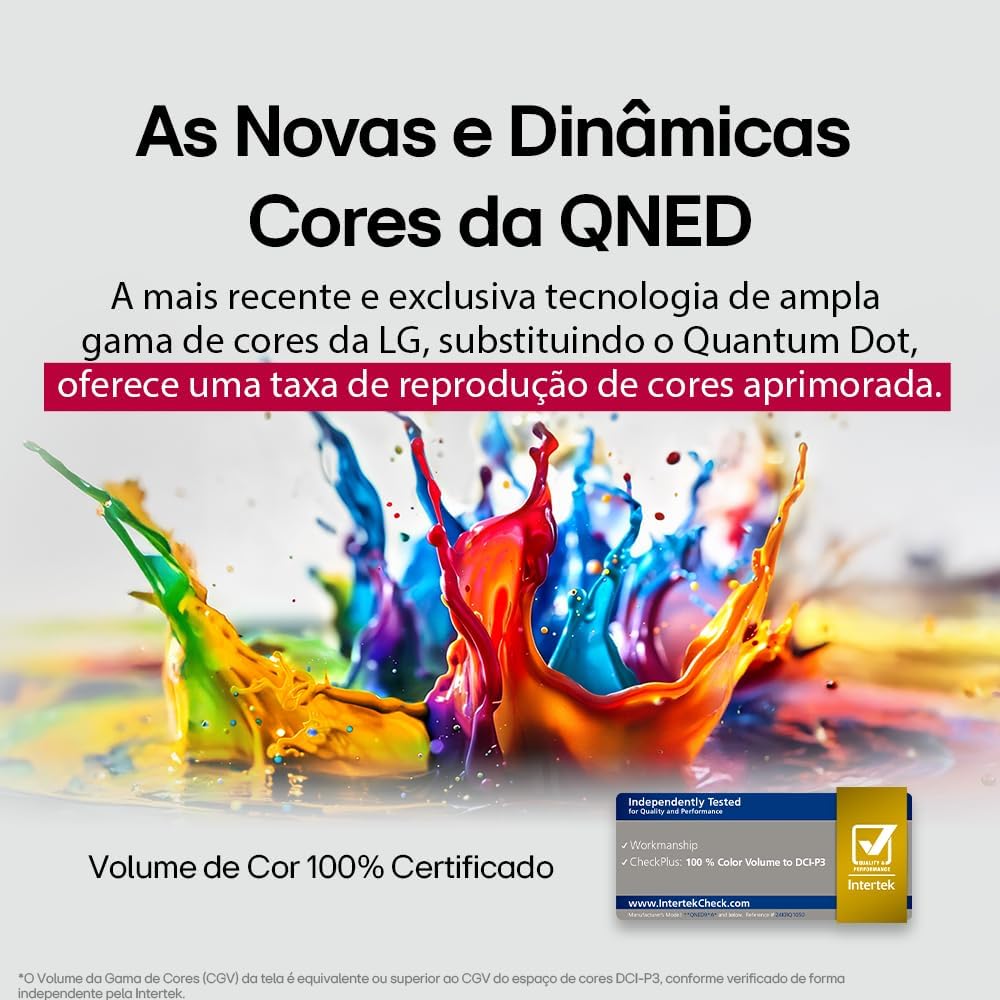
LG's QNED technology delivers new and dynamic colors, offering an improved color reproduction rate with 100% Certified Color Volume to DCI-P3.
- MiniLED: This technology enhances sharpness and provides superior contrast for an immersive viewann an eòlas.
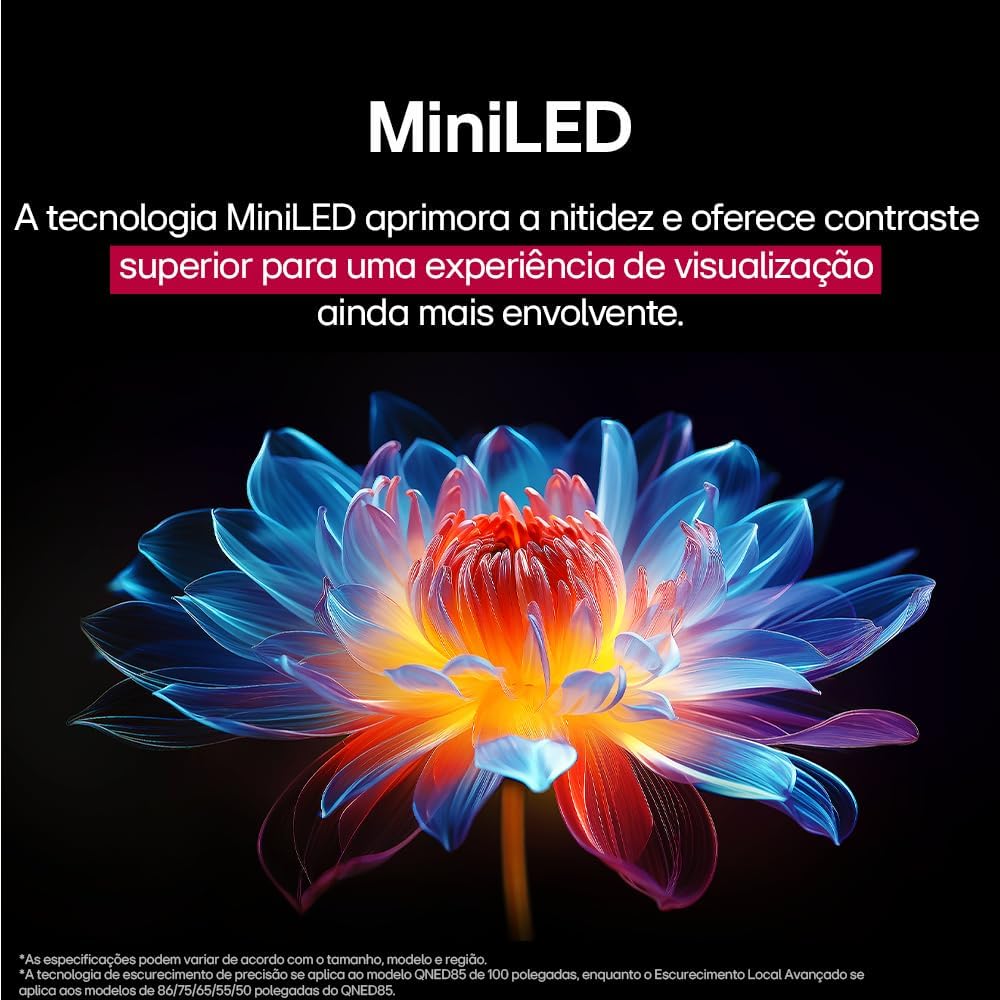
MiniLED technology improves sharpness and offers superior contrast for an immersive viewann an eòlas.
- α8 AI Processor Gen 2: This processor enhances 4K visuals with impressive colors and brightness.
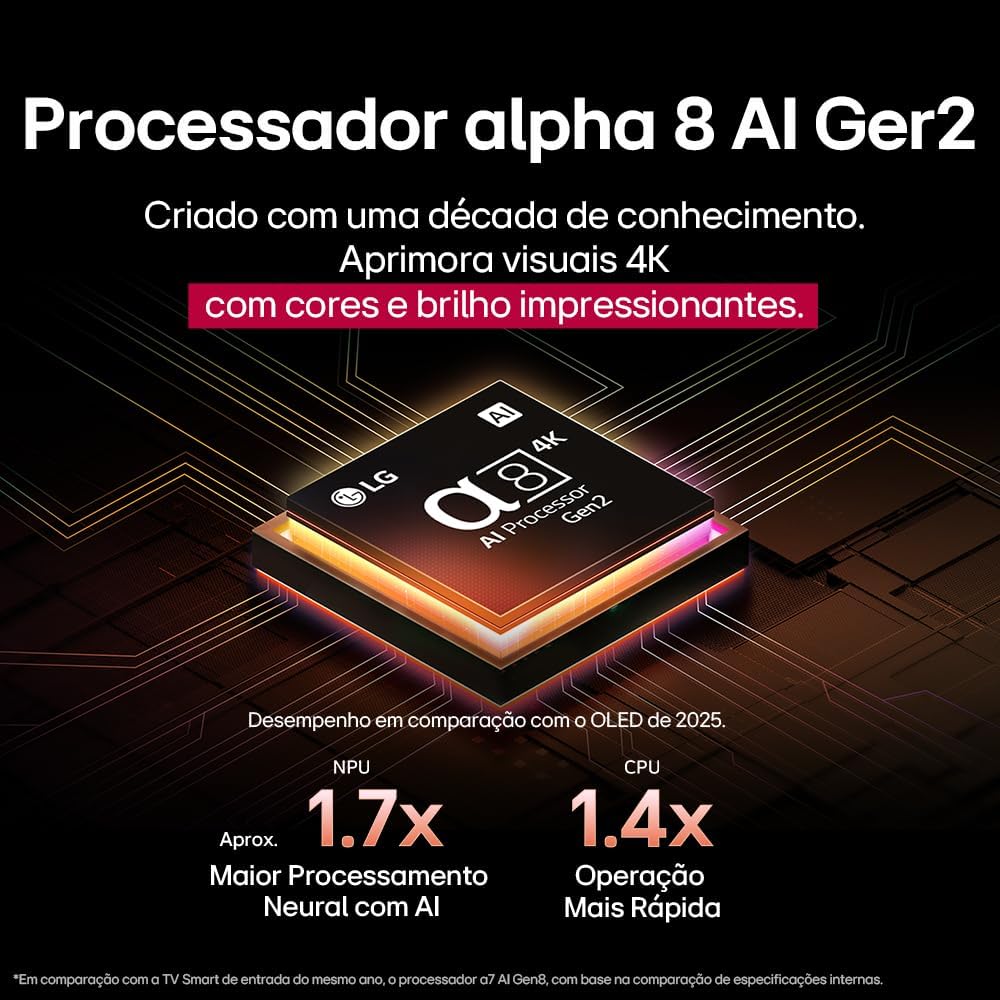
The Alpha 8 AI Processor Gen 2 enhances 4K visuals with impressive colors and brightness, offering approximately 1.7x greater neural processing with AI and 1.4x faster operation compared to previous generations.
- AI Dealbh Pro: Analyzes each frame, enhancing resolution, brightness, depth, and clarity to bring every scene to life.

AI Picture Pro analyzes each frame, enhancing resolution, brightness, depth, and clarity to bring every scene to life.
4.4 Roghainnean fuaim
The TV includes AI Sound Wizard features to optimize audio output based on your environment and content.
4.5 Ceangalachd
Tha an telebhisean agad a’ toirt taic do dhiofar roghainnean ceangail:
- Wi-Fi: Connect to your home wireless network for internet access and smart features.
- Ethernet: Cleachd ceangal uèirleas airson ruigsinneachd eadar-lìn seasmhach.
- HDMI: Connect high-definition devices like Blu-ray players, game consoles, and soundbars.
- USB: Cluich meadhanan files bho innealan stòraidh USB.
- Bluetooth: Connect wireless headphones, speakers, or other compatible devices.
4.6 Feartan Gèam
The LG 55QNED85T is equipped with features for an enhanced gaming experience:
- 120Hz Panel: A’ toirt seachad gluasad nas socair airson geamannan aig astar luath.
- FreeSync: Reduces screen tearing and stuttering when connected to compatible gaming devices.
5. Cumail suas
5.1 Glanadh
- Sgrion: Sguab an sgrion gu socair le clò bog, gun lint. Airson comharran stòlda, suath gu socairampnigh an clò le uisge no le inneal-glanaidh sgrion sònraichte (na spraeadh gu dìreach air an sgrion).
- Frèam agus Seasamh: Sguab às le clò bog, tioram.
- Smachd air astar: Use a soft, dry cloth to clean the remote.
5.2 Ùrachaidhean bathar-bog
Your TV may receive software updates to improve performance and add new features. You can usually check for and install updates through the TV's settings menu (Settings > General > About This TV > Check for Updates).
6. A ’dèanamh trioblaid
Ma thachras duilgheadasan leis an telebhisean agad, thoir sùil air na fuasglaidhean cumanta a leanas:
| Trioblaid | Fuasgladh comasach |
|---|---|
| Gun chumhachd | Thoir sùil a bheil an càball cumhachd ceangailte gu tèarainte ris an telebhisean agus ris an t-socaid balla. Dèan cinnteach gu bheil an socaid ag obair. |
| Gun Dealbh, ach Tha Fuaim An làthair | Thoir sùil air an stòr cuir-a-steach. Dèan cinnteach gu bheil innealan taobh a-muigh air an tionndadh air agus ceangailte gu ceart tro HDMI. |
| Gun fhuaim, ach tha dealbh an làthair | Thoir sùil air an ìre fuaime agus an inbhe balbh. Dearbhaich roghainnean toraidh claisneachd (m.e., luchd-labhairt a-staigh, bàr-fuaime taobh a-muigh). |
| Iomallach smachd nach eil ag obair | Replace the batteries. Ensure there are no obstructions between the remote and the TV. Re-pair the Magic Remote if necessary. |
| Cùisean Ceangal Lìonra | Restart your router and modem. Check Wi-Fi password. Try a wired Ethernet connection if possible. |
| Cùisean Càileachd Dealbh | Atharraich roghainnean an deilbh (soilleireachd, eadar-dhealachadh, geur-chruth). Dèan cinnteach gu bheil an stòr cuir-a-steach a’ toirt seachad comharra àrd-inbhe. |
If the problem persists, try performing a factory reset (refer to the TV's settings menu) or contact LG customer support.
7. Sònrachaidhean
Detailed specifications for the LG 55QNED85T 55-inch 4K QNED Smart TV:
| Feart | Sònrachadh |
|---|---|
| Meud sgrion | 55 òirlich |
| Brand | LG |
| Teicneòlas taisbeanadh | LED (QNED, MiniLED) |
| Fuasgladh | 4K (3840 x 2160) |
| Ìre Ath-nuadhachaidh | 120 Hz |
| Feartan sònraichte | QNED Dynamic Colors, MiniLED, α8 AI Processor Gen 2 |
| Teicneòlas ceangail | Bluetooth, Ethernet, HDMI, USB, Wi-Fi |
| Co-mheas taobh | 16:9 |
| Meudan toraidh (DxWxH) | 25.7D x 123.6W x 78.3H centimeters (with stand) |

Dimensions of the LG 55QNED85T 55-inch TV. Indicated values and actual measurements may differ.
8. Barantas agus Taic
Your LG 55QNED85T Smart TV comes with a manufacturer's warranty. Please refer to the warranty card included in your product packaging for specific terms and conditions.
For technical support, service, or warranty claims, please contact LG customer service through their official weblàrach-lìn no am fiosrachadh conaltraidh a tha air a thoirt seachad anns na sgrìobhainnean barantais agad.