
1. Ro-ràdh
Thank you for choosing the DEWENWILS Remote Control Outlets with Wireless Wall Switch. This product provides a convenient and energy-efficient way to control your indoor lighting and other electronic devices remotely. Please read this manual carefully before use to ensure proper installation and operation.
2. Fiosrachadh Sàbhailteachd
- The DEWENWILS remote control outlets are constructed from high-quality flame-retardant material, ensuring maximum safety for domestic use.
- The product is designed to operate safely within a temperature range of -25°C to 40°C.
- Integrated child safety features prevent accidental contact with live parts.
- Do not exceed the maximum load capacity of 2300W or 10A.
- Ensure the product is used in dry indoor environments only.
- Thoir air falbh an inneal bhon ionad cumhachd an-còmhnaidh mus glanadh thu.
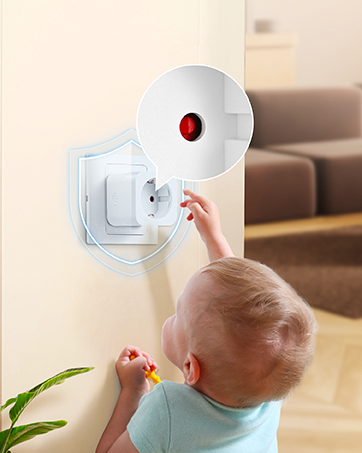
Image: The remote control outlet is designed for safe operation in temperatures ranging from -25°C to 40°C, highlighting its durability.

Image: A child reaching for an outlet, with a shield icon indicating the integrated child safety mechanism to prevent accidental contact.
3. Pasgan-susbaint
Your DEWENWILS Remote Control Outlet kit typically includes:
- Remote Control Outlet(s)
- Remote Control(s) (battery included)
- Wireless Wall Switch(es) (quantity may vary by package)
- Leabhar-làimhe cleachdaiche
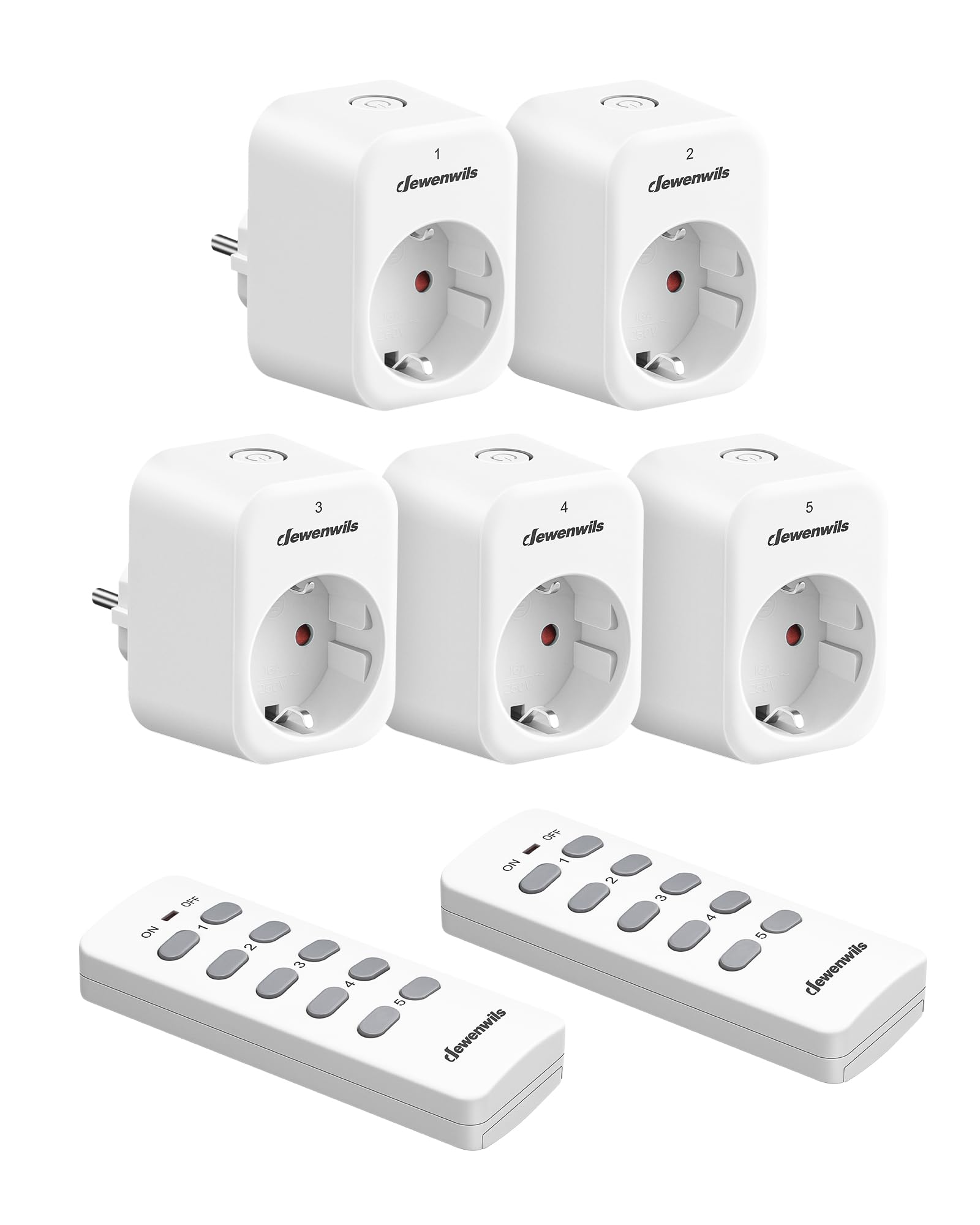
Image: A DEWENWILS remote control outlet plugged into a wall socket next to a white remote control, illustrating the primary components of the kit.
4. Feartan toraidh
- Gnìomh Fèin-ionnsachaidh: Additional portable remote controls and outlets can be paired (only with the same model). The manual transmitter and radio receiver are pre-programmed for immediate use.
- Plug & Play: Easy installation with no programming or tools required. Batteries are included for the remote controls.
- Sàbhaladh lùtha: Eliminates complex standby power consumption, reducing energy use. The outlet remains off after a power outage to save energy. Standby power consumption is only 0.6W.
- 30m Range: The powerful RF signal operates through walls and doors without interference, offering up to 30 meters (100 feet) range in open air without obstacles. Operating frequency is 433.92 MHz.
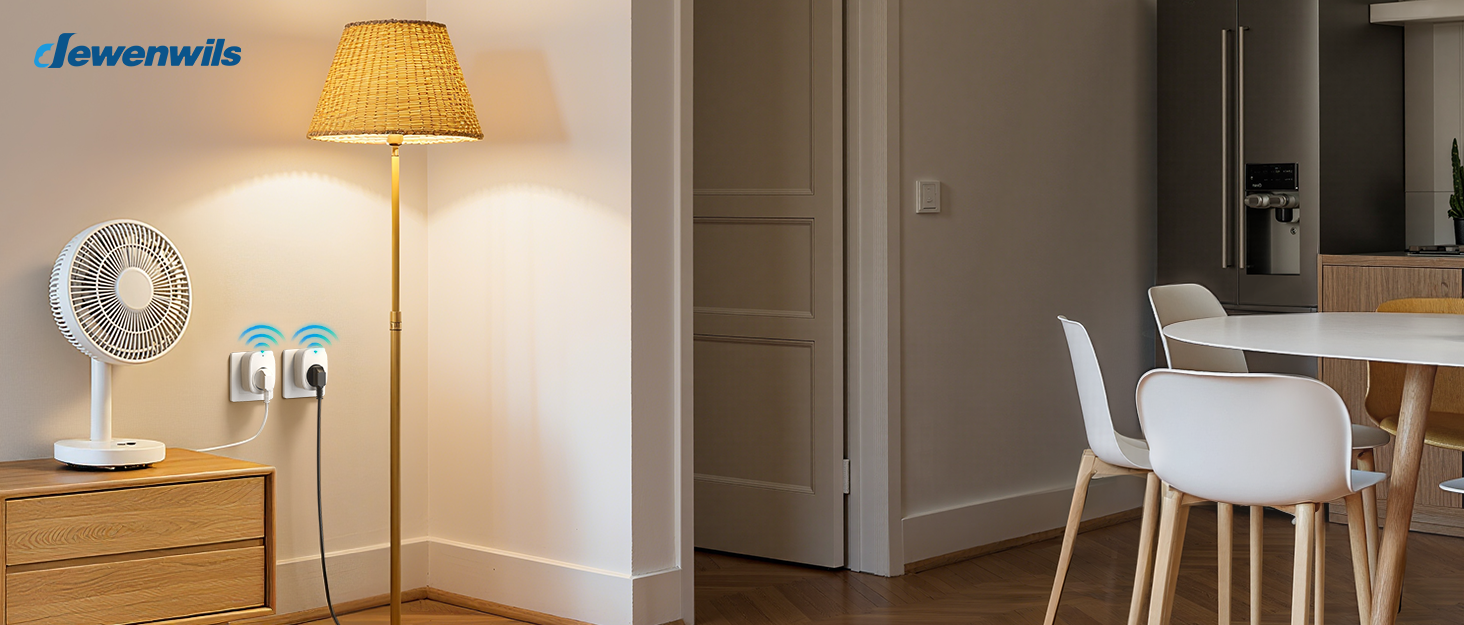
- Smachd gun uèir: Conveniently turn on or off indoor lighting (e.g., Christmas lights, plug-in pendant lights), hard-to-reach electronic installations, and other electronic devices with the press of a button.
Ìomhaigh: Dealbh-adhair view of a house showing the 30-meter RF range of the remote control, indicating its ability to control devices across multiple rooms and through walls.
Image: A person comfortably using the remote control from a sofa to operate a lamp plugged into a DEWENWILS outlet, demonstrating ease of use.
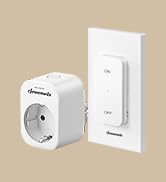
Image: Multiple DEWENWILS outlets plugged into wall sockets near a TV, with a remote control in hand, illustrating the programmable and expandable nature of the system.
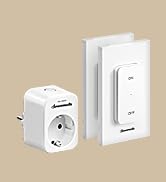
Image: A collage showing various household appliances like a microwave, TV, table lamp, humidifier, laptop, and fan, indicating the 10A max 2300W capacity and wide compatibility of the outlets.
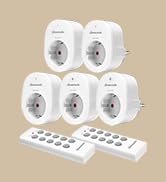
Image: A collage depicting elderly individuals, a person in a wheelchair, and a pregnant woman using the remote control outlets, emphasizing the convenience and accessibility for various users.
5. Suidhich
The DEWENWILS Remote Control Outlets are designed for simple Plug & Play installation.
5.1 Initial Setup (Pre-programmed)
- Unpack the remote control outlet(s) and remote control(s).
- Plug the remote control outlet into a standard wall socket.
- Plug your desired appliance (e.g., lamp, fan) into the remote control outlet.
- The remote control and outlet are pre-programmed. Press the corresponding ON/OFF button on the remote to control the appliance.
5.2 Pairing Additional Remotes or Outlets (Self-Learning)
If you wish to pair additional DEWENWILS remote controls or outlets (of the same model) or re-pair existing ones, follow these steps:
- Plug the remote control outlet into a wall socket.
- Press and hold the learning button on the side of the outlet (or the small button on the front, depending on the model) until the indicator light starts flashing.
- Within 5 seconds, press the desired ON or OFF button on the remote control you wish to pair.
- The indicator light on the outlet will stop flashing and remain solid for a moment, then turn off, indicating successful pairing.
- Test the connection by pressing the ON/OFF button on the remote.
6. Stiùireadh Obrachaidh
Operating your DEWENWILS remote control outlets is straightforward:
- A 'cleachdadh an smachd iomallach: Each button pair (1-5) on the remote corresponds to a specific channel. Press the 'ON' button for the desired channel to turn on the connected appliance. Press the 'OFF' button for the desired channel to turn off the connected appliance.
- Using the Wireless Wall Switch (if applicable): If your kit includes a wireless wall switch, it functions similarly to the remote control. Press the 'ON' or 'OFF' button on the switch to control the paired outlet.
- Smachd làimhe: Most outlets also feature a manual ON/OFF button directly on the unit for local control.
7. Cumail suas
7.1 Glanadh
To clean the remote control outlets and remote controls:
- Ensure all devices are unplugged from the power source.
- Wipe surfaces with a soft, dry cloth. Do not use liquid cleaners or sprays.
7.2 Ath-chur Bataraidh Smachd Iomallach
If the remote control's range decreases or it stops responding, the battery may need replacement.
- Lorg an roinn bataraidh air cùl an smachd iomallach.
- Fosgail còmhdach na roinne.
- Remove the old battery and insert a new one of the same type (typically CR2032 or similar, check the remote for specifics), ensuring correct polarity.
- Dùin an roinn bataraidh.
8. A ’dèanamh trioblaid
| Trioblaid | Adhbhar a dh’fhaodadh a bhith ann | Fuasgladh |
|---|---|---|
| Outlet does not respond to remote. | Battery in remote is dead or weak. Outlets and remote are not paired. Appliance is not plugged in or is faulty. | Replace remote battery. Re-pair the outlet and remote (see Section 5.2). Check appliance power. |
| Raon smachd iomallach nas lugha. | Weak remote battery. Excessive interference from other RF devices. Obstacles (thick walls, metal objects). | Replace remote battery. Move the outlet or remote to a different location. Ensure line of sight if possible, though RF works through walls. |
| Outlet does not turn on after power outage. | This is a safety feature to prevent appliances from turning on unexpectedly. | Manually turn on the outlet or use the remote control to activate it. |
| Appliance connected to outlet does not work. | Appliance is faulty. Outlet is off. Power outage. | Test appliance in a different socket. Ensure outlet is switched ON. Check household power supply. |
9. Sònrachaidhean
| Feart | Sònrachadh |
|---|---|
| Modail Àireamh | DHRS205M |
| Meudan (L x W x H) | 50 x 48 x 70 mm (5 x 4.8 x 7 cm) |
| Cuideam | 630 gram |
| Modh-obrachaidh | AIR-OFF |
| Rangachadh làithreach | 10 A |
| Vol Obrachaidhtage | 230 bholt (AC) |
| Rangachadh cumhachd | 2300 watt |
| Caitheamh cumhachd cùl-taic | 0.6 W |
| Seòrsa ceangail | Dèan ceangal |
| Stuth | Plastic (housing), Copper (contact material) |
| Modh smachd | Smachd Iomallach |
| Pròtacal ceangail | RF (433.92 MHz) |
| Raon gun uèir | Suas ri 30 meatair (100 troigh) san adhar fosgailte |
| Ìre Teothachd Uarach | 45 Ceuman Celsius |
| Gèilleadh | CE |
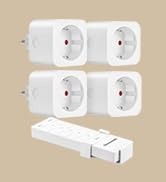
Image: A diagram showing the precise dimensions of the DEWENWILS remote control outlet (5.05cm x 4.08cm x 7.00cm) and its accompanying remote control (3.92cm x 1.83cm x 10.5cm).
10. Barantas agus Taic
DEWENWILS products are designed for reliability and performance. This product is covered by the manufacturer's standard warranty, which typically covers defects in materials and workmanship under normal use.
- Ùine barantais: Please refer to the product packaging or the official DEWENWILS website for specific warranty duration.
- Taic teachdaiche: For technical assistance, troubleshooting, or warranty claims, please contact DEWENWILS customer support through the retailer where the product was purchased or visit the official DEWENWILS weblàrach-lìn airson fiosrachadh conaltraidh.