
Alienware AW920K
Leabhar-làimhe Cleachdaiche Meur-chlàr Gèam Gun Uèir Tri-Mode Alienware AW920K
Model: AW920K
Ro-ràdh
The Alienware AW920K Tri-Mode Wireless Gaming Keyboard is designed to elevate your gaming and productivity performance with versatile connectivity options, customizable controls, and vibrant AlienFX per-key RGB lighting. This manual provides essential information for setting up, operating, and maintaining your keyboard.

Figure 1: Alienware AW920K Tri-Mode Wireless Gaming Keyboard with USB dongle and cable.
Dè th' anns a' Bhocsa
- Alienware AW920K Tri-Mode Wireless Gaming Keyboard
- USB Cable (detachable paracord)
- Sgrìobhainnean (an leabhar-làimhe cleachdaiche seo)
Suidhich
Roghainnean ceangail
The Alienware AW920K keyboard offers three modes of connectivity:
Ceangal gun uèir 2.4GHz
For responsive wireless gaming performance on your PC, use the included 2.4GHz wireless USB-C dongle. For optimal reception, deploy the convenient dongle extender to position the receiver closer to the keyboard.
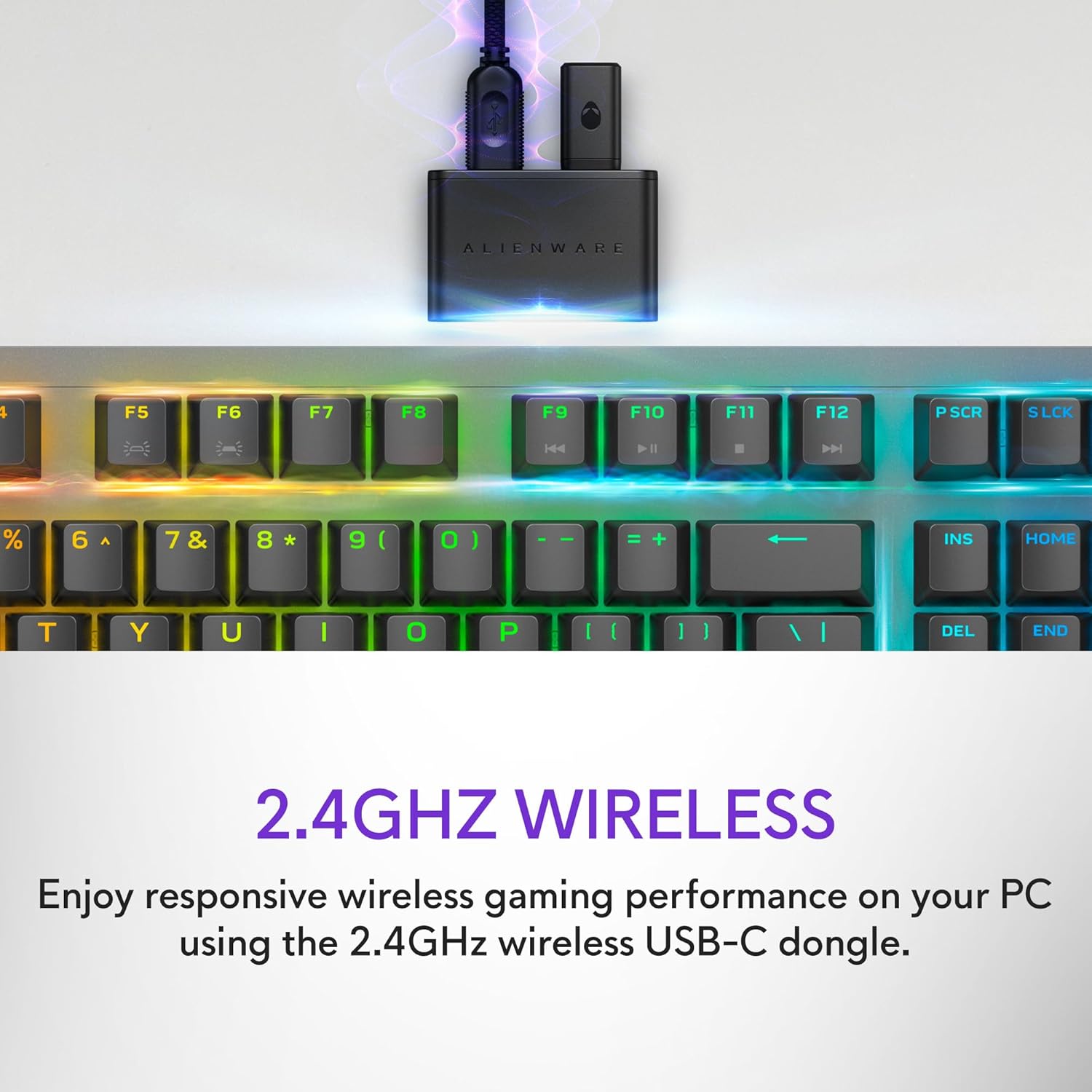
Figure 2: The 2.4GHz wireless USB-C dongle for PC connection.
Ceangal Bluetooth 5.1
Connect up to three different compatible devices via Bluetooth 5.1. Use the selection button located on the back of the keyboard to choose the active paired device or switch to the 2.4GHz connection.

Figure 3: Connectivity toggle switch on the back of the keyboard.
Ceangal USB uèirleas
For a direct and reliable connection, plug in and play on your PC using the detachable USB paracord cable.

Figure 4: Connecting the keyboard via the detachable USB cable.
A 'cur cosgais
The keyboard features magnetic snap-on charging for convenience. Easily connect and disconnect the charging cable to keep your keyboard powered without interrupting your game or compromising performance.

Figure 5: Magnetic snap-on charging port.
The keyboard offers robust battery life: up to 42 hours with 50% RGB lighting brightness on 2.4GHz dongle connection, or up to 46 hours on Bluetooth connection with 50% RGB lighting brightness.
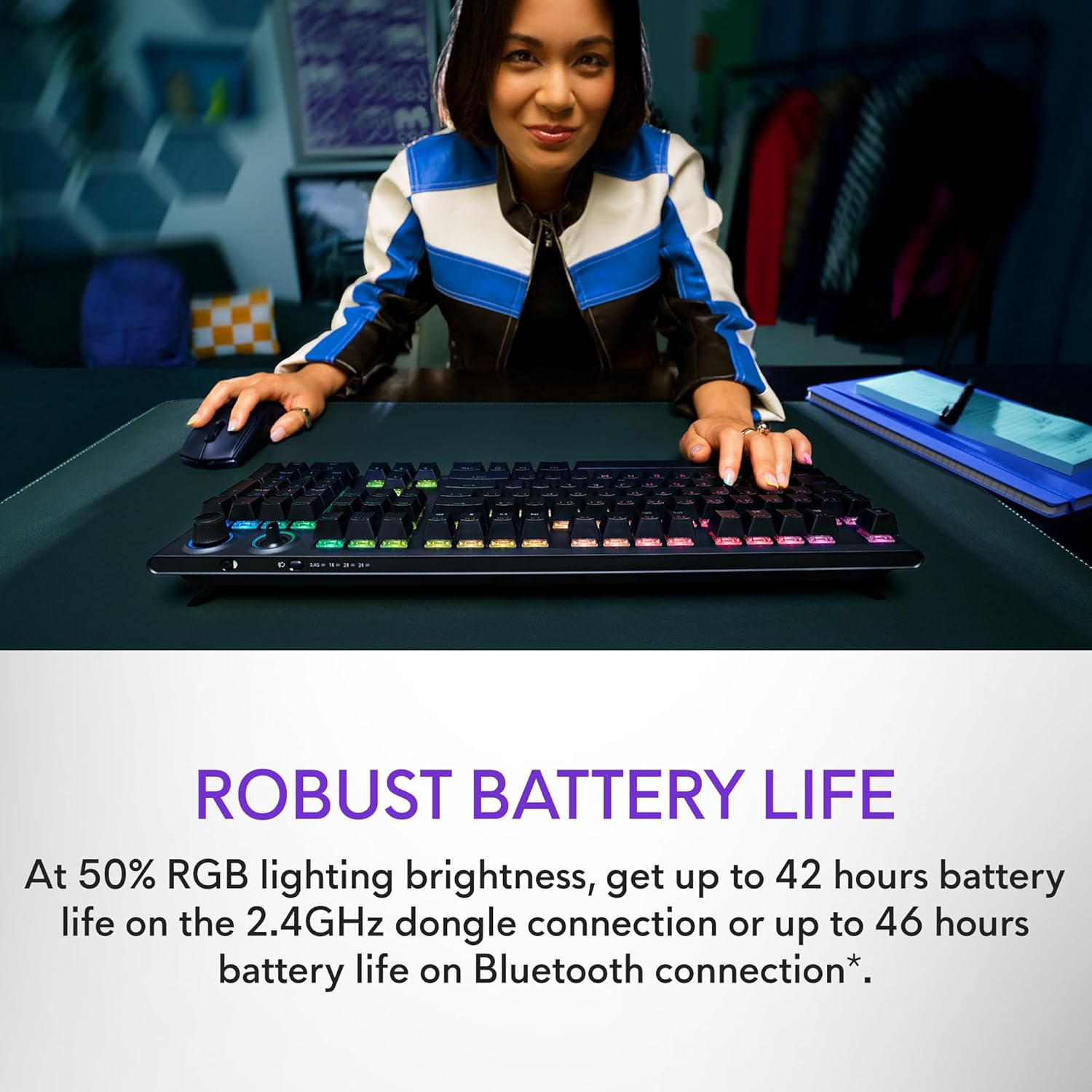
Figure 6: Illustration of the keyboard's extended battery life.
Stiùireadh Obrachaidh
Key Switches and Performance
The AW920K features CHERRY MX Red switches, known for their consistent high performance, 100 million actuation lifecycle, responsive feel, and smooth linear operation, making them ideal for gaming.

Figear 7: Dùin suas view of the CHERRY MX Red switches.
Double-shot PBT keycaps provide reliable durability and exceptional wear resistance. The key legends are molded into the cap, not painted, ensuring dependable fade resistance.
Smachdan gnàthaichte
The programmable rocker switch and dial allow you to customize your experience. Map compatible Windows productivity controls via Alienware Command Center on your PC. This includes media controls and system volume, accessible directly from your fingertips.

Figure 8: The programmable rocker switch and dial for custom functions.
AlienFX RGB Lighting
AlienFX per-key RGB lighting is configurable with Alienware Command Center, delivering an immersive gaming experience with up to 16.8 million colors. Utilize the Alienware Command Center on PC to create themes and customize the keyboard for a more personal gaming experience.

Figure 9: Keyboard displaying AlienFX RGB lighting effects.
Feartan gèam
The keyboard supports full anti-ghosting and N-key rollover, ensuring that all keystrokes register correctly and the keyboard remains responsive during intense gaming sessions and rapid typing.
Cumail suas
To ensure the longevity and optimal performance of your Alienware AW920K keyboard, follow these maintenance guidelines:
- Glanadh: Cleachd clò bog, gun lint beagan dampened with water or a mild cleaning solution to wipe down the keycaps and chassis. Avoid harsh chemicals or abrasive materials.
- Toirt air falbh dust: Cleachd èadhar teannaichte gus duslach is sprùilleach a thoirt air falbh bho eadar na ceapan-iuchrach.
- Stòradh: Nuair nach eilear ga chleachdadh airson ùine mhòr, stòraich am meur-chlàr ann an àite tioram, fionnar air falbh bho sholas dìreach na grèine agus teòthachd anabarrach.
- Cùram càball: Handle the detachable USB cable with care. Avoid sharp bends or excessive pulling to prevent damage.
Fuasgladh thrioblaidean
If you encounter issues with your Alienware AW920K keyboard, refer to the following common troubleshooting steps:
| Trioblaid | Adhbhar / Fuasgladh a dh’fhaodadh a bhith ann |
|---|---|
| Chan eil am meur-chlàr a’ freagairt (gun uèir) |
|
| Chan eil solais RGB ag obair |
|
| Iuchraichean nach eil a’ clàradh no a’ nochdadh mar thaibhse |
|
| Programmable features not working |
|
Sònrachaidhean
| Feart | Mion-fhiosrachadh |
|---|---|
| Modail Àireamh | AW920K |
| Ceangalachd | Gun uèir 2.4GHz, Bluetooth 5.1, USB-C le uèir |
| Prìomh suidsichean | CHERRY MX Red |
| Ceapan-meòir | PBT le dà dhìol |
| Solais | AlienFX per-key RGB |
| Battery Life (2.4GHz, 50% RGB) | Suas ri 42 uairean a thìde |
| Battery Life (Bluetooth, 50% RGB) | Suas ri 46 uairean a thìde |
| Anti-Taibhse | Làn Anti-Ghosting |
| N-Key Rollover | Le taic |
| Meudan (LxWxH) | 17.76 x 5.82 x 2.28 òirleach (45.1 x 14.8 x 5.8 cm) |
| Cuideam | 2.35 not (1.06 kg) |
| Innealan co-fhreagarrach | Laptop, PC, Fòn-làimhe, Clàr |

Figure 10: Keyboard dimensions (Length, Width, Height).
Barantas agus Taic
Alienware products are backed by a manufacturer's warranty. For detailed warranty information, technical support, or service inquiries, please visit the official Alienware support weblàrach-lìn no cuir fios chun t-seirbheis teachdaiche aca. Cùm do chuidhteas ceannach airson tagraidhean barantais.
For software updates and advanced customization, download the Alienware Command Center from the official Alienware support page.
You can visit the official Alienware store for more products and support: Alienware Store
Ask a question about this manual
Ask about setup, troubleshooting, compatibility, parts, safety, or missing instructions. Manuals+ will review the question and use this page’s manual context to help answer it.