
1. Ro-ràdh
The Promate Capsule-3 is a portable Bluetooth speaker designed to deliver high-definition audio with versatile connectivity options. This manual provides essential information for setting up, operating, and maintaining your speaker to ensure optimal performance.
2. Dè tha sa bhogsa
Carefully unpack your Promate Capsule-3 speaker. The package should contain the following items:
- 1 x Promate Capsule-3 Bluetooth Speaker
- 1 x Leabhar-làimhe Cleachdaiche
3. Toradh thallview
The Promate Capsule-3 speaker features a 5W audio output, True Wireless Stereo (TWS) technology for pairing two speakers, and integrated rainbow LED lights. It supports multiple playback modes including Bluetooth v5.3, TF Card, USB Media Port, and 3.5mm AUX input. The compact design includes a lanyard for portability, and it is powered by a built-in 500mAh rechargeable lithium battery providing up to 6 hours of playtime.
Video 1: Promate Capsule-3 Speaker Overview. This video provides a brief introduction to the Promate Capsule-3 Bluetooth Speaker, highlighting its key features and design.

Image 1: True Wireless Stereo Sound. The image displays the Promate Capsule-3 speaker, emphasizing its 5-watt output and True Wireless Stereo (TWS) capability for enhanced audio.

Image 2: Rainbow LED Lights. This image shows the speaker with its vibrant rainbow LED lights, illustrating its ability to enhance the ambiance of any environment.
4. Suidhich
4.1 A’ cur cosgais air an neach-labhairt
- Connect the charging cable to the DC 5V port on the speaker.
- Ceangail ceann eile a’ chàball ri inneal-atharrachaidh cumhachd USB (nach eil air a ghabhail a-steach) no ri port USB coimpiutair.
- The LED indicator will show charging status. Once fully charged, the indicator will change or turn off.
4.2 A’ cur cumhachd air/dheth
- To power on, press and hold the Power button until the LED lights illuminate and an audible prompt is heard.
- To power off, press and hold the Power button again until the LED lights turn off and an audible prompt is heard.
5. Stiùireadh Obrachaidh
5.1 Pairing Bluetooth
- Dèan cinnteach gu bheil an neach-labhairt air agus ann am modh paidhreachaidh Bluetooth (bidh an comharra LED a’ priobadh).
- Air an inneal agad (fòn cliste, tablet, laptop), cuir Bluetooth an gnìomh agus rannsaich airson innealan a tha rim faighinn.
- Select "Promate Capsule-3" from the list.
- Aon uair ‘s gu bheil e air a chàradh, cuiridh an neach-labhairt a-mach dearbhadh claisneachd, agus sguiridh an comharra LED dealanach.
Paidhreachadh 5.2 Stereo gun Uèir (TWS)
To achieve stereo sound, you can pair two Promate Capsule-3 speakers together:
- Ensure both Capsule-3 speakers are powered on and not connected to any Bluetooth device.
- On one speaker (this will be the primary speaker), press and hold the TWS pairing button (refer to controls section for button identification).
- The speakers will search for each other and automatically pair. An audible prompt will confirm successful TWS connection.
- A-nis, ceangail an inneal agad ris a’ phrìomh neach-labhairt tro Bluetooth mar a tha air a mhìneachadh ann an earrann 5.1. Cluichidh am fuaim ann an stereo tron dà neach-labhairt.

Image 3: Easy Music Navigation. This image highlights the speaker's control buttons, indicating simple navigation for music playback and call management.
5.3 Multi-Mode Playback
Tha an neach-labhairt a’ toirt taic do dhiofar dhòighean cuir a-steach claisneachd:
- Bluetooth: Connect wirelessly to your device (see 5.1).
- Cairt TF: Insert a TF (Micro SD) card loaded with audio filea-steach don t-slot cairt TF. Bidh an neach-labhairt gu fèin-ghluasadach ag atharrachadh gu modh cairt TF agus a’ tòiseachadh air ath-chluich.
- USB Media Port: Cuir a-steach draibh USB flash le fuaim filea-steach don phort USB. Bidh an neach-labhairt ag atharrachadh gu modh USB gu fèin-ghluasadach agus a’ tòiseachadh air ath-chluich.
- Input AUX: Connect an audio device using a 3.5mm AUX cable to the AUX port. The speaker will automatically switch to AUX mode.

Image 4: Multiple Connectivity Options. The image illustrates the various input ports available on the speaker, including Wireless BT, AUX Port, USB Drive, and TF Card slot.
6. Smachdan
The Promate Capsule-3 features intuitive touch controls and quick access buttons for managing your audio experience:
- Putan Cumhachd: Brùth agus cum gus cumhachd air / dheth.
- Putan Cluich/Pause: Press to play or pause audio. During a call, press to answer/end.
- Meud suas (+): Brùth gus an fhuaim a mheudachadh. Brùth is cum sìos airson an ath thrac.
- Meud sìos (-): Brùth gus an fhuaim a lùghdachadh. Brùth is cum sìos airson an trac roimhe.
- Putan Modh (M): Press to switch between Bluetooth, TF Card, USB, and AUX modes.
- Smachd solais LED: Specific button or combination (refer to speaker markings) to cycle through or turn off LED light modes.
7. Cumail suas
- Glanadh: Cleachd clò bog, tioram gus taobh a-muigh an neach-labhairt a ghlanadh. Na cleachd innealan-glanaidh sgrìobach no fuasglaidhean.
- Stòradh: Stòraich an neach-labhairt ann an àite fionnar, tioram air falbh bho sholas dìreach na grèine agus teòthachd anabarrach.
- Cùram Bataraidh: To prolong battery life, fully charge the speaker before first use and recharge it regularly, even if not in use for extended periods. Avoid fully discharging the battery frequently.
- Seasmhachd uisge: CHAN EIL an neach-labhairt seo dìonach bho uisge. Seachain a bhith fosgailte do uisge no cus taiseachd.
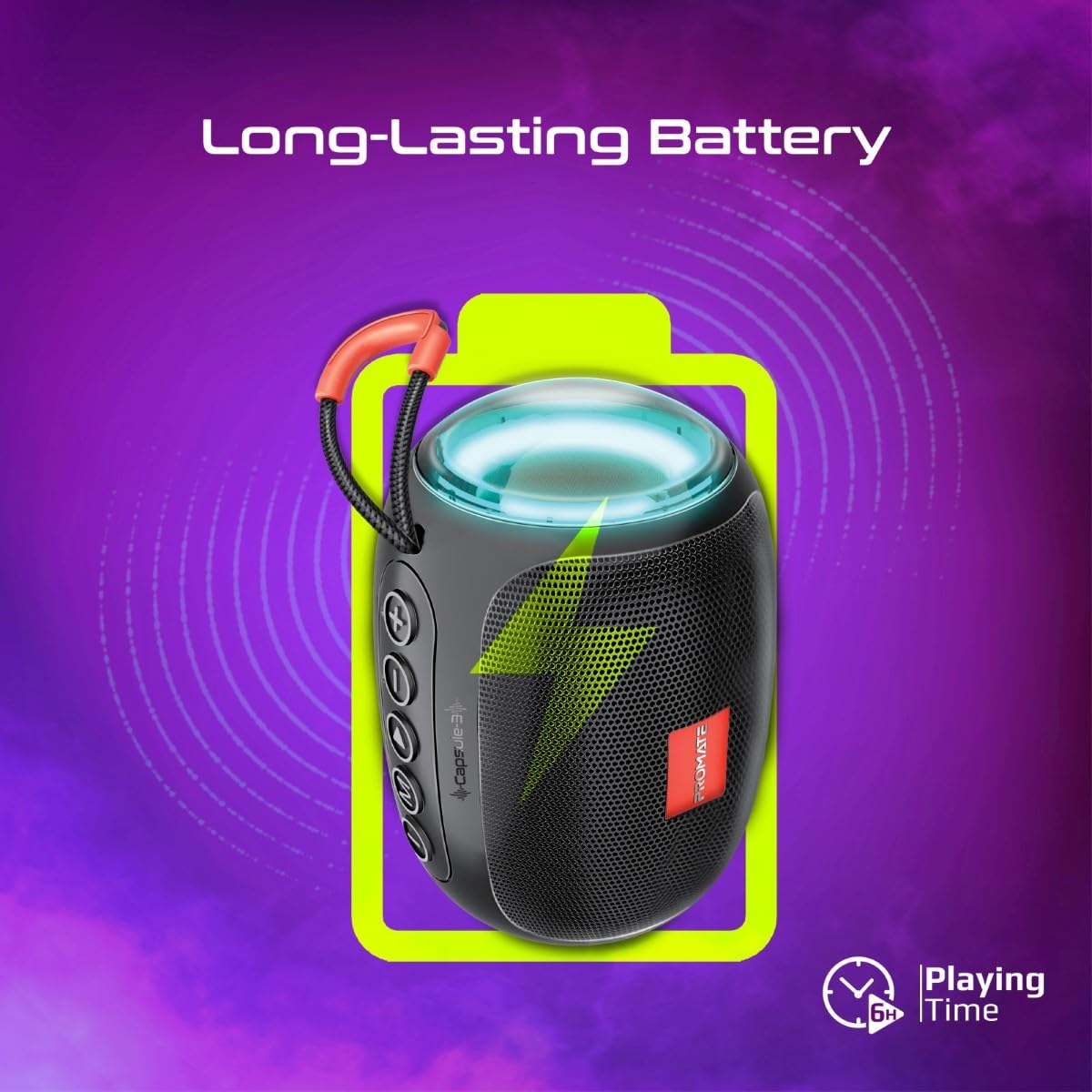
Image 5: Long-Lasting Battery. The image highlights the speaker's extended battery life, indicating over 6 hours of continuous playtime on a single charge.
8. A ’dèanamh trioblaid
| Trioblaid | Adhbhar a dh’fhaodadh a bhith ann | Fuasgladh |
|---|---|---|
| Chan eil an neach-labhairt a’ dol air. | Bataraidh ìosal. | Cuir làn-chosgais air an neach-labhairt. |
| Chan urrainnear paidhir a dhèanamh tro Bluetooth. | Chan eil an neach-labhairt ann am modh càraideachaidh; Bluetooth an inneil dheth; ro fhada bhon neach-labhairt. | Ensure speaker is in pairing mode. Turn device Bluetooth off/on. Move device closer to speaker (within 10 meters). |
| Gun fhuaim. | Volume too low; incorrect input mode; paused playback. | Increase volume. Check input mode (Bluetooth, AUX, TF, USB). Ensure music is playing. |
| Dh’fhàillig paidhreachadh TWS. | Tha luchd-labhairt ceangailte ri inneal eile mu thràth; ro fhada bho chèile. | Disconnect speakers from any Bluetooth devices. Ensure speakers are close to each other. Try re-initiating TWS pairing. |
9. Sònrachaidhean
| Feart | Mion-fhiosrachadh |
|---|---|
| Ainm Modail | Capsule-3 |
| Stuth | Styrene acrylonitrile butadiene (ABS) |
| Toradh neach-labhairt | 5 watt |
| Tionndadh Bluetooth | v5.3 |
| Raon gun uèir | Suas gu 10 meatair |
| Comas Bataraidh | Bataraidh lithium ath-thagraidh 500mAh air a thogail a-steach |
| Ùine cluiche | Suas ri 6 uairean a thìde |
| Port luchdadh a-nuas | DC 5V (USB) |
| Roghainnean ceangail | Bluetooth, 3.5mm AUX, USB Port, TF Card Slot |
| Modh smachd | Tap air putanan |
| Feartan sònraichte | LED Lights, True Wireless Stereo (TWS) support, Portable design |
| Meudan toraidh | 9D x 9W x 16H ceudameatairean |
| Cuideam nì | 410 gram |
| Frith-aghaidh uisge | Gun a bhith an aghaidh uisge |
10. Barantas agus Taic
For warranty information, technical support, or service inquiries, please refer to the warranty card included with your product or visit the official Promate weblàrach. Cùm do chuidhteas ceannach mar dhearbhadh ceannach.

Image 6: Music On-The-Go. This image depicts the speaker in an outdoor setting, highlighting its compact and portable design, suitable for travel and outdoor activities.