
Ro-ràdh
This manual provides essential instructions for setting up, operating, and maintaining your KALOC Fitness Tracker. Please read this guide thoroughly to ensure proper use and to maximize the device's features.
Dè th' anns a' Bhocsa
Nuair a dh’fhosglas tu am pasgan, dèan cinnteach gu bheil a h-uile nì an làthair:
- KALOC Fitness Tracker (main unit)
- Còmhlan faire
- Càball cosgais
- Leabhar-làimhe cleachdaiche
Suidhich
1. A 'cur cosgais air an inneal
Before first use, fully charge your fitness tracker. Connect the charging cable to the charging port on the back of the device and to a USB power source. The screen will indicate charging status.

Image: The KALOC Fitness Tracker displaying a '100% Fully charged' message while connected to its charging cable.
2. Stàladh is Paidhreachadh Aplacaidean
To utilize all features and synchronize data, download the companion application to your smartphone. The app is compatible with Android 6.0 and iOS 12.0 or above, and requires Bluetooth 4.0.
- Scan the QR code in the quick guide or search for the app name (usually mentioned in the quick guide or packaging) in your phone's app store.
- Stàlaich an aplacaid.
- Open the app and follow the on-screen instructions to create an account and pair your fitness tracker via Bluetooth. Ensure Bluetooth is enabled on your phone.
- Allow necessary permissions for the app to function correctly (e.g., location, notifications).
Stiùireadh Obrachaidh
Taisbeanadh agus seòladh
The KALOC Fitness Tracker features a 1.58-inch AMOLED touch display. Navigate through menus and functions by swiping up, down, left, or right, and tapping to select options.

Image: The 1.58-inch AMOLED screen of the KALOC Fitness Tracker, highlighting its resolution and brightness capabilities.
Gnìomhan bunaiteach
- Uair agus Ceann-latha: Automatically synchronizes with your paired smartphone.
- Coimhead air Faces: Customize your watch face through the companion app or directly on the device.

Ìomhaigh: Examples of personalized watch faces available for the KALOC Fitness Tracker.
Health Tracking Features
The KALOC Fitness Tracker provides comprehensive health monitoring throughout the day.
- Sgrùdadh Ìre Cridhe: A’ cumail sùil leantainneach air ìre do chridhe. View real-time data on the device or detailed trends in the app.
- Tomhas Ocsaidean Fala (SpO2): A’ tomhas ìrean sùghaidh ocsaidean san fhuil agad.
- Sgrùdadh cadail: A’ dèanamh anailis air na pàtrain cadail agad, a’ gabhail a-steach cadal domhainn, cadal aotrom, agus amannan dùisg.
- Tracadh Ìre Strus: Monitors your stress levels and provides insights into your mental well-being.
- Pedometer & Tracker Calaraidhean: Records daily steps, distance covered, and estimated calories burned.

Image: The KALOC Fitness Tracker displaying 24-hour health tracking data, including heart rate, sleep, and stress.

Image: The KALOC Fitness Tracker tracking daily fitness data, including steps, distance, calories, and activity time.
Modhan spòrs
The fitness tracker supports over 100 sports modes to accurately track your workouts. Select the appropriate mode before starting an activity for precise data collection.
- Examples include outdoor walking, running, cycling, strength training, yoga, and various ball games.
- Access sports modes from the device menu and select your desired activity.
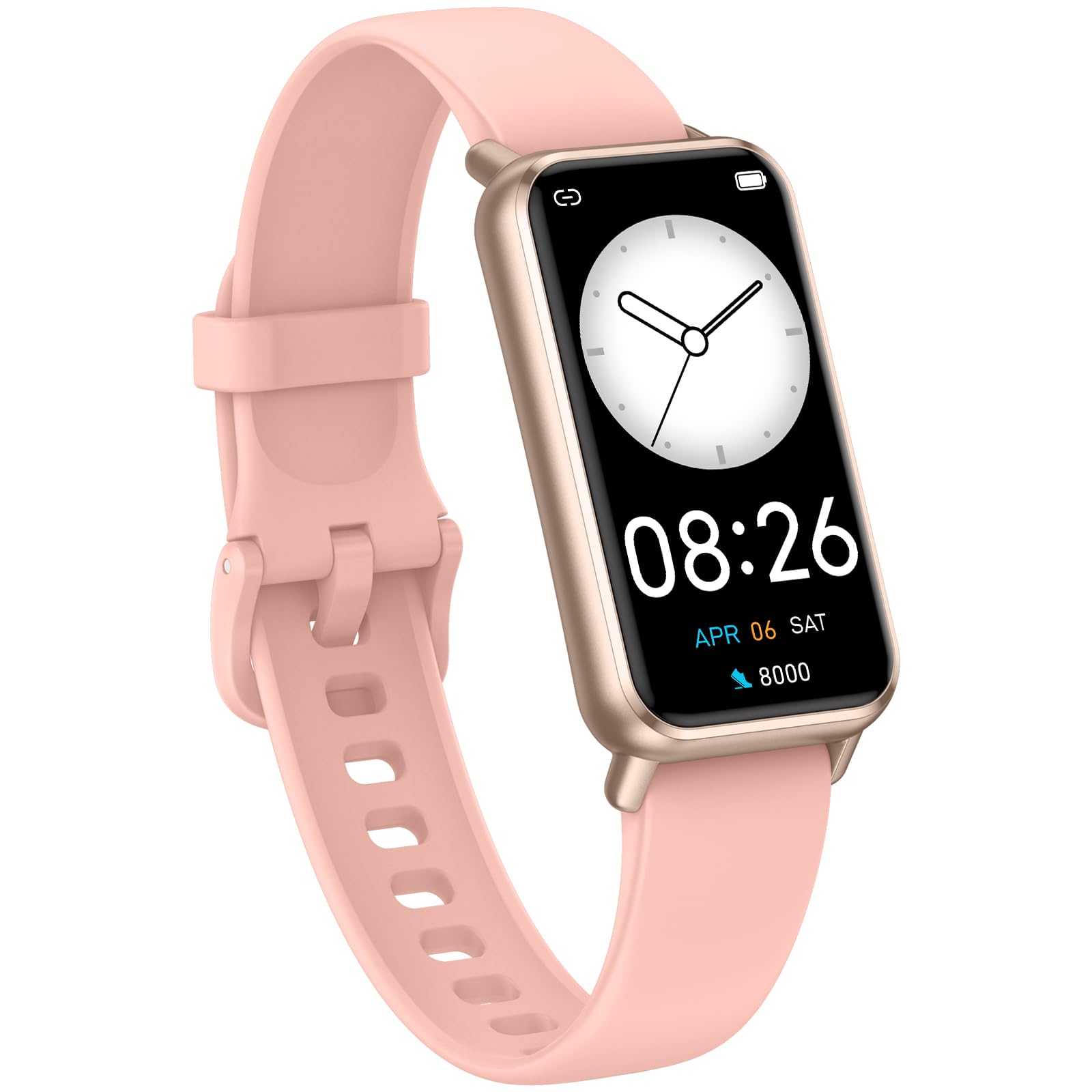
Image: The KALOC Fitness Tracker highlighting its support for over 100 sports modes.
Frith-aghaidh uisge
The KALOC Fitness Tracker is 50-meter waterproof, making it suitable for various water activities.
- Suitable for washing hands, showering, swimming, and shallow water activities.
- Not recommended for diving, hot water activities, or high-pressure water exposure.

Image: The KALOC Fitness Tracker demonstrating its 50-meter waterproof feature during swimming.
Beatha bataraidh
The device offers an extended battery life, providing up to 14 days of typical use or 30 days of standby time on a single charge.

Image: The KALOC Fitness Tracker highlighting its 14-day battery life.
Brathan Smart
Receive notifications for calls, messages, and app alerts directly on your wrist when paired with your smartphone.

Image: The KALOC Fitness Tracker receiving smart notifications from various applications.
Gnìomhan Eile
The KALOC Fitness Tracker includes several additional useful features:
- Smachd camara: Smachd air camara do fhòn air astar.
- Smachd Ciùil: Manage music playback on your paired phone.
- Aimsir na sìde: View suidheachaidhean agus ro-aithrisean na sìde an-dràsta.
- Cuimhneachan òil: Suidhich cuimhneachain gus fuireach hydrated.
- Cuimhneachan sedentary: A’ toirt rabhadh dhut gluasad às dèidh ùine de neo-ghnìomhachd.
- Cloc rabhaidh: Set alarms directly on your device.
- Trèanadh anail: Eacarsaichean anail le stiùireadh gus cuideachadh le bhith a’ riaghladh cuideam.

Image: The KALOC Fitness Tracker showcasing its multiple functions.
Cumail suas
To ensure the longevity and optimal performance of your KALOC Fitness Tracker, follow these maintenance guidelines:
- Glanadh: Regularly clean the device and strap with a soft, damp clò. Seachain ceimigean cruaidh no stuthan sgrìobach.
- A' cur cosgais: Cleachd an càball cosgais a tha air a thoirt seachad a-mhàin. Na cuir na ceanglaichean cosgais fosgailte do uisge no lionntan creimneach.
- Stòradh: Stòraich an inneal ann an àite fionnar, tioram nuair nach eilear ga chleachdadh. Seachain teòthachd anabarrach.
- Taisbeanadh uisge: While waterproof, it is advisable to dry the device thoroughly after exposure to water to prevent skin irritation and ensure proper sensor function.
Fuasgladh thrioblaidean
If you encounter issues with your KALOC Fitness Tracker, refer to the following common solutions:
- Inneal nach eil a' tionndadh air: Dèan cinnteach gu bheil an inneal làn-luchdaichte. Ceangail e ris an charger airson co-dhiù 30 mionaid.
- Chan urrainnear paidhir a dhèanamh leis a’ fòn:
- Dèan cinnteach gu bheil Bluetooth air a chomasachadh air an fhòn agad.
- Make sure the tracker is within Bluetooth range of your phone.
- Restart both your phone and the fitness tracker.
- Check if the app has the necessary permissions.
- Dàta mì-chruinn:
- Ensure the tracker is worn snugly on your wrist, about one finger's width from your wrist bone.
- Glan na mothachairean air cùl an inneil.
- Update the device firmware via the app if available.
- Sanasan nach d’ fhuaireadh:
- Verify that notifications are enabled in both the tracker's app and your phone's settings.
- Dèan cinnteach gu bheil an aplacaid a’ ruith air a’ chùl.
If problems persist, consult the support section of the companion app or contact customer support.
Sònrachaidhean
| Modail Àireamh | 529d841c-3537-4f97-bf0f-2a0c001c6b1e |
| Meud taisbeanaidh | 1.58 òirleach AMOLED |
| Frith-aghaidh uisge | 50 Meatair |
| Beatha bataraidh | Suas ri 14 latha (cleachdadh àbhaisteach) |
| Ceangalachd | Bluetooth 4.0 |
| Co-fhreagarrachd | Android 6.0+ / iOS 12.0+ |
| Cuideam nì | 2.82 unnsa |
| Meudan toraidh | 6.4 x 3 x 0.7 òirleach |
Barantas agus Taic
For warranty information and customer support, please refer to the documentation included with your purchase or visit the official KALOC weblàrach. Cùm do chuidhteas ceannach mar dhearbhadh ceannach airson tagraidhean barantais.