
1. Toradh thallview
The Wokyo Portable Mini Projector (Model CA164965161) is a compact and lightweight device designed for displaying media from various sources. Its small form factor allows for easy portability, making it suitable for home cinema, outdoor viewing, or business presentations.
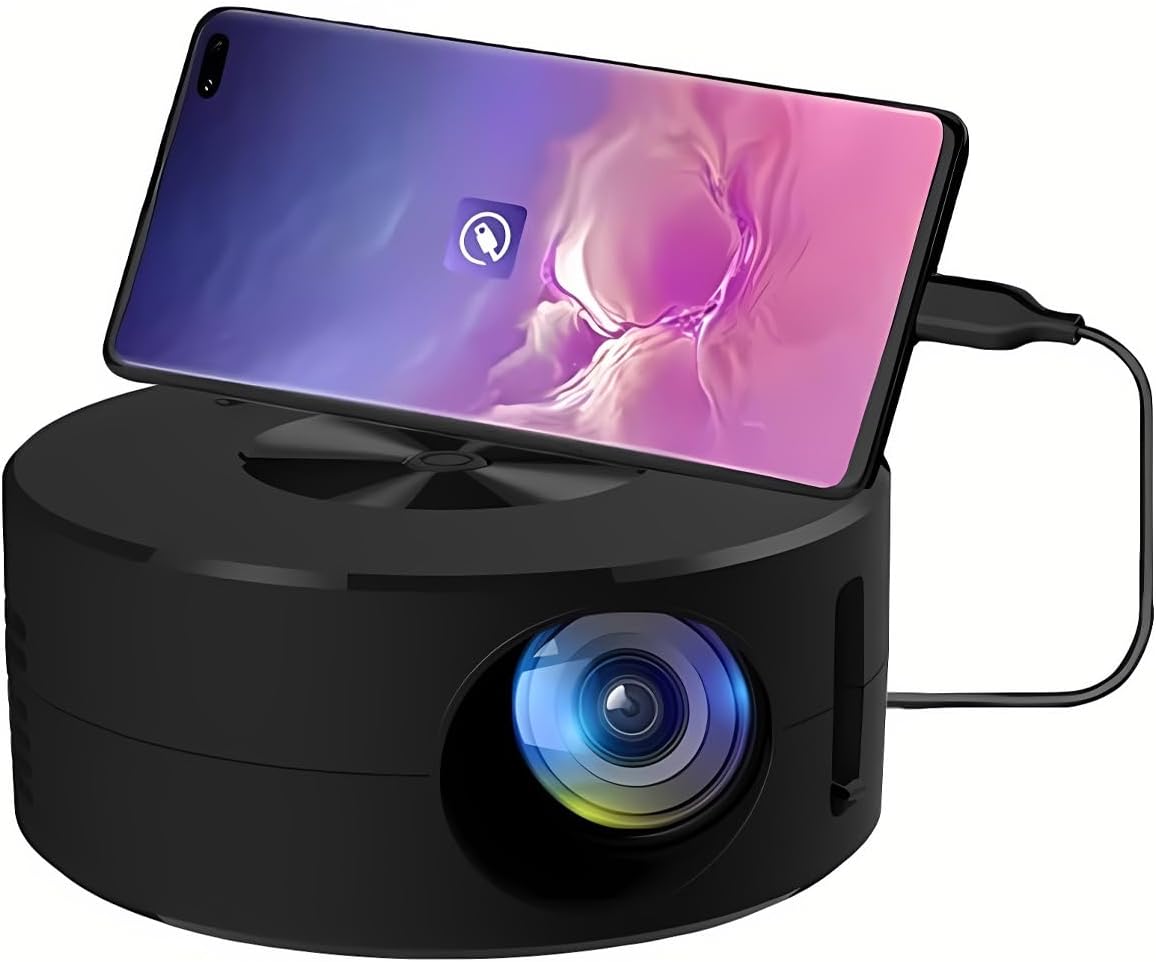
Dealbh 1.1: Aghaidh view of the Wokyo Portable Mini Projector.
Key features of this projector include:
- Dealbhadh Compact: Smaller than a typical smartphone, facilitating easy transport.
- Sgàthan sgrion le sreang: Supports direct connection to mobile phones and tablets using their charging cables for screen display, eliminating the need for additional adapters.
- High Clarity Support: Capable of supporting resolutions up to 1920x1080p, providing clear image quality.
- Togail seasmhach: Manufactured from environmentally friendly ABS material.
- Efficient Light Source: Utilizes an LCD light source for lower energy consumption and extended lifespan.
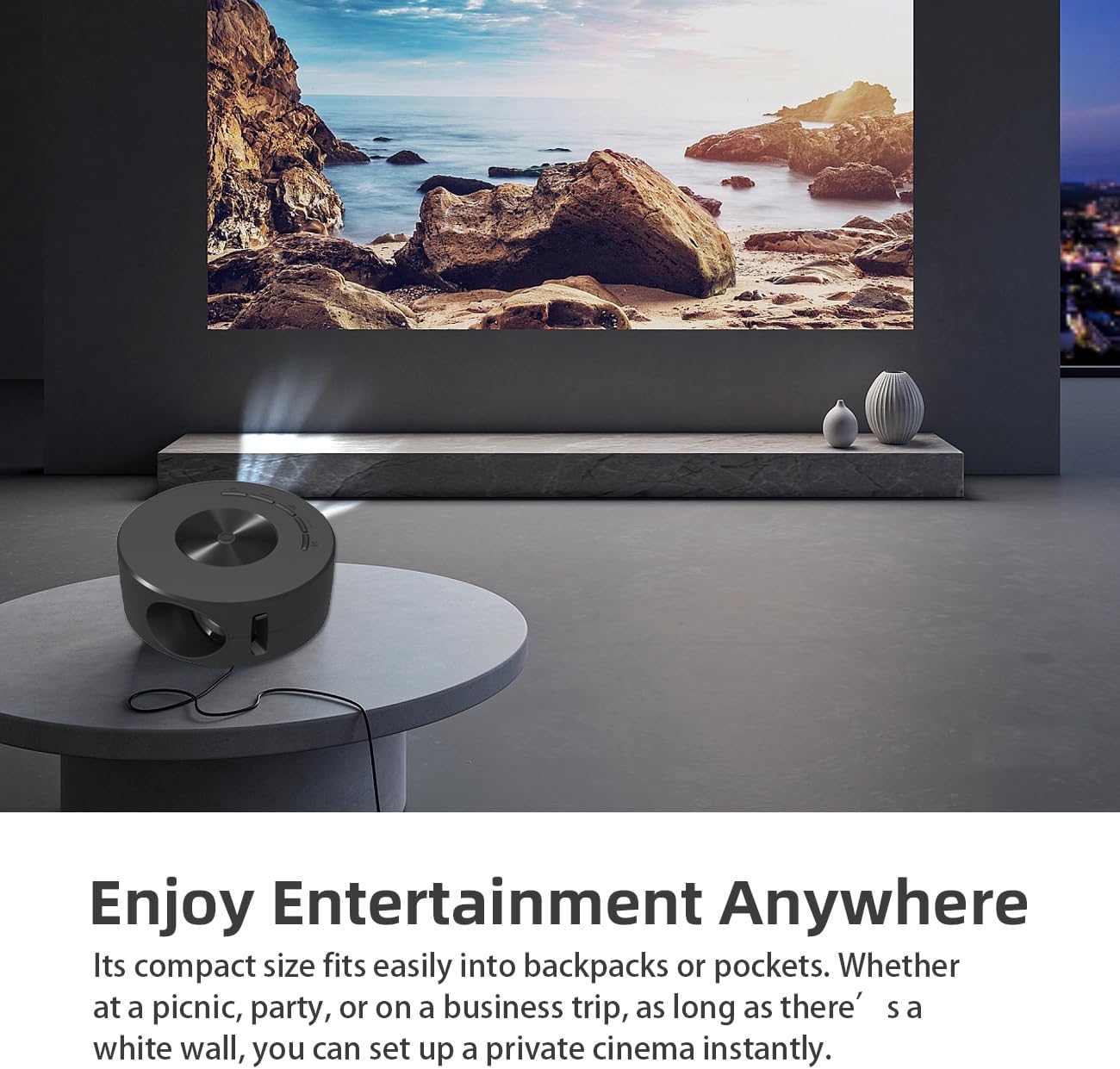
Image 1.2: Projector in use, demonstrating its compact size and projection capability.
2. Pasgan-susbaint
Dearbhaich gu bheil na nithean gu lèir a tha air an liostadh gu h-ìosal air an toirt a-steach don phacaid toraidh agad:

Image 2.1: All items included in the Wokyo Portable Mini Projector package.
- Wokyo Portable Mini Projector
- Smachd Iomallach
- Càball USB
- Leabhar-làimhe cleachdaiche
- Bogsa Dhathan
- Bogsa Foam
- Parcel Bag
3. Meudan toraidh
The projector features a compact design for portability.

Image 3.1: Product dimensions of the Wokyo Portable Mini Projector.
- Trast-thomhas: Mu 4.33 òirleach (110mm)
- Àirde: Mu 1.85 òirleach (47mm)
- Cuideam: Mu 10.6 unnsa
4. Suidheachadh tòiseachaidh
4.1 Ceangal cumhachd
To power the projector, connect it to a suitable power source. The projector requires a 5V 2A power input.

Image 4.1: Power connection options for the projector.
- Ensure your power source (e.g., phone charger, power bank) provides at least 5V 2A output.
- Connect the provided USB cable to the projector's power input port.
- Connect the other end of the USB cable to your chosen power source.
- The projector will power on automatically or can be turned on using the power button.
4.2 Device Connection (Wired Screen Mirroring)
The projector supports wired screen mirroring from mobile phones and tablets using their standard charging cables.
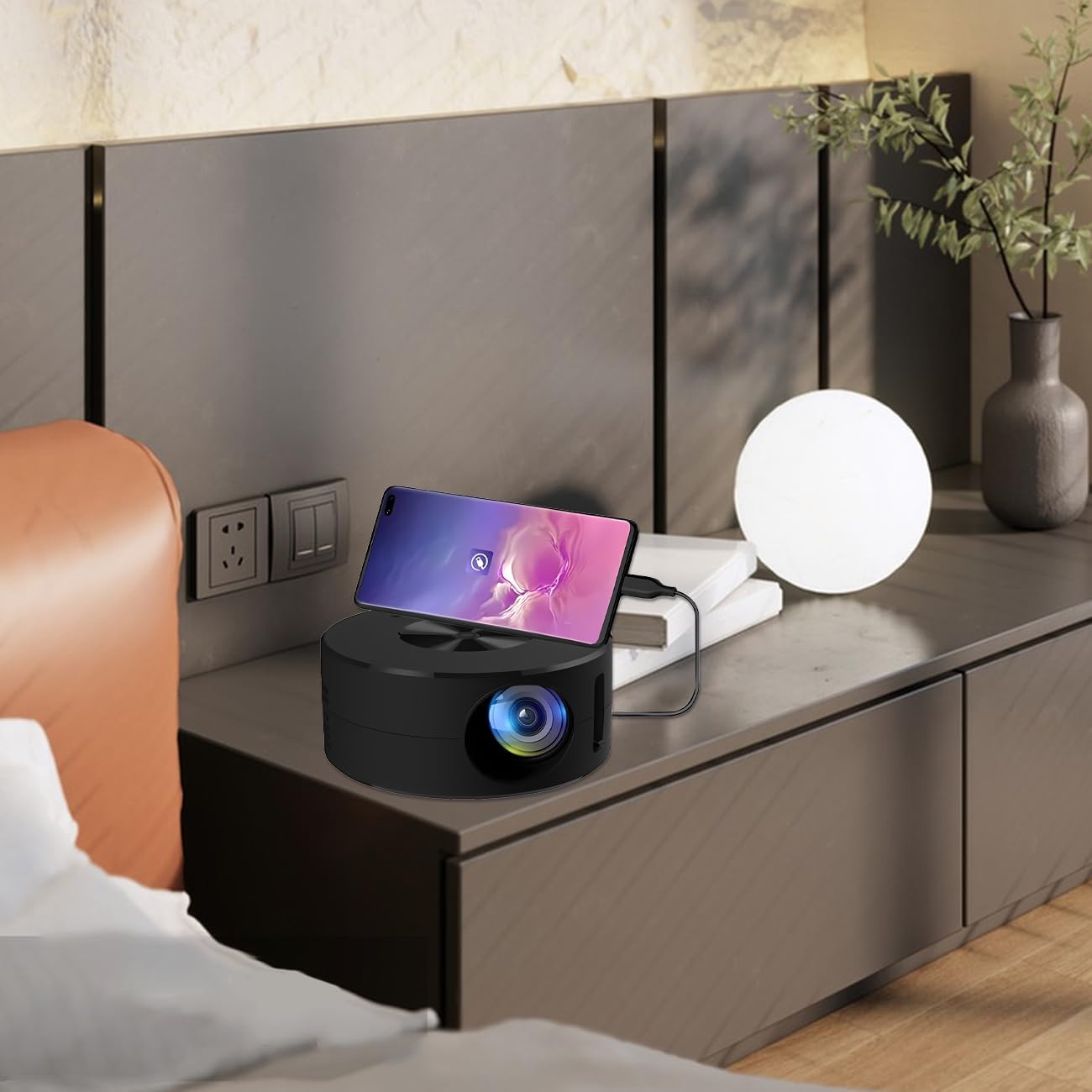
Image 4.2: Smartphone connected to the projector for wired screen mirroring.
- Connect your mobile phone or tablet to the projector using its original charging cable.
- The projector should automatically detect the connection and initiate screen mirroring.
- Follow any on-screen prompts on your device or the projector to confirm the connection.
5. Stiùireadh Obrachaidh
5.1 Basic Controls and Ports
Familiarize yourself with the projector's control buttons and input/output ports.

Dealbh 5.1: Thairisview of projector ports and controls.
- Putan Cumhachd: Tionndaidh am proiseactair air / dheth.
- Putanan Seòlaidh (Suas/Sìos/Clì/Deas/Ceart gu leòr): Air a chleachdadh gus seòladh tro chlàran-taice agus gus taghaidhean a dhearbhadh.
- Port USB: Airson innealan stòraidh USB a cheangal.
- Port Headset: Airson innealan claisneachd taobh a-muigh a cheangal.
- Cuir a-steach IR: Airson comharran fhaighinn bhon smachd iomallach.
- 5V 2A Power Input: Airson ceangal ris an t-solar cumhachd.
- Neach-labhairt Stereo togte: A’ toirt seachad toradh claisneachd.
5.2 Ag atharrachadh Fòcas
To achieve a clear image, adjust the focus ring located around the projector lens. Rotate the ring until the projected image appears sharp.
5.3 A’ cleachdadh an Smachd Iomallach
The included remote control allows for convenient operation of the projector from a distance. Ensure the remote has batteries installed and is pointed towards the projector's IR sensor.
6. Cumail suas
Nì cumail suas ceart cinnteach gum mair am proiseactar agad fad-beatha agus gum bi e ag obair gu math.
- A 'glanadh an lens: Use a soft, lint-free cloth specifically designed for optical lenses. Avoid abrasive materials or harsh chemicals. Gently wipe the lens to remove dust or smudges.
- A 'glanadh an taobh a-muigh: Sguab taobh a-muigh a’ phròiseictar le clò bog, tioram. Na cleachd innealan-glanaidh leaghaidh gu dìreach air an inneal.
- Fionnarachadh: Ensure the projector's ventilation openings are not blocked during operation to prevent overheating.
- Stòradh: Nuair nach eilear ga chleachdadh, stòraich am proiseactair ann an àite fionnar, tioram air falbh bho sholas dìreach na grèine agus cus duslach.
7. A ’dèanamh trioblaid
Thoir sùil air a’ chlàr a leanas airson cùisean cumanta agus na fuasglaidhean aca.
| Trioblaid | Adhbhar a dh’fhaodadh a bhith ann | Fuasgladh |
|---|---|---|
| Gun ìomhaigh air a taisbeanadh | Power not connected; Input source not selected; Device not connected properly. | Ensure power is connected (5V 2A). Check device connection. Verify screen mirroring is active on your device. |
| Tha an ìomhaigh blurry | Cha deach am fòcas atharrachadh. | Rotate the focus ring around the lens until the image is clear. |
| Gun fhuaim | Volume too low; External audio device connected; Device audio output settings. | Increase projector volume. Disconnect external audio devices if using internal speaker. Check audio settings on the connected source device. |
| Chan eil smachd iomallach ag obair | Batteries low/dead; Obstruction between remote and projector; Remote not pointed at IR sensor. | Replace remote batteries. Ensure clear line of sight to the projector's IR sensor. |
8. Sònrachaidhean Teicnigeach
Detailed specifications for the Wokyo Portable Mini Projector.
| Feart | Sònrachadh |
|---|---|
| Brand | Wokyo |
| Modail Àireamh | CA164965161 |
| Cuideam nì | 10.6 unnsa |
| Meudan toraidh | 4.33 x 4.33 x 1.97 òirleach |
| Dath | Dubh |
| Feart sònraichte | So-ghiùlain |
| Teicneòlas ceangail | Bluetooth |
| Rùn Taisbeanaidh (Dùthchasach) | 320 x 180 |
| Display Resolution (Maximum Supported) | 1920 x 1080 |
9. Barantas agus Taic
For warranty information or technical support, please refer to the contact details provided with your purchase documentation or visit the official Wokyo weblàrach. Cùm do chuidhteas ceannach mar dhearbhadh ceannach airson tagraidhean barantais.