
1. Os a chionnview
The Retevis RA79 is a versatile dual-band amateur radio designed for reliable communication across various environments. It features multi-frequency reception, including aviation AM band, and offers flexible programming options. This manual provides essential information for setting up, operating, and maintaining your RA79 walkie-talkie.
- Multi-frequency Reception: Supports 2m/70cm/FM/AM bands, including aviation AM reception, for diverse communication needs.
- Bataraidh ath-thagraidh: Equipped with a 1400mAh Li-ion battery, offering extended standby and usage times. Features a convenient Type-C charging interface and USB charging port.
- Prògramadh sùbailte: Channels can be programmed manually via the keypad or using software with a data cable and CPS (Customer Programming Software).
- Rèidio FM amalaichte: Allows for listening to FM broadcasts, providing entertainment during travel or downtime.
- Conaltradh fad-raoin: Utilizes higher power output and a longer antenna to extend its effective range, suitable for amateur radio enthusiasts, hunters, and travelers.
- Dealbhadh càirdeil don neach-cleachdaidh: Features an intuitive operating interface and user-friendly design, making it accessible for beginners.
2. Dè tha sa bhogsa
Upon unpacking your Retevis RA79, please ensure all items listed below are present:
- 2x Retevis RA79 Walkie-Talkie
- 2x Crios-gheàrr
- 2x Strap-làimhe
- Antenna 2x
- 2x Charger Deasg USB
- 2x Multi-language User's Manual

3. Feartan toraidh
The Retevis RA79 is equipped with several features to enhance your communication experience:
- AM Aviation Receiving: Monitor aircraft and tower communications.
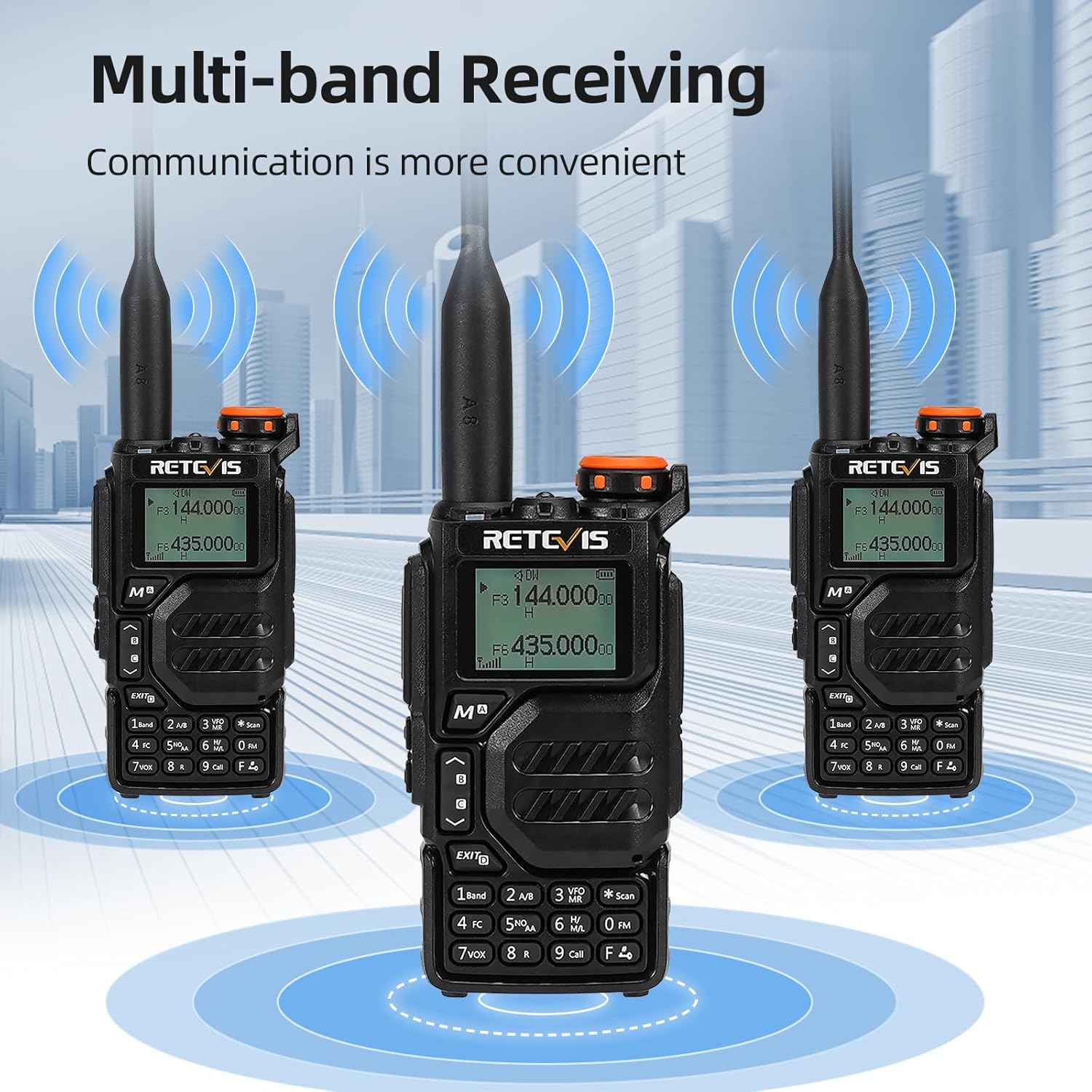
- Multi-band Receiving: Access 2m/70cm/FM/AM frequencies.
- One-Step Channel Capture: Easily pair two-way radios.
- Wireless Frequency Pairing: Convenient for outdoor team use.
- Micreofon Luchd-labhairt: Enhances communication clarity and security.
- Cìs USB Type-C: Multiple charging options including adapter, power bank, PC, and vehicle.
- VFO Function: Change radio settings directly without a computer.



4. Suidhich
4.1 Stàladh bataraidh
- Align the battery pack with the back of the radio.
- Sleamhnaich am bataraidh suas gus an cliog e na àite.
- To remove, press the release latch and slide the battery downwards.
4.2 Ceangal Antenna
- Sgriub an antenna deiseal a-steach don cheanglaiche air mullach an rèidio gus am bi e na shuidhe gu daingeann.
- Na bi ro theann.
4.3 Belt Clip Installation
- Align the belt clip with the designated slots on the back of the radio.
- Daingnich an criomag crios le bhith a’ cleachdadh nan sgriothan a tha air an toirt seachad.
4.4 A’ cur cosgais air a’ bhataraidh
The RA79 can be charged using the included USB desktop charger or directly via its Type-C port.
- Connect the USB desktop charger to a power source.
- Place the radio (with battery installed) into the charging cradle. The indicator light will show charging status.
- Alternatively, connect a USB Type-C cable directly to the radio's charging port.
5. Stiùireadh Obrachaidh
5.1 Cumhachd Air/Dheth agus Atharrachadh Meud-tonn
- To power on, rotate the power/volume knob clockwise.
- Lean ort a’ tionndadh gus an tomhas-lìonaidh atharrachadh.
- Gus an cumhachd a chuir dheth, tionndaidh am putan tuathal gus an cliog e.
5.2 Taghadh seanail
The RA79 supports both Channel Mode and VFO (Frequency Mode).
- Modh seanail: Use the UP/DOWN arrow keys to select a pre-programmed channel.
- Modh VFO: Enter frequencies directly using the keypad. Press the 'VFO/MR' button to switch between modes.
5.3 Tar-chur agus Glacadh
- To transmit, press and hold the PTT (Push-To-Talk) button on the side of the radio. Speak clearly into the microphone.
- Sgaoil am putan PTT airson faighinn.
- Ensure the selected channel/frequency is clear before transmitting.
5.4 Obrachadh Rèidio FM
To activate the FM radio function:
- Press the 'FM' button (often a dedicated button or a function key).
- Use the UP/DOWN arrow keys to scan for stations or enter a frequency directly.
5.5 Advanced Programming via Mobile App (Ailunce HA2 Example)
The RA79 may support mobile app connectivity for advanced channel and setting modifications. Refer to the specific app instructions for your model.
6. Cumail suas
6.1 Glanadh
Glan taobh a-muigh an rèidio gu cunbhalach le clò bog, tioram.amp aodach. Seachain a bhith a 'cleachdadh cheimigean cruaidh no innealan-glanaidh sgudail.
6.2 Cùram Bataraidh
Gus beatha bataraidh a leudachadh:
- Seachain cus cosgais no drèanadh am bataraidh gu tur.
- Stòraich an rèidio agus am bataraidh ann an àite fionnar, tioram nuair nach eilear gan cleachdadh.
7. A ’dèanamh trioblaid
| Trioblaid | Adhbhar a dh’fhaodadh a bhith ann | Fuasgladh |
|---|---|---|
| Chan eil an rèidio a’ dol air | Low or dead battery; incorrect battery installation | Cuir cosgais air a’ bhataraidh; dèan cinnteach gu bheil am bataraidh air a stàladh gu ceart. |
| Chan urrainnear a thar-chur no fhaighinn | Incorrect frequency/channel; antenna not properly attached; out of range | Verify frequency/channel settings; check antenna connection; move closer to other radios. |
| Tha càileachd claisneachd dona | Low volume; interference; damaged speaker/microphone | Adjust volume; move away from sources of interference; contact support if hardware is damaged. |
8. Sònrachaidhean
- Brand: Retevis
- Àireamh Modail: RA 79
- Dath: Dubh
- Àireamh de shianalan: 200
- Feart sònraichte: Còmhlan dùbailte
- Raon tricead: 144-146 MHz; 430-440 MHz
- Raon as àirde: 5 cilemeatair
- Voltage: 7.4 bholt (DC)
- Ìre an aghaidh uisge: Gun uisge-dhìonach
- Meudan toraidh: 65P x 28l x 115H millimeatairean
- Àireamh de bataraidhean: 1 bataraidh lithium-ion (air a ghabhail a-steach)
- Innealan co-fhreagarrach: Two-way radios operating in 144-146 MHz and 430-440 MHz frequency ranges
- Seòrsa tuner: U;V
- Dùthaich Tùs: Sìona
9. Barantas agus Taic
Retevis offers a 2-year warranty for the radio body and a 1-year warranty for accessories. A 30-day return policy is also provided without specific reason required. Beyond the warranty period, maintenance services are available, with buyers responsible for associated costs. For support, please contact Retevis on Amazon, and a response will be provided within 12 hours.


