
1. Ro-ràdh
Tapadh leibh airson ceannachasing the CUPEISI YQ11M Android 13 10.1-inch Tablet. This manual provides essential information for setting up, operating, maintaining, and troubleshooting your device. Please read this manual thoroughly to ensure proper use and to maximize your tablet's performance.
2. Fiosrachadh Sàbhailteachd
Gus casg a chur air milleadh air an inneal agad no leòn ort fhèin no air daoine eile, feuch an lean thu na ceumannan sàbhailteachd a leanas:
- Na cuir an tablet fo theodhachd anabarrach, solas dìreach na grèine, no taiseachd àrd.
- Seachain a bhith a’ leigeil an tablet sìos no ga chur fo bhuaidhean làidir.
- Cùm an clàr air falbh bho uisge agus lionntan eile.
- Na cleachd ach goireasan agus luchd-gleidhidh ceadaichte.
- Na feuch ri an clàr a thoirt às a chèile no a chàradh thu fhèin. Bruidhinn ri luchd-obrach seirbheis teisteanasach.
Ro-chùram Cìse
When charging your CUPEISI YQ11M tablet, it is crucial to use a charger with a Toradh 5V / 2.0A. Using chargers with different output specifications may lead to device malfunction or damage. The tablet supports both Type-A and Type-C charging terminals. However, chargers with Type-C on both ends may not be compatible. Avoid using multi-type chargers with outputs exceeding 2.0A, chargers that automatically detect current, fast chargers, or chargers specifically designed for other brands (e.g., Apple, Docomo, au).

Ìomhaigh: Charging precautions and pre-applied protective film.
3. Pasgan-susbaint
Thoir sùil air a’ bhogsa airson nan nithean a leanas:
- CUPEISI YQ11M Android 13 Tablet
- Càball cosgais USB
- Adapter cumhachd
- Leabhar-làimhe cleachdaiche (an sgrìobhainn seo)
4. Inneal thairisview
Familiarize yourself with the physical features of your CUPEISI YQ11M tablet.
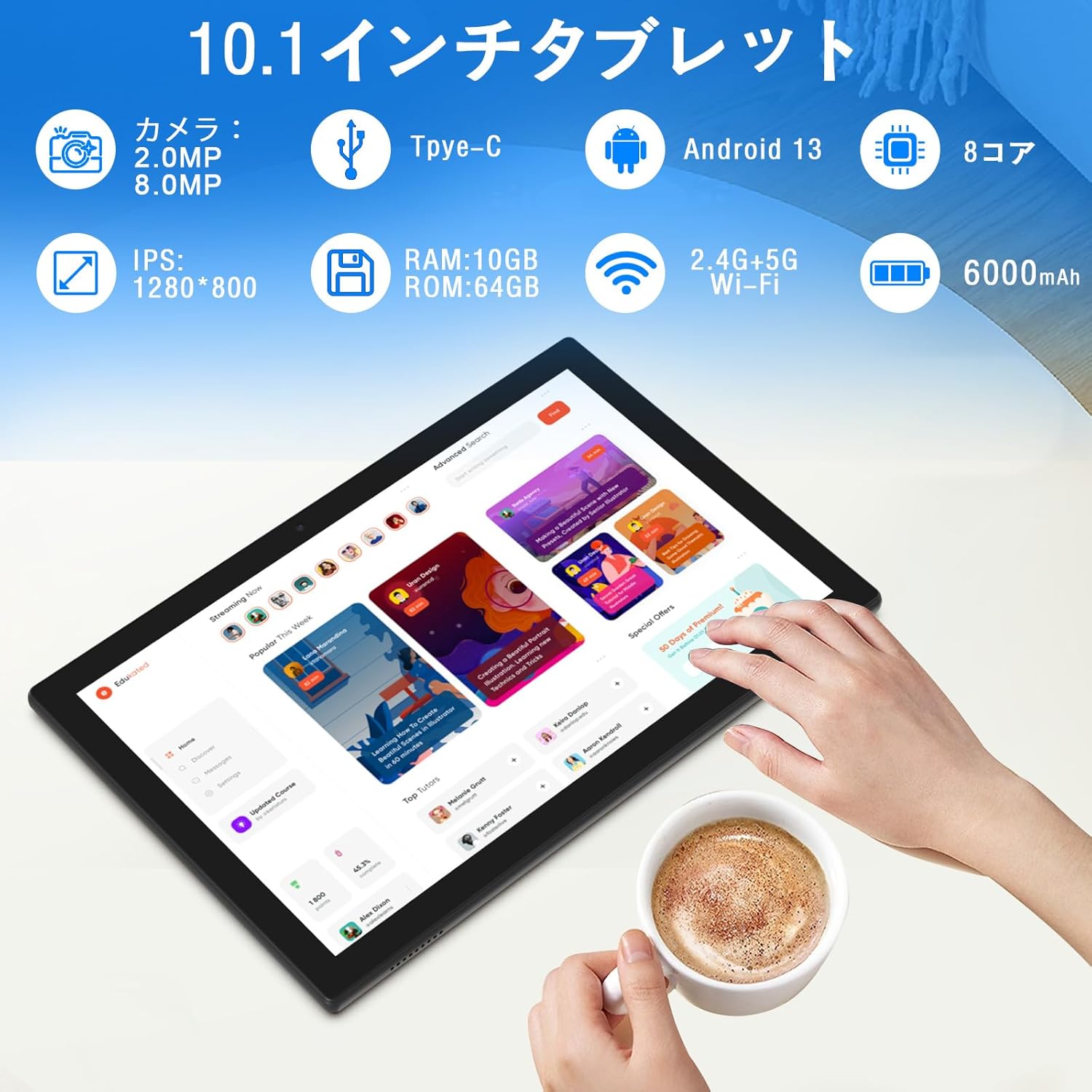
Ìomhaigh: Thairisview of tablet features and specifications.
- Camara aghaidh: 2MP airson gairmean bhidio agus selfies.
- Camara cùil: 8MP airson dealbhan is bhideothan a ghlacadh.
- Taisbeanadh: 10.1-inch IPS HD screen (1280x800 resolution).
- Luchd-labhairt: Luchd-labhairt dùbailte airson eòlas claisneachd nas fheàrr.
- Port cosgais: Type-C port for charging and data transfer.
- Putan Cumhachd: Suidhichte air an taobh airson an inneal a thionndadh air/dheth agus glasadh-sgrìn.
- Putanan tomhas-lìonaidh: Located on the side for adjusting volume.
- Slot cairt MicroSD: Airson stòradh a ghabhas leudachadh suas ri 1TB.

Ìomhaigh: Aghaidh agus cùl view of the CUPEISI YQ11M tablet.
5. Suidhich
5.1 Cumhachd Tòiseachaidh Air adhart
- Brùth agus cum sìos am putan Cumhachd gus an soillsich an scrion.
- Lean na stiùiridhean air an sgrion gus do chànan agus roinn a thaghadh, agus gabhail ris na teirmichean is cumhaichean.
Ceangal Wi-Fi 5.2
- During the initial setup, select your preferred Wi-Fi network from the list.
- Enter the Wi-Fi password if prompted and tap 'Connect'.
- The tablet supports both 2.4G and 5G Wi-Fi for stable and fast connections.
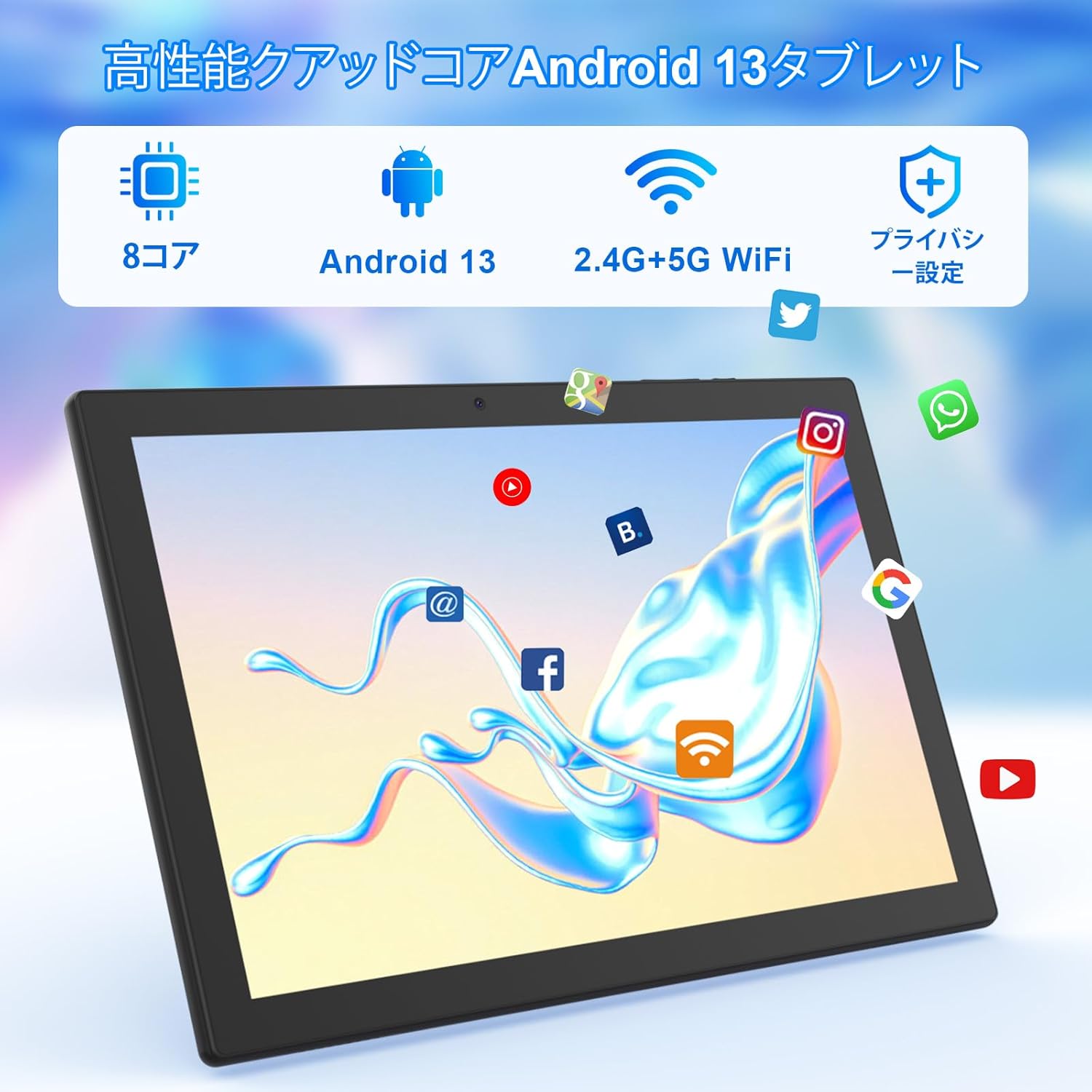
Ìomhaigh: Tablet screen showing app icons and connectivity features.
5.3 Suidheachadh Cunntas Google
Sign in with your Google account or create a new one to access Google Play Store, Gmail, and other Google services.
5.4 Film Dìon
The tablet comes with a simple transparent PET protective film pre-applied. You may choose to keep it on or remove it according to your preference. It is designed for easy application without air bubbles or dust.
6. Stiùireadh Obrachaidh
6.1 Seòladh Bunaiteach
The CUPEISI YQ11M tablet features a 10.1-inch FHD in-cell touchscreen with wide viewing angles and 1280x800 high resolution, offering a clear and vibrant visual experience.

Ìomhaigh: Tablet display features.
- Tap: Select an item or activate a function.
- Swipe: Seòl tro scrionaichean no sgrolaich susbaint.
- Pinch: Meudaich a-steach no a-mach air ìomhaighean agus web duilleagan.
6.2 Riaghladh nan Aplacaidean
The tablet comes with Google Play pre-installed, allowing you to download and use popular applications such as Facebook, Twitter, YouTube, Line, and Instagram. To install apps:
- Fosgail an aplacaid 'Play Store'.
- Lorg airson an aplacaid a tha thu ag iarraidh.
- Tap air ‘Stàlaich’ gus an aplacaid a luchdachadh sìos agus a stèidheachadh.
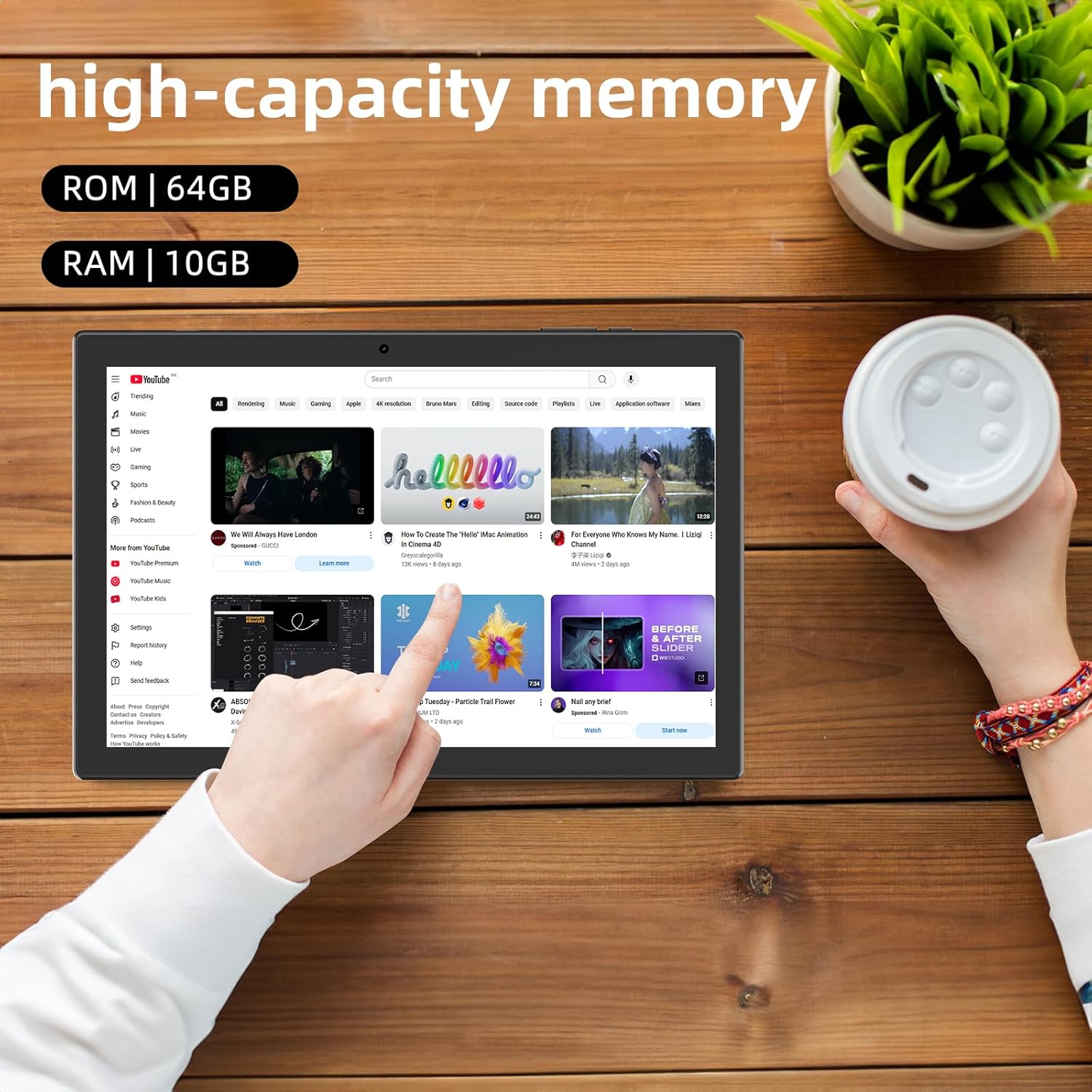
Ìomhaigh: Tablet displaying high-capacity memory and app usage.
6.3 Cleachdadh Camara
The tablet is equipped with an 8MP main camera and a 2MP front camera. You can use them for capturing beautiful moments, participating in web conferences, or online classes.
- Fosgail an aplacaid 'Camara'.
- Gluais eadar camarathan aghaidh is cùil mar a dh’ fheumar.
- Tap air a’ phutan còmhlaiche gus dealbh a thogail no tòiseachadh air bhidio a chlàradh.
6.4 Gnìomhachd GPS
With built-in GPS functionality, you can download offline maps to your tablet and use it for navigation, even without an internet connection.
6.5 Riaghladh Bataraidh
The tablet features a large 6000mAh battery and AI intelligent power management, allowing for extended use for movies, reading, and browsing.

Ìomhaigh: Tablet highlighting its 6000mAh battery capacity.

Ìomhaigh: Tablet showing Type-C charging and various entertainment uses.
7. Cumail suas
7.1 A ’glanadh an inneal
Use a soft, lint-free cloth to gently wipe the screen and body of the tablet. Avoid using harsh chemicals or abrasive materials.
7.2 Ùrachaidhean bathar-bog
Periodically check for system updates in the tablet's settings to ensure optimal performance and security.
7.3 Stiùireadh Stòraidh
The tablet comes with 64GB of internal storage (ROM) and supports MicroSD cards up to 1TB for additional storage. Regularly manage your files and uninstall unused apps to free up space and maintain smooth operation.
8. A ’dèanamh trioblaid
- Inneal nach eil a’ tionndadh air: Ensure the battery is charged. Connect the tablet to the charger and wait a few minutes before attempting to power it on again.
- Cùisean ceangail Wi-Fi: Check if Wi-Fi is enabled in settings. Restart your router and the tablet. Ensure you are within range of the Wi-Fi signal.
- Coileanadh slaodach: Close unused applications. Clear cache and data for frequently used apps. Consider uninstalling unnecessary apps or moving large files to a MicroSD card.
- Sgrion gun fhreagairt: Restart the tablet by holding down the power button. If the issue persists, contact support.
9. Sònrachaidhean
| Brand | CUPESI |
| Modail | YQ11M (Note: Some specifications may refer to CP31 or UMIDIGI G2 Tab, but YQ11M is the primary model for this product.) |
| Siostam-obrachaidh | Android 13 (Dearbhadh GMS) |
| CPU | MediaTek MTK8768 Octa-core, 2.3 GHz |
| RAM | 10GB (4GB + Leudachadh 6GB) |
| Stòradh a-staigh (ROM) | 64 GB |
| Stòradh a ghabhas leudachadh | MicroSD up to 1TB |
| Meud sgrion | 10.1 òirlich |
| Fuasgladh Taisbeanaidh | 1280x800 pixels HD IPS |
| Camara aghaidh | 2MP |
| Camara cùil | 8MP |
| Wi-Fi | 2.4G + 5G Dual-band (802.11ac/b/g/n) |
| Bluetooth | Tha |
| GPS | Tha |
| Comas Bataraidh | 6000mAh (22.8 Watt-hours) |
| Port luchdadh a-nuas | Seòrsa-C |
| Luchd-labhairt | 2 Luchd-labhairt seanail |
| Cuideam nì | 516 g |
| Meud pacaid | 30.9 x 19.3 x 2.9 cm |
10. Barantas agus Taic
Tha an toradh seo a’ tighinn le a one-year quality warranty. In the unlikely event that you encounter any issues or defects with your product, please do not hesitate to contact us via email. We are committed to providing a prompt response within 24 hours to address your concerns.
Returns and refunds are also possible for customer convenience. Please purchase with confidence.
For support inquiries, please refer to the contact information provided with your purchase or visit the official CUPEISI weblàrach.