
1. Ro-ràdh
The Shure AD651B Talk Switch is designed to integrate with Shure Axient Digital ADX series handheld transmitters, specifically the ADX2 and ADX2FD models. This accessory provides a convenient push-button interface for routing audio outputs of Axient Digital AD4 receivers. By pressing and holding the talk switch button, users can activate specific audio routing configurations.
This manual provides detailed instructions for the installation, operation, and maintenance of your Shure AD651B Talk Switch.
2. Setup agus Stàladh
The AD651B Talk Switch is designed for straightforward integration with compatible Shure handheld transmitters.
2.1 Susbaint a’ phacaid
- Shure AD651B Talk Switch
- Stiùireadh stàlaidh (an sgrìobhainn seo)
2.2 Attaching the Talk Switch
- Ensure the ADX2 or ADX2FD handheld transmitter is powered off.
- Locate the accessory port on the compatible handheld transmitter.
- Align the AD651B Talk Switch connector with the transmitter's accessory port.
- Gently push the talk switch into place until it is securely seated. Do not force the connection.
- Verify that the talk switch is firmly attached and does not wobble.
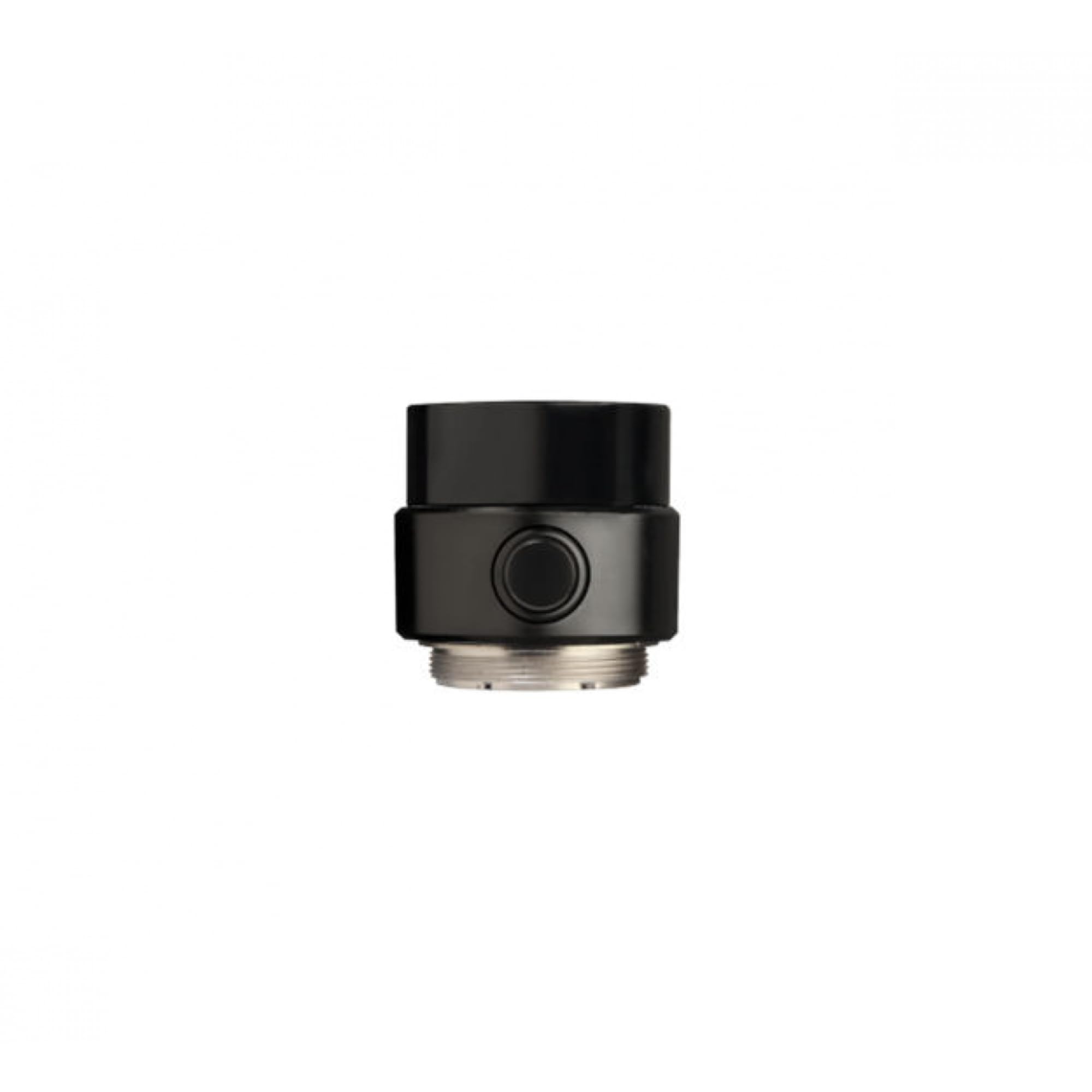 Figure 1: The Shure AD651B Talk Switch connected to a compatible Shure ADX series handheld transmitter. The talk switch is a compact black unit designed to seamlessly integrate with the transmitter's body.
3. Stiùireadh Obrachaidh
The AD651B Talk Switch provides a simple interface for controlling audio routing on Axient Digital AD4 receivers.
3.1 Gnìomh Bunaiteach
- Power on the ADX2 or ADX2FD handheld transmitter with the AD651B Talk Switch attached.
- Ensure the transmitter is linked and communicating with an Axient Digital AD4 receiver.
- To activate the configured audio routing option on the AD4 receiver, brùth agus cùm the button on the AD651B Talk Switch.
- Release the button to deactivate the routing option.
3.2 Configuring Audio Routing
The specific audio routing behavior triggered by the AD651B Talk Switch is configured within the Axient Digital AD4 receiver's settings. Refer to the Axient Digital AD4 receiver user manual for detailed instructions on how to set up and customize these routing options.
- Common routing options include muting the main output, sending audio to an auxiliary output, or activating a specific processing chain.
- The talk switch acts as a remote trigger for these pre-configured settings.
4. Cumail suas
The Shure AD651B Talk Switch requires minimal maintenance to ensure optimal performance.
4.1 Glanadh
- Wipe the exterior of the talk switch with a soft, dry cloth.
- Airson salachar stòlda, cleachd beagan damp clò le siabann tlàth, an uairsin sguab tioram sa bhad.
- Na cleachd innealan-glanaidh sgrìobach, fuasglaidhean no ceimigean cruaidh, oir faodaidh iad sin milleadh a dhèanamh air a’ chrìochnachadh no air na pàirtean a-staigh.
4.2 Stòradh
When not in use, store the AD651B Talk Switch in a clean, dry environment, away from extreme temperatures and direct sunlight.
5. A ’dèanamh trioblaid
If you encounter issues with your AD651B Talk Switch, refer to the following common problems and solutions.
| Trioblaid | Adhbhar a dh’fhaodadh a bhith ann | Fuasgladh |
|---|---|---|
| Talk switch does not respond. | Not properly attached to transmitter. | Ensure the talk switch is securely connected to the ADX2/ADX2FD transmitter. Power cycle the transmitter if necessary. |
| Audio routing not changing on receiver. | Incorrect receiver configuration. | Verify the audio routing settings on the Axient Digital AD4 receiver. Consult the AD4 receiver manual for configuration details. |
| Obrachadh eadar-amail. | Loose connection or damaged unit. | Check for a secure connection. If the issue persists, contact Shure support for assistance. |
6. Sònrachaidhean
Detailed technical specifications for the Shure AD651B Talk Switch.
- Modail: AD651B
- Co-chòrdalachd: Shure ADX2, ADX2FD Handheld Transmitters
- Gnìomh: Remote push-button audio routing control
- Dath: Dubh
- Meudan (tuairmse): 3.5 x 3.5 x 1.5 òirleach (8.9 x 8.9 x 3.8 cm)
- Seòrsa ceangail: Proprietary (for ADX series accessory port)
- Dèanadair: Shure
7. Barantas agus Taic
Shure products are designed for reliability and performance. For warranty information and technical support, please refer to the official Shure website or contact your local Shure distributor.
Taic air-loidhne: Tadhail www.shure.com/support
Fiosrachadh conaltraidh: Thoir sùil air an Shure weblàrach-lìn airson fiosrachadh conaltraidh roinneil.
Feuch an glèidh thu an dearbhadh ceannach agad airson tagraidhean barantais.