
Baseus NGTD020202
Leabhar-làimhe cleachdaiche fònaichean-cluaise baseus Bowie D05
Model: NGTD020202
1. Ro-ràdh
Thank you for choosing the Baseus Bowie D05 Wireless Headphones. This manual provides detailed instructions on how to set up, operate, maintain, and troubleshoot your new headphones. Please read this manual carefully before use to ensure optimal performance and longevity of your device.
2. Dè tha sa bhogsa
Nuair a dh’fhosglas tu am bogsa, dèan cinnteach gu bheil na nithean a leanas uile an làthair:
- Fòn-cluaise gun uèir Baseus Bowie D05
- Càball cosgais USB-A gu USB-C
- Càball claisneachd 3.5mm
- Leabhar-làimhe cleachdaiche
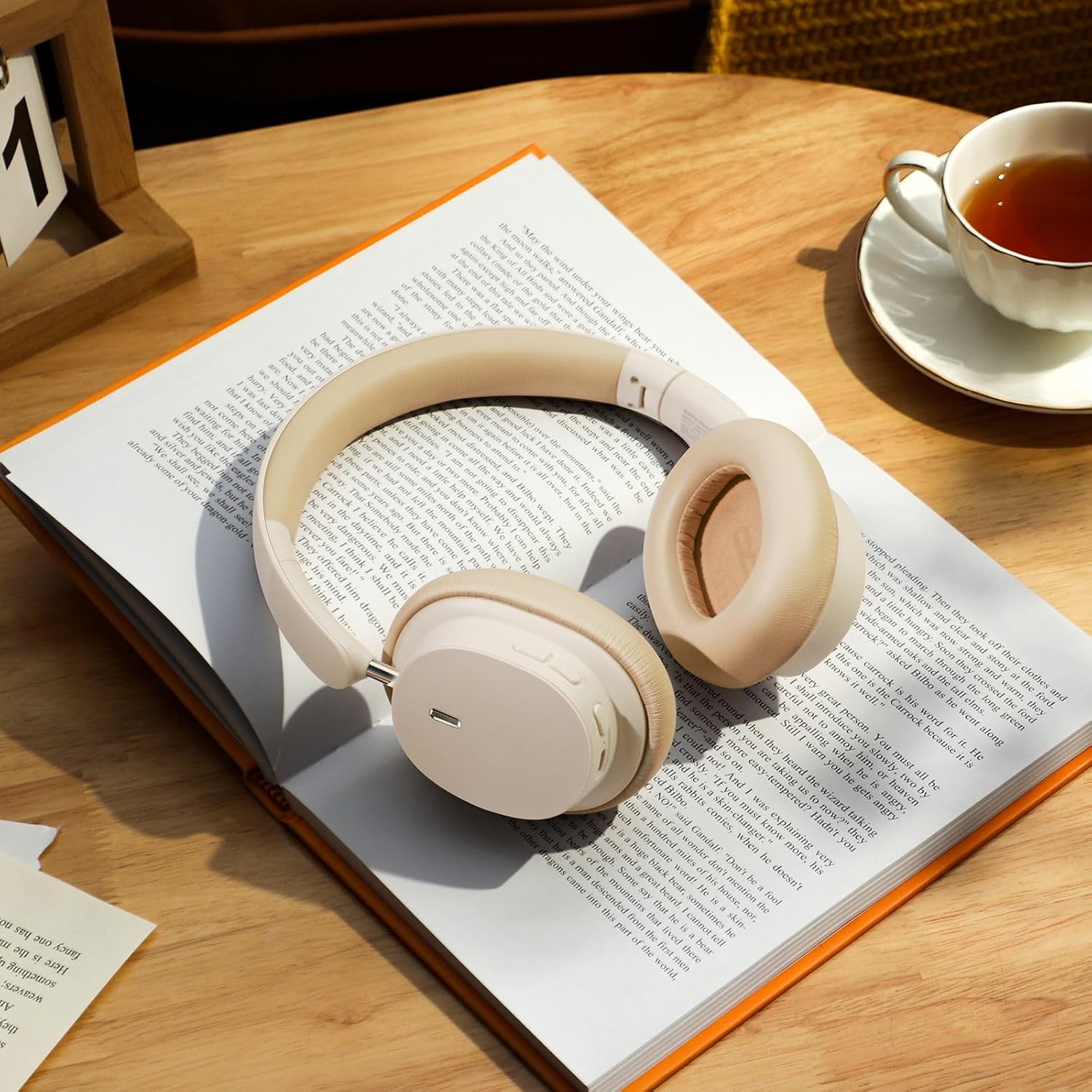
Image: The Baseus Bowie D05 headphones shown alongside their USB-C charging cable and 3.5mm audio cable, illustrating the complete package contents.
3. Toradh thallview
Familiarize yourself with the various parts and controls of your Baseus Bowie D05 headphones:
- Putan Cumhachd/Ioma-ghnìomhach: Air a chleachdadh airson cumhachd a chur air/dheth, cluich/stad, gairmean a fhreagairt/crìochnachadh, agus neach-cuideachaidh gutha a ghnìomhachadh.
- Putan gu h-àrd: Increases volume, long press for next track.
- Putan Volume Down: Decreases volume, long press for previous track.
- Port cosgais USB-C: Airson fònaichean-cluaise a luchdadh a-nuas.
- Jack claisneachd 3.5mm: Airson ceangal uèirleasach.
- Comharra LED: A’ sealltainn inbhe cumhachd, cosgais, agus paidhreachaidh.
- Micreofon: Airson gairmean agus òrdughan gutha.

Ìomhaigh: Mion-fhiosrachadh view of the left earcup of the Baseus Bowie D05 headphones, highlighting the location of the control buttons (volume up/down, multi-function) and the charging/audio ports.
4. Suidhich
4.1 A’ cur cosgais air na fònaichean-cluaise
- Connect the USB-C end of the charging cable to the headphone's charging port.
- Connect the USB-A end to a USB power adapter (5V/1A recommended) or a computer's USB port.
- The LED indicator will show red during charging and turn off or blue when fully charged.
- Mar as trice bheir làn chosgais timcheall air 1.5-2 uairean a thìde.
4.2 Pairing Bluetooth
- Dèan cinnteach gu bheil na fònaichean-cluaise làn-luchdaichte.
- Press and hold the Power/Multi-function button for 3-5 seconds until the LED indicator flashes blue and red alternately, indicating pairing mode.
- Air an inneal agad (fòn cliste, tablet, coimpiutair), cuir Bluetooth an gnìomh.
- Lorg airson "Baseus Bowie D05" in the list of available Bluetooth devices.
- Select "Baseus Bowie D05" to connect. Once connected, the LED indicator will flash blue slowly or turn off.
4.3 Ceangal Uèirichte (Roghainneil)
You can use the headphones with the included 3.5mm audio cable when the battery is low or for devices without Bluetooth connectivity.
- Plug one end of the 3.5mm audio cable into the headphone's 3.5mm audio jack.
- Cuir an ceann eile a-steach do phort-toraidh claisneachd an uidheim agad.
- Note: Controls on the headphones may not function in wired mode.
5. Stiùireadh Obrachaidh
5.1 Cumhachd air / dheth
- Cumhachd air: Brùth agus cum sìos am putan Cumhachd/Ioma-ghnìomhach airson 3 diogan.
- Cumhachd dheth: Brùth agus cum sìos am putan Cumhachd/Ioma-ghnìomhach airson 5 diogan.
5.2 Dealbh-chluich Ciùil
- Cluich / Stad: Brùth goirid air a’ phutan Cumhachd/Ioma-ghnìomhach.
- Meud suas: Brùth goirid air a’ phutan Meudaich.
- Meud sìos: Brùth goirid air a’ phutan Lùghdaich an tomhas-lìonaidh.
- An ath cheum: Brùth fada air a’ phutan Meudaich.
- Rian roimhe: Brùth fada air a’ phutan Lùghdaich an tomhas-lìonaidh.
5.3 Riaghladh Ghairmean
- Freagairt/Cuireadh Call: Brùth goirid air a’ phutan Cumhachd/Ioma-ghnìomhach.
- Call a dhiùltadh: Long press the Power/Multi-function button for 2 seconds.
5.4 Ceangal Ioma-Inneal
The Baseus Bowie D05 headphones support simultaneous connection to two devices, allowing seamless switching between them.
- Ceangail na fònaichean-cluaise ris a’ chiad inneal tro Bluetooth mar a tha air a mhìneachadh ann an earrann 4.2.
- Dì-cheangail na fònaichean-cluaise bhon chiad inneal (na dì-cheangail na càraid).
- Connect the headphones to the second device via Bluetooth.
- Ath-cheangail na fònaichean-cluaise ris a’ chiad inneal bho na roghainnean Bluetooth aige. Bu chòir na fònaichean-cluaise a bhith ceangailte ris an dà inneal a-nis.
Image: The Baseus Bowie D05 headphones are depicted wirelessly connected to both a smartphone and a tablet, demonstrating their multi-device connectivity feature.
6. Cumail suas
Gus dèanamh cinnteach gum mair na fònaichean-cluaise agad fad-beatha agus gum bi iad ag obair gu h-iomchaidh, lean na stiùiridhean cumail suas seo:
- Glanadh: Cleachd clò bog, tioram, gun lint airson na fònaichean-cluaise a ghlanadh. Na cleachd innealan-glanaidh sgrìobach, deoch làidir, no fuasglaidhean ceimigeach.
- Stòradh: Nuair nach eilear gan cleachdadh, stòraich na fònaichean-cluaise ann an àite fionnar, tioram, air falbh bho sholas dìreach na grèine agus teòthachd anabarrach.
- Seachain Tais: Cùm na fònaichean-cluaise air falbh bho uisge agus cus taiseachd.
- Làimhseachadh le cùram: Seachain na fònaichean-cluaise a leigeil sìos no a bhith fo bhuaidhean làidir.
7. A ’dèanamh trioblaid
If you encounter any issues with your Baseus Bowie D05 headphones, please refer to the following common problems and solutions:
| Trioblaid | Fuasgladh comasach |
|---|---|
| Chan eil fònaichean-cluaise a’ dol air. | Dèan cinnteach gu bheil na fònaichean-cluaise làn-luchdaichte. Ceangail ri stòr cumhachd agus feuch ris a-rithist. |
| Chan urrainnear paidhir a dhèanamh leis an inneal. | Ensure headphones are in pairing mode (flashing blue/red). Turn off and on Bluetooth on your device. Clear previous Bluetooth connections on your device. Move headphones closer to the device. |
| Gun fhuaim no meud ìosal. | Check headphone and device volume levels. Ensure headphones are properly connected. Try playing different audio. If using wired connection, ensure cable is fully inserted. |
| Càileachd fuaim dona. | Move closer to your device to avoid interference. Avoid obstacles between headphones and device. Try disconnecting and reconnecting. |
| Bidh fònaichean-cluaise a’ dì-cheangal gu tric. | Ensure headphones are fully charged. Keep within Bluetooth range (typically 10 meters). Avoid strong electromagnetic interference. |
Ma mhaireas an duilgheadas às dèidh dhut na fuasglaidhean seo fheuchainn, cuir fios gu taic luchd-cleachdaidh.
8. Sònrachaidhean
Detailed technical specifications for the Baseus Bowie D05 Wireless Headphones:
- Ainm a' mhodail: NGTD020202
- Brand: Baseus
- Teicneòlas ceangail: Wireless (Bluetooth)
- Teicneòlas conaltraidh gun uèir: Bluetooth
- Suidheachadh cluais: Thar Cluas
- Factor foirm: Thar Cluas
- Seòrsa draibhear fuaim: Dràibhear Dynamic
- Meud aonad dràibhear: 40mm
- Beatha bataraidh: Up to 70 hours of audio playback (at 70% volume)
- Port cosgais: USB-C
- Seacaid claisneachd: 3.5 mm Jack
- Stuth: Plastaig
- Cuideam nì: Mu 209 gram (7.37 unnsa)
- Dath: Creamy-White (as per product title, though spec says Black)
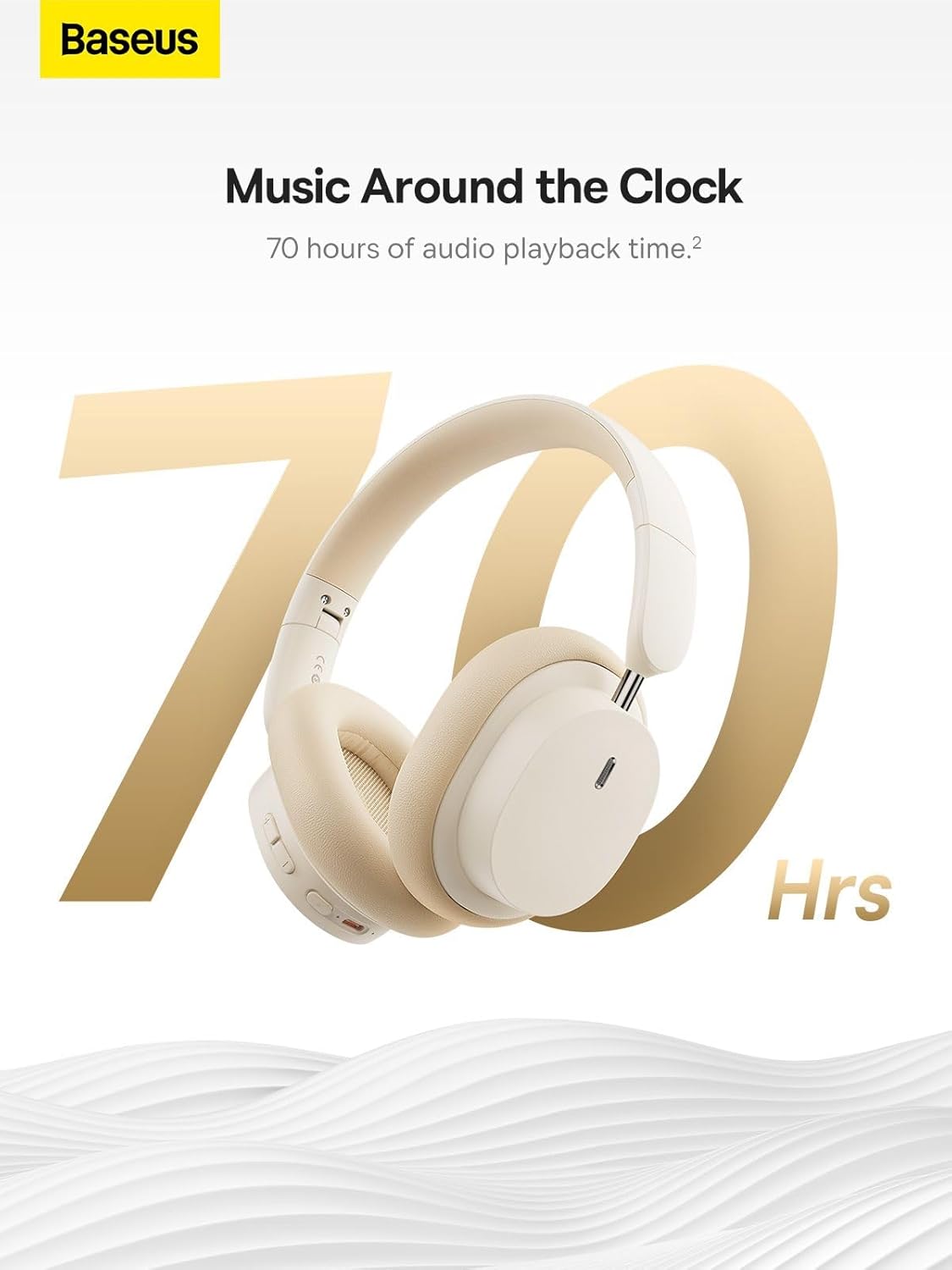
Image: The Baseus Bowie D05 headphones are featured with a prominent '70 Hrs' graphic, highlighting their extended audio playback time on a single charge.

Image: Two individuals are shown comfortably wearing the Baseus Bowie D05 headphones, emphasizing their lightweight design with the text 'Only 209g' for extended listening sessions.

Image: A visual representation of a 40mm large driver unit, illustrating its capability to deliver detailed high-end and fuller low-end audio performance.
9. Barantas agus Taic
9.1 Fiosrachadh Barantais
Baseus products are covered by a limited warranty from the date of purchase. Please refer to the warranty card included in your product packaging or visit the official Baseus weblàrach-lìn airson teirmichean is cumhaichean barantais mionaideach.
9.2 Taic teachdaiche
For technical assistance, troubleshooting, or warranty claims, please contact Baseus customer support through the following channels:
- Oifigeil Weblàrach: Visit the Baseus official weblàrach airson Ceistean Cumanta, goireasan taic, agus foirmean conaltraidh.
- Taic Post-d: Thoir sùil air pacaigeadh an toraidh agad no air an làrach-lìn oifigeil weblàrach airson seòladh puist-d taic luchd-cleachdaidh.
- Authorized Retailer: Contact the retailer from whom you purchased the product for assistance.
Ask a question about this manual
Ask about setup, troubleshooting, compatibility, parts, safety, or missing instructions. Manuals+ will review the question and use this page’s manual context to help answer it.