
AULA S505
AULA S505 USB Gaming Headset Instruction Manual
Model: S505 | Brand: AULA
Ro-ràdh
Thank you for choosing the AULA S505 USB Gaming Headset. This manual provides essential information for setting up, operating, and maintaining your headset to ensure optimal performance and longevity. Please read this manual thoroughly before use.

Image: AULA S505 USB Gaming Headset with RGB lighting.
Prìomh fheartan
- Immersive Virtual 7.1 Surround Sound: Experience precise positional audio with 50mm neodymium magnet drivers, delivering strong bass and clear treble for an immersive gaming and multimedia experience.
- Micreofon a’ cuir dheth fuaim: The 360° rotatable microphone reduces ambient noise, ensuring clear and loud voice pickup for effective communication. It can be easily turned on or off via the in-line control.
- Charming RGB Backlight: Built-in LED lights display dynamic rainbow lighting effects, enhancing the gaming atmosphere. The lighting can be turned off when not desired.
- Convenient In-Line Control: The 2.1m USB wired headset features a one-key control button for quick adjustments to volume, mute, microphone on/off, and RGB lighting control.
- Dealbhadh càirdeil don neach-cleachdaidh: Lightweight (approx. 320g) with an adjustable padded headband for various head shapes. Soft memory earmuffs with breathable cloth reduce pressure and prevent sweat for comfortable long-term use.
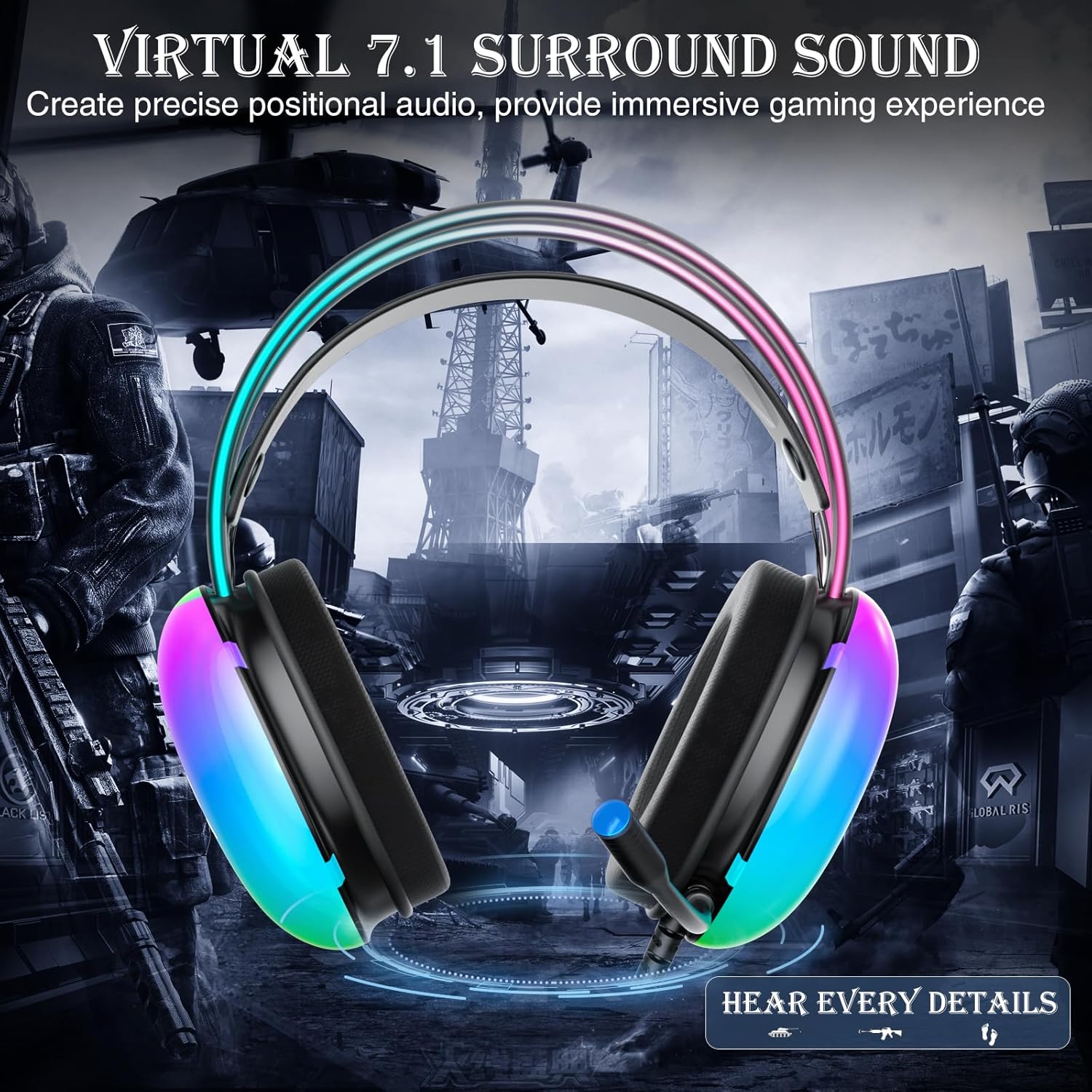
Image: Diagram illustrating virtual 7.1 surround sound and 50mm drivers.
Video: Demonstrating the AULA S505 USB Gaming Headset with Virtual 7.1 Surround Sound.
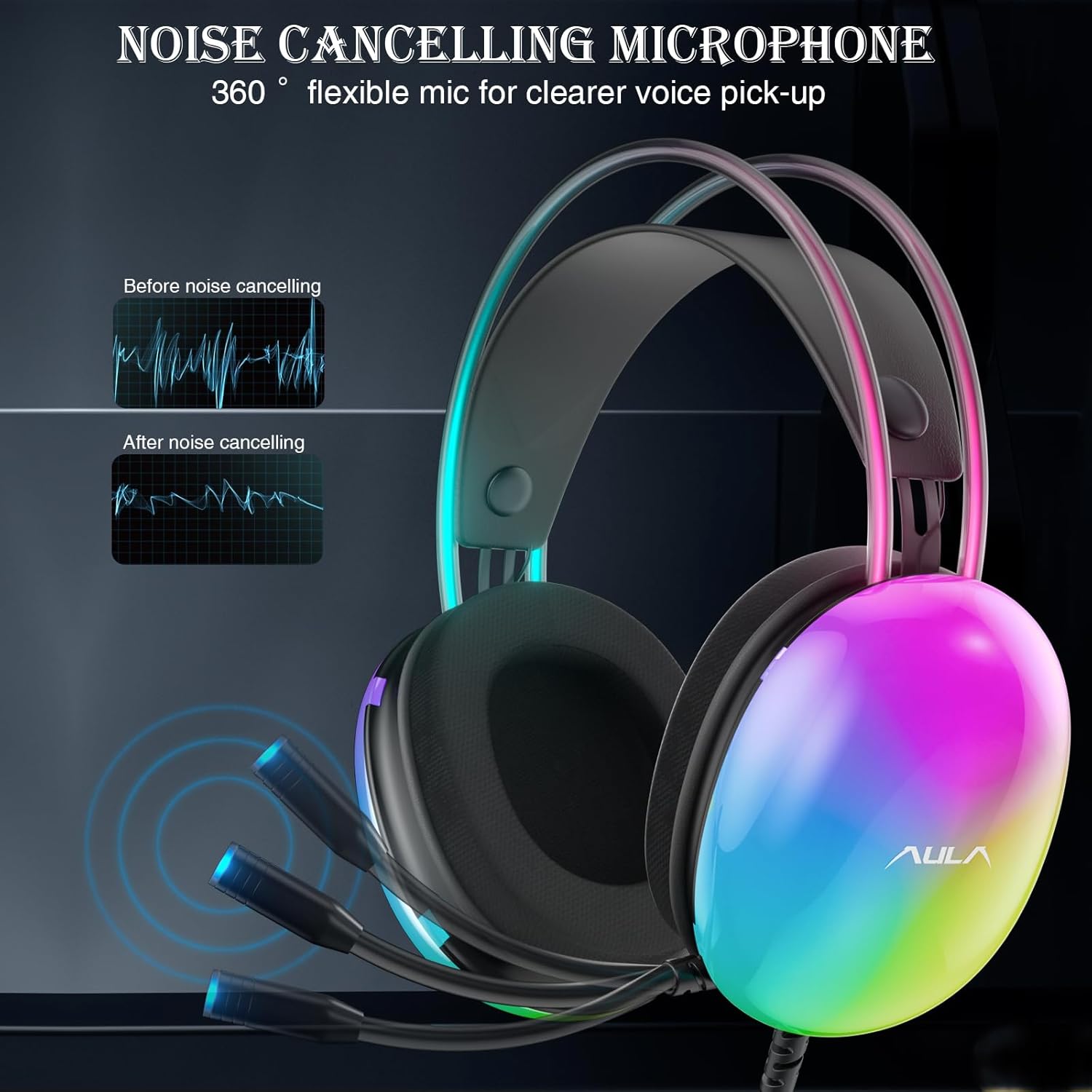
Image: Headset with its noise-canceling microphone extended.
Bhidio: Taisbeanadhasing the AULA S505 Black USB Gaming Headset with Noise Cancelling Mic.

Image: AULA S505 headset displaying dynamic RGB lighting effects.
Video: Highlighting the unique RGB lighting of the AULA S505 Headset.
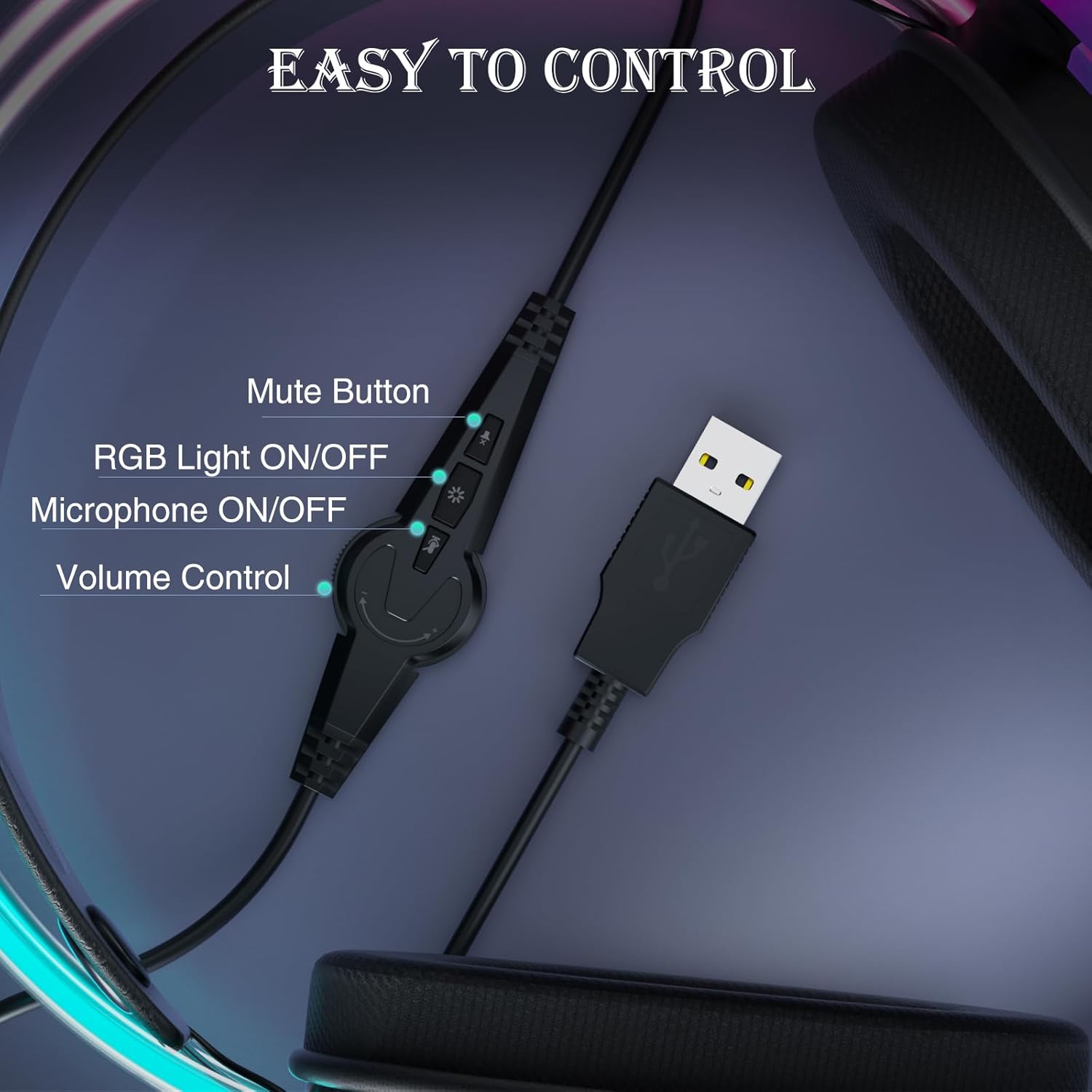
Image: Close-up of the in-line control unit with buttons for volume, mute, mic, and RGB.
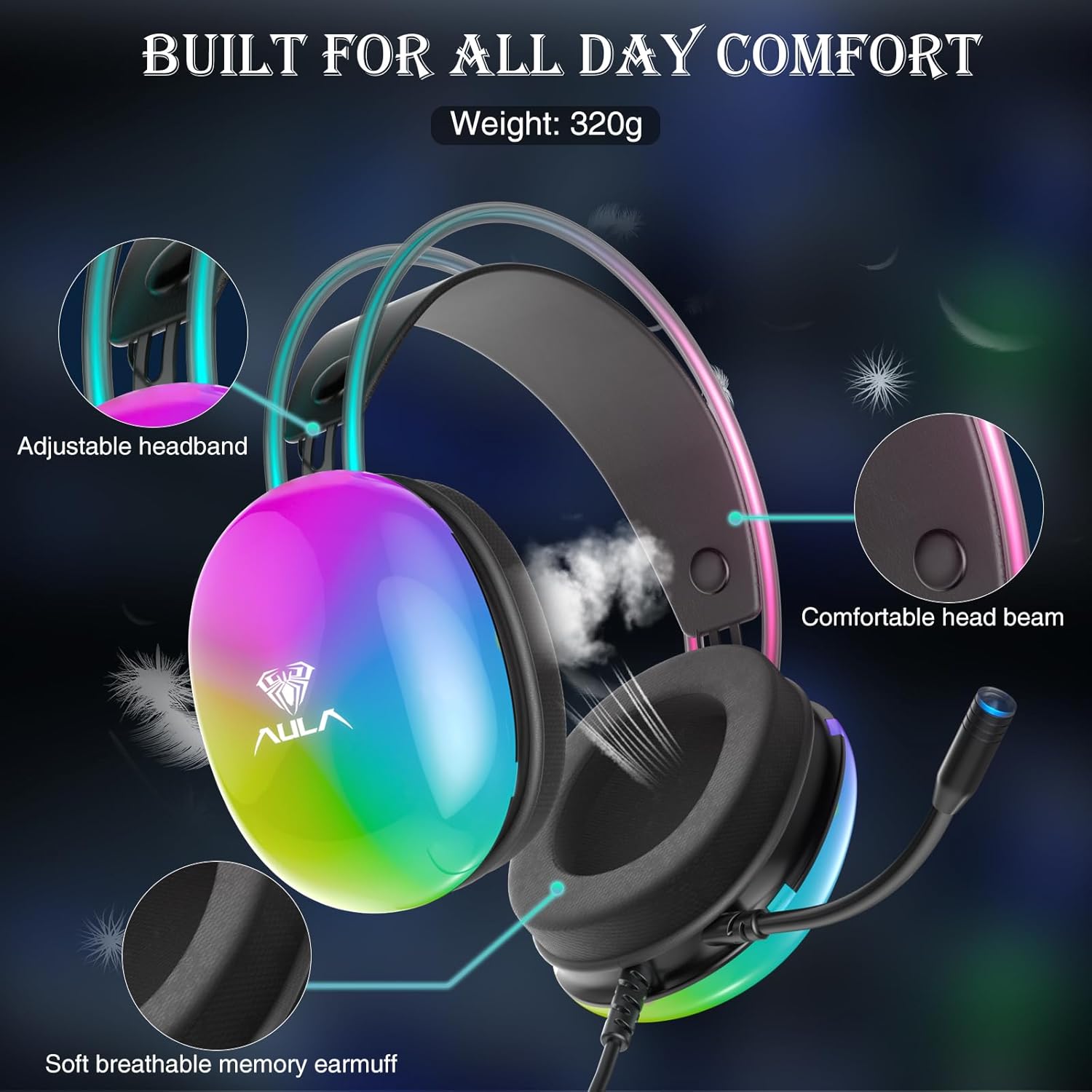
Image: Diagram showing adjustable headband and soft memory earmuffs for comfort.
Stiùiridhean rèiteachaidh
- Ceangail ris an inneal: Plug the USB connector of the AULA S505 headset into an available USB port on your PC, laptop, or other compatible device. The headset is plug-and-play, requiring no additional drivers or software installation.
- Atharraich bann-cinn: Gently adjust the padded headband to fit comfortably on your head. The headband is designed to be auto-adjustable for various head sizes.
- Suidheachadh Micreofon: Rotate the flexible microphone boom to a position near your mouth for optimal voice pickup.
- Initial Volume Check: Before starting your game or application, use the in-line volume control to set an appropriate listening level.
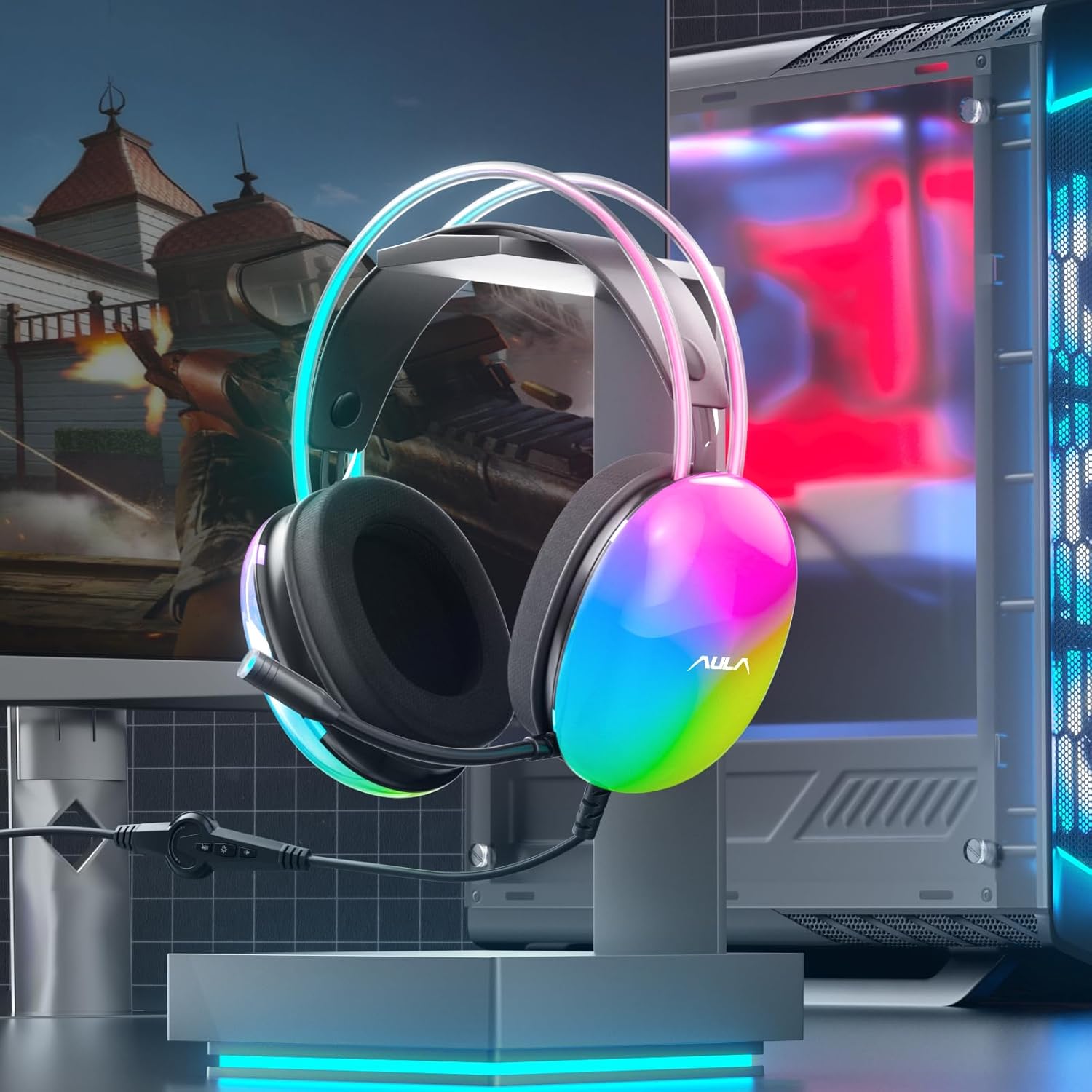
Image: AULA S505 headset connected to a desktop computer setup.
Stiùireadh Obrachaidh
- Smachd tomhas-lìonaidh: Use the rotary dial on the in-line control unit to increase or decrease the audio volume.
- Mute microfòn: Press the microphone button on the in-line control to mute or unmute the microphone. An indicator light on the microphone tip may show its status (e.g., blue for active).
- Smachd Solais RGB: Press the light button on the in-line control to toggle the RGB backlight effects on or off.
- Fuaim Timcheallach Brìgheil 7.1: The virtual 7.1 surround sound is automatically enabled upon connection. Ensure your device's audio settings are configured to output stereo sound for the headset to process the virtual surround effect.

Image: User wearing the AULA S505 headset with active RGB lighting.
Cumail suas
- Glanadh: Cleachd clò bog, tioram airson na fònaichean-cluaise a sguabadh. Airson cluasan-cluaise, cleachd clò beagan tioram.amp Faodar clò a chleachdadh, ach dèan cinnteach gu bheil iad gu tur tioram mus cleachd thu iad an ath thuras. Na cleachd ceimigean cruaidh no innealan-glanaidh sgrìobach.
- Stòradh: Stòraich na fònaichean-cluaise ann an àite fionnar, tioram air falbh bho sholas dìreach na grèine agus teòthachd anabarrach. Seachain a bhith a’ ceangal a’ chàball.
- Cùram càball: Do not pull the cable forcefully or bend it sharply, as this can damage internal wiring.
Fuasgladh thrioblaidean
- Gun fhuaim bho Headset:
- Dèan cinnteach gu bheil an ceanglaiche USB air a chur a-steach don phort gu tur.
- Check the in-line volume control and increase it if necessary.
- Verify your computer's audio output settings are set to the AULA S505 headset.
- Test the headset on another USB port or device to rule out a port issue.
- Micreofon gun a bhith ag obair:
- Ensure the microphone is not muted via the in-line control.
- Check your computer's microphone input settings and select the AULA S505 headset as the default input device.
- Confirm the microphone boom is positioned correctly.
- Solais RGB nach eil ag obair:
- Press the RGB light button on the in-line control to ensure it is turned on.
- Verify the USB connection is secure.
Sònrachaidhean
| Feart | Mion-fhiosrachadh |
|---|---|
| Brand | AULA |
| Modail Àireamh | S505 |
| Teicneòlas ceangail | Uèir (USB) |
| Meud driver | 50mm |
| Seòrsa Fuaim | Fuaim timcheall air Mas-fhìor 7.1 |
| Micreofon | Noise Canceling, 360° Rotatable |
| Solais | RGB Rainbow Backlit |
| Smachdan air-loidhne | Volume, Mic On/Off, RGB On/Off |
| Suidheachadh cluais | Thar Cluas |
| Earmuff Material | Soft Memory Foam with Breathable Cloth |
| Cuideam nì | 390 gram |
| Fad Càball | 2.1m |
| Innealan co-fhreagarrach | PC, Laptops, Tablets (with USB input) |
Fiosrachadh Barantais
The AULA S505 USB Gaming Headset comes with a Barantas 1-bliadhna Earranta from the date of purchase. This warranty covers manufacturing defects and workmanship. It does not cover damage caused by misuse, accidents, unauthorized modifications, or normal wear and tear. Please retain your proof of purchase for warranty claims.
Taic
For further assistance, technical support, or warranty inquiries, please refer to the contact information provided on the product packaging or visit the official AULA website. You may also contact your retailer for support.