
Ro-ràdh
This manual provides comprehensive instructions for the Baseus Amblight 30000mAh 65W Power Bank, model PPLG000101. It covers essential information regarding product features, setup, operation, maintenance, and troubleshooting to ensure optimal performance and longevity of your device.
Bathar seachadview
The Baseus Amblight Power Bank is a high-capacity portable charger designed to power multiple devices simultaneously. Featuring a 30000mAh battery, 65W fast charging capability, and multiple output ports including USB-A and USB-C, it is suitable for charging smartphones, tablets, and even laptops.

Figure 1: The Baseus Amblight Power Bank, showcasing both black and white versions with included USB-C cables.
The power bank is equipped with a digital display that provides real-time information on battery percentage, voltage, and current, allowing for precise monitoring of charging status.

Figear 2: Mionaideach view of the large LED screen, displaying charging information such as current battery percentage.
It features multiple input and output ports for versatile charging options.

Figure 3: Illustration of the power bank's multiple ports, indicating 5 output and 3 input capabilities for various devices.
Suidhich
Cosgais Tùsail a’ Bhanca Cumhachd
- Before first use, fully charge the power bank. Connect a compatible USB-C charging cable to the power bank's input port and to a wall adapter (not included).
- The LED display will show the charging progress. A full charge is indicated when the display shows 100%.
Innealan ceangail
- Use appropriate charging cables for your devices. The power bank supports USB-A and USB-C outputs.
- Connect one end of your device's charging cable to an available output port on the power bank and the other end to your device.
- The power bank will automatically begin charging your device. The LED display will show the output status.
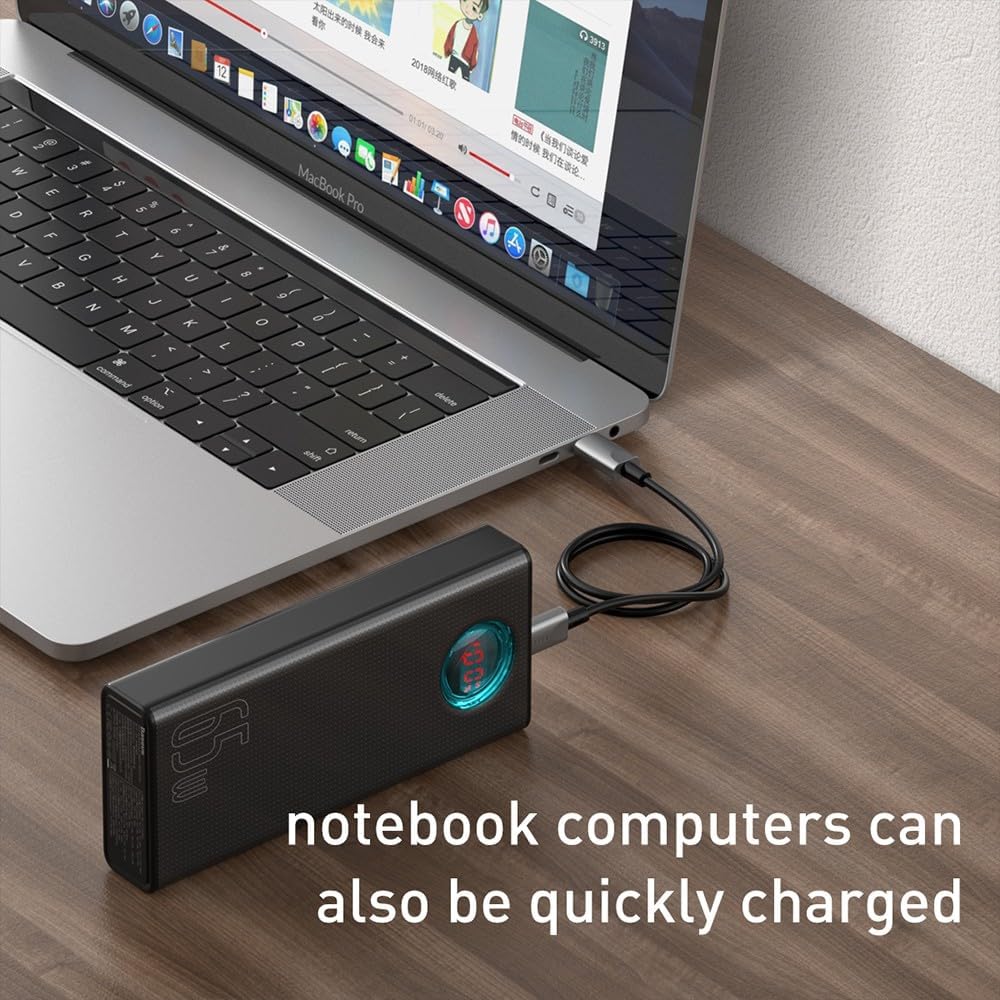
Figure 4: A smartphone being charged by the Baseus Power Bank, demonstrating its ability to quickly charge mobile devices.
Obrachaidh
High Capacity and Multi-Device Charging
The power bank's 30000mAh capacity allows for multiple charges of various devices. For example, it can charge a typical smartphone up to 12 times. The Baseus Amblight Power Bank can also charge multiple devices simultaneously using its various output ports.
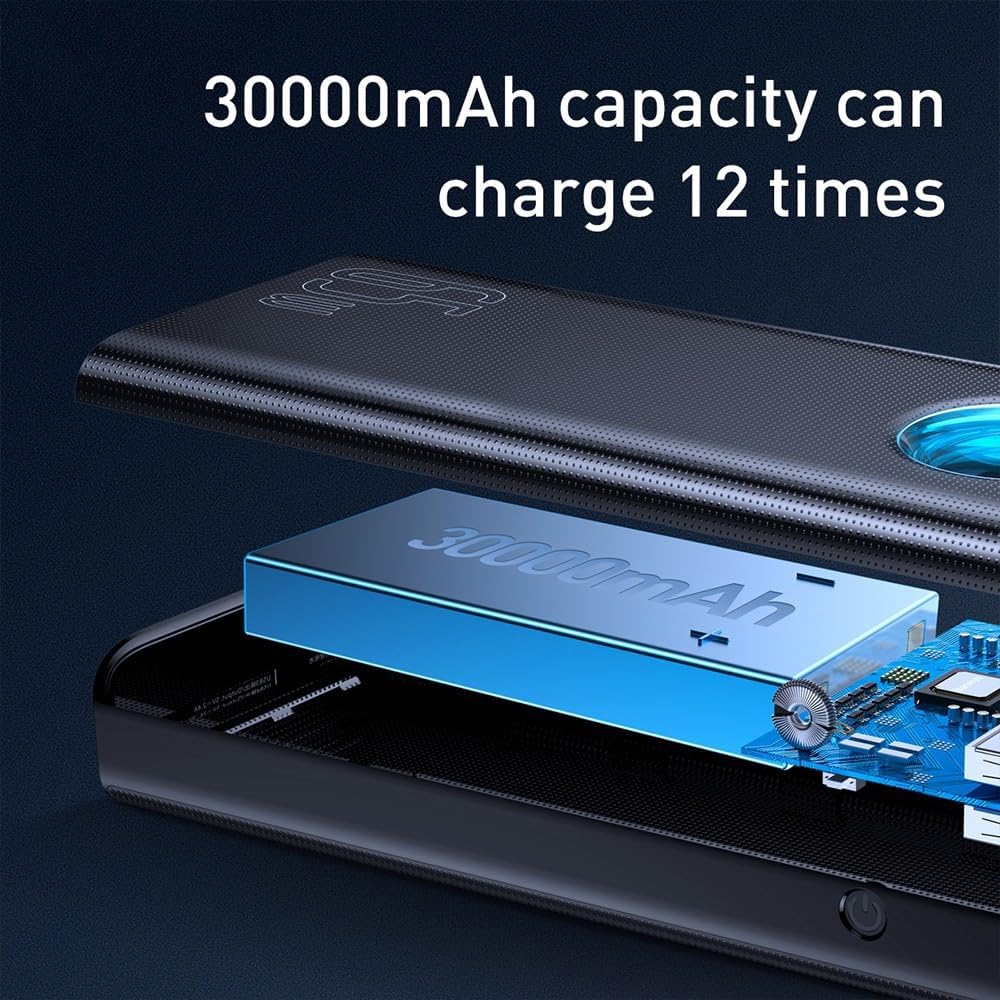
Figure 5: Visual representation of the 30000mAh capacity, illustrating its capability to provide multiple charges for devices.
Toradh cumhachd àrd (65W)
The 65W output capability allows for fast charging of compatible devices, including laptops that support USB-C Power Delivery (PD). Ensure your device and cable support 65W PD for optimal charging speeds.
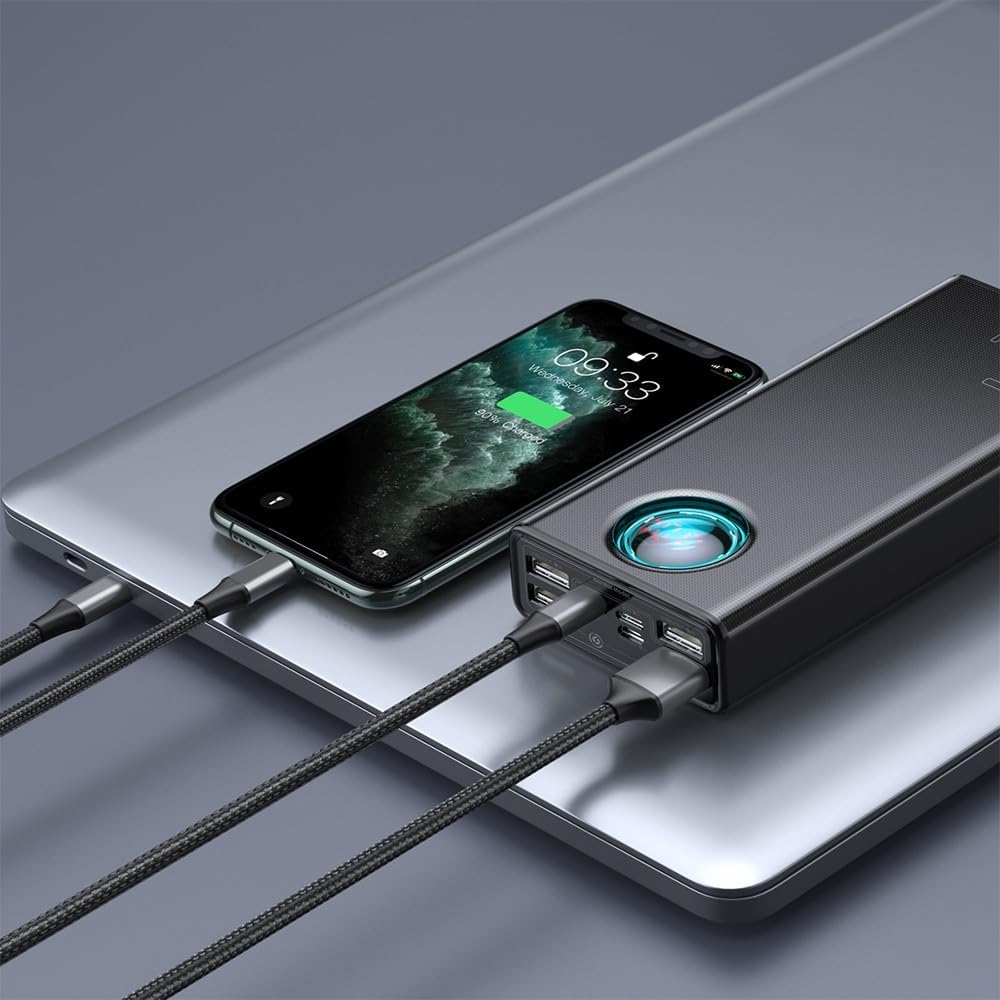
Figure 6: A laptop being charged by the Baseus Power Bank, demonstrating its high-power output suitable for notebooks.

Figure 7: The power bank highlighting its 65W high power output, suitable for demanding devices.
Cumail suas
Cùram Bataraidh
- Gus beatha a’ bhataraidh a leudachadh, seachain a bhith a’ dì-luchdachadh a’ bhanca cumhachd gu tric. Ath-luchdaich e nuair a tha ìre a’ bhataraidh ìosal.
- Store the power bank in a cool, dry place, away from direct sunlight and extreme temperatures.
- If storing for an extended period, charge the power bank to approximately 50-70% every three months.
Glanadh
- Sguab taobh a-muigh a’ bhanca cumhachd le clò bog, tioram.
- Na cleachd ceimigean gruamach no innealan glanaidh sgrìobach.
- Ensure no moisture enters the ports.
Fuasgladh thrioblaidean
- Banca Cumhachd gun a bhith a’ togail cosgais:
- Ensure the charging cable and wall adapter are functioning correctly.
- Verify the cable is securely connected to both the power bank's input port and the power source.
- Try a different cable or adapter.
- Inneal gun a bhith a’ cur cosgais bhon bhanca cumhachd:
- Dèan cinnteach a bheil cosgais gu leòr aig a’ bhanca cumhachd.
- Ensure the charging cable connecting your device to the power bank is not damaged and is securely connected.
- Dearbhaich gu bheil an inneal agad co-chòrdail ri sònrachaidhean toraidh a’ bhanca cumhachd.
- Feuch port toraidh eadar-dhealaichte air a’ bhanca cumhachd.
- Cìs slaodach:
- Dèan cinnteach gu bheil an dà chuid am banca cumhachd agus an inneal agad a’ toirt taic do phròtacalan cosgais luath.
- Use a high-quality, compatible charging cable.
- Dh’fhaodadh cosgais iomadh inneal aig an aon àm astar cosgais fa leth a lùghdachadh.
- Taisbeanadh LED nach eil ag obair:
- Brùth air a’ phutan cumhachd goirid gus an taisbeanadh a ghnìomhachadh.
- Ma mhaireas an duilgheadas, is dòcha gum feum am banca cumhachd seirbheis a thoirt seachad.
If you encounter issues not covered here, please refer to the warranty and support section for further assistance.
Sònrachaidhean
| Feart | Mion-fhiosrachadh |
|---|---|
| Brand | Baseus |
| Modail Àireamh | PPLG000101 |
| Comas | 30000 mAh |
| Puirt Toraidh | 4 x USB-A, 1 x USB-C |
| Puirt a-steach | USB-C (PD), Micro USB, Lightning |
| Cumhachd toraidh as àirde | 65W |
| Dath | Dubh |
Barantas agus Taic
For warranty information, please refer to the documentation included with your product packaging or visit the official Baseus weblàrach. Faodaidh teirmichean is cumhaichean barantais atharrachadh a rèir sgìre.
If you require technical support or have questions regarding your Baseus Amblight Power Bank, please contact Baseus customer service through their official channels. Contact details are typically available on the manufacturer's weblàrach.