
1. Ro-ràdh
This manual provides detailed instructions for the operation and maintenance of your Coby CVR42BK Portable Cassette Player and Recorder. Please read this manual thoroughly before using the device to ensure proper function and longevity.
2. Pasgan-susbaint
Dearbhaich gu bheil na nithean gu lèir a tha air an liostadh gu h-ìosal an làthair sa phacaid agad:
- Coby CVR42BK Portable Cassette Player and Recorder
- Micreofon Boom taobh a-muigh
- Adapter 120V AC
- Leabhar-làimhe cleachdaiche (an sgrìobhainn seo)

Figure 2.1: Included items in the Coby CVR42BK package.
3. Toradh thallview
The Coby CVR42BK is a portable cassette player and recorder designed for both playback and one-touch recording. It features a built-in handle for portability and includes an external boom microphone for enhanced recording quality.

Figure 3.1: Coby CVR42BK Portable Cassette Player and Recorder.
3.1 Smachdan agus Comharran
Familiarize yourself with the controls and ports on your device:
- Putan Cluich: Initiates cassette playback.
- Putan Clàraidh: Activates recording function (requires a blank cassette).
- Fast Forward Button: A’ cur an teip air adhart gu luath.
- Rewind Button: A’ tionndadh an teip air ais gu luath.
- Stop/Eject Button: Stops playback/recording and opens the cassette compartment.
- Smachd tomhas-lìonaidh: Atharraichidh seo meud an ath-chluich.
- Jack headphone (3.5mm): Airson èisteachd prìobhaideach.
- Cuir a-steach Micreofon Taobh a-muigh: Connects the included boom microphone.
- Port Adaptair AC: For connecting the 120V AC adapter.
- Roinn Bataraidh: Holds 4 C batteries for portable power.
4. Suidhich
4.1 A 'toirt cumhachd don inneal
The CVR42BK can be powered by either the included AC adapter or 4 C batteries (not included).
- Cumhachd AC: Connect the 120V AC adapter to the AC adapter port on the device and then plug it into a standard wall outlet.
- Cumhachd Bataraidh: Open the battery compartment on the underside of the unit. Insert 4 C batteries, ensuring correct polarity (+/-). Close the compartment securely.

Figure 4.1: Power options for the CVR42BK.
4.2 Loading a Cassette Tape
- Brùth an Stad / cuir air falbh putan gus doras roinn a’ chassette fhosgladh.
- Insert a cassette tape with the open edge facing upwards and the tape side facing you.
- Dùin doras roinn a’ chassette gu socair gus an cliog e dùinte.

Figure 4.2: Loading a cassette tape.
5. Stiùireadh Obrachaidh
5.1 A’ cluich teip caisead
- Ensure a cassette tape is loaded (refer to Section 4.2).
- Brùth an Seinn putan. Tòisichidh an teip a’ cluich.
- Atharraich an Smachd tomhas-lìonaidh chun an ìre èisteachd a tha thu ag iarraidh.
- Gus gluasad air adhart gu sgiobalta, brùth air an iuchair Fast Air adhart button. To rewind, press the Ath-thionndaidh putan.
- Gus casg a chuir air ath-chluich, brùth air an Stad / cuir air falbh putan.
- For private listening, connect headphones to the 3.5mm headphone jack.
5.2 Recording Audio (One-Touch Recording)
The CVR42BK features one-touch recording and Automatic Level Control (ALC) to optimize recording levels.
- Load a blank or recordable cassette tape into the device. Note: Re-using older cassettes may affect sound quality. New cassettes are recommended for optimal results.
- Brùth an Clàr putan. Tha an Seinn button will also engage simultaneously. The device will begin recording audio from its built-in microphone or the connected external microphone.
- Gus stad a chlàradh, brùth air an Stad / cuir air falbh putan.
- The device includes an auto-stop feature that will automatically stop recording when the tape reaches its end.
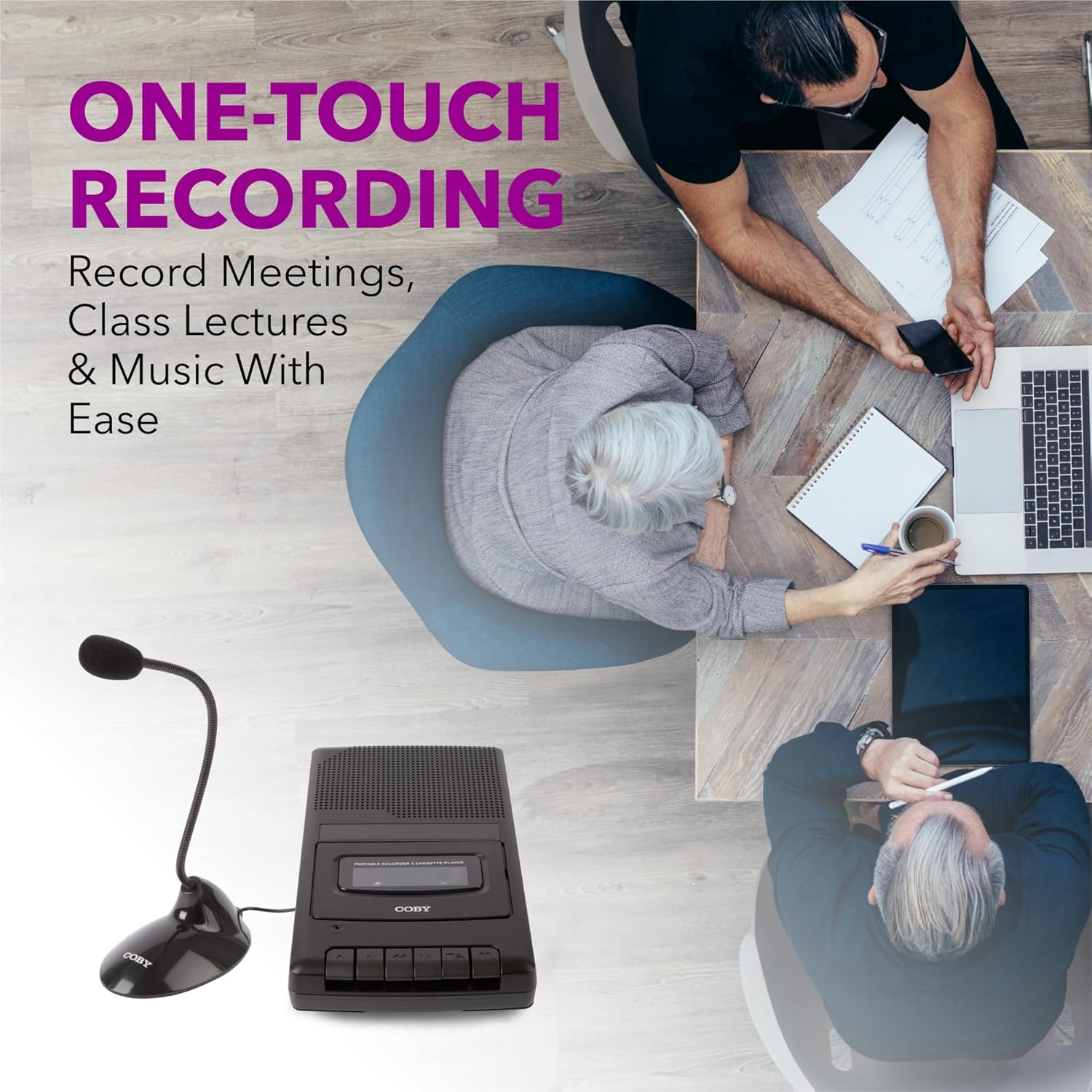
Figure 5.1: Using the CVR42BK for recording.
5.3 Using the External Boom Microphone
For higher quality recordings, especially for lectures or meetings, connect the included external boom microphone.
- Locate the external microphone input port on the CVR42BK.
- Plug the external boom microphone into this port.
- Position the microphone appropriately for the sound source you wish to record.
- Proceed with recording as described in Section 5.2. The device will automatically prioritize the external microphone when connected.

Figure 5.2: External boom microphone in use.
6. Cumail suas
- Glanadh: Cleachd clò bog, tioram gus taobh a-muigh an aonaid a ghlanadh. Na cleachd innealan-glanaidh leaghaidh no fuasglaidhean.
- Glanadh Ceann an Teip: Periodically clean the tape heads with a specialized cassette head cleaning kit to ensure optimal sound quality and prevent tape damage.
- Stòradh: When not in use for extended periods, remove batteries to prevent leakage. Store the device in a cool, dry place away from direct sunlight and extreme temperatures.
- Cùram Cassette: Store cassette tapes in their cases to protect them from dust and physical damage. Avoid exposing tapes to strong magnetic fields.
7. A ’dèanamh trioblaid
| Trioblaid | Adhbhar a dh’fhaodadh a bhith ann | Fuasgladh |
|---|---|---|
| Gun chumhachd | Chan eil an inneal-atharrachaidh AC ceangailte no lochtach; bataraidhean air an leigeil ma sgaoil no air an cur a-steach gu ceàrr. | Check AC adapter connection and power outlet. Replace batteries or ensure correct polarity. |
| Gun fhuaim rè ath-chluich | Volume too low; headphones connected; tape head dirty; tape damaged. | Increase volume. Disconnect headphones. Clean tape heads. Try a different tape. |
| Chan eil clàradh ag obair | Tape is write-protected; tape is full; microphone not connected or faulty. | Ensure the write-protect tab on the cassette is intact. Use a blank tape. Check microphone connection. |
| Deagh chàileachd fuaim | Dirty tape heads; old or damaged cassette tape; external interference. | Clean tape heads. Use a new or known-good cassette tape. Move away from electronic devices. |
| Tape not moving | Tape jammed; mechanism fault. | Gently open compartment and check for tape jams. If problem persists, contact support. |
8. Sònrachaidhean
| Modail Àireamh | CVR42BK |
| Stòr cumhachd | 120V AC Adapter (included) or 4 x 'C' Batteries (not included) |
| Feartan | Automatic Level Control (ALC), One-Touch Recording, Fast Forward, Rewind, Volume Control, Auto-Stop |
| Micreofon | Built-in microphone, External Boom Microphone (included) |
| Jack headphone | Stereo 3.5mm |
| Meudan toraidh (L x W x H) | 10.2 x 5.83 x 1.97 òirleach (25.9 x 14.8 x 5 cm) |
| Cuideam nì | 1.75 not (0.79 kg) |
| UPC | 810071491450 |
9. Barantas agus Taic
Airson fiosrachadh barantais no taic theicnigeach, thoir sùil air a’ chairt barantais a tha air a ghabhail a-steach leis an toradh agad no tadhail air làrach-lìn oifigeil Coby weblàrach. Cùm do chuidhteas ceannach mar dhearbhadh ceannach airson tagraidhean barantais sam bith.
Dèanadair: Summit Electronics LLC