
VTech CS2051
Leabhar-làimhe Cleachdaiche Fòn Gun Uèir VTech CS2051
Modail: CS2051 | Brand: VTech
Ro-ràdh
This user manual provides comprehensive instructions for the setup, operation, maintenance, and troubleshooting of your VTech CS2051 Cordless Phone system. Please read this manual thoroughly before using your new phone to ensure proper functionality and to take full advantage de na feartan aige.
The VTech CS2051 is a DECT cordless phone system designed for home and office use, featuring two handsets and an integrated answering machine. It offers advanced features such as call blocking, ECO mode for energy efficiency, and a clear backlit display.
Suidhich
Susbaint pacaid
Dèan cinnteach gu bheil a h-uile nì anns a’ phacaid:
- 1 x Aonad Bunaiteach
- 2 x Fònaichean-làimhe gun Uèir
- 2 x Handset Chargers (for additional handsets)
- 2 x Bataraidhean Ath-luchdaichte NiMH
- 1 x Inneal-atharrachaidh Cumhachd airson an Aonaid Bhunait
- 1 x Corda Loidhne Fòn
- Leabhar-làimhe cleachdaiche (an sgrìobhainn seo)

Image: The VTech CS2051 cordless phone system, showing the main base unit with one handset docked, and a second standalone handset with its charger.
Stàladh bataraidh
- Fosgail còmhdach roinn a’ bhataraidh air cùl gach inneal-làimhe.
- Insert the supplied NiMH rechargeable battery, observing the correct polarity (+ and -).
- Dùin an còmhdach roinn bataraidh.
A 'ceangal an Aonad Bunaiteach
- Ceangail aon cheann de chorda loidhne a’ fòn ris an t-seacaid TEL LINE air an aonad bonn.
- Ceangail ceann eile càball loidhne a’ fòn ri socaid balla a’ fòn agad.
- Connect the small end of the power adapter to the POWER jack on the base unit.
- Cuir ceann mòr an inneal-atharrachaidh cumhachd a-steach do shoitheach dealain àbhaisteach.
- Place the main handset on the base unit to charge.
Connecting Additional Handset Chargers
- Connect the power adapter for each additional charger to the POWER jack on the charger.
- Plug an inneal-atharrachaidh cumhachd a-steach do ionad dealain àbhaisteach.
- Place the additional handset(s) on their respective chargers to charge.
Leig leis na fònaichean-làimhe cosgais a chur orra airson co-dhiù 16 uairean a thìde mus cleachd thu iad an toiseach gus dèanamh cinnteach gum bi am bataraidh ag obair gu h-iomchaidh.
Stiùireadh Obrachaidh
A 'dèanamh agus a' faighinn gairmean
- Gus Call a dhèanamh: Tog fòn-làimhe, cuir fòn chun na h-àireimh, agus brùth air a’ phutan Call putan.
- Airson Call fhaighinn: Nuair a bhios am fòn a’ glaodhaich, brùth air a’ phutan Call putan.
- Hands-Free (Speakerphone): Rè gairm, brùth air an Labhraiche putan gus am fòn-labhairt a ghnìomhachadh.

Image: A VTech CS2051 handset with a speech bubble indicating hands-free communication, demonstrating the ease of making or receiving calls without holding the handset.
Adjusting Volume and Ringtones
You can adjust the handset's earpiece volume during a call using the navigation buttons. Ringtone volume and melody can be customized through the handset's menu settings.

Image: A VTech CS2051 handset on its base, with a visual representation of sound waves emanating from it, indicating adjustable ringtone volume and melody settings.
Bacadh Call
The VTech CS2051 allows you to block unwanted and intimidating calls. You can block up to 30 numbers by adding them to a blacklist. Refer to the handset menu for instructions on adding numbers to the call block list.
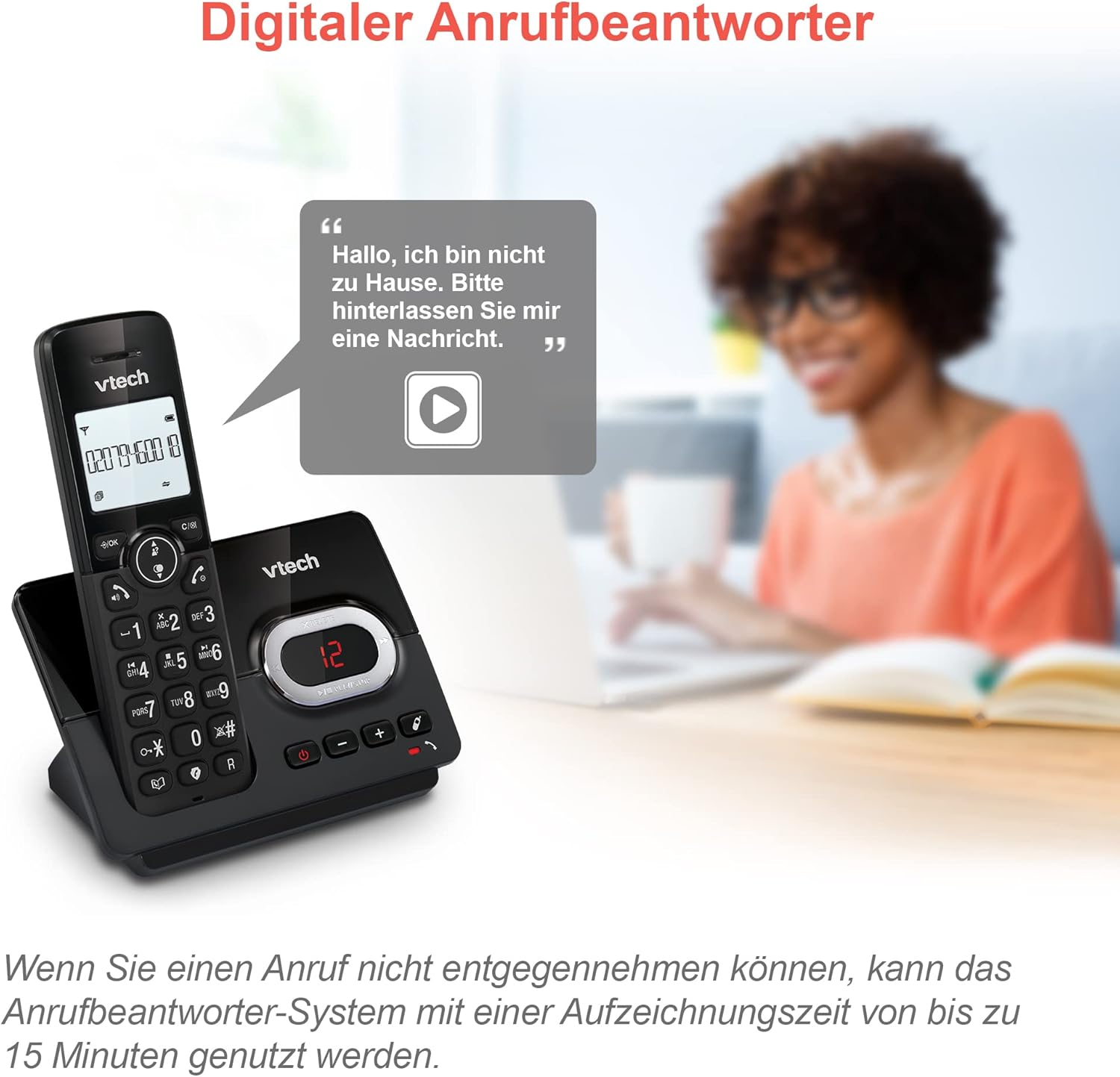
Image: A VTech CS2051 handset next to a television screen, with a "No Entry" symbol over a phone icon, illustrating the call blocking feature for unwanted and unknown calls.
Inneal Freagairt
The integrated answering machine offers up to 15 minutes of recording time. It will automatically answer calls when you are unavailable. The digital message counter on the base unit indicates the number of new messages.
- A’ cluich teachdaireachdan: Brùth an PLAY/STOP am putan air an aonad bunaiteach.
- A’ clàradh teachdaireachd a-mach: Access the answering machine settings via the handset menu.

Image: A VTech CS2051 handset on its base, with a speech bubble showing a voicemail message, highlighting the digital answering machine function with up to 15 minutes of recording time.
Phonebook and Redial
- Leabhar fòn: Store up to 30 names and numbers in the integrated phonebook for quick dialing.
- Ath-ghairm: Easily redial the last 10 numbers called by pressing the Redial button.
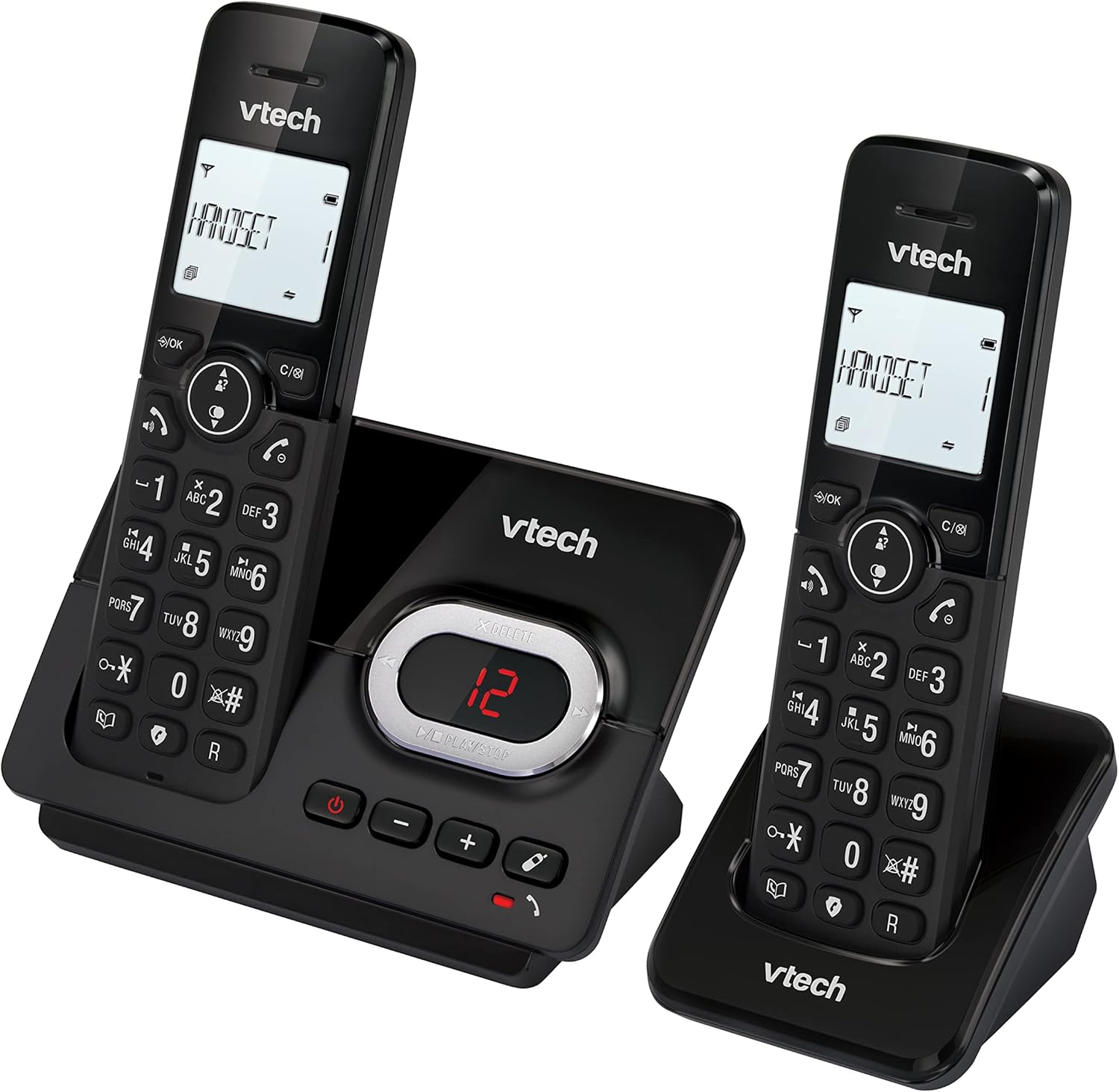
Image: A VTech CS2051 handset on its base, with an overlay showing a phonebook interface, indicating the ability to store up to 30 names and numbers.
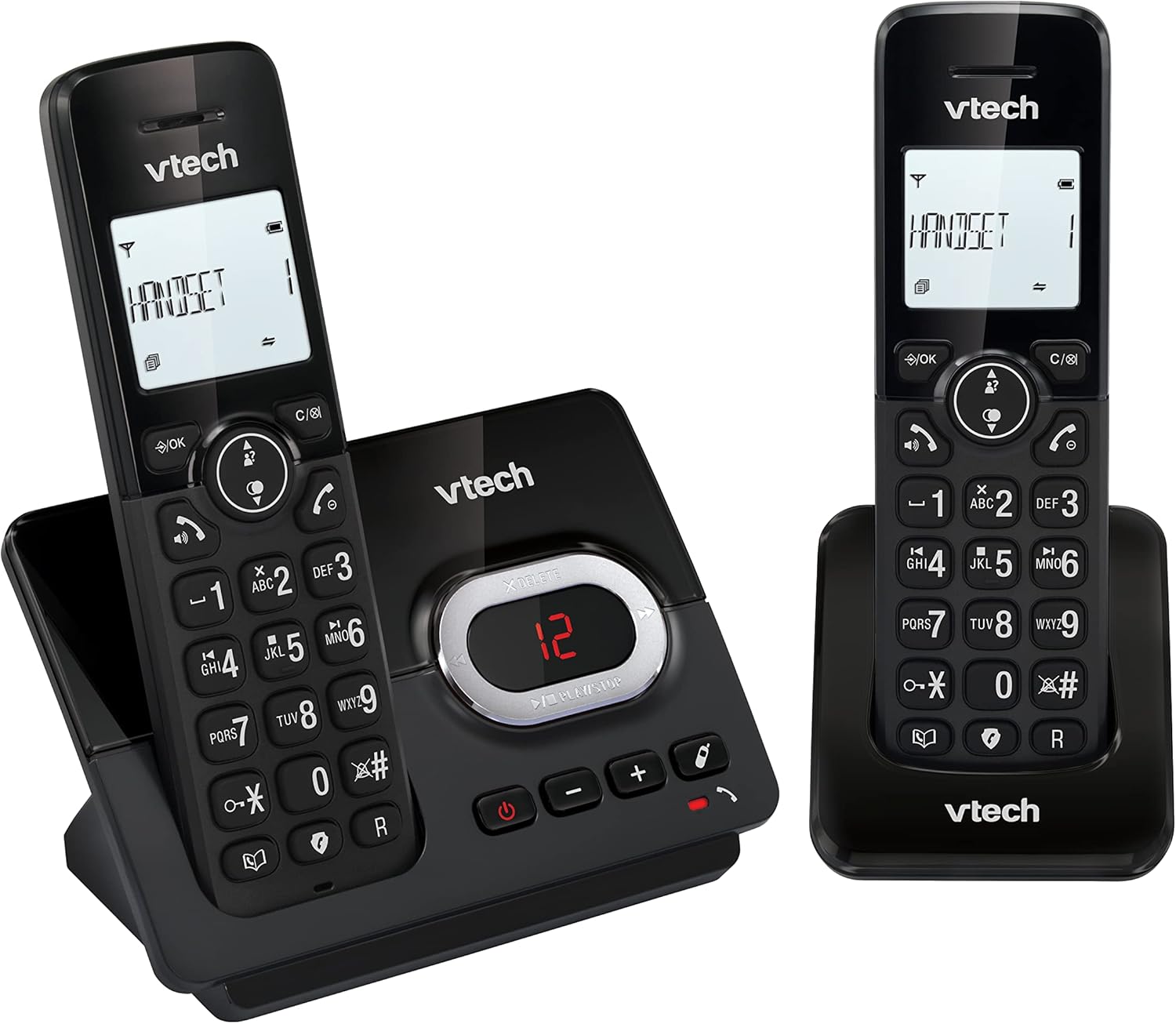
Image: A close-up of the VTech CS2051 handset's navigation buttons, with a circle highlighting the redial button, indicating the ability to redial the last 10 numbers.
ID neach-conaltraidh agus feitheamh fòn
With Caller ID and Call Waiting features, you can see who is calling before you answer. The handset display shows the caller's name, number, time, and date of incoming calls.

Image: A VTech CS2051 handset on its base, with the screen displaying caller information, illustrating the Caller ID and Call Waiting features that show who is calling.
Modh ECO
The handset automatically adjusts the radio frequency power based on its distance from the base unit. In full ECO mode, there is no transmission power in standby mode, contributing to energy saving.
Cumail suas
- Glanadh: Glan am fòn agus an aonad bonn le clò bog, tioram.amp clò. Na cleachd spraeirean glanaidh no ceimigean làidir.
- Cùram Bataraidh: Use only the supplied rechargeable NiMH batteries. If the phone will not be used for an extended period, remove the batteries from the handsets.
- Suidheachadh: Place the base unit and chargers in a dry, stable location away from direct sunlight, heat sources, and moisture. Ensure adequate ventilation.
Fuasgladh thrioblaidean
| Trioblaid | Adhbhar / Fuasgladh a dh’fhaodadh a bhith ann |
|---|---|
| Gun fhuaim dial |
|
| Chan eil an inneal-làimhe a’ cur cosgais air |
|
| Droch chàileachd gairm / Statach |
|
| Inneal freagairt gun chlàradh |
|
Sònrachaidhean
- Modail: AC2051
- Teicneòlas: DECT 6.0
- Taisbeanadh: LCD cùl-sholais 1.8-òirleach
- Inneal freagairt: Didseatach, suas ri 15 mionaid de ùine clàraidh
- Comas leabhar-fòn: 30 inntrigeadh (ainmean agus àireamhan)
- Comas Blocaidh Ghairm: Suas ri 30 àireamhan
- Cuimhne ID an neach-fios: A’ stòradh nan 20 gairmean mu dheireadh
- Seòrsa bataraidh: NiMH rechargeable battery (included)
- Raon: Suas ri 300 meatairean (raon fosgailte)
- Dath: Dubh
- Cuideam: 660 Grams (approximate, for the system)
- Innealan co-fhreagarrach: Analog telephone networks, router with analog connection
Barantas agus Taic
VTech products are manufactured to high quality standards. For warranty information, please refer to the warranty card included in your product packaging or visit the official VTech weblàrach airson do roinn. Cùm do chuidhteas ceannach mar dhearbhadh ceannach.
For technical support or service inquiries, please contact VTech customer support. Contact details can typically be found on the VTech weblàrach no ann am pasgan toraidh.
Goireasan air-loidhne: For the latest information, FAQs, and support, please visit the official VTech support weblàrach.