
WiZ 929002659201
WiZ Imageo Smart LED Spotlight Instruction Manual
Model: Imageo 929002659201 | Brand: WiZ
Ro-ràdh
The WiZ Imageo Smart LED Spotlight is a versatile lighting solution designed for modern homes. This smart spotlight system features three adjustable heads, offering both warm to cool white light and a spectrum of 16 million colors. It connects directly to your existing Wi-Fi network, enabling control via the WiZ app, voice commands, and smart accessories. This manual provides essential information for the safe and efficient use of your WiZ Imageo spotlight.

Image: The WiZ Imageo Smart LED Spotlight in black, featuring three individual light heads mounted on a linear base. The light heads are adjustable, allowing for directional lighting.
Fiosrachadh Sàbhailteachd
Please read all safety instructions before installation and use. Failure to follow these instructions may result in electric shock, fire, or other hazards.
- Dèan cinnteach gu bheil an solar cumhachd air a dhì-cheangal mus tèid a stàladh no a chumail suas.
- This product is designed for indoor use only (IP20 rated). Do not expose to water or high humidity.
- Bu chòir do dhealanair teisteanasach an stàladh a dhèanamh mura h-eil thu cinnteach mu uèirleadh dealain.
- Na feuch ris an toradh a thoirt às a chèile no atharrachadh.
- Cùm air falbh bho chloinn.
- The light source in this product is not replaceable; when the light source reaches its end of life, the entire luminaire shall be replaced.
Susbaint pacaid
Dèan cinnteach gu bheil na pàirtean uile anns a’ phacaid:
- 1 x WiZ Imageo Smart LED Spotlight (3 heads)
- Leabhar-stiùiridh (an sgrìobhainn seo)
Suidhich
The WiZ Imageo spotlight is designed for easy installation and setup. No additional hub or bridge is required; it connects directly to your existing 2.4 GHz Wi-Fi network.
- Stàladh: Mount the spotlight securely to your ceiling or wall. Ensure all electrical connections are made correctly and safely.
- Cumhachd air: Connect the spotlight to a power source. The lights should turn on.
- Download WiZ App: Download the latest version of the WiZ app from the App Store (iOS) or Google Play Store (Android) on your smartphone or tablet.
- Càraid: Open the WiZ app and follow the on-screen instructions to pair your new WiZ Imageo spotlight. Ensure your device is connected to the same 2.4 GHz Wi-Fi network as the spotlight during the pairing process.

Image: A person smiling while using a smartphone, with a WiZ spotlight visible in the background, illustrating the "Easy Plug and Play" setup process.
Stiùireadh Obrachaidh
Control your WiZ Imageo spotlight using various methods:
1. WiZ App Control
The WiZ app provides full control over your lighting. You can:
- Tionndaidh na solais air / dheth.
- Adjust brightness (dimming).
- Change color temperature from warm white to cool white.
- Tagh bho 16 millean dathan.
- Choose preset dynamic light modes for different atmospheres.
- Set schedules and routines.
- Control your lights remotely from anywhere with an internet connection.
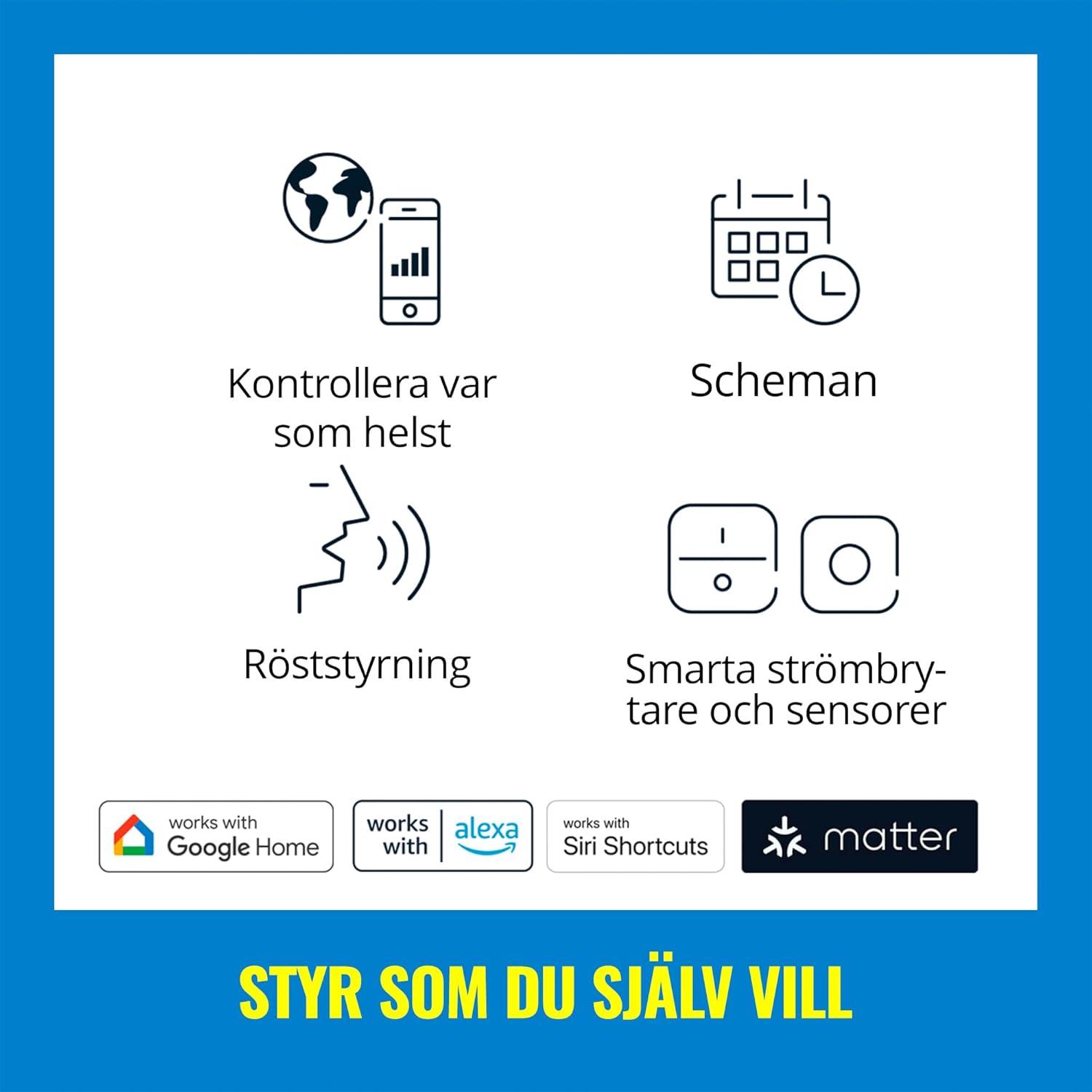
Image: A graphic displaying icons for different control methods, including app control, scheduling, voice control, and smart switches/sensors, along with logos for Google Home, Alexa, Siri Shortcuts, and Matter.
2. Smachd Guth
Integrate your WiZ Imageo spotlight with popular voice assistants for hands-free control:
- Neach-taic Google: Say "Hey Google, turn on the spotlight," or "Hey Google, set the spotlight to blue."
- Amazon Alexa: Say "Alexa, turn off the spotlight," or "Alexa, dim the spotlight to 50%."
- Ath-ghoiridean Siri: Configure custom shortcuts for quick commands.

Image: A woman smiling while holding a plant, with a speech bubble indicating 'HEY...', and logos for Google Assistant, Alexa, and Siri Shortcuts, demonstrating voice control capabilities.
3. Adjustable Spot Heads
Each of the three spotlight heads can be manually adjusted to direct light precisely where needed. This allows you to highlight artwork, architectural features, or specific areas of a room. The spotlight provides a 36-degree beam angle.

Ìomhaigh: Sealladh dlùth view of the black WiZ Imageo spotlight, highlighting its three cylindrical, adjustable light heads, with one head emitting a blue light.
4. Color and White Light Adjustment
The WiZ Imageo offers a full spectrum of lighting options:
- Warm to Cool White: Adjust the white light from a cozy warm white (2700K) to an energetic cool white to suit your mood or task.
- 16 millean dathan: Explore a vast palette of colors to create unique ambiances for any occasion.

Image: A split image showing a living room scene with a sofa and bookshelf, illuminated first with a vibrant green light and then with a warm yellow light, demonstrating the color changing capabilities.

Image: A split image showing a room illuminated with warm white light on the left and cool white light on the right, with a smartphone screen in the foreground displaying the WiZ app's white light adjustment options.
5. Motion Detection (SpaceSense™)
WiZ lights with SpaceSense™ can function as motion sensors without requiring you to buy or install a special sensor device. This feature allows lights to turn on automatically when movement is detected.

Image: A split image showing a woman walking into a dimly lit room on the left, and the same room brightly lit on the right as she enters, illustrating the SpaceSense™ motion detection feature.
6. Video Demonstration: Voice Control
Video: A demonstration of voice control with Alexa, showing the WiZ Imageo spotlight changing colors from red to green to blue based on spoken commands. This highlights the ease of integrating voice assistants for dynamic lighting adjustments.
Cumail suas
To ensure the longevity and optimal performance of your WiZ Imageo Smart LED Spotlight, follow these simple maintenance guidelines:
- Glanadh: Disconnect power before cleaning. Use a soft, dry cloth to wipe the surface of the spotlight. Do not use abrasive cleaners or solvents, as these can damage the finish.
- Ath-chur bulb: The LED light sources in this product are not designed to be replaced by the user. If the light source fails, the entire fixture should be replaced.
- Ùrachaidhean bathar-bog: Keep your WiZ app updated to the latest version to ensure compatibility and access to new features and improvements.
Fuasgladh thrioblaidean
If you encounter issues with your WiZ Imageo Smart LED Spotlight, refer to the following common solutions:
| Trioblaid | Adhbhar a dh’fhaodadh a bhith ann | Fuasgladh |
|---|---|---|
| Cha bhith solas a ’tionndadh. | No power, loose connection, or bulb failure. | Check power supply. Ensure connections are secure. If the light source has failed, the fixture needs replacement. |
| Chan urrainn dhuinn ceangal a dhèanamh ri Wi-Fi. | Incorrect Wi-Fi password, 5 GHz network, or weak signal. | Verify Wi-Fi password. Ensure you are connecting to a 2.4 GHz network. Move the spotlight closer to the router or use a Wi-Fi extender. |
| App control is unresponsive. | App not updated, network issue, or light is offline. | Update the WiZ app. Check your Wi-Fi connection. Power cycle the spotlight (turn off and on at the switch). |
| Chan eil smachd gutha ag obair. | Voice assistant not linked, incorrect device name, or internet connectivity issue. | Ensure your WiZ account is linked to your voice assistant. Check the device name in the WiZ app and voice assistant app. Verify internet connection. |
For further assistance, please refer to the WiZ support weblàrach-lìn no cuir fios gu seirbheis teachdaiche.
Sònrachaidhean
| Feart | Mion-fhiosrachadh |
|---|---|
| Brand | WiZ |
| Ainm Modail | Imageo |
| Modail Àireamh | 929002659201 |
| Dath | Dubh |
| Stuth | Plastaig |
| Meudan toraidh (L x W x H) | 44.0 cm x 12.3 cm x 10.5 cm (mu 17.32 òirleach x 4.84 òirleach x 4.13 òirleach) |
| Cuideam nì | 1.02 cileagram |
| Stòr cumhachd | AC |
| Voltage | 230 Volt |
| Wat iomlantage | 17 watt |
| Seòrsa Stòr Solais | LED |
| Àireamh de stòran solais | 3 |
| Dath aotrom | Adjustable from warm to cool white + 16 million colors |
| Luminous Flux | 3105 lumens |
| Feartan sònraichte | Dimmable, Color Changing, Voice Controlled, Wi-Fi & Bluetooth Connectivity |
| Modh smachd | Voice Control (Amazon Alexa, Google Assistant, Siri Shortcuts), WiZ App |
| Pròtacal ceangail | Wi-Fi |
| Seòrsa stàladh | Sreap mullach |
| Rangachadh IP | IP20 (Not water resistant) |
| Clas Èifeachdas Cumhachd | G (for included light source) |

Image: A technical diagram illustrating the dimensions of the WiZ Imageo Smart LED Spotlight, showing a length of 44.0 cm (17.32 in) and a height of 10.5 cm (4.13 in).
Barantas agus Taic
The WiZ Imageo Smart LED Spotlight comes with a limited warranty. Please refer to the official WiZ weblàrach-lìn no na sgrìobhainnean ceannach agad airson teirmichean is cumhaichean barantais sònraichte.
For technical support, frequently asked questions, or to register your product, visit the official WiZ support page or contact their customer service department.
Ask a question about this manual
Ask about setup, troubleshooting, compatibility, parts, safety, or missing instructions. Manuals+ will review the question and use this page’s manual context to help answer it.