
1. Ro-ràdh
The Looki I3 Cam is an intelligent indoor security camera designed to provide real-time monitoring of your home. It is ideal for keeping an eye on your property when you are away, or for observing pets and children. The camera offers convenient features such as motion detection and two-way audio communication, all controllable via a dedicated mobile application. The package includes a free 32GB microSD card for secure storage of recordings.
2. Fiosrachadh Sàbhailteachd
- Dèan cinnteach gu bheil an camara air a stàladh ann an àite seasmhach gus casg a chur air tuiteam.
- Do not expose the camera to extreme temperatures, humidity, or direct sunlight.
- Use only the provided power adapter and USB cable.
- Keep the camera away from water, despite its stated water resistance, as it is designed for indoor use.
- Do not attempt to disassemble or repair the camera yourself. Contact technical support for assistance.
- Cùm a-mach à ruigsinneachd clann is peataichean.
3. Pasgan-susbaint
Dèan cinnteach gu bheil a h-uile rud anns a’ phacaid agad:
- Looki I3 Cam Indoor Security Camera
- 32GB MicroSD Card (pre-installed or separate)
- Adaptor Cumhachd USB
- Càball USB
- Ceiling/Wall Mount Bracket
- Sgriubha stàladh
- Leabhar-làimhe cleachdaiche (an sgrìobhainn seo)
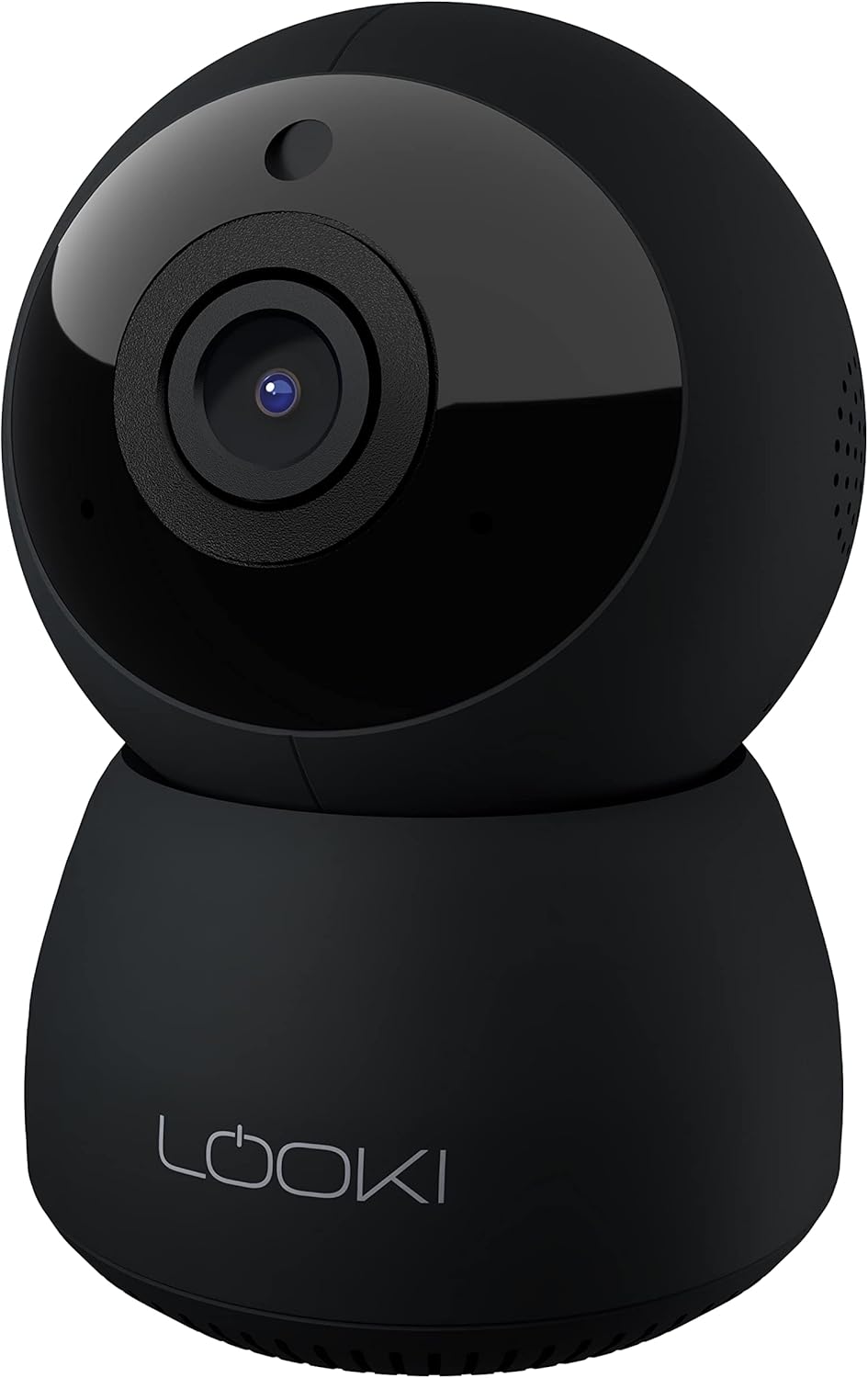
Figure 3.1: The Looki I3 Cam and its included accessories, such as the 32GB SD card, USB adapter, USB cable, and mounting hardware.
4. Toradh thallview
Familiarize yourself with the main components of your Looki I3 Cam.
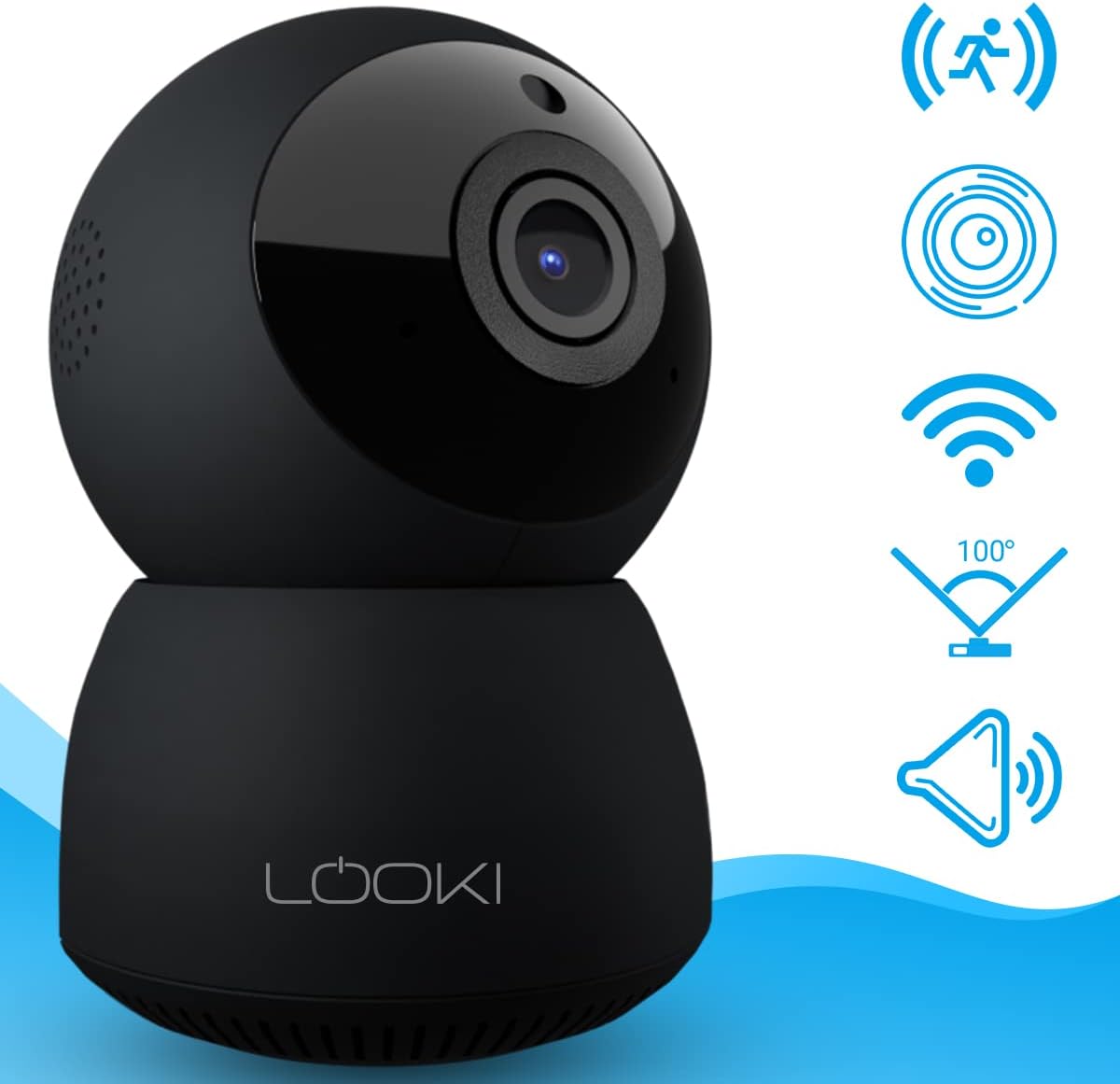
Figear 4.1: Aghaidh view of the Looki I3 Cam, showing the camera lens and indicator light.

Figear 4.2: Taobh view of the Looki I3 Cam, highlighting the sleek design.

Figear 4.3: Air ais view of the Looki I3 Cam, showing the speaker grille and power port.
5. Suidhich
Follow these steps to set up your Looki I3 Cam:
- Cumhachd air: Connect the USB cable to the camera's power port and the USB adapter. Plug the adapter into a power outlet. The camera will power on and an indicator light will illuminate.
- Luchdaich sìos an aplacaid: Download the official Looki app from your mobile device's app store (available for iOS).
- Cruthaich cunntas: Fosgail an aplacaid agus cruthaich cunntas cleachdaiche ùr no log a-steach ma tha fear agad mu thràth.
- Cuir inneal ris: Follow the in-app instructions to add your new Looki I3 Cam. This typically involves scanning a QR code on the camera or connecting to its temporary Wi-Fi network.
- Ceangail ri Wi-Fi: Select your home Wi-Fi network and enter the password when prompted. Ensure your camera is within range of your Wi-Fi router.
- Stàladh (roghainneil): If desired, use the included mount and screws to install the camera on a wall or ceiling. Ensure the mounting surface is sturdy enough to support the camera's weight.

Figure 5.1: The Looki I3 Cam connected to a smartphone, demonstrating live view capabilities and the inclusion of a 32GB SD card for storage.
6. Obrachadh
Once set up, you can utilize the various features of your Looki I3 Cam through the mobile application.
6.1 Beò View
Access the live video feed from your camera anytime, anywhere, directly from the app. The camera provides 1080p Full HD resolution for clear images.

Figure 6.1: A visual comparison demonstrating the superior clarity of 1080p Full HD resolution provided by the Looki I3 Cam compared to 720p.
6.2 Fuaim Dà-shligheach
The camera is equipped with a built-in speaker and microphone, allowing for two-way communication. You can speak through the camera and hear audio from its surroundings via the app.
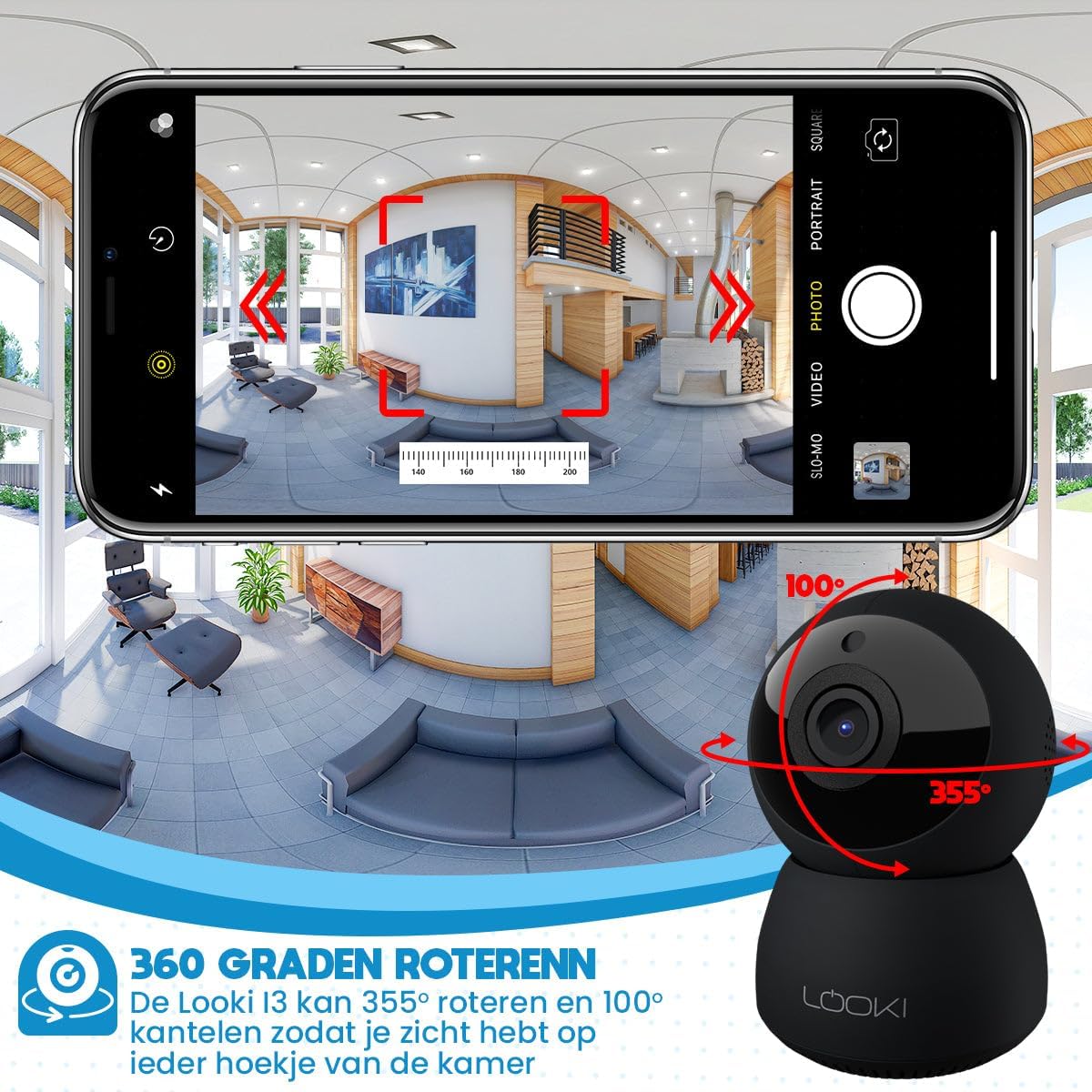
Figure 6.2: Illustration of the two-way audio feature, enabling communication through the camera from your mobile device.
6.3 Dearbhadh Gluasad
The Looki I3 Cam features smart motion detection. When motion is detected, you will receive a push notification on your mobile device, and the camera will begin recording.
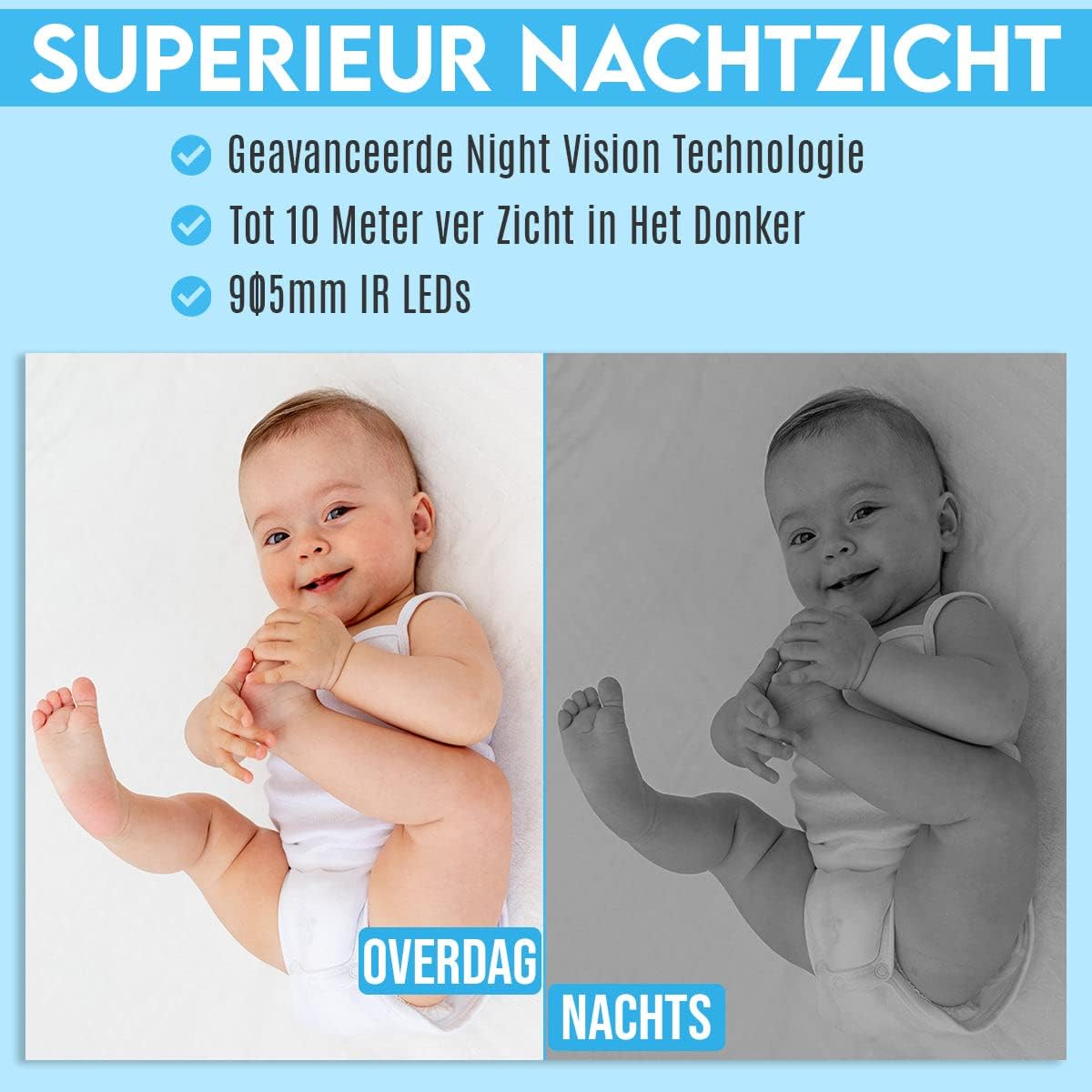
Figure 6.3: Depiction of the smart motion detection system, which alerts you to activity and initiates recording.
6.4 Sealladh na h-Oidhche
The camera is equipped with advanced night vision technology, allowing it to capture clear images in low-light conditions up to 10 meters away using 905mm IR LEDs.

Figear 6.4: An example illustrating the camera's superior night vision, showing clear images in complete darkness.
6.5 Pan agus Teilt
The Looki I3 Cam offers a 355-degree horizontal rotation (pan) and 100-degree vertical tilt, allowing you to remotely adjust the viewing angle to cover a wide area of your room.

Figure 6.5: Diagram showing the camera's 355-degree horizontal rotation and 100-degree vertical tilt capabilities for comprehensive room coverage.
7. Cumail suas
- Glanadh: Cleachd clò bog, tioram gus lionsa agus bodhaig a’ chamara a ghlanadh. Na cleachd innealan-glanaidh leaghaidh no aerosols.
- Stòradh: Ma tha thu a’ stòradh a’ chamara airson ùine mhòr, dì-cheangail e bhon chumhachd agus stòraich e ann an àite fionnar, tioram.
- Ùrachaidhean firmware: Periodically check the app for available firmware updates to ensure optimal performance and security.
8. A ’dèanamh trioblaid
If you encounter issues with your Looki I3 Cam, refer to the following common solutions:
- Camara far loidhne: Check your Wi-Fi connection and ensure the camera is powered on. Restart the camera and your router.
- Chan urrainn ceangal ris an aplacaid: Ensure you have the latest version of the app. Try resetting the camera (refer to app instructions for reset procedure) and re-adding it.
- Càileachd bhidio truagh: Thoir sùil air astar an eadar-lìn agad. Dèan cinnteach gu bheil lionsa a’ chamara glan agus saor bho bhacaidhean.
- Dearbhadh gluasad nach eil ag obair: Verify that motion detection is enabled in the app settings. Adjust sensitivity if necessary.
- Gun fhuaim: Check the volume settings on your phone and within the app. Ensure the camera's microphone is not obstructed.
For further assistance, please contact Looki technical support.
9. Sònrachaidhean
| Feart | Sònrachadh |
|---|---|
| Ainm Modail | I3 Cam incl. 32GB SD Card (Black) |
| Àireamh Modail Nì | i3 |
| Dath | Dubh |
| Stuth | Plastaig |
| Cuideam | 341 gram |
| Cleachdadh a-staigh / a-muigh | A-staigh |
| Fuasgladh Clàraidh Bhidio | 1080p |
| Viewann an Ceàrn | 355 ceum (Pan), 100 ceum (Tilt) |
| Ìre frèam | 60 fps |
| Teicneòlas conaltraidh gun uèir | Wi-Fi |
| Teicneòlas ceangail | Uèir, Uèir |
| Feartan sònraichte | Night Vision, Motion Detector, HD Resolution, Two-Way Audio |
| Stòr cumhachd | Càball dealain |
| Seòrsa stàladh | Standing, Wall Mount, Ceiling Mount |
| Seòrsa Rianadair | iOS (via Application) |
| Co-phàirtean air an toirt a-steach | Camera, 32GB SD Card, USB Adapter, USB Cable, Mount, Screws |
| Cleachdaidhean Molta | Pet Monitoring, Indoor Security |
10. Barantas agus Taic
Looki provides lifetime technical support for the I3 Cam. If you have any questions, require assistance with setup, or encounter any issues not covered in this manual, please contact Looki customer service. Refer to the product packaging or the official Looki weblàrach-lìn airson fiosrachadh conaltraidh.