
SLuB T16
SLuB Bluetooth Earphones T16 User Manual
Model: T16 | Brand: SLuB
1. Ro-ràdh
Tapadh leibh airson ceannachasing the SLuB Bluetooth Earphones Model T16. These true wireless stereo earphones are designed to provide a high-quality audio experience with convenient features such as Bluetooth 5.1 connectivity, Hi-Fi sound, automatic pairing, and touch controls. This manual will guide you through the setup, operation, and maintenance of your new earphones to ensure optimal performance and longevity.
2. Fiosrachadh Sàbhailteachd
- Na dì-sgaoil, na càraich no na atharraich an toradh. Dh’fhaodadh seo teine, clisgeadh dealain no milleadh iomlan adhbhrachadh don toradh.
- Keep the product away from extreme temperatures, humidity, and corrosive environments.
- Seachain a bhith a’ leigeil sìos an toradh no fo bhuaidh bhuaidhean làidir.
- Cùm a-mach à ruigsinneachd clann is peataichean.
- Cleachd an càball cosgais a tha air a thoirt seachad no càball Seòrsa-C le teisteanas a-mhàin airson cosgais.
- Dh’fhaodadh nochdadh fada do fhuaimean àrda milleadh a dhèanamh air an èisteachd. Atharraich an tomhas-lìonaidh gu ìre meadhanach.
3. Pasgan-susbaint
Thoir sùil air susbaint a’ phacaid gus dèanamh cinnteach gu bheil a h-uile rud ann:
- SLuB T16 Earbuds (Left and Right)
- Cùis Cìse
- Càball Cìsean USB Type-C
- Leabhar-làimhe stiùiridh
4. Toradh thallview
The SLuB T16 earphones feature a compact and lightweight design, making them easy to carry and comfortable for extended wear. The charging case provides additional battery life on the go.
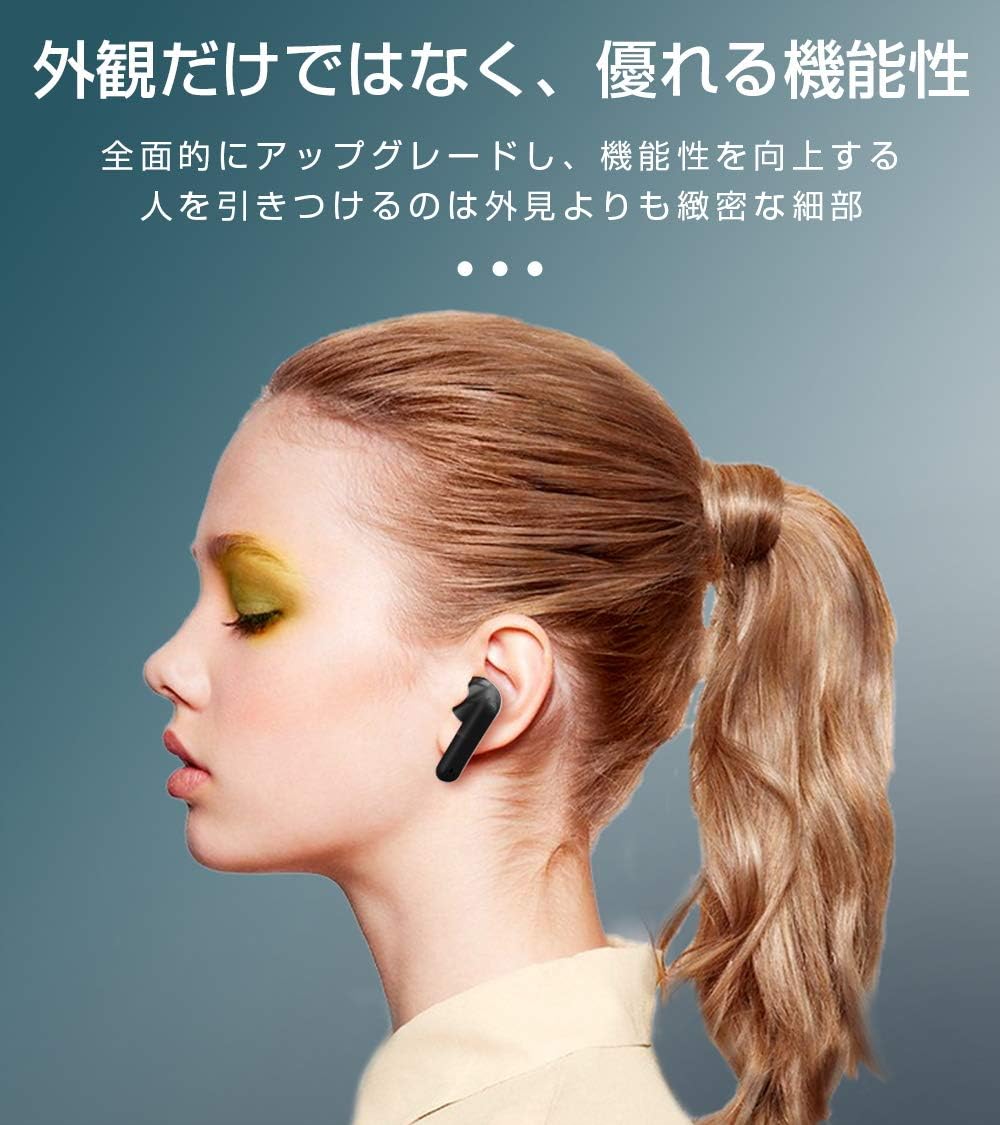
Image: SLuB T16 Earbuds securely placed in their charging case.
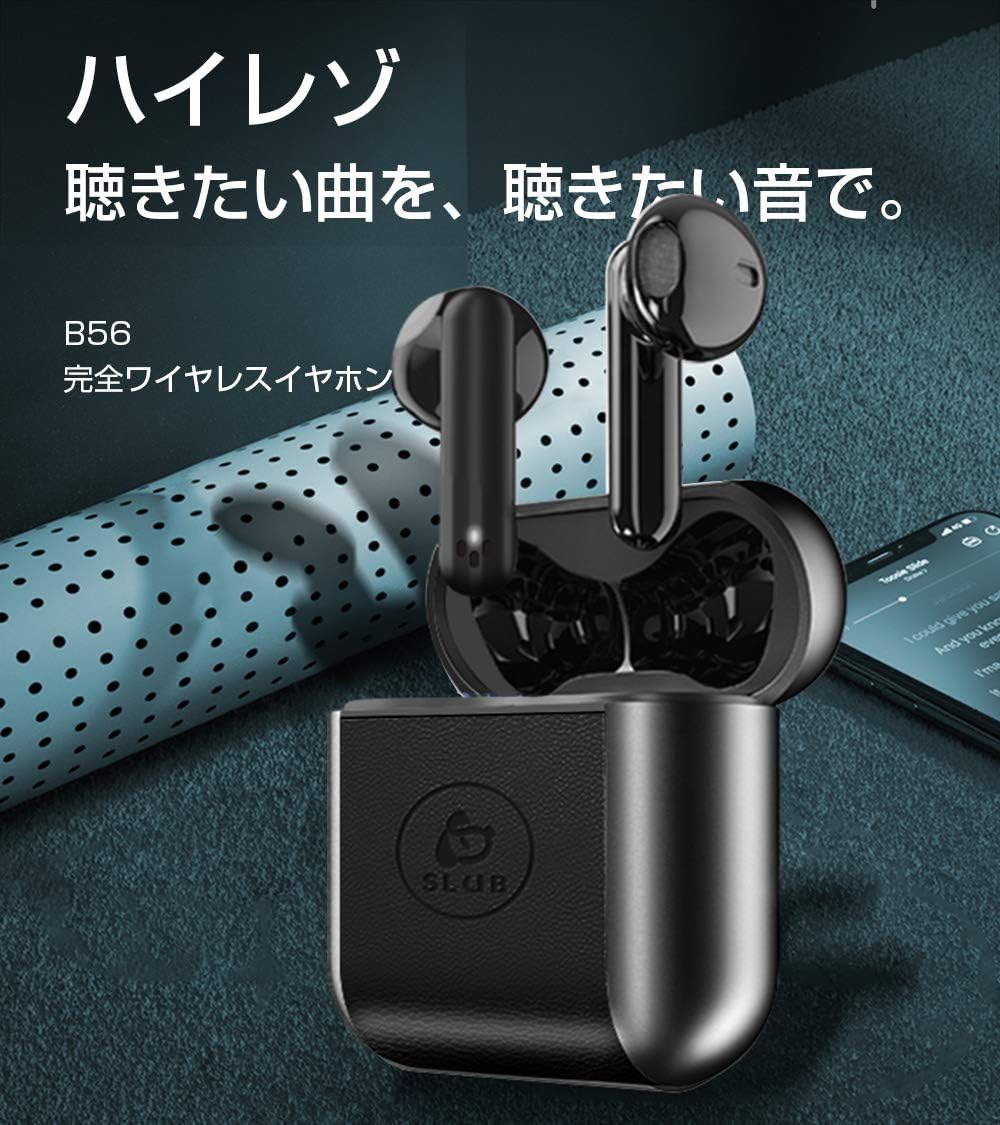
Image: A single SLuB T16 earbud comfortably fitted in a user's ear, highlighting its ergonomic design.
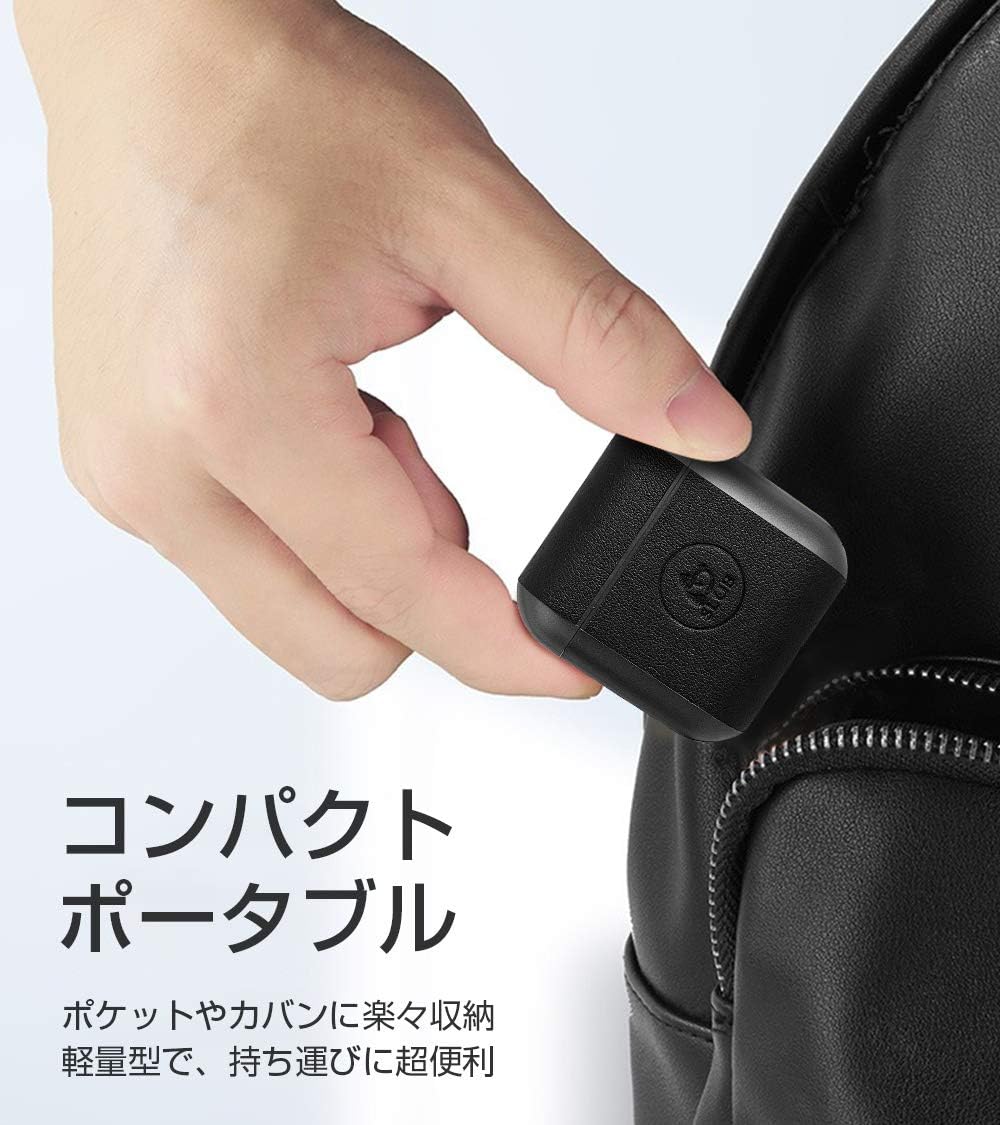
Image: A hand holding the compact SLuB T16 charging case, demonstrating its portability.
5. Suidhich
5.1. A’ cur cosgais air na cluasan-cluaise agus a’ chùis
Mus cleachd thu iad an toiseach, cuir làn-chosgais air na fònaichean-cluaise agus air a’ chùis cosgais.
- Cuir na cluasan-cluaise anns a’ chùis cosgais. Dèan cinnteach gu bheil iad nan suidhe gu ceart.
- Connect the provided USB Type-C cable to the charging port on the case and plug the other end into a USB power adapter (not included) or a computer's USB port.
- Seallaidh na solais-comharrachaidh air a’ chùis inbhe na cosgais. Aon uair ‘s gu bheil e làn-chosgaisichte, comharraichidh na solais gu bheil e deiseil no cuiridh iad dheth e.
A full charge for the earbuds takes approximately 1.5 hours, providing 2-3 hours of playback. The charging case takes about 2 hours to fully charge and can provide 5-6 full charges for the earbuds.
5.2. Paidhreachadh Tùsail
The SLuB T16 earphones feature automatic pairing for ease of use.
- Fosgail a’ chùis cosgais. Bidh na fònaichean-cluaise a’ tionndadh air gu fèin-ghluasadach agus a’ dol a-steach do mhodh càraideachaidh.
- Air an inneal agad (fòn cliste, tablet, msaa.), cuir Bluetooth an gnìomh agus rannsaich airson innealan a tha rim faighinn.
- Select "T16" from the list of found devices to connect.
- Once successfully paired, you will hear a confirmation sound, and the earbud indicator lights will change.
After the initial pairing, the earbuds will automatically reconnect to your last paired device when taken out of the charging case, provided Bluetooth is enabled on your device.
6. Stiùireadh Obrachaidh
6.1. Smachdan suathaidh
The SLuB T16 earphones utilize touch-sensitive areas for various functions. Refer to the diagram below for specific actions:

Image: Visual guide detailing the touch control functions for the SLuB T16 earbuds.
- Cluich/Cuir stad air ceòl: Single touch on either earbud's touch area.
- Freagairt/Cuireadh Call: Single touch on either earbud's touch area.
- Call a dhiùltadh: Long press on either earbud's touch area.
- An ath cheum: Double touch the right earbud's touch area.
- Rian roimhe: Double touch the left earbud's touch area.
- Meud suas: Triple touch the left earbud's touch area.
- Meud sìos: Triple touch the right earbud's touch area.
- Cuir an gnìomh neach-taic guth: Long press for 3 seconds on either earbud's touch area.
6.2. Single and Twin Earbud Mode
The SLuB T16 earphones support both single and twin earbud usage modes.
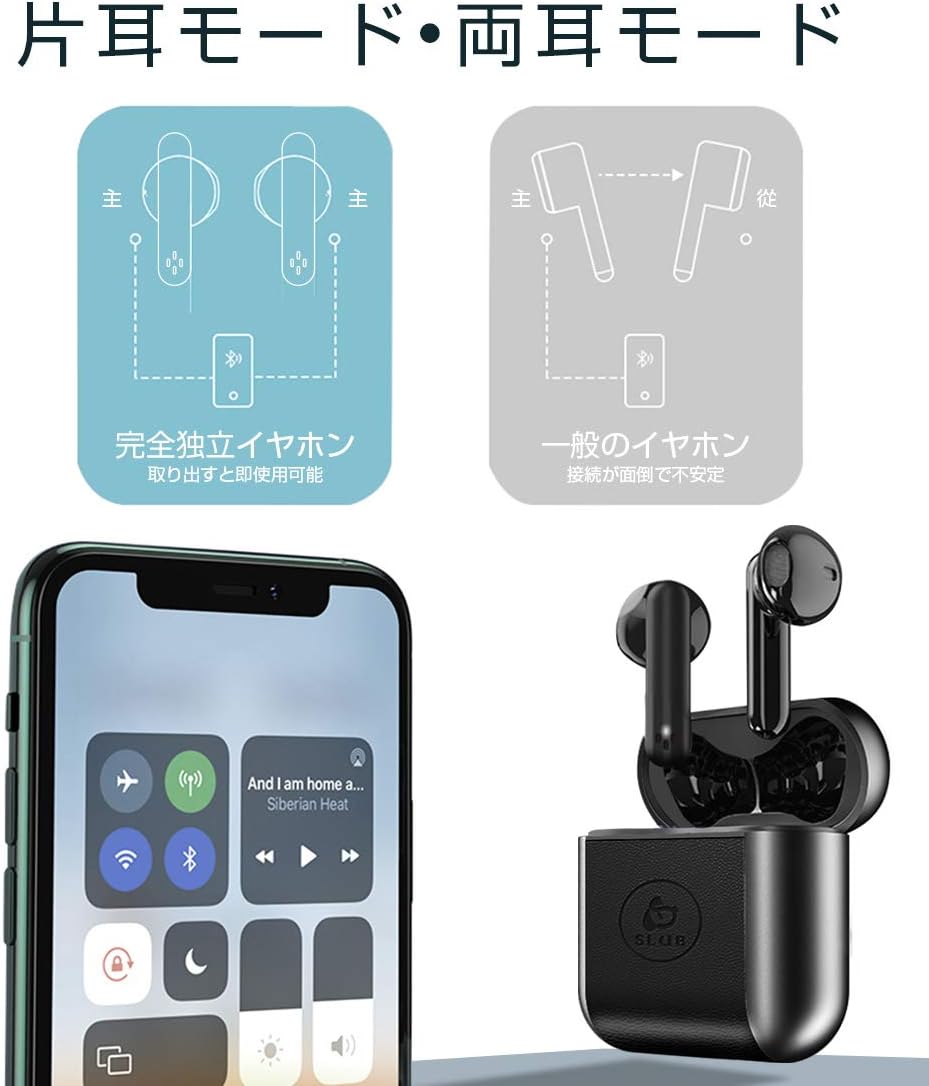
Image: Diagram showing how to use the earbuds in both single (mono) and twin (stereo) modes.
- Modh Twin: Take both earbuds out of the charging case. They will automatically connect to each other and then to your device for stereo sound.
- Modh Singilte: Take only one earbud out of the charging case. It will automatically connect to your device and function independently. The other earbud can remain in the case or be used later.
7. Cumail suas
- Glanadh: Cleachd clò bog, tioram, gun lint gus na cluasan-cluaise agus a’ chùis cosgais a ghlanadh. Na cleachd ceimigean cruaidh no stuthan sgrìobach.
- Stòradh: Nuair nach eilear gan cleachdadh, stòraich na fònaichean-cluaise anns a’ chùis cosgais aca gus an dìon agus an cumail fo chasaid. Stòraich ann an àite fionnar, tioram.
- Cùram Bataraidh: Gus beatha a’ bhataraidh a leudachadh, seachain a bhith ga leigeil às gu tur gu tric. Cuir cosgais air an inneal gu cunbhalach, eadhon ged nach eilear ga chleachdadh airson ùine mhòr.
8. A ’dèanamh trioblaid
| Trioblaid | Adhbhar a dh’fhaodadh a bhith ann | Fuasgladh |
|---|---|---|
| Chan eil na cluais-fònaichean a’ dol air. | Bataraidh ìosal. | Charge the earbuds and charging case. |
| Chan urrainnear paidhir a dhèanamh leis an inneal. | Tha Bluetooth dheth air an inneal; chan eil na fònaichean-cluaise ann am modh càraideachaidh; ro fhada bhon inneal. | Dèan cinnteach gu bheil Bluetooth air. Cuir na cluasan-cluaise anns a’ chùis, dùin iad, agus an uair sin fosgail iad gus modh càraid a-rithist. Gluais nas fhaisge air an inneal. |
| Chan eil ach aon earbud ag obair. | Earbuds not properly connected to each other; one earbud has low battery. | Place both earbuds back into the charging case, close the lid, then open it again. Ensure both earbuds are charged. |
| Tha càileachd an fhuaim bochd no eadar-amail. | Bacadh; inneal ro fhada air falbh; bataraidh ìosal. | Move closer to your device. Avoid environments with strong Wi-Fi or other Bluetooth signals. Charge earbuds. |
9. Sònrachaidhean
Detailed technical specifications for the SLuB T16 Bluetooth Earphones:

Image: A table displaying the detailed technical specifications of the SLuB T16 earphones and charging case.
| Feart | Mion-fhiosrachadh |
|---|---|
| Ainm toraidh | Fìor fònaichean-cluaise stereo gun uèir |
| Modail Àireamh | T16 |
| Tionndadh Bluetooth | 5.1 (Low Power Consumption) |
| Call/Playback Time | Approx. 2-3 hours (with one full charge) |
| Cuir a-steach | 5.0V / 200mA |
| Àrainneachd Obrachaidh | Teòthachd: -10 ° C gu 40 ° C, Taiseachd: 10% gu 85% |
| Port luchdadh a-nuas | Seòrsa-C |
| Comas Bataraidh Earbud | 30 mAh |
| Ùine cosgais Earbud | Mu thuairmeas. 1.5 uairean |
| Am Fuireach | Mu thuairmeas. 120 uairean |
| Comas bataraidh cùis cosgais | 300 mAh |
| Ùine cosgais cùis cosgais | Mu thuairmeas. 2 uairean |
| Cuideam Earbud Singilte | Mu thuairmeas. 3.1g |
| Meudan Earbud | 34 x 16.9 x 16.7mm |
| Meudan cùis casaid | 51 x 49.1 x 24mm |
| Cuideam cùis cosgais | Mu thuairmeas. 31.6g |
| Innealan co-fhreagarrach | iOS and Android devices with Bluetooth functionality |
10. Barantas agus Taic
For warranty information and customer support, please refer to the documentation included with your purchase or contact the retailer. Keep your proof of purchase for any warranty claims.
Ask a question about this manual
Ask about setup, troubleshooting, compatibility, parts, safety, or missing instructions. Manuals+ will review the question and use this page’s manual context to help answer it.