
Ro-ràdh
This manual provides essential information for the safe and efficient operation of your iFFALCON 55K2A 55-inch 4K Ultra HD Smart Android LED TV. Please read this manual thoroughly before using the television and retain it for future reference.
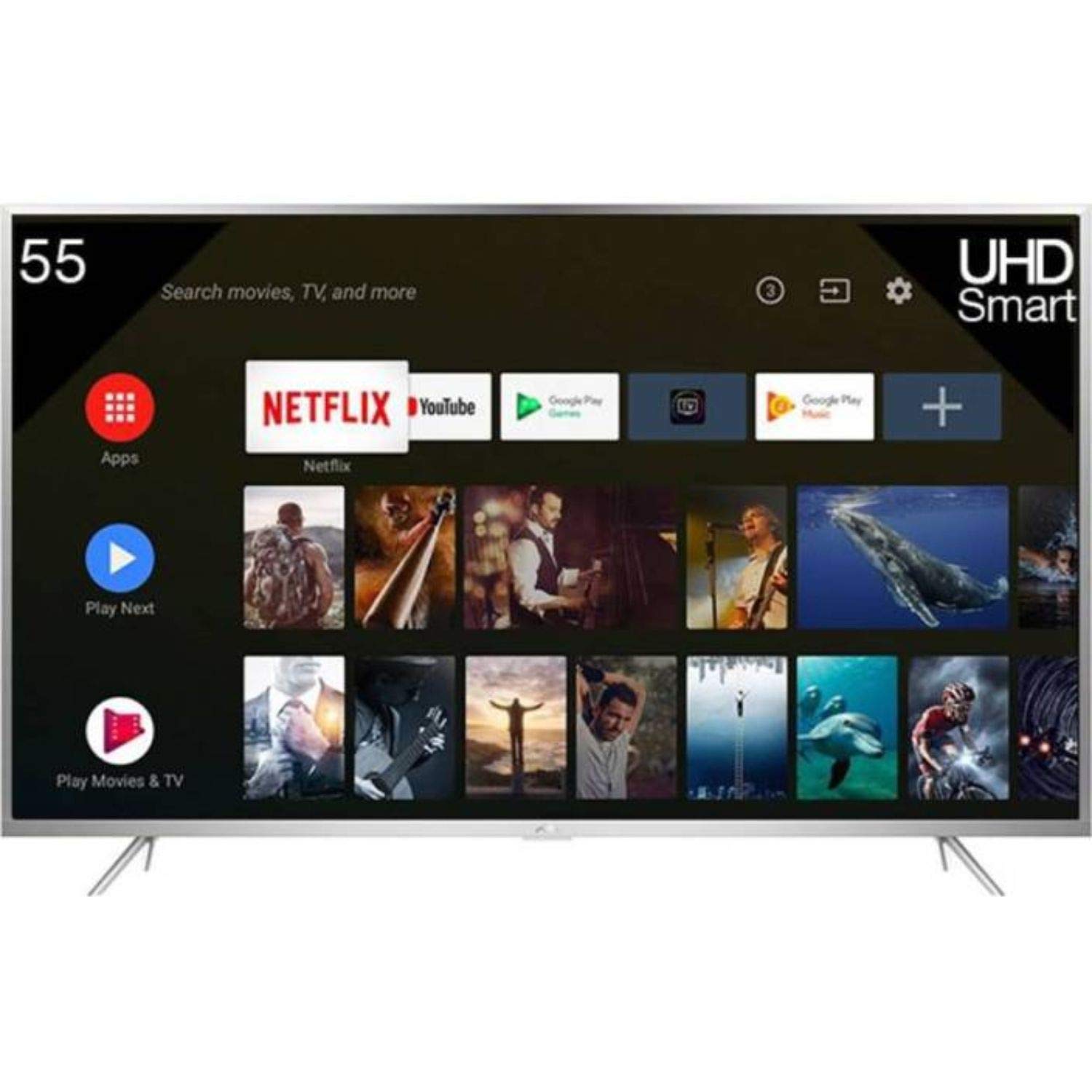
Figear 1: Aghaidh view of the iFFALCON 55K2A 55-inch 4K Ultra HD Smart Android LED TV.
Fiosrachadh Sàbhailteachd
Lean na ceumannan sàbhailteachd a leanas gus casg a chur air teine, clisgeadh dealain no leòn:
- Stòr cumhachd: Ceangail an telebhisean ri solar cumhachd AC 100-240V, 50/60Hz a-mhàin.
- Fionnarachadh: Ensure adequate ventilation. Do not block ventilation openings. Maintain a minimum distance from walls and other objects.
- Suidheachadh: Cuir an telebhisean air uachdar seasmhach, rèidh. Seachain a chur ann an solas dìreach na grèine, faisg air stòran teas, no ann an àiteachan le taiseachd no duslach àrd.
- Liath agus Taiseachd: Na cuir an telebhisean fosgailte do uisge no taiseachd. Na cuir nithean làn lionntan, leithid vasaichean, air an telebhisean.
- Glanadh: Tarraing a-mach am pluga bhon telebhisean mus glan thu e. Cleachd clò bog, tioram. Na cleachd innealan-glanaidh leaghaidh no innealan-glanaidh aerosol.
- Seirbheis: Na feuch ris an toradh seo a sheirbheis dhut fhèin. Thoir sùil air gach seirbheis gu luchd-obrach le teisteanas.
Dè th' anns a' Bhocsa
Fosgail am bogsa gu faiceallach agus dèan cinnteach gu bheil a h-uile rud ann:
- 1 x iFFALCON 55K2A TV Unit
- 1 x Standard Remote Controller
- 1 x Smart Remote
- 1 x Leabhar-làimhe Cleachdaiche (an sgrìobhainn seo)
- 1 x Kit Mount Wall
- 1 x Cairt Barantais
- 2 x Base seasamh
Suidhich
1. Stàladh Seasamh (Roghainneil)
Mura h-eil thu a’ cur an telebhisean air a’ bhalla, ceangail na seasamh bunaiteach:
- Cuir an telebhisean aghaidh sìos air uachdar bog, còmhnard gus casg a chur air milleadh air an sgrion.
- Cuir gach seasamh-bonn còmhla ris na sliotan co-fhreagarrach aig bonn an Tbh.
- Daingnich na stands le bhith a’ cleachdadh nan sgriothan a tha air an toirt seachad.
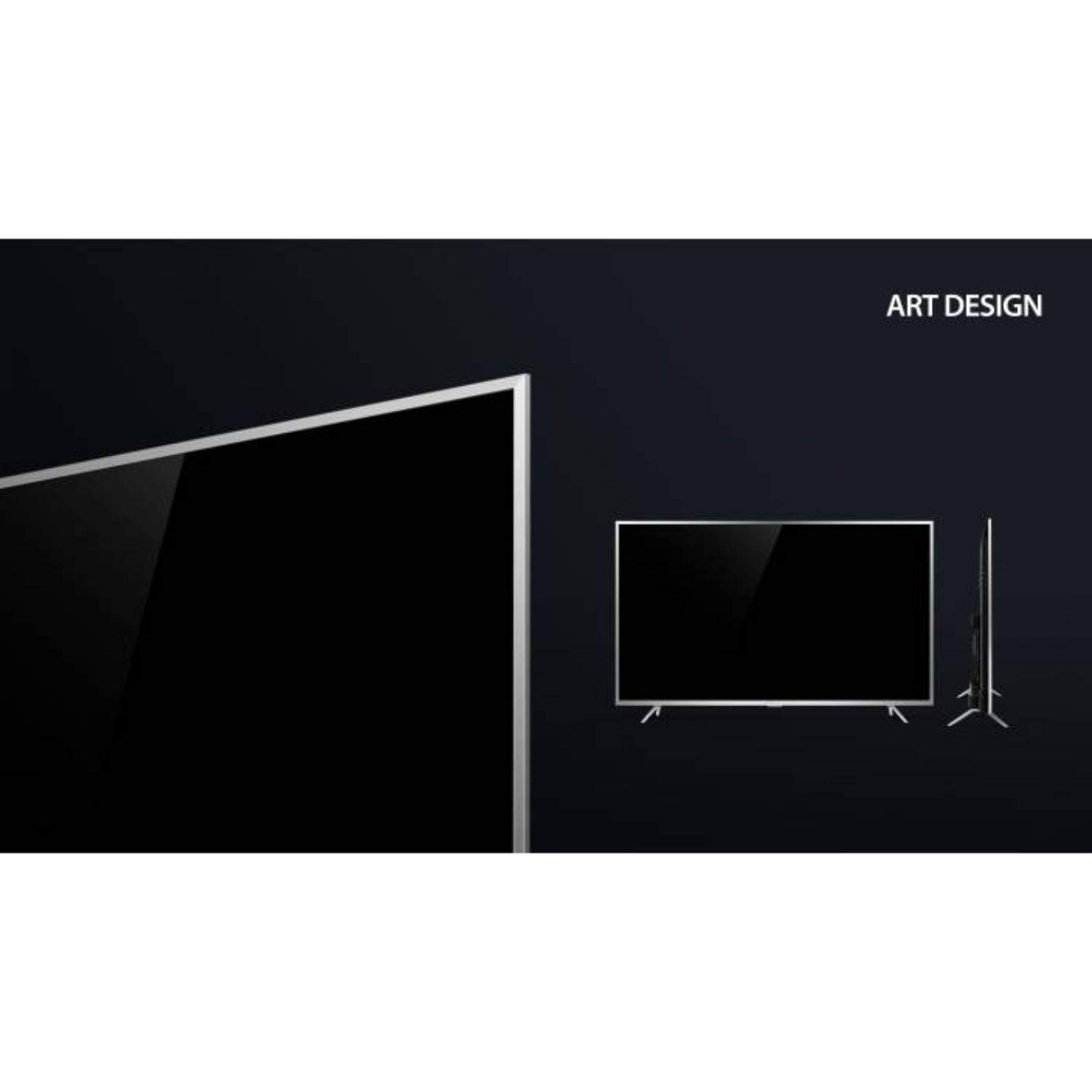
Figure 2: Detail of the TV's lower bezel, where the base stands attach.
2. Stàladh Balla (Roghainneil)
If wall-mounting, use the included wall mount kit. The TV supports VESA 200 x 200 mm mounting standard. Follow the instructions provided with the wall mount kit for safe installation.
3. Innealan ceangail
Ceangail na h-innealan taobh a-muigh agad ri puirt an telebhisean:
- HDMI: Connect Blu-ray players, game consoles, or set-top boxes to the HDMI ports. This TV has 2 HDMI ports.
- USB: Connect USB storage devices for media playback to the 2 USB ports.
- VGA: Ceangail coimpiutair tron phort VGA.
- Fòn-cluaise: Ceangail fònaichean-làimhe airson èisteachd prìobhaideach.
- Wi-Fi: Connect to your home network wirelessly for internet services.
4. Cumhachd air agus Suidheachadh Tùsail
- Plug an càball cumhachd a-steach don telebhisean agus an uairsin a-steach do socaid balla.
- Brùth am putan cumhachd air an telebhisean no air an smachd iomallach gus a thionndadh air.
- Lean an stiùireadh air an sgrion gus an rèiteachadh tùsail a chrìochnachadh, a’ gabhail a-steach taghadh cànain, ceangal lìonra, agus sganadh seanalan.
Ag obrachadh an telebhisean
Smachdan Iomallach
Your iFFALCON 55K2A TV comes with two remote controls: a standard remote and a smart remote. The smart remote offers enhanced features like voice control.

Figure 3: Standard and Smart Remote Controls for the iFFALCON 55K2A TV.
- Putan Cumhachd: Tionndaidh an telebhisean air no dheth.
- Putanan tomhas-lìonaidh: Atharraich an ìre fuaim.
- Putanan seanail: Atharraich seanalan Tbh.
- Putanan seòlaidh: Seòl tro chlàr-taice agus roghainnean.
- Google Assistant (Smart Remote): Press the dedicated button to activate voice control for searching content, controlling smart home devices, and more.
Smart TV Features (Android OS)
The iFFALCON 55K2A runs on Android OS, providing access to a wide range of applications and services.

Figure 4: The TV displaying the Netflix application interface.
- Seirbheisean le taic: Access popular streaming platforms like Amazon Video, Hotstar, Netflix, and YouTube directly from your TV.
- Google Play Store: Download additional apps and games.
- Smachd guth: Use the Google Assistant via the smart remote to search for content, get information, and control your TV hands-free.
Roghainnean Dealbh is Fuaim
Access the TV's settings menu to customize picture and sound preferences. This TV features 4K resolution, HDR, True Color, Micro Dimming, and Dolby Audio for an enhanced viewann an eòlas.
Cumail suas
A 'glanadh an telebhisean
- Tarraing am pluga den telebhisean a-mach às a' chumhachd an-còmhnaidh mus glan thu e.
- Cleachd clò bog, tioram, gun lint gus an sgrion agus a’ chaibineat a sguabadh.
- Airson comharran stòlda, cuir beagan uisge orra.ampnigh an clò le uisge no le inneal-glanaidh sgrion tlàth, neo-sgrìobach. Na spraeadh an inneal-glanaidh gu dìreach air an sgrion.
- Seachain deoch làidir, beinséin, tanairean no stuthan luaineach eile a chleachdadh, oir dh’fhaodadh iad uachdar an telebhisean a mhilleadh.
Fuasgladh thrioblaidean
Ma thachras duilgheadasan leis an telebhisean agad, thoir sùil air na fuasglaidhean cumanta a leanas:
- Gun chumhachd: Ensure the power cord is securely plugged into both the TV and the wall outlet. Check if the power outlet is functioning.
- Gun Dealbh/Fuaim: Dearbhaich gu bheil an stòr cuir-a-steach ceart air a thaghadh. Thoir sùil air na ceanglaichean càball uile (HDMI, AV).
- Smachd air astar nach eil ag obair: Thoir sùil air na bataraidhean anns an smachd iomallach. Dèan cinnteach nach eil bacadh sam bith eadar an smachd iomallach agus mothachaire IR an Tbh.
- Droch Chàileachd Dealbh: Atharraich roghainnean an deilbh (soilleireachd, eadar-dhealachadh, geur-chruth). Dèan cinnteach gu bheil an stòr cuir-a-steach a’ toirt seachad comharra àrd-inbhe.
- Gun cheangal eadar-lìn: Check your Wi-Fi router and network settings. Reconnect the TV to the Wi-Fi network.
For persistent issues, consult the full troubleshooting guide available on the iFFALCON support weblàrach-lìn no cuir fios gu seirbheis teachdaiche.
Sònrachaidhean
| Ainm Modail | iFFALCON 55K2A |
| Meud sgrion | 55 òirleach (138.71 cm) |
| Teicneòlas taisbeanadh | LED |
| Fuasgladh | 4K Ultra HD (3840 x 2160) |
| Ìre Ath-nuadhachaidh | 60 Hz |
| Siostam-obrachaidh | Android |
| Ceangalachd | Wi-Fi, 2 x HDMI, 2 x USB, VGA, Headphone |
| Toradh Fuaim | Stereo speakers with Dolby Audio |
| Seòrsa stàladh | Wall Mount (VESA 200 x 200 mm) |
| Caitheamh cumhachd | 130 watt |
| Cuideam nì | 13.8 cileagram |
| Modail Bliadhna | 2018 |
Barantas agus Taic
Fiosrachadh Barantais
Your iFFALCON 55K2A TV comes with a Barantas Coitcheann 1 Bliadhna provided by the manufacturer from the date of purchase. Please retain your purchase receipt for warranty claims.
Taic Luchd-cleachdaidh
For technical assistance, warranty service, or further inquiries, please contact iFFALCON customer support. Refer to the warranty card or the official iFFALCON weblàrach airson fiosrachadh conaltraidh.