
Gioteck SWIAGJC
Gioteck VX-4 Wired Controller User Manual
Model: SWIAGJC
Brand: Gioteck
Ro-ràdh
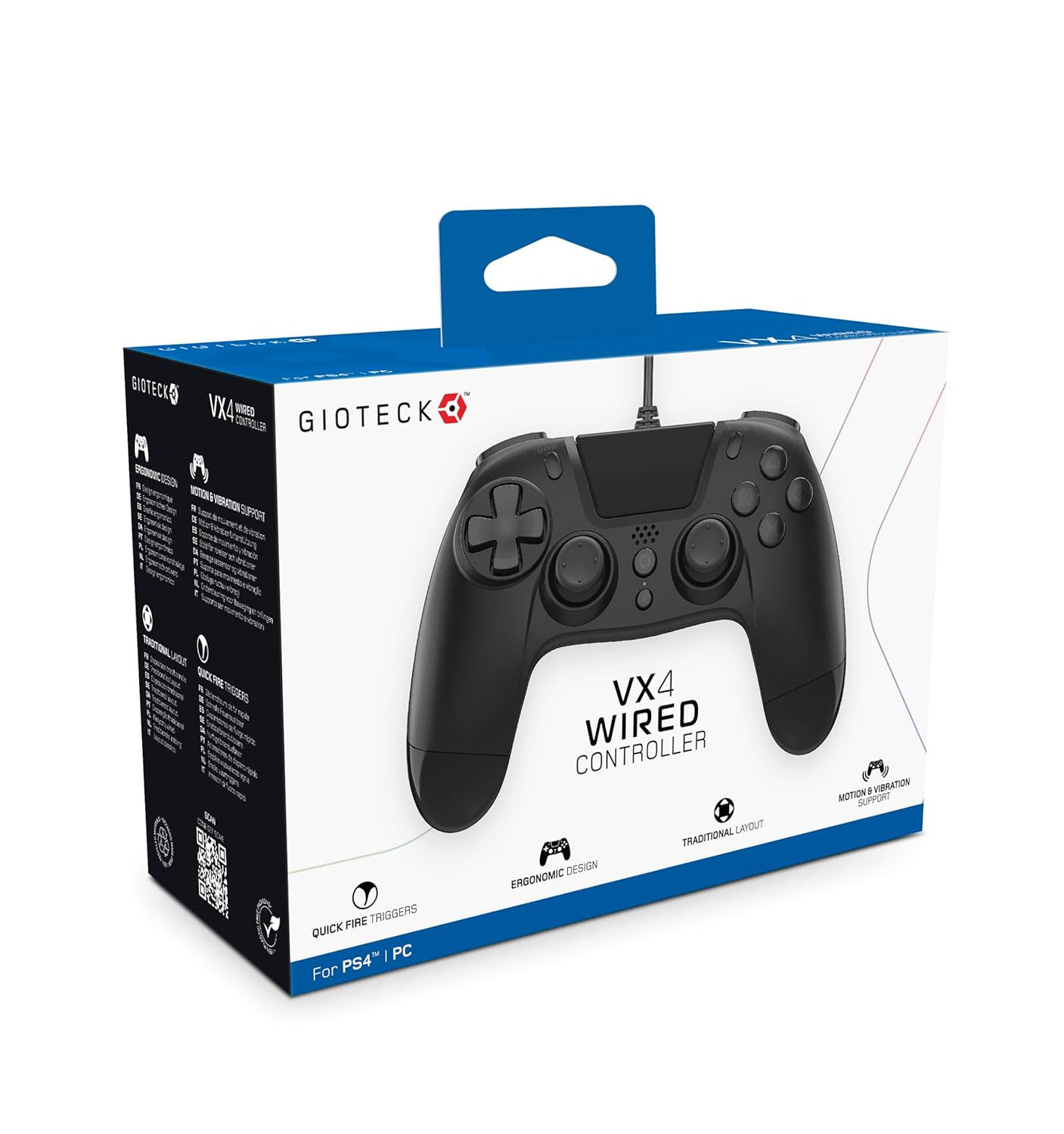
The Gioteck VX-4 Wired Controller is designed for PlayStation 4 and PC, offering a comfortable and responsive gaming experience. It features quick-fire triggers, a precision D-pad, and anti-slip rubber thumb sticks for enhanced performance, providing a next-level immersive gaming experience.
Prìomh fheartan:
- Quick Fire triggers
- Dealbhadh ergonomic
- Traditional PlayStation layout
Susbaint a’ phacaid:
- Gioteck VX-4 Wired Controller
- Leabhar-làimhe cleachdaiche (an sgrìobhainn seo)
Bathar seachadview:
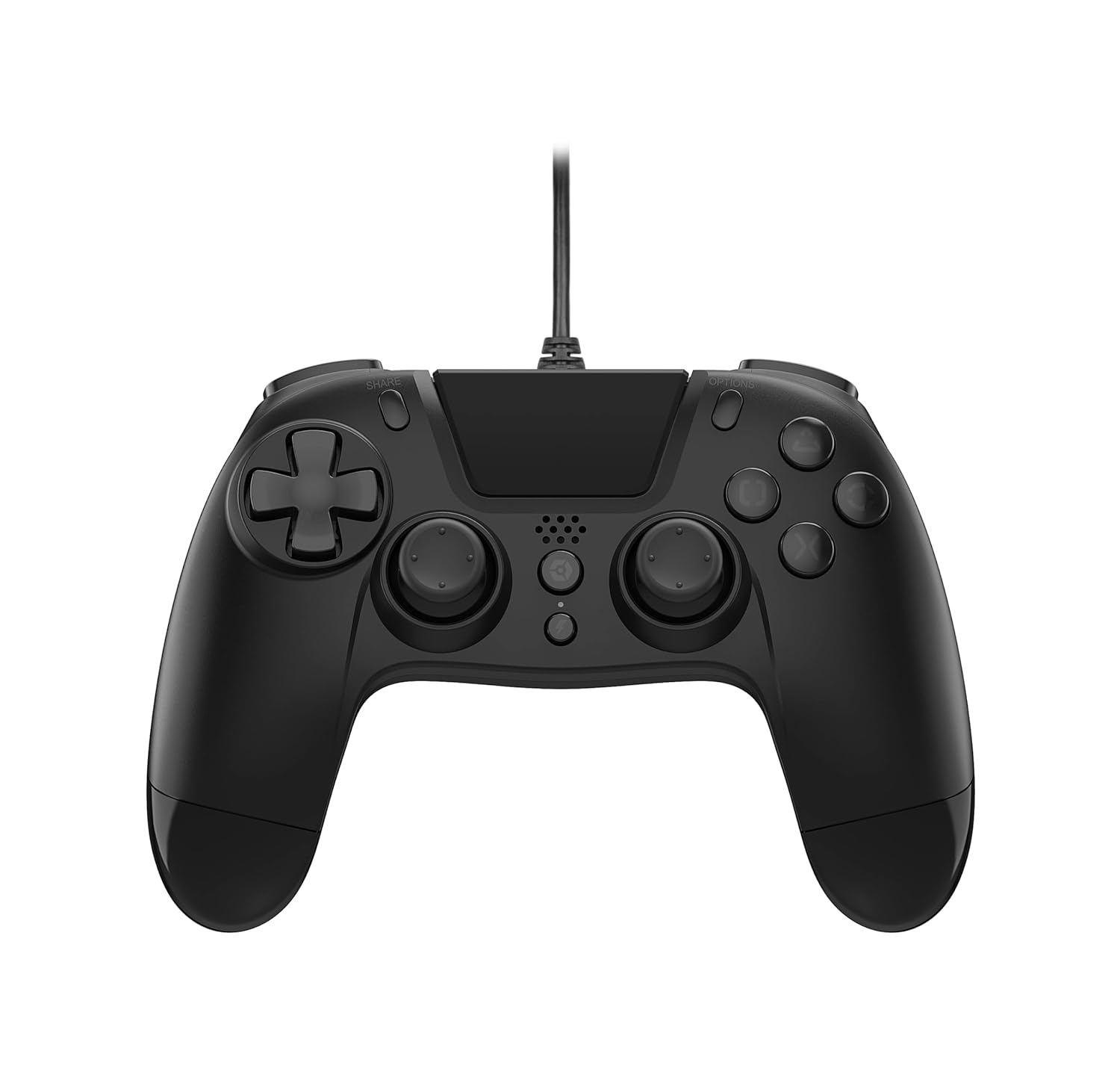
Suidhich
Connecting to PlayStation 4:
- Dèan cinnteach gu bheil do chonsól PlayStation 4 air a chumhachdachadh.
- Insert the USB connector of the VX-4 Wired Controller into an available USB port on your PlayStation 4 console.
- Bu chòir an rianadair aithneachadh gu fèin-ghluasadach agus a bhith deiseil airson a chleachdadh.
A 'ceangal ri PC:
- Dèan cinnteach gu bheil cumhachd aig do PC.
- Insert the USB connector of the VX-4 Wired Controller into an available USB port on your PC.
- The PC operating system should automatically install the necessary drivers. If prompted, allow the driver installation to complete.
- The controller will be ready for use with compatible PC games.

Stiùireadh Obrachaidh
Cruth a’ phutan:
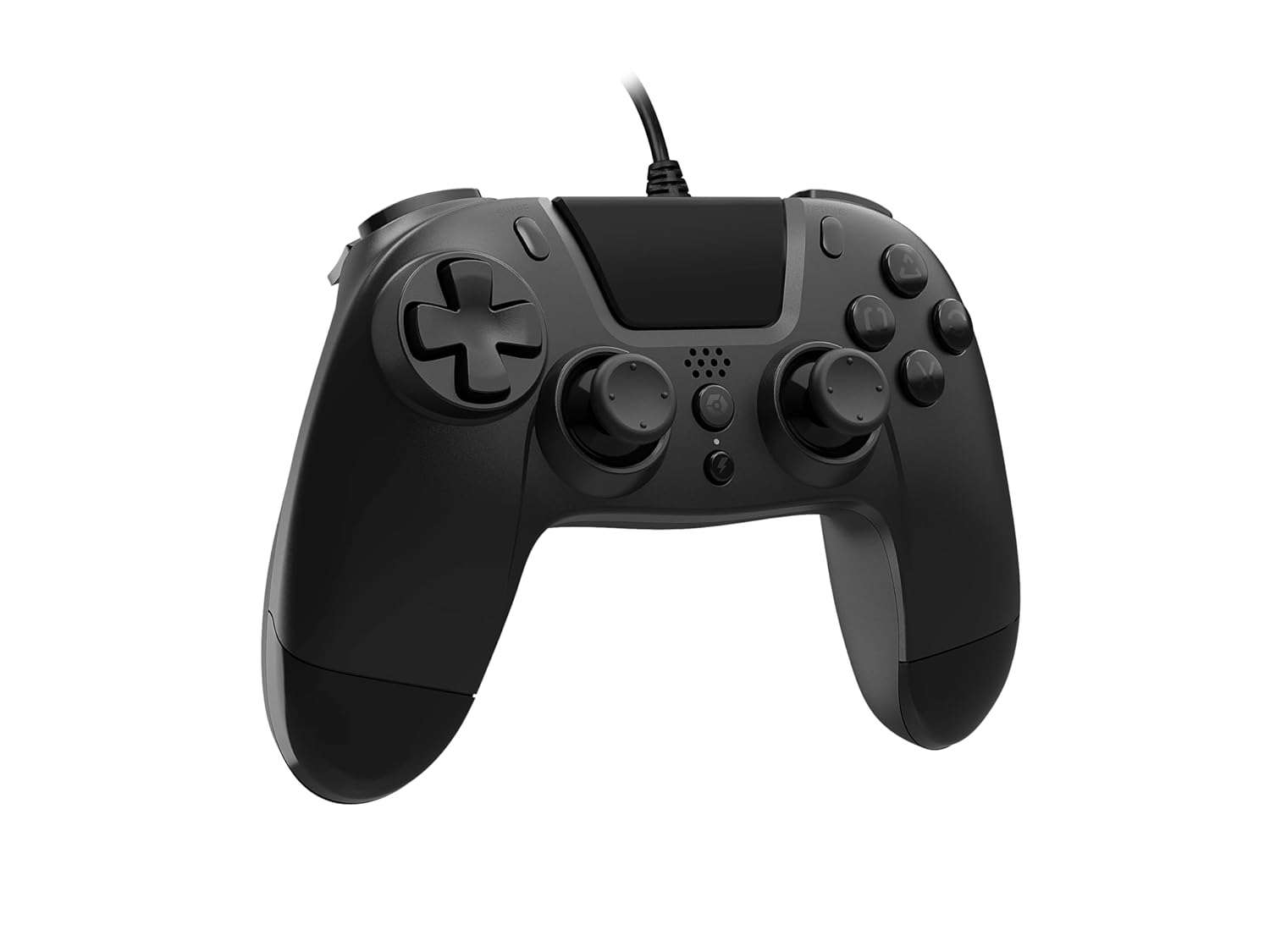
The VX-4 Wired Controller features a traditional PlayStation layout:
- Pad Treòrachaidh (D-Pad): Airson cuir a-steach stiùiridh mionaideach.
- Bata Analogach Clì: Prìomh smachd gluasad.
- Bata Analogach Deas: Camera or aiming control.
- Putanan Gnìomh (Triantan, Cearcall, Crois, Ceàrnag): Context-sensitive actions in games.
- Putan ROINN: Share gameplay moments (PS4 only).
- Putan ROGHAINNEAN: Access in-game menus or pause (PS4 only).
- Putan PS: Access the PlayStation Home screen or power on/off the console (PS4 only).
- Putanan L1/R1: Shoulder buttons, typically for quick actions.
- Brosnachaidhean L2/R2: Analog triggers for precise input, such as acceleration or firing.
A 'cleachdadh an Rianadair:
Once connected, the controller functions similarly to a standard PlayStation 4 controller for compatible games. For PC, ensure the game supports XInput or DirectInput controllers for optimal performance.
Cumail suas
Glanadh:
Gus an rianadair a ghlanadh, cleachd clò bog, tioram. Airson salachar stòlda, cleachd clò beagan tioram.amp cloth can be used, but ensure no moisture enters the controller's internal components. Do not use harsh chemicals or abrasive cleaners, as these may damage the finish or internal electronics.
Stòradh:
Store the controller in a cool, dry place away from direct sunlight and extreme temperatures. Avoid placing heavy objects on the controller to prevent damage to the cable or buttons.
Cùram càball:
Do not sharply bend, twist, or pull on the controller cable. Always grasp the plug, not the cable, when connecting or disconnecting it from your console or PC to prevent internal wire damage.
Fuasgladh thrioblaidean
Rianadair nach eil a’ freagairt:
- Dèan cinnteach gu bheil an càball USB ceangailte gu tèarainte a-steach don rianadair agus don chonsól/PC.
- Try plugging the controller into a different USB port on your console/PC.
- Ath-thòisich do chonsól no do PC.
- If on PC, check Device Manager to ensure the controller is recognized and drivers are installed correctly.
Buttons or Sticks Not Working Correctly:
- Check for any physical obstructions or debris around the buttons or analog sticks.
- Ensure the controller is clean (refer to Maintenance section).
- Test the controller with another game or application to determine if the issue is specific to one program.
Crith gun a bhith ag obair:
- Verify that the game or application you are playing supports vibration feedback.
- Thoir sùil air roghainnean sa gheama gus dèanamh cinnteach gu bheil crith air a chomasachadh.
Sònrachaidhean
| Feart | Mion-fhiosrachadh |
|---|---|
| Modail Àireamh | SWIAGJC |
| Ceangalachd | USB uèirleas |
| Co-fhreagarrachd | PlayStation 4, PC |
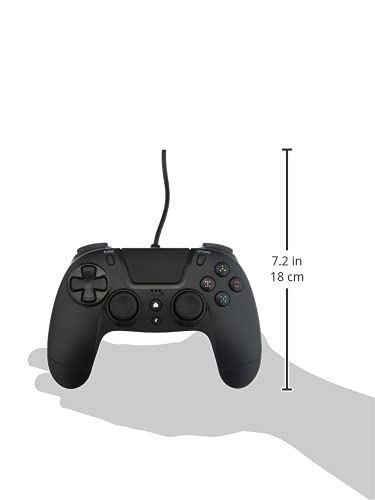
| Meudan Bathar (Smachdadair) | Approximately 7.2 inches (18 cm) in height |
| Cuideam nì | 7.41 unnsa (210 gram) |
| Dèanadair | Gioteck |
Barantas agus Taic
For warranty information and technical support regarding your Gioteck VX-4 Wired Controller, please refer to the official Gioteck weblàrach-lìn no cuir fios chun t-seirbheis teachdaiche aca gu dìreach. Thathar a’ moladh gun glèidh thu dearbhadh ceannach airson tagraidhean barantais sam bith.
Manufacturer: Gioteck
Ceann-latha a’ chiad ri fhaighinn: 10 Sultain, 2020
Ask a question about this manual
Ask about setup, troubleshooting, compatibility, parts, safety, or missing instructions. Manuals+ will review the question and use this page’s manual context to help answer it.