
1. Ro-ràdh
Thank you for choosing the ABSINA Rechargeable Battery Charger. This manual provides essential information for the safe and efficient use of your new charger. Please read it thoroughly before operation and keep it for future reference.
Susbaint a’ phacaid:
- 1x ABSINA X4 Charger for AAA, AA, and 9V batteries
- 4x ABSINA AAA Rechargeable Batteries (1150 min. 1050mAh 1.2V HR03)
2. Fiosrachadh Sàbhailteachd
- Use this charger only for NiMH and NiCd rechargeable batteries. Do not attempt to charge non-rechargeable batteries or other battery types, as this may lead to explosion, rupture, or leakage, causing personal injury or property damage.
- Do not disassemble, modify, or short-circuit the charger or batteries.
- Cùm an charger air falbh bho uisge, taiseachd, agus teòthachd àrd.
- Na obraich an charger ma chaidh a mhilleadh ann an dòigh sam bith.
- Dèan cinnteach gu bheil fionnarachadh ceart aig àm cosgais.
- Cùm a-mach à ruigsinn chloinne.
- Tarraing am pluga den charger a-mach às an t-socaid cumhachd nuair nach eilear ga chleachdadh.
3. Toradh thallview
The ABSINA X4 charger is designed for efficient and safe charging of various rechargeable battery types. It features individual slot monitoring and advanced safety functions.
Prìomh fheartan:
- X4 Charging Station: Allows simultaneous charging of 1-4 Micro AAA (500mA), 1-4 Mignon AA (500mA), or 1-2 9V Block (13mA) batteries.
- Individual Slot Monitoring: Each battery slot is monitored independently for optimal charging.
- Pulse Maintenance Charging: Ensures batteries remain at full capacity after charging.
- Defective Battery Detection: Automatically identifies and signals faulty batteries.
- Modh càraidh: For discharged batteries, a gentle pre-charge with reduced current is applied.
- Cìs luath: Microcontroller-supervised charge management and overload protection allow batteries to be charged in approximately 2 hours.
- Comharra LED: Provides clear information on the charging status of each battery.
- Cuir dheth gu fèin-ghluasadach: The charger automatically stops charging once batteries reach full capacity.

Figear 3.1: The ABSINA 4-slot battery charger shown with four included AAA rechargeable batteries. The charger is black with green LED indicators.

Figear 3.2: The ABSINA charger with AA batteries inserted, highlighting its simple operation without unnecessary buttons.

Figear 3.3: An illustration demonstrating the environmental and economic benefit of rechargeable batteries, where one rechargeable battery can replace numerous disposable ones.
4. Suidhich
- Unpack an Charger: Carefully remove the charger and included batteries from the packaging.
- Ceangail ri cumhachd: Plug the charger directly into a standard 100-240V AC 50-60Hz wall outlet. The charger is designed for direct wall plug-in.
- Cuir a-steach bataraidhean: Insert the rechargeable batteries into the appropriate slots. Ensure correct polarity (+ and -) as indicated on the charger and batteries. The charger supports 1-4 AA or AAA batteries, or 1-2 9V block batteries.

Figear 4.1: The charger illustrating its compatibility with AAA, AA, and 9V battery types, indicating the number of cells supported for each type.
5. Stiùireadh Obrachaidh
Pròiseas Cìsean:
- Cho luath ‘s a bhios na bataraidhean air an cur a-steach gu ceart agus an charger air a phlugaigeadh a-steach, tòisichidh am pròiseas cosgais gu fèin-ghluasadach.
- The LED indicators above each slot will show the charging status.
- The charger automatically switches to maintenance charging once batteries are fully charged.
- Defective batteries will be identified immediately, and their corresponding LED will indicate an error (e.g., red light).

Figear 5.1: The ABSINA charger in operation, plugged into a wall outlet, with an estimated charging time of 2 hours.
Inbhe comharra LED:
- Uaine uaine: Battery is fully charged or in maintenance mode.
- LED dhearg: Defective battery detected or error during charging.
- Flashing LED (if applicable): Charging in progress (specific behavior may vary, refer to visual cues on the charger).

Figear 5.2: A faisg air làimh view of the LED status indicators on the ABSINA charger, showing green lights for charged batteries and a red light for a detected issue.

Figear 5.3: The charger indicating a defective battery with a red LED, demonstrating its fault detection capability.
Cuir dheth gu fèin-ghluasadach:
The charger is equipped with an automatic shut-off function that activates once the batteries are fully charged, preventing overcharging and extending battery life.
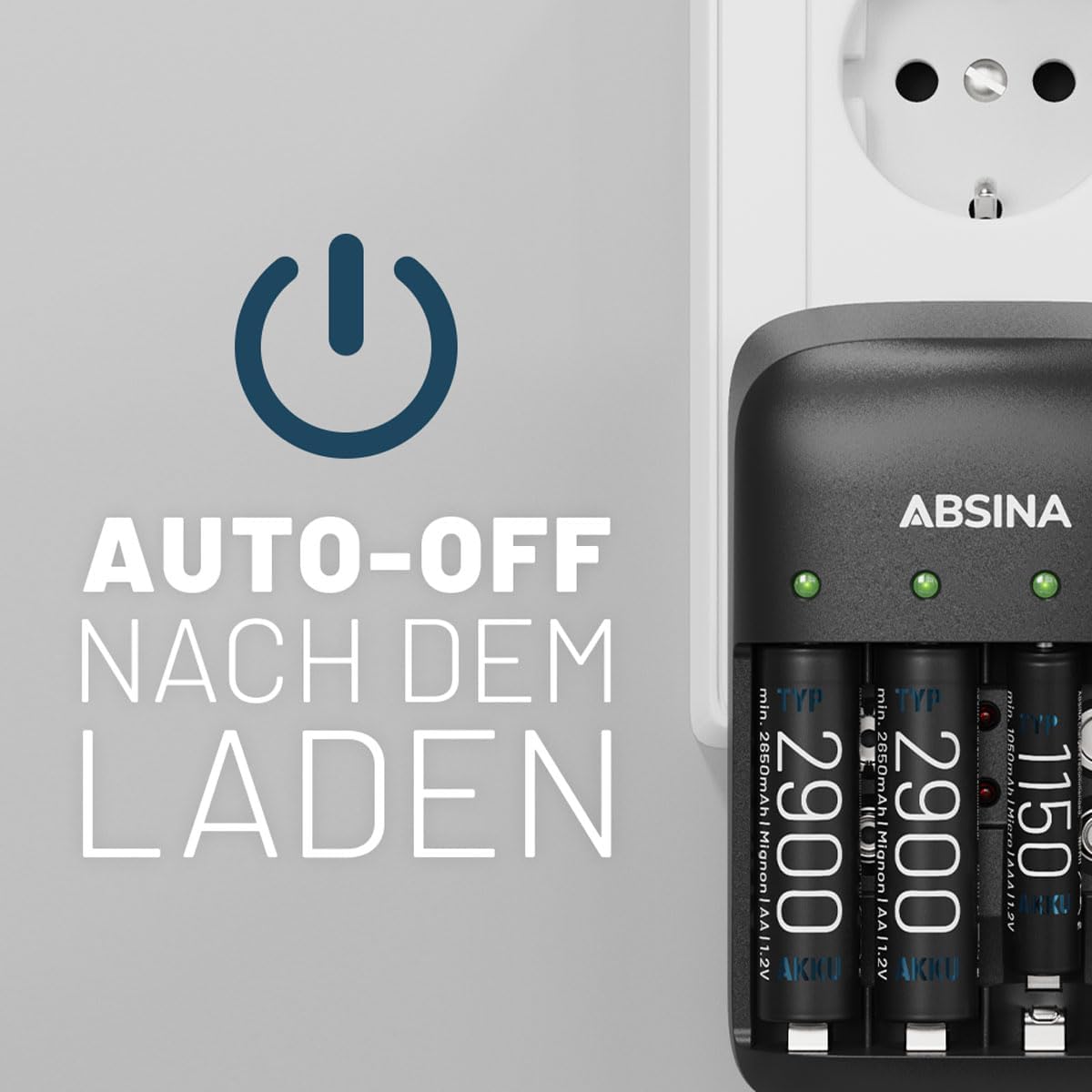
Figear 5.4: The charger illustrating its auto-off feature, which activates once batteries are fully charged.
6. Cumail suas
- Glanadh: Disconnect the charger from the power outlet before cleaning. Use a soft, dry cloth to wipe the exterior. Do not use abrasive cleaners or solvents.
- Stòradh: Glèidh an charger ann an àite fionnar, tioram air falbh bho sholas dìreach agus teòthachd anabarrach.
- Cùram Bataraidh: Airson beatha bataraidh as fheàrr, seachain bataraidhean a dhì-luchdachadh gu tur mus tèid an ath-lìonadh.
7. A ’dèanamh trioblaid
| Trioblaid | Adhbhar a dh’fhaodadh a bhith ann | Fuasgladh |
|---|---|---|
| Bataraidhean nach eil a’ cur cosgais | Charger not plugged in; incorrect battery insertion; non-rechargeable batteries; defective battery. | Ensure charger is securely plugged in. Check battery polarity. Confirm batteries are NiMH/NiCd rechargeable. Remove and reinsert batteries. If a red LED persists, the battery may be defective. |
| Comharra dearg LED | Defective battery; incorrect battery type. | Remove the battery. If the LED remains red with other batteries, the charger may be faulty. If only that battery causes a red light, it is likely defective and should be replaced. |
| Tha Charger a ’faireachdainn blàth | Obrachadh àbhaisteach rè cosgais. | A slight warmth is normal. If the charger becomes excessively hot or emits smoke/odor, unplug immediately and discontinue use. |
8. Sònrachaidhean
| Feart | Mion-fhiosrachadh |
|---|---|
| Brand | ABHAINN |
| Modail Àireamh | 301001+401002-4 |
| Seòrsan bataraidh co-fhreagarrach | NiMH & NiCd Micro AAA, Mignon AA, 9V E-Block |
| Slots cìs | 4 (for AA/AAA), 2 (for 9V) |
| Input Voltage | 100-240V AC, 50-60Hz, 160mA |
| Toradh Voltage | 9 Volts (for 9V batteries) |
| Charging Current (AA/AAA) | 500mA per slot |
| Charging Current (9V) | 13mA per slot |
| Mu thuairmeas. Ùine cosgais | 2 hours (varies by battery capacity) |
| Feartan sònraichte | Automatic shut-off, Full battery and defective battery detection, LED charge indicator, Repair mode, Single bay monitoring |
| Meudan toraidh | 7.5D x 11.5W x 7H ceudameatairean |
| Cuideam nì | 200 gram |
| Bataraidhean air an toirt a-steach | 4x AAA 1150 min. 1050mAh 1.2V HR03 |
| Dùthaich Tùs | Sìona |
9. Barantas agus Taic
Specific warranty information for this product is not available in the provided data. For warranty claims or technical support, please refer to the retailer or manufacturer's official weblàrach airson an fhiosrachadh as ùire.
Spare parts availability and software update guarantees are not available.