
Ro-ràdh
This manual provides detailed instructions for the proper use and maintenance of your Awei A799BL Foldable Gaming Wireless Headphone. Please read this manual thoroughly before using the product to ensure optimal performance and longevity. The Awei A799BL is designed for an immersive audio experience, featuring both wireless Bluetooth and wired connectivity options, a built-in microphone, and noise-cancelling capabilities.
Susbaint pacaid
Nuair a dh’fhosglas tu am pasgan, dèan cinnteach gu bheil na nithean gu lèir a tha air an liostadh gu h-ìosal an làthair agus ann an deagh staid:
- Awei A799BL Foldable Gaming Wireless Headphone
- Càball cosgais USB
- Càball Fuaime 3.5mm (airson ceangal uèirleas)
- Leabhar-làimhe cleachdaiche (an sgrìobhainn seo)
Bathar seachadview
Familiarize yourself with the various components and controls of your Awei A799BL headphones.

Ìomhaigh: Aghaidh view of the Awei A799BL Foldable Gaming Wireless Headphone, showcasing its black and silver design with red geometric patterns on the earcups.
Prìomh fheartan:
- Foldable Design for portability.
- Wireless Bluetooth Connectivity (Bluetooth Version 5.0).
- Wired Connectivity via 3.5mm audio jack.
- Integrated Microphone for communication.
- Cur às do fhuaim gnìomhach (ANC) airson eòlas claisneachd bogaidh.
- Over-Ear design for comfort during extended use.
Controls (Typical Layout - Refer to product for exact placement):
- Putan Cumhachd: Air/Dheth, Cluich/Stad, Freagair/Crìochnaich Gairm.
- Putan Àrdachadh Meud/An Ath-òran: Meudaich an tomhas-lìonaidh, leum chun ath òran.
- Putan Lùghdachadh Meud/Trac Roimhe: Lùghdaich an tomhas-lìonaidh, rach chun an òrain roimhe.
- Putan ANC: Cuir an gnìomh/dì-ghnìomhach Cuir às do fhuaim gnìomhach.
- Port microfòn: For detachable microphone (if applicable).
- Jack claisneachd 3.5mm: Airson ceangal uèirleasach.
- Port cosgais: Port micro USB airson cosgais.
- Comharra LED: A’ taisbeanadh inbhe cumhachd, cosgais, agus paidhreachaidh.
Suidhich
1. Charging the Headphone
Before initial use, fully charge the headphone. Connect the provided USB charging cable to the headphone's charging port and the other end to a USB power source (e.g., computer USB port, wall adapter). The LED indicator will typically show red during charging and turn off or change color when fully charged. A full charge takes approximately 2 hours.
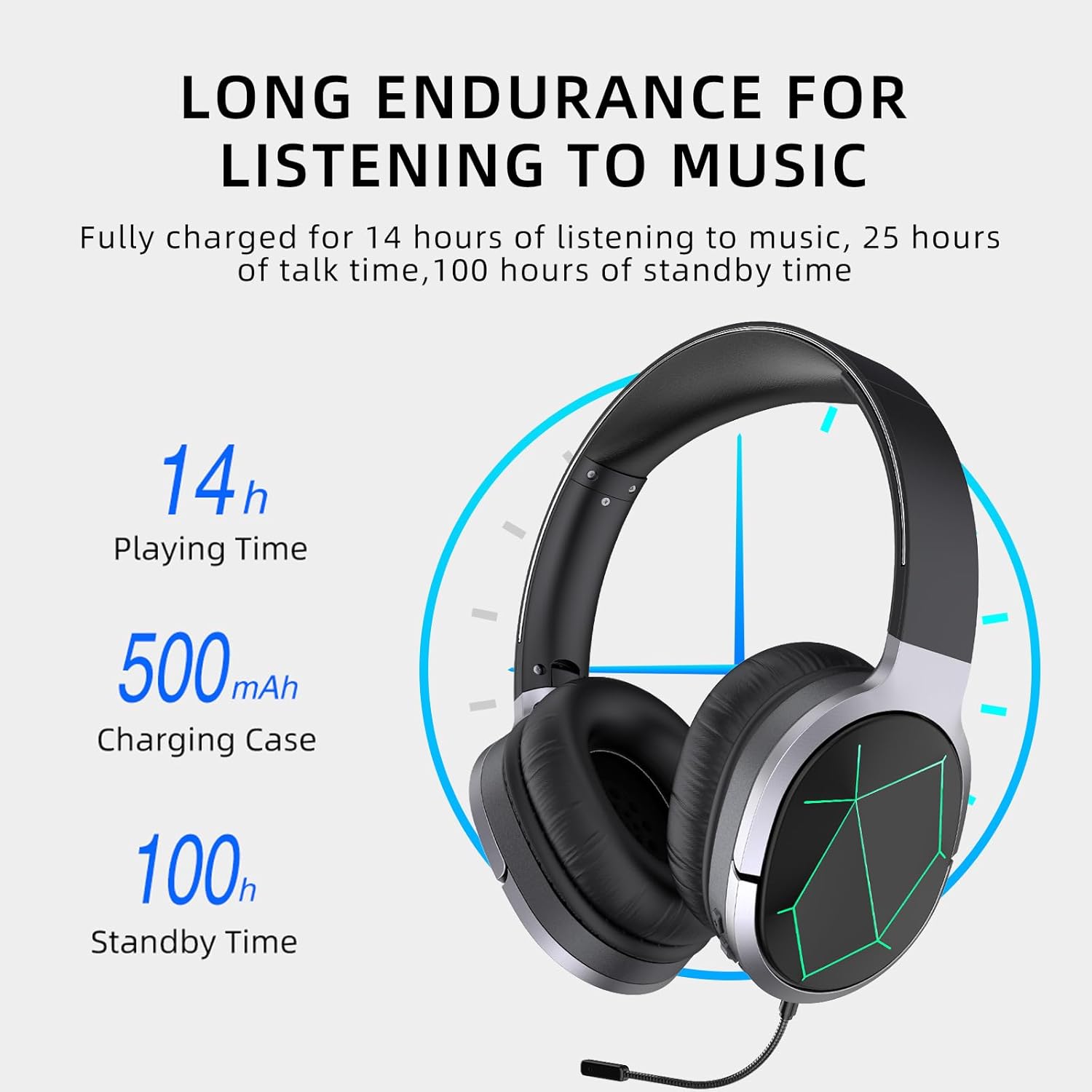
Image: Awei A799BL Headphone illustrating its long endurance with 14 hours play time, 500mAh battery capacity, and 100 hours standby time.
2. Càraid Bluetooth
- Ensure the headphone is charged and turned off.
- Brùth is cum sìos am putan Cumhachd gus am bi an comharra LED a’ priobadh gorm is dearg mu seach, a’ comharrachadh modh càraideachaidh.
- Air an inneal agad (fòn cliste, tablet, coimpiutair), cuir Bluetooth an gnìomh agus rannsaich airson innealan a tha rim faighinn.
- Tagh "Awei A799BL" bhon liosta de dh'innealan a chaidh a lorg.
- Once paired, the LED indicator will typically flash blue slowly or turn solid blue.
- Ma tha feum air facal-faire, cuir a-steach “0000”.

Image: Awei A799BL Headset with "Bluetooth Gaming Headset" text, emphasizing its wireless gaming capability.
3. Ceangal Uèirichte (Càball Fuaime 3.5mm)
To use the headphone in wired mode, connect one end of the 3.5mm audio cable to the headphone's 3.5mm jack and the other end to your audio source's 3.5mm output. This mode does not require battery power for audio playback, but the microphone and ANC features may require power.

Image: Awei A799BL Headphone connected via a 3.5mm audio cable to various devices, highlighting the alternative wired connection option.
Stiùireadh Obrachaidh
Cumhachd air / dheth:
- Cumhachd air: Brùth agus cum sìos am putan Cumhachd airson timcheall air 3 diogan gus an las an comharra LED suas.
- Cumhachd dheth: Brùth is cum sìos am putan Cumhachd airson timcheall air 3-5 diogan gus an tèid an comharra LED dheth.
Music Playback (Bluetooth Mode):
- Cluich / Stad: Goirid brùth air a 'phutan Power.
- An ath cheum: Brùth fada air a’ phutan Meudaich.
- Rian roimhe: Brùth fada air a’ phutan Lùghdaich an tomhas-lìonaidh.
- Meud suas: Brùth goirid air a’ phutan Meudaich.
- Meud sìos: Brùth goirid air a’ phutan Lùghdaich an tomhas-lìonaidh.
Call Management (Bluetooth Mode):
- Freagairt/Cuireadh Call: Goirid brùth air a 'phutan Power.
- Call a dhiùltadh: Fada brùth am putan Cumhachd airson 2 diogan.
- Deasaich an àireamh mu dheireadh: Brùth dà uair air a’ phutan Cumhachd.
Cur às do fhuaim gnìomhach (ANC):
Press the ANC button to activate or deactivate the noise cancellation feature. The LED indicator for ANC will light up when active.
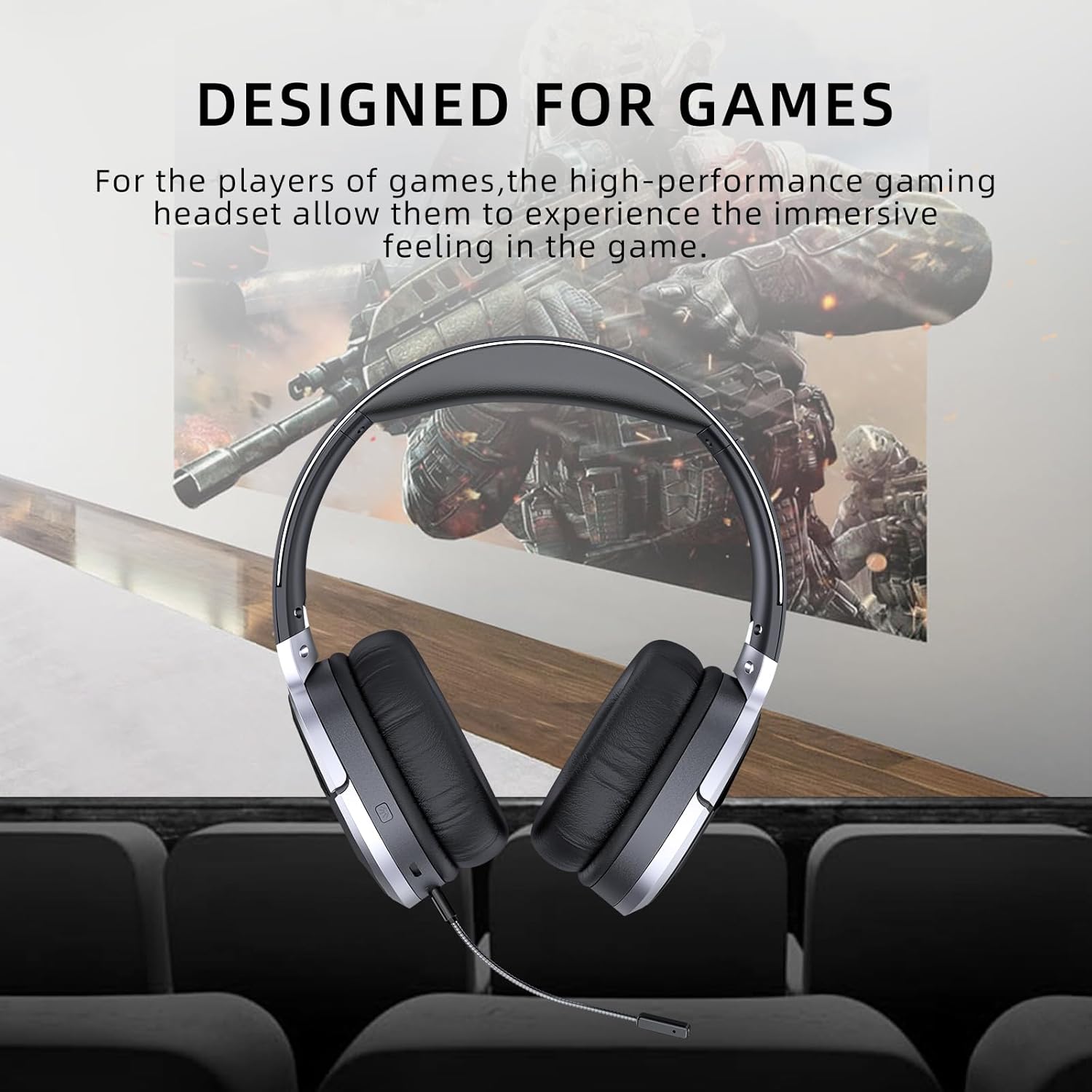
Image: Awei A799BL Headphone with "Designed for Games" text, indicating its suitability for gaming with immersive audio.
Cumail suas
- Keep the headphone dry. Avoid exposure to moisture or liquids.
- Clean the headphone with a soft, dry cloth. Do not use abrasive cleaners or solvents.
- Stòraich na fònaichean-cluaise ann an àite fionnar, tioram air falbh bho sholas dìreach na grèine agus teòthachd anabarrach.
- Avoid dropping or subjecting the headphone to strong impacts.
- Do not attempt to disassemble or modify the headphone, as this will void the warranty and may cause damage.
Fuasgladh thrioblaidean
| Trioblaid | Fuasgladh comasach |
|---|---|
| Headphone does not power on. | Ensure the headphone is fully charged. Connect to a power source and try again. |
| Chan urrainnear paidhir a dhèanamh tro Bluetooth. |
|
| Chan eil fuaim ann am modh Bluetooth. |
|
| Microphone nach eil ag obair. |
|
| Tha càileachd an fhuaim bochd no air a shaobhadh. |
|
Sònrachaidhean

Image: Awei A799BL Headphone displaying its basic parameters and specifications.
| Paramadair | Luach |
|---|---|
| Modail Àireamh | A799BL |
| Tionndadh Bluetooth | 5.0 |
| Am Fuireach | 100 Uairean |
| Ùine Còmhraidh | 25 Uairean |
| Uair Seinn | 14 Uairean |
| Ùine cosgais | 2 Uairean |
| Freagairt Tricead | 2.402G-2.480G |
| Comas Bataraidh | 500mAh/3.7V (Lithium Polymer) |
| Astar Tar-chuir | 10 Meatair |
| Taic Profiles | HSP / HFP / A2DP / AVRCP |
| bacadh | 32 Ach |
| Smachd fuaim | Sguir dheth Fuaim Gnìomhach (ANC) |
| Ceangalachd | Wireless (Bluetooth) and Wired (3.5mm Jack) |
| Meudan toraidh | 4 x 10 x 16.5 cm |
| Cuideam toraidh | 4.54 g |
Barantas agus Taic
For warranty information and customer support, please refer to the warranty card included with your purchase or contact the retailer where the product was acquired. Keep your proof of purchase for warranty claims.
For further assistance, you may visit the official Awei website or contact their customer service department. Contact details are typically available on the product packaging or the brand's official online presence.