
HyperGear 15077
HyperGear RaveMini Portable Wireless LED Speaker Instruction Manual
Modail: 15077
Ro-ràdh
The HyperGear RaveMini is a compact, portable wireless speaker designed to deliver powerful sound with an interactive, beat-driven LED light show. This speaker is suitable for both indoor and outdoor use, offering extended battery life and multiple playback options for a versatile audio experience.

The HyperGear RaveMini speaker and its packaging.
Dè th' anns a' Bhocsa
- HyperGear RaveMini Portable Wireless LED Speaker
- Càball cosgais meanbh-USB
- 3.5mm Stereo Auxiliary Cable
Feartan
- Small Size, Big Sound: Engineered with a 40mm neodymium driver for room-filling sound.
- Beat-Driven LED Lightshow: Multi-colored LEDs flash to the beat of your music.
- Ceangal gun uèir: Connects with any Bluetooth device within a 33-foot range.
- Beatha bataraidh leudaichte: Built-in rechargeable battery provides up to 3 hours of wireless playback on a single charge.
- Conaltradh gun làmhan: Integrated microphone and intuitive controls for managing calls and playlists.
- Ioma roghainnean ath-chluich: Supports Bluetooth, Aux-in, Micro SD memory card, and USB flash drive audio playback.

The RaveMini combines HD sound with a vibrant LED lightshow.

The multi-colored LED lights dance to the beat of the music.
Suidhich
A luchdadh a-nuas an neach-labhairt
Before first use, fully charge your RaveMini speaker. Connect the included Micro USB charging cable to the speaker's charging port and the other end to a USB power source (e.g., wall adapter, computer USB port). The charging time is approximately 1 hour, providing up to 3 hours of playback.
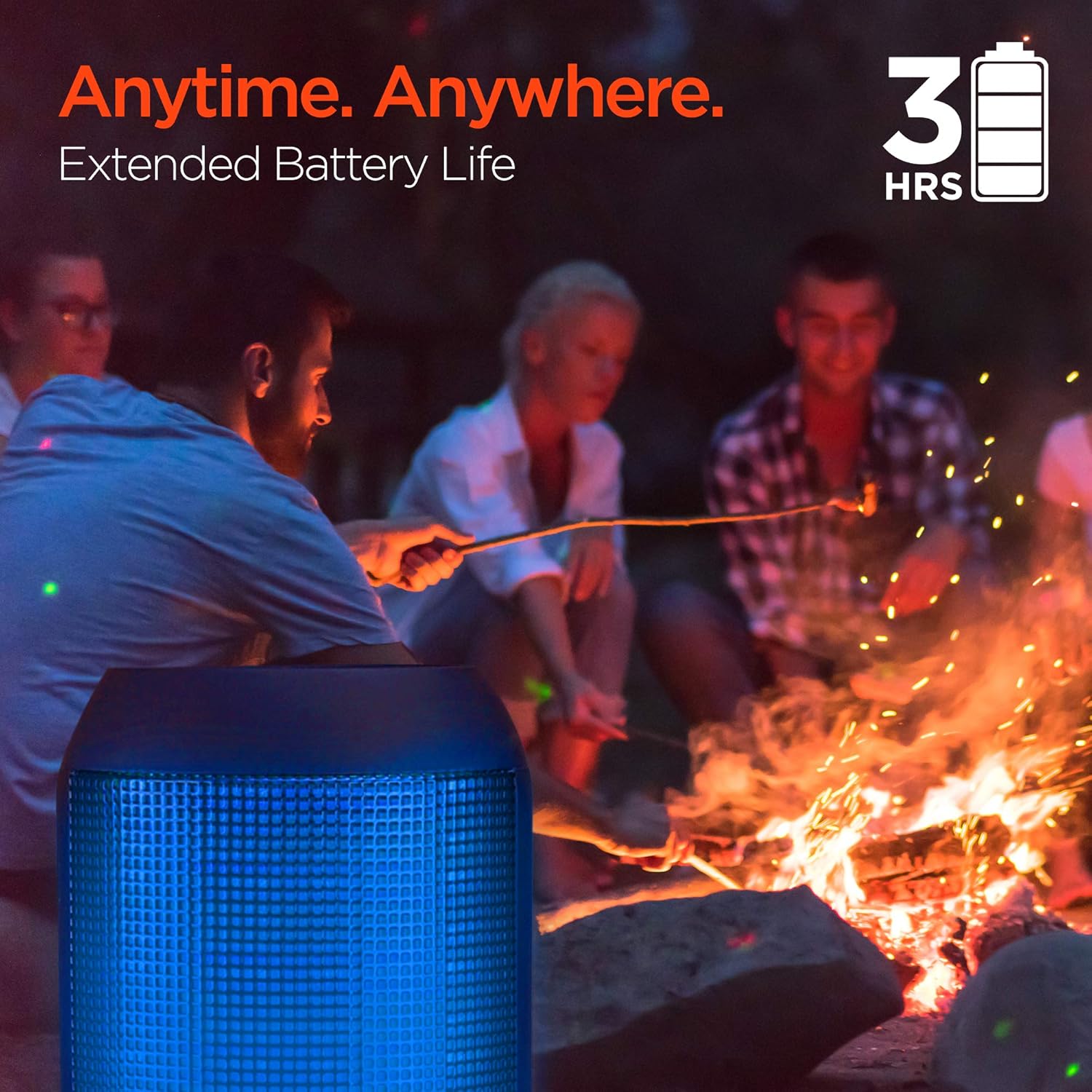
Enjoy up to 3 hours of music with the RaveMini's extended battery life.
Cumhachd air / dheth
Locate the power button on the speaker. Press and hold the power button for a few seconds to turn the speaker on or off. An audible cue or LED indicator will confirm the power status.
Paidhir Bluetooth
- Ensure the RaveMini speaker is powered on and in pairing mode (usually indicated by a flashing LED light).
- Air an inneal agad le comas Bluetooth (fòn cliste, tablet, msaa.), rach gu na roghainnean Bluetooth.
- Lorg airson available devices and select "HyperGear RaveMini" (or similar name) from the list.
- Once connected, the speaker will provide an audible confirmation, and the LED light may change to a solid color.
- The speaker has a wireless range of up to 33 feet.
Ag obrachadh an Labhraiche
Smachdan agus gnìomhan
The RaveMini features intuitive controls for managing your audio and calls directly from the speaker. Refer to the specific button layout on your device for functions such as:
- Cluich / Stad ceòl
- Adjust Volume (Volume Up/Down)
- Skip Tracks (Next/Previous)
- Freagairtean / Cuir crìoch air gairmean
- Activate Voice Assistant (if supported)
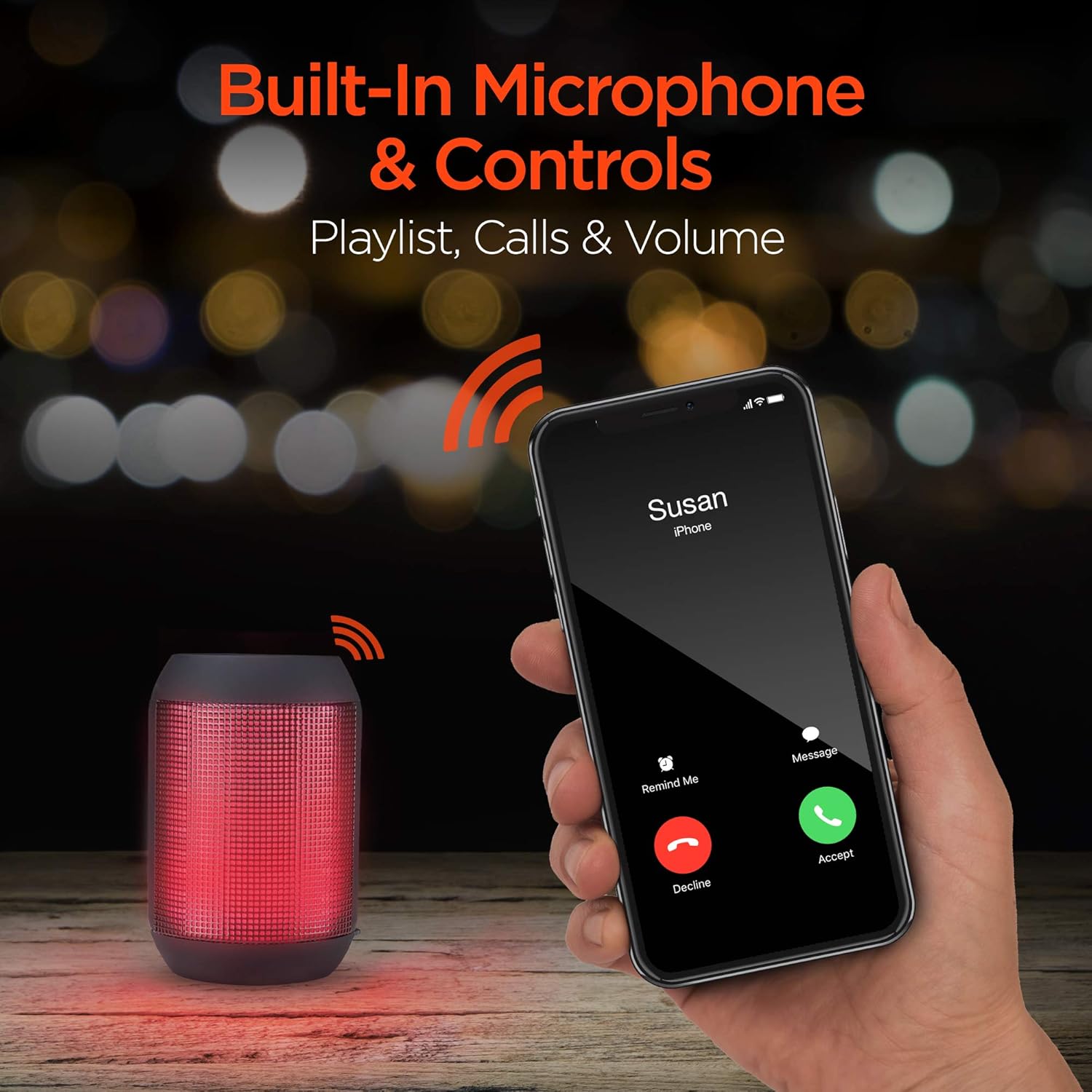
Built-in microphone and controls allow for hands-free calls and playlist navigation.
Modhan Playback
The RaveMini offers four ways to play your audio:
- Bluetooth: Ceangail gun uèir ris an fhòn-smart, an tablet no innealan eile le comas Bluetooth agad.
- Aux-a-steach: Use the included 3.5mm stereo auxiliary cable to connect to non-Bluetooth devices.
- Cairt Micro SD: Insert a Micro SD memory card with audio files a-steach don t-slot ainmichte.
- Dràibhear USB Flash: Connect a USB flash drive containing audio files dhan phort USB.

The RaveMini supports four versatile playback options.
Cumail suas
- Keep the speaker dry. Do not expose it to excessive moisture or liquids.
- Clean the speaker with a soft, dry cloth. Avoid using harsh chemicals or abrasive cleaners.
- Cùm an neach-labhairt ann an àite fionnar, tioram nuair nach eilear ga chleachdadh.
- Seachain a bhith a’ leigeil às no a’ toirt buaidh làidir air an neach-labhairt.
Fuasgladh thrioblaidean
| Trioblaid | Fuasgladh comasach |
|---|---|
| Chan eil an neach-labhairt a’ tionndadh air. | Ensure the speaker is fully charged. Connect it to a power source using the Micro USB cable. |
| Cha ghabh paidhir le inneal Bluetooth. |
|
| Gun fhuaim no meud ìosal. |
|
| Chan eil solais LED ag obair. | Check if the light show feature is enabled (if there's a dedicated button). Ensure the speaker has sufficient battery charge. |
Sònrachaidhean
| Feart | Mion-fhiosrachadh |
|---|---|
| Ainm Modail | 15077 |
| Seòrsa neach-labhairt | A-muigh |
| Feart sònraichte | Wireless Music + Calls, HD Stereo Sound, Beat-Driven LED Lightshow, Aux-in, Micro SD & USB compatible |
| Cleachdaidhean air am moladh airson toradh | Airson cluicheadairean ciùil |
| Seòrsa Rianadair | Cumhachd bataraidh |
| Dath | Dubh |
| Beatha bataraidh | 3 Uairean |
| Ùine cosgais | 1 Uairean |
| A bheil uisge-dhìonach | FAILTE |
| Modh smachd | App |
| Teicneòlas conaltraidh gun uèir | Bluetooth |
| Meud neach-labhairt | 40 millimeters |
| Stòr cumhachd | Cumhachd bataraidh |
| Àireamh de bataraidhean | Tha feum air 2 bataraidh AAA. (air a ghabhail a-steach) |
| Seòrsa fuaim driver | Dràibhear Dynamic |
| Raon Bluetooth | 33 troigh |
| Meud driver fuaim | 40 millimeters |
| Pròtacal ceangail | Bluetooth |
| An àireamh de phuirt USB 2 | 1 |
| UPC | 633755150777 |
| Dèanadair | HYPERGEAR |
| Cuideam nì | 10.9 unnsa |
| ASIN | B07VHTZHJ4 |
| Ceann-latha Ri fhaighinn an-toiseach | 18 an t-Iuchar, 2019 |
| Brand | HyperGear |
| Neach-labhairt cumhachd toraidh as àirde | 5 watt |
| Teicneòlas ceangail | Bluetooth, taiceil, USB |
| Modh Toraidh Fuaim | Stereo |
| Seòrsa stàladh | Sliabh clàr-bùird |
Barantas
The HyperGear RaveMini Portable Wireless LED Speaker comes with a Limited Warranty. For detailed information regarding warranty coverage, terms, and conditions, please refer to the official HyperGear weblàrach-lìn no cuir fios chun taic teachdaiche aca gu dìreach. Cùm dearbhadh do cheannach airson tagraidhean barantais.
Taic
Airson tuilleadh cuideachaidh, clàradh toraidh, no gu view frequently asked questions, please visit the official HyperGear weblàrach:
Tadhail air Bùth HyperGear air Amazon
You may also contact HyperGear customer service for direct support.
Ask a question about this manual
Ask about setup, troubleshooting, compatibility, parts, safety, or missing instructions. Manuals+ will review the question and use this page’s manual context to help answer it.