
1. Toradh thallview
The myCharge HubMax HBLC10V is a portable power bank designed to charge various mobile devices. It features an internal 10050mAh battery, built-in Lightning and USB-C cables, and an integrated foldable wall plug for convenient recharging.

Image 1.1: The myCharge HubMax HBLC10V portable charger, showcasing its compact design with integrated Lightning and USB-C cables, and a foldable wall plug.
2. Pasgan-susbaint
- myCharge HubMax HBLC10V Portable Charger
- Càball dealanach aonaichte
- Càball USB-C aonaichte
- Integrated Wall Plug
3. Suidheachadh agus Cosgais Tùsail
Before first use, it is recommended to fully charge your myCharge HubMax HBLC10V.
- Locate the Wall Plug: Extend the foldable wall prongs located on the side of the device.
- Ceangail ri cumhachd: Plug the device directly into a standard AC wall outlet.
- Sgrùdadh cosgais: The LED indicator lights on the device will illuminate to show the charging status. A full charge typically takes approximately 4.6 hours. All indicator lights will be solid when fully charged.
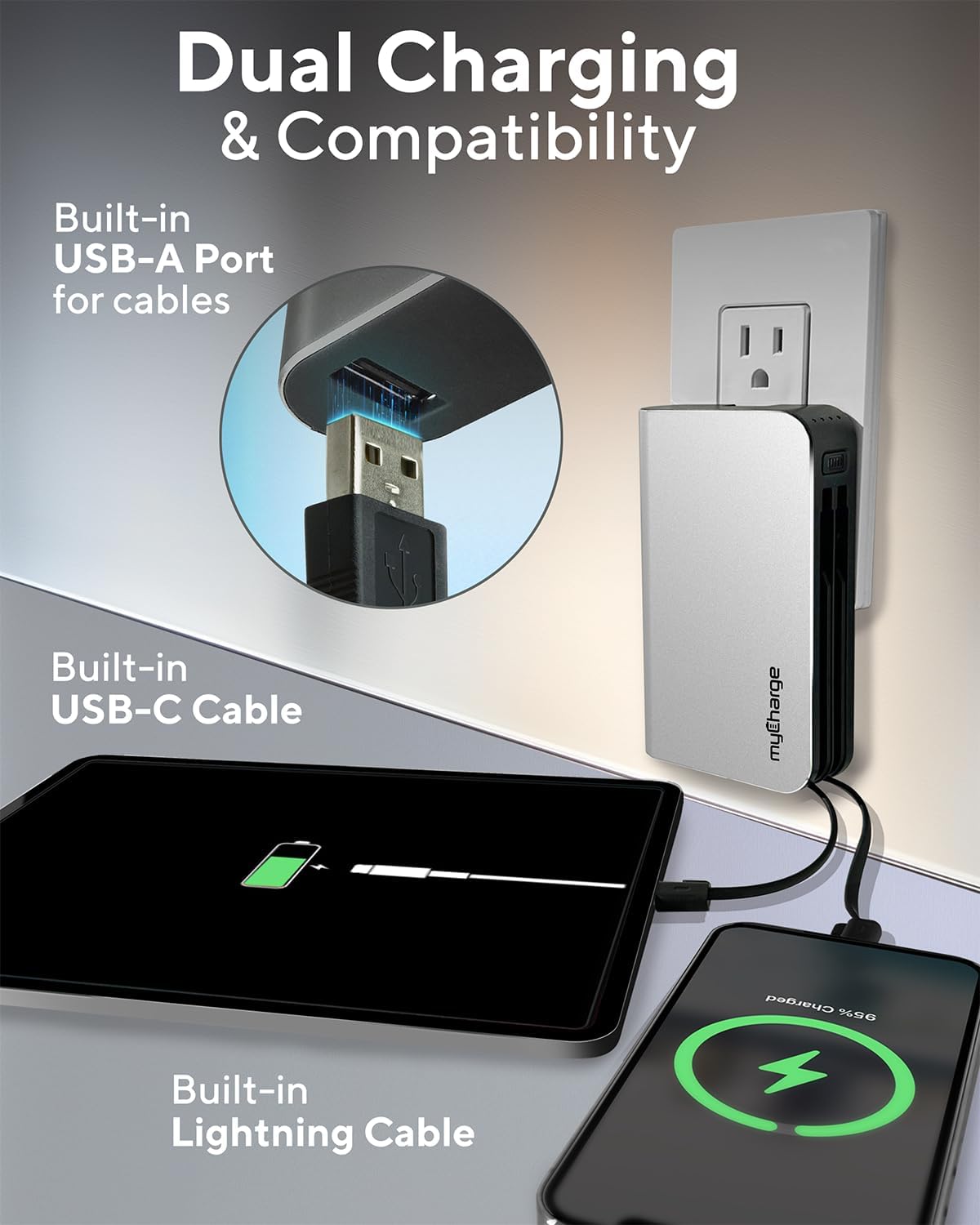
Image 3.1: The myCharge HubMax HBLC10V connected to a wall outlet for recharging, illustrating its integrated wall plug and multiple charging outputs.
4. Stiùireadh Obrachaidh
The myCharge HubMax HBLC10V allows you to charge up to three devices simultaneously.
4.1 Charging Devices with Built-in Cables
- Identify Cable: Select the appropriate built-in cable for your device (Lightning for Apple devices, USB-C for compatible Android and other devices).
- Inneal ceangail: Plug the selected cable directly into your mobile device's charging port.
- Tòisich a 'cur cosgais: The myCharge HubMax will automatically begin charging your device. The LED indicator lights will show the remaining battery level of the power bank.
4.2 Charging a Third Device via USB-A Port
For devices requiring a standard USB-A connection, use the integrated USB-A port.
- Connect Your Cable: Plug your device's USB-A charging cable (not included) into the USB-A port on the myCharge HubMax.
- Inneal ceangail: Plug the other end of your cable into your mobile device.
- Tòisich a 'cur cosgais: Tòisichidh cosgais gu fèin-ghluasadach.

Ìomhaigh 4.1: Mion-fhiosrachadh view of the myCharge HubMax HBLC10V, emphasizing its all-in-one design with built-in wall prongs, Lightning and USB-C cables, and an additional USB-A port for charging up to three devices.
4.3 Comasan Cosgais Luath
The HubMax supports Power Delivery and Quick Charge 3.0 via its USB-C cable, enabling faster charging for compatible devices. This can charge devices up to 2.4 times faster than standard chargers.
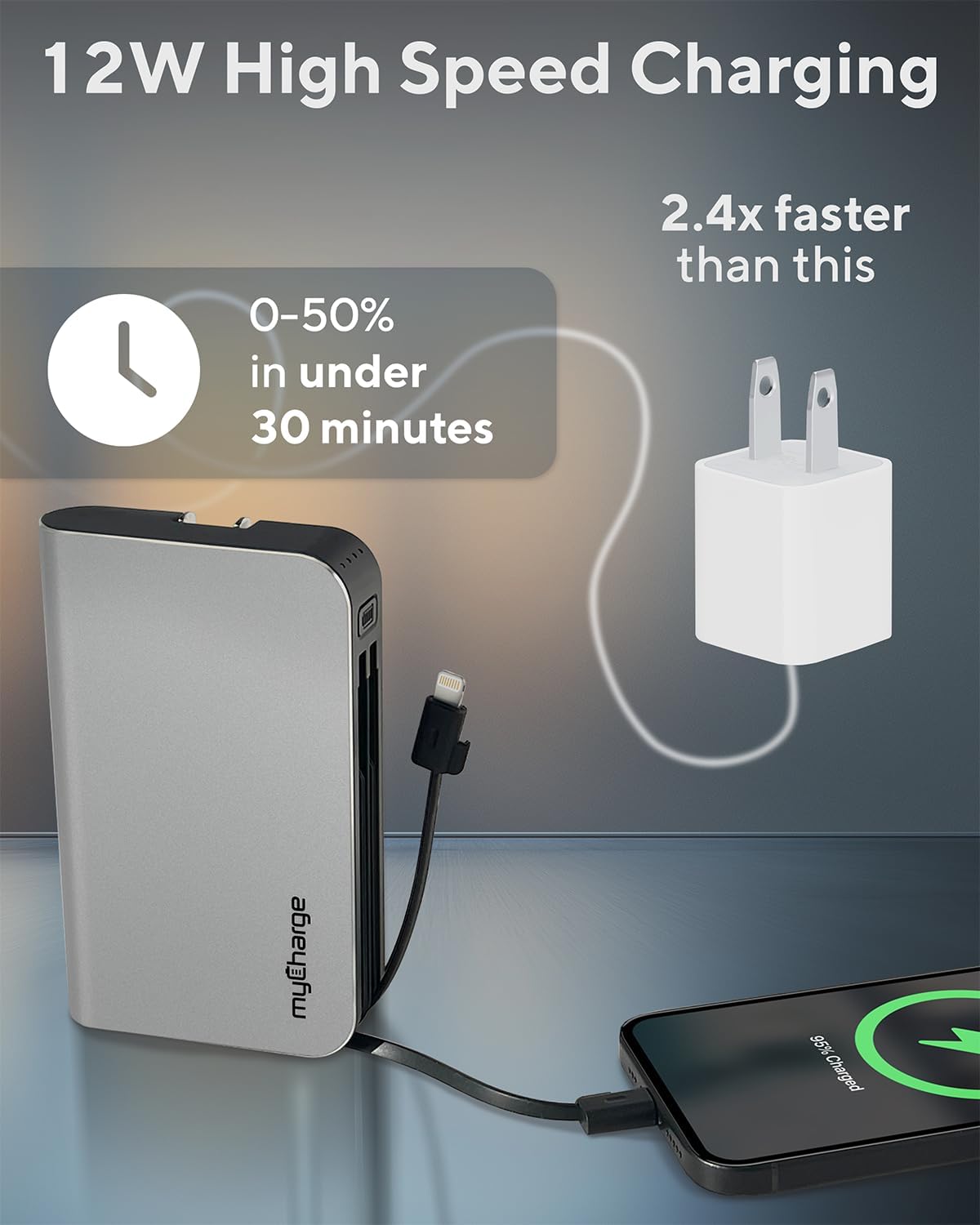
Image 4.2: The myCharge HubMax HBLC10V demonstrating its 12W high-speed charging capability, capable of charging a device from 0% to 50% in under 30 minutes.
5. Cumail suas agus Cùram
- Stòradh: Stòraich am banca cumhachd ann an àite fionnar, tioram air falbh bho sholas dìreach na grèine agus teòthachd anabarrach.
- Glanadh: Cleachd clò bog, tioram gus taobh a-muigh an inneil a ghlanadh. Seachain a bhith a 'cleachdadh cheimigean cruaidh no stuthan sgrìobach.
- Làimhseachadh: Handle the device with care. Avoid dropping it or subjecting it to strong impacts, as this can damage internal components and shorten its lifespan.
- Beatha bataraidh: Airson slàinte bataraidh aig an ìre as fheàrr, seachain a bhith a’ drèanadh a’ bhanca cumhachd gu tur gu tric. Ath-lìon e nuair a tha ìre a’ bhataraidh ìosal.
6. A ’dèanamh trioblaid
If you encounter issues with your myCharge HubMax HBLC10V, refer to the following common solutions:
- Inneal nach eil a’ cur cosgais:
- Ensure the myCharge HubMax itself is sufficiently charged. Check the LED indicators.
- Verify that the built-in cable or your external USB-A cable is securely connected to both the power bank and your device.
- Try a different device or cable to rule out issues with the connected device or cable.
- Cìs slaodach:
- Ensure your device supports fast charging protocols (Power Delivery, Quick Charge 3.0) to benefit from the HubMax's fast charging capabilities.
- Charging multiple devices simultaneously may reduce the charging speed for individual devices.
- Thoir sùil a bheil an càball cosgais millte.
- Banca Cumhachd gun ath-lìonadh:
- Ensure the wall plug is fully extended and securely inserted into a working AC wall outlet.
- Feuch socaid balla eadar-dhealaichte.
If problems persist, please contact myCharge customer support for further assistance.
7. Sònrachaidhean
| Feart | Mion-fhiosrachadh |
|---|---|
| Modail Àireamh | HBLC10V |
| Comas Bataraidh | 10050 mAh (Lithium Ion) |
| Meudan toraidh | 2.8 x 0.9 x 4.6 òirleach |
| Cuideam nì | 10.2 unnsa |
| Càbaill togte | Dealanach, USB-C |
| Additional Port | USB-A |
| Ùine ath-phàigheadh | Approx. 4.6 hours (via integrated wall plug) |
| Feartan sònraichte | Integrated Wall Plug, Fast Charging (PD, QC 3.0) |
| Dèanadair | mo Chùrsa |
8. Barantas agus Taic
myCharge products are typically covered by a manufacturer's warranty. For specific warranty details, registration, or to initiate a warranty claim, please refer to the official myCharge weblàrach no cuir fios chun taic teachdaiche aca gu dìreach.
For technical assistance, troubleshooting not covered in this manual, or general inquiries, please visit the myCharge support page or contact their customer service department.
Note: Warranty terms and support availability may vary. Always refer to the latest information provided by the manufacturer.