
1. Ro-ràdh
Thank you for choosing the AVANTEK CW-11 Wireless Doorbell. This manual provides detailed instructions for the installation, operation, and maintenance of your new doorbell system. Please read this manual thoroughly before use and retain it for future reference.
2. Pasgan-susbaint
Dèan cinnteach gu bheil na pàirtean uile anns a’ phacaid:
- 1 x Glacadair Plug-in
- 1 x Transmitter (Push Button)
- 2 x sgriothan
- 2 x Ancairean Balla
- 1 x Small Key (for battery compartment)
- 1 x Teip Adhesive le dà thaobh
- 1 x Leabhar-làimhe Cleachdaiche

Image: Contents of the AVANTEK Doorbell Kit, showing the receiver, transmitter, screws, anchors, key, and adhesive tape.
3. Toradh thallview
Glacadair
- Plug-in design for easy power.
- LED indicator for visual alerts.
- Volume control buttons.
- Melody selection buttons.
- Compact design (approx. 8 cm height, 7.3 cm width) that does not obstruct adjacent power outlets.

Image: The compact receiver plugged into a wall outlet, illustrating its small size (8 cm height, 7.3 cm width) and how it leaves adjacent sockets free.
Transmitter
- Push button with LED indicator.
- Powered by a CR2032 lithium battery (included), offering up to 3 years of lifespan.
- IP55 dustproof and waterproof rating, suitable for outdoor use in temperatures from -20°C to +60°C.
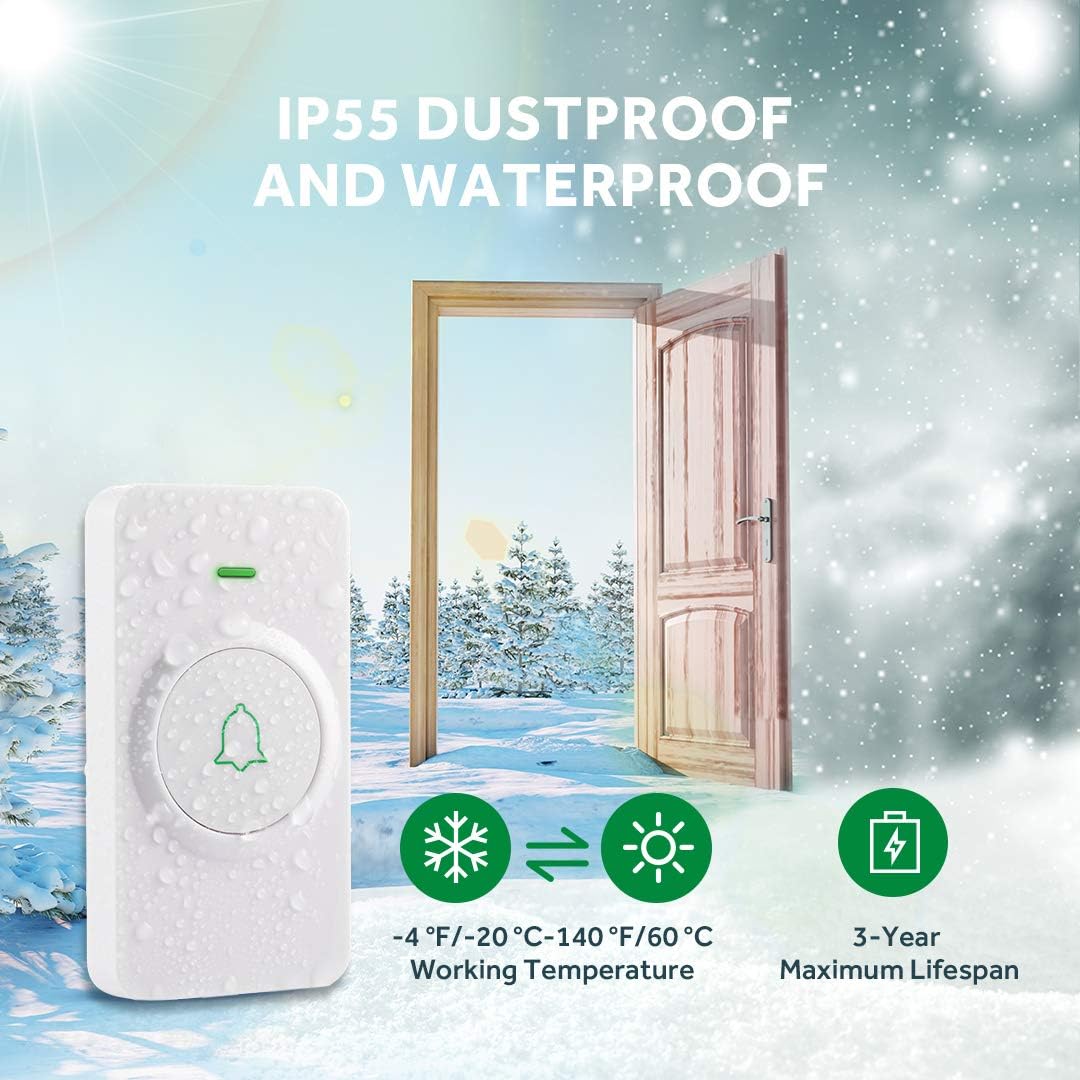
Image: The doorbell transmitter highlighting its IP55 dustproof and waterproof features, with illustrations of its resilience in both cold (-20°C) and hot (60°C) weather, and a 3-year maximum battery lifespan.
4. Suidhich
4.1 Stàladh Transmitter
The transmitter can be installed using either the provided screws and anchors or the double-sided adhesive tape.
- Adhesive Tape Method: Clean the desired mounting surface thoroughly. Peel off one side of the protective film from the double-sided adhesive tape and attach it to the back of the transmitter. Peel off the other side and firmly press the transmitter onto the wall for at least 30 seconds.
- Modh-sgriubaidh: Mark the desired mounting location. Drill two holes at the marked spots. Insert the wall anchors into the holes. Align the transmitter's mounting holes with the anchors and secure it with the screws.
4.2 Suidheachadh glacadair
Simply plug the receiver into any standard indoor power outlet. The receiver's LED will flash, indicating it is powered on and ready for pairing.
4.3 A’ paidhreachadh an tar-chuir agus an glacadair
The doorbell system is pre-paired at the factory. If re-pairing is needed or if you are adding additional transmitters/receivers:
- Plug a-steach an ghlacadair.
- Press and hold the volume button on the receiver for 3 seconds until its LED starts flashing. This indicates pairing mode.
- Within 5 seconds, press the transmitter button. The receiver's LED will flash, and it will play its current melody once, indicating successful pairing.
- If pairing fails, repeat the steps.
Video: This video demonstrates how to pair the AVANTEK wireless doorbell system components, including activating the receiver and transmitter for pairing.
5. Obrachadh
5.1 Ag Atharrachadh Fonn
The receiver offers 52 distinct melodies. To change the melody:
- Press the 'Next' or 'Previous' button on the side of the receiver to cycle through the available melodies.
- The receiver will play each melody as you select it.
- The memory function ensures your last selected melody is retained even after a power outage.
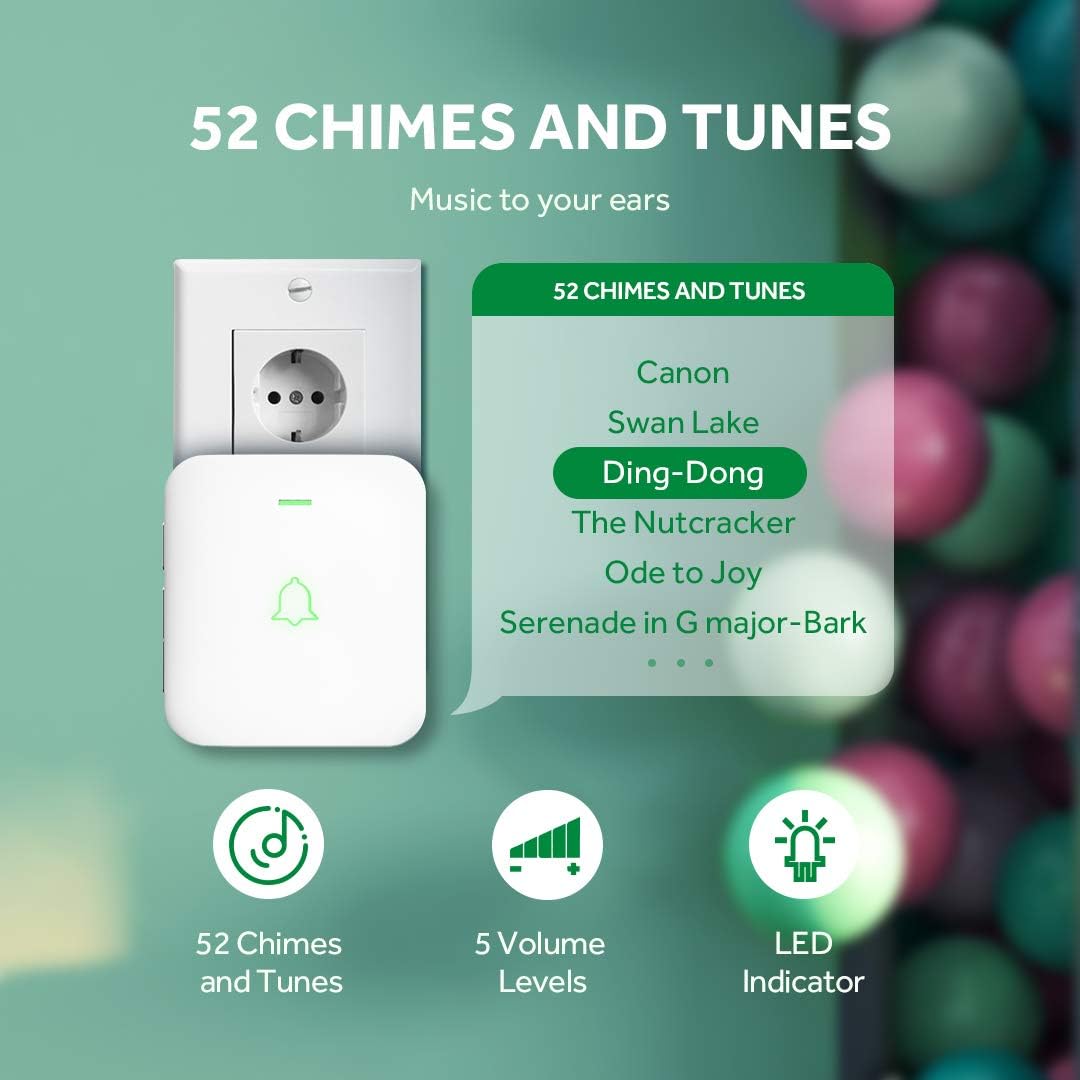
Image: The doorbell receiver displaying its features: 52 chimes and tunes, 5 volume levels, and an LED indicator. Examples of melodies like 'Canon' and 'Ding-Dong' are shown.
5.2 Atharrachadh na Meud-fhuaime
The receiver has 5 adjustable volume levels, with a maximum sound intensity of 115 dB. To adjust the volume:
- Press the 'Volume' button on the side of the receiver repeatedly to cycle through the 5 volume levels.
- The receiver will play a sound at each level to indicate the current volume.
- The memory function retains your last selected volume level.
5.3 Silent Mode (LED Notification)
For situations requiring silence, such as during sleep or meetings, the receiver can be set to silent mode, where it only provides a visual LED notification.
- Cycle through the volume levels until the mute icon is displayed or the sound is off. The LED will still flash when the doorbell is pressed.
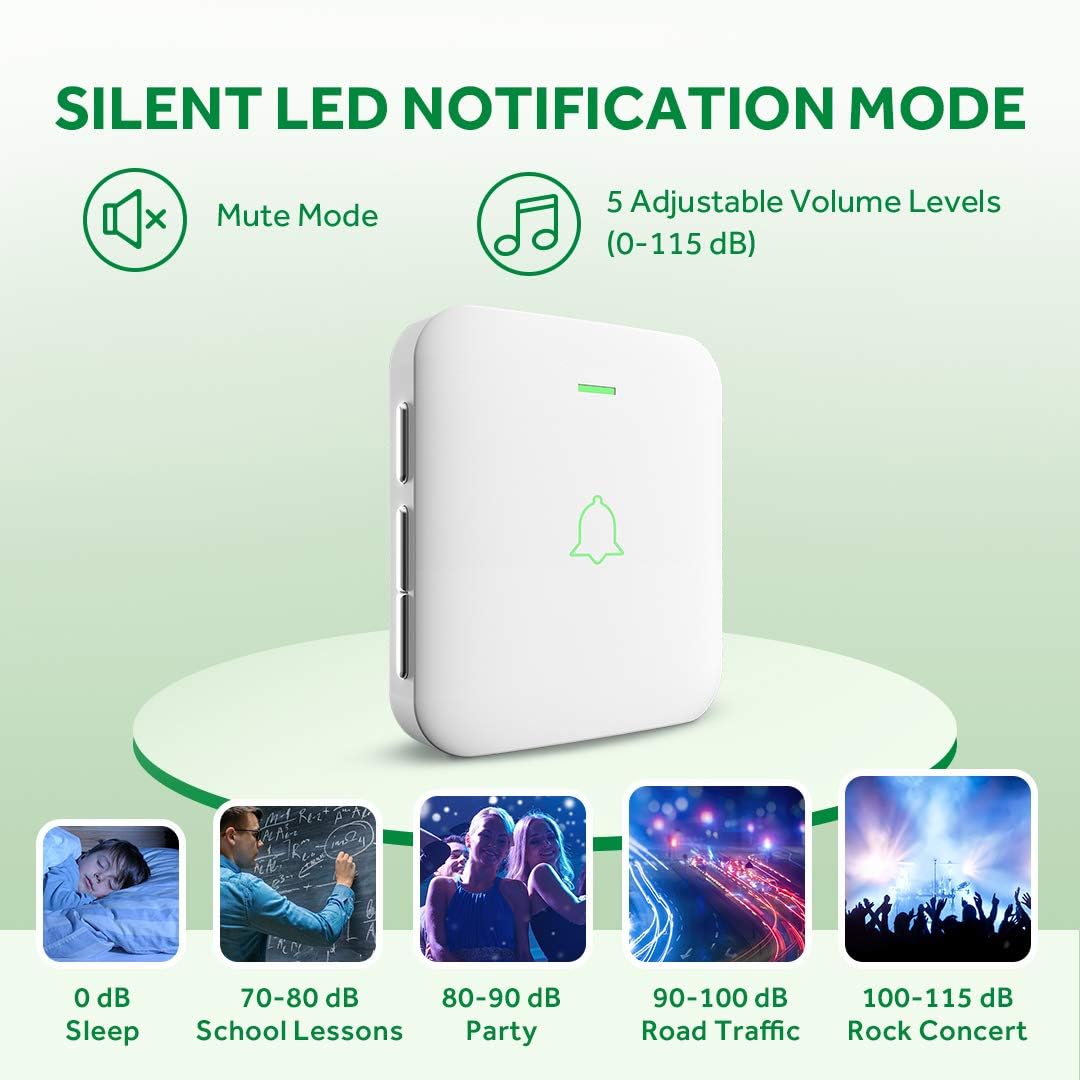
Image: The doorbell receiver illustrating its silent LED notification mode and the range of 5 adjustable volume levels (0-115 dB), with examples of typical sound environments.
Video: This video demonstrates how to adjust the volume and activate the silent mode on the AVANTEK wireless doorbell receiver.
6. Cumail suas
6.1 Ath-chur Bataraidh (Tar-chuir)
The transmitter uses a CR2032 lithium battery with an average lifespan of 3 years. When the transmitter's LED no longer lights up or the range decreases significantly, it's time to replace the battery.
- Use the small key (or a small flat-head screwdriver) to open the battery compartment on the side of the transmitter.
- Thoir air falbh an seann bataraidh CR2032 gu faiceallach.
- Cuir a-steach bataraidh CR2032 ùr leis an taobh adhartach (+) a’ coimhead suas.
- Dùin an roinn bataraidh gu tèarainte.
6.2 Glanadh
Sguab na h-aonadan clag dorais le clò bog, tioram. Na cleachd innealan-glanaidh sgrìobach no fuasglaidhean, oir dh’ fhaodadh iad milleadh a dhèanamh air an uachdar.
7. A ’dèanamh trioblaid
| Trioblaid | Adhbhar a dh’fhaodadh a bhith ann | Fuasgladh |
|---|---|---|
| Chan eil clag an dorais a’ bualadh. | Receiver not plugged in or powered off. Transmitter battery is dead. Units are not paired. | Ensure receiver is plugged in and powered. Replace transmitter battery. Re-pair the units (see Section 4.3). |
| Raon gun uèir goirid. | Obstructions (thick walls, metal structures). Interference from other devices. Low transmitter battery. | Relocate receiver or transmitter to minimize obstructions. Replace transmitter battery. |
| Receiver LED flashes but no sound. | Receiver is in silent (mute) mode. Volume is set to minimum. | Adjust the volume level (see Section 5.2). |
| Cannot change melody. | Putanan gun a bhith air am brùthadh gu ceart. | Ensure you are pressing the 'Next' or 'Previous' melody buttons firmly. |
8. Sònrachaidhean
- Modail: CW-11 / SB-122
- Brand: AVANTEK
- Raon gun uèir: Suas ri 300 meatair (1000 troigh) san adhar fosgailte
- Ceòl: 52 clagan-fuaim a ghabhas taghadh
- Ìrean Tomhais: 5 adjustable levels (0-115 dB)
- Bataraidh Transmitter: 1 x CR2032 Lithium (air a ghabhail a-steach)
- Beatha Bataraidh an Tar-chuir: Suas gu 3 bliadhna
- Cumhachd Glacadair: AC 100-240V (Plug-in)
- Teòthachd obrachaidh: -20°C gu +60°C (-4°F gu +140°F)
- Ìre dìon-uisge: IP55 (Tar-chuir)
- Teisteanasan: CE, FCC, RoHS
- Meudan (Glacadair): Mu 11.4 x 9.5 x 6.9 cm
- Cuideam: 159 gram (pasgan iomlan)
- Modh stàlaidh: Self-adhesive or Screw-in
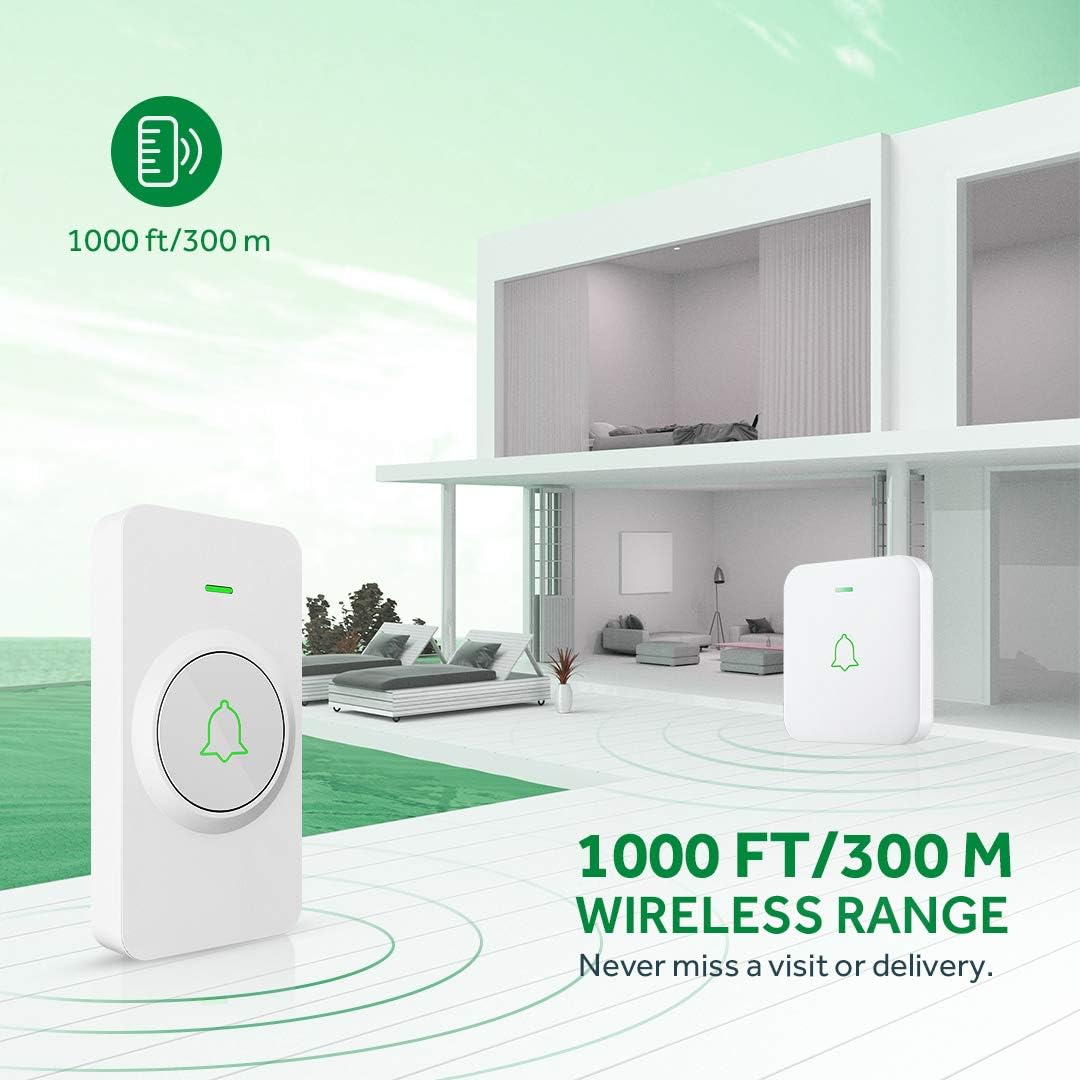
Image: Diagram illustrating the 300-meter (1000 ft) wireless range of the AVANTEK doorbell system within a multi-story home environment.
Bhidio: Tha am bhidio seo a’ toirt seachad sealladh farsaingview of the AVANTEK Mini Doorbell Kit, demonstrating its features like instant pairing of multiple receivers, silent mode, and IP55 weather resistance.
9. Barantas agus Taic
AVANTEK products come with a standard manufacturer's warranty. For specific warranty details, technical support, or any inquiries, please refer to the contact information provided on the product packaging or visit the official AVANTEK website. Please note that compatibility for products purchased before 2021 may vary; contact customer support for verification.