
ProForm PFEX01215
ProForm Le Tour De France Upright Exercise Bike User Manual
Model: PFEX01215
1. Ro-ràdh
This manual provides essential information for the safe and effective use of your ProForm Le Tour De France Upright Exercise Bike, Model PFEX01215. Please read all instructions carefully before assembly and operation. Retain this manual for future reference.
Fiosrachadh Sàbhailteachd:
- Bruidhinn ri dotair mus tòisich thu air prògram eacarsaich sam bith.
- Cùm clann is peataichean air falbh bhon uidheamachd.
- Place the exercise bike on a level surface.
- Dèan cinnteach gu bheil na pàirtean uile air an teannachadh gu tèarainte mus tèid an cleachdadh.
- Cuideam cleachdaiche as àirde: 250 lbs (113.4 kg).
2. Suidheachadh agus Seanadh
Unpack all components and ensure all parts are present. Refer to the included assembly guide for detailed step-by-step instructions. Basic assembly typically involves attaching the stabilizers, pedals, seat, handlebars, and console.

Figear 2.1: Fully assembled ProForm Le Tour De France Upright Exercise Bike. This image shows the complete bike from a front-side angle, highlighting the console, handlebars, seat, pedals, and the distinctive "Le Tour De France" branding on the flywheel.
2.1 Stabilizer Installation
Attach the front and rear stabilizers to the main frame using the provided bolts and washers. Ensure they are firmly secured to prevent wobbling during use.
2.2 Ceangal Peidal
The pedals are marked 'L' for left and 'R' for right. Attach the left pedal by turning it counter-clockwise and the right pedal by turning it clockwise into the crank arms. Tighten securely with a wrench.
2.3 Atharrachadh Suidheachain is Làmh-stiùiridh
Adjust the seat height and handlebar position to ensure a comfortable and ergonomic riding posture. The seat features an adjustable post for vertical positioning, and the handlebars can be adjusted for angle.

Figear 2.2: A user adjusting the seat height of the exercise bike. This image illustrates the process of loosening and tightening the knob to set the seat to the desired vertical position.

Figear 2.3: A user adjusting the handlebar angle on the exercise bike. This image shows how to manipulate the adjustment mechanism to find a comfortable handlebar position.
3. Stiùireadh Obrachaidh
3.1 Consól Tharview
The console displays key workout metrics such as time, distance, speed, calories, and resistance level. Familiarize yourself with the buttons and display functions.

Figear 3.1: Gu mionaideach view of the exercise bike's console. This image highlights the digital display, control buttons for incline, gears, and various workout modes, and the iFit branding.
3.2 A’ tòiseachadh air eacarsaich
- Sit on the bike and place your feet securely in the pedal straps.
- Press any button on the console to activate it.
- Select a workout program or begin in manual mode.
- Adjust resistance using the '+' and '-' buttons on the console.
3.3 Resistance System
The bike utilizes a magnetic resistance system for smooth and quiet operation. Resistance levels can be adjusted electronically via the console, simulating various terrains and inclines.

Figear 3.2: Close-up of the SMR (Silent Magnetic Resistance) system. This image focuses on the flywheel and the resistance mechanism, showing the "SMR" branding.
3.4 iFit Connectivity
This exercise bike is iFit compatible. Connect your device to access interactive workouts, global routes powered by Google Maps, and personalized training programs. Refer to the iFit manual or weblàrach-lìn airson stiùireadh rèiteachaidh mionaideach.
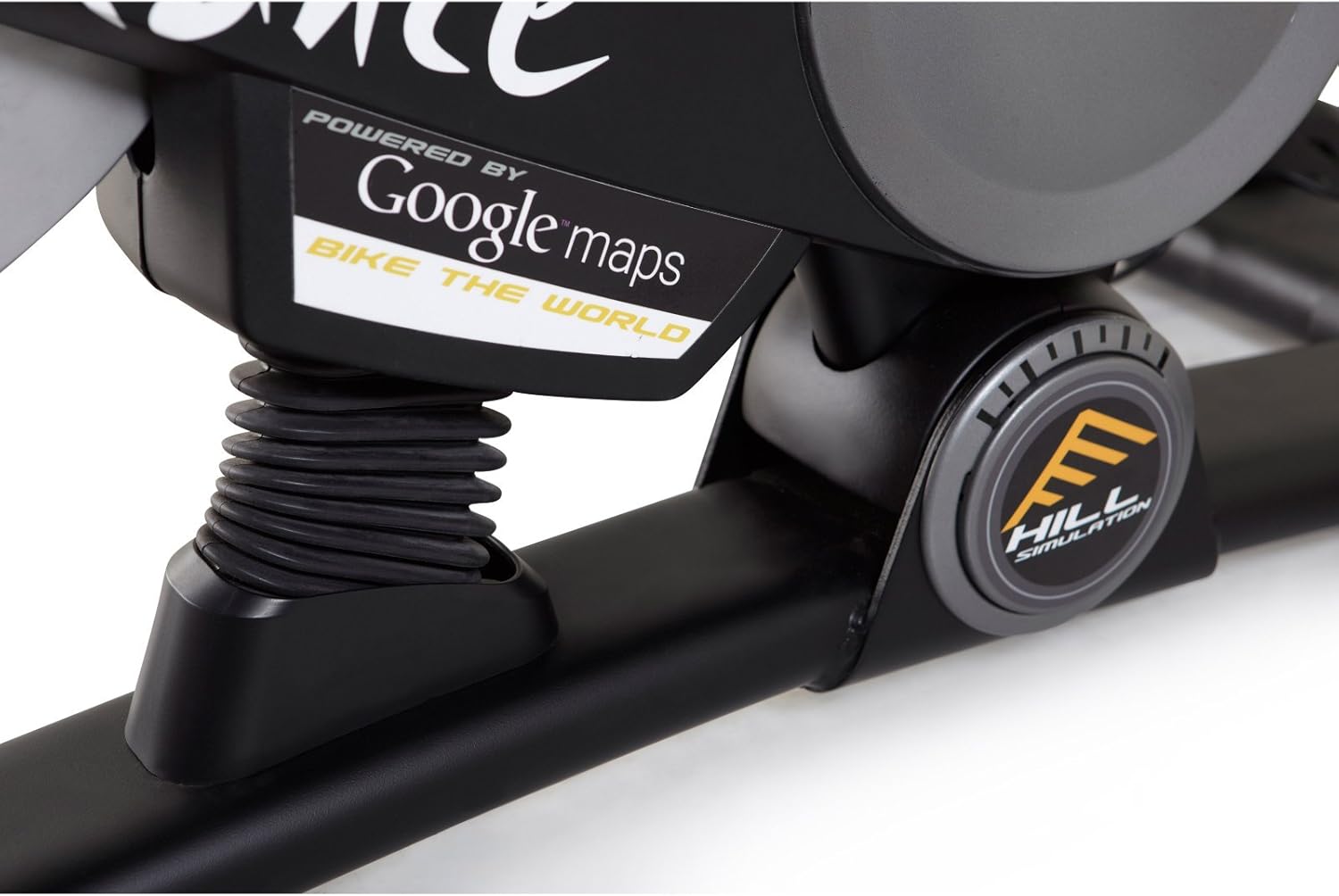
Figear 3.3: Branding indicating "Powered by Google Maps" on the exercise bike's frame. This highlights the bike's integration with iFit for virtual routes.
4. Cumail suas
Bidh cumail suas cunbhalach a’ dèanamh cinnteach gum mair do bhaidhsagal eacarsaich fad-beatha agus gum bi e ag obair gu math.
- Glanadh: Sguab sìos am baidhsagal an dèidh gach cleachdaidh le sanasamp clò gus fallas is duslach a thoirt air falbh. Seachain innealan-glanaidh sgrìobach.
- Sgrùdadh: Periodically check all bolts and nuts for tightness. Tighten any loose fasteners.
- Lubrication: No lubrication is required for the magnetic resistance system.
- Stòradh: Store the bike in a dry, cool environment away from direct sunlight and moisture.
5. A ’dèanamh trioblaid
| Trioblaid | Adhbhar a dh’fhaodadh a bhith ann | Fuasgladh |
|---|---|---|
| Chan eil an consol a’ dol air | Tha bataraidhean marbh no air an stàladh gu ceàrr. | Cuir bataraidhean ùra an àite no dèan cinnteach gu bheil iad a’ freagairt gu ceart. |
| Unstable during use | Stabilizer feet not adjusted or loose bolts. | Atharraich na casan ìreachaidh air na cobhsairean. Teannaich na boltaichean cruinneachaidh uile. |
| Chan eil an aghaidh ag atharrachadh | Console connection issue or internal fault. | Check console cables. If problem persists, contact customer support. |
| Pedals making noise | Loose pedals or crank arms. | Ensure pedals are tightly screwed into crank arms. |
6. Sònrachaidhean
| Feart | Mion-fhiosrachadh |
|---|---|
| Modail Àireamh | PFEX01215 |
| Meudan (L x W x H) | 136.4 cm x 62.7 cm x 135.1 cm (53.7 ann x 24.7 ann x 53.2 a-steach) |
| Cuideam toraidh cruinnichte | 54.4 kg (120 lbs) |
| Cuideam cleachdaiche as àirde | 113.4 kg (250 lbs) |
| Inneal-aghaidh | Magnetic (SMR™ Silent Magnetic Resistance) |
| Seòrsa Taisbeanaidh | LCD |
| Stòr cumhachd | Cumhachd bataraidh |
| Feartan sònraichte | Adjustable Seat, iFit Compatible, Google Maps Integration |
7. Fiosrachadh Barantais
ProForm products are manufactured with high-quality materials and craftsmanship. For specific warranty details regarding your ProForm Le Tour De France Upright Exercise Bike, please refer to the warranty card included with your purchase or visit the official ProForm weblàrach. Cùm dearbhadh ceannach airson tagraidhean barantais.
8. Taic teachdaiche
If you have questions, require assistance with assembly, or need to troubleshoot an issue not covered in this manual, please contact ProForm customer support.
- Taic air-loidhne: Tadhail air an oifigeach Taic ProForm Weblàrach.
- Taic Fòn: Refer to your product registration card or the ProForm weblàrach-lìn airson àireamhan conaltraidh roinneil.
Ask a question about this manual
Ask about setup, troubleshooting, compatibility, parts, safety, or missing instructions. Manuals+ will review the question and use this page’s manual context to help answer it.