
1. Ro-ràdh
The WISE TIGER AX200NGW Wireless Card is an advanced Wi-Fi 6 (802.11AX) module designed to provide high-speed wireless connectivity and Bluetooth 5.1 capabilities. This internal WiFi adapter offers significantly improved data rates and capacity compared to previous Wi-Fi standards, ensuring a fast and smooth experience for demanding applications like HD video streaming and online gaming. It is engineered for low latency and reliable connections, making it an ideal upgrade for compatible systems.

Image: The WISE TIGER AX200NGW Wireless Card shown alongside its compact retail packaging.
2. Feartan toraidh
- Wi-Fi 6 (802.11AX) Standard: Supports the latest Wi-Fi 6 standard, delivering up to 2.4Gbps throughput on the 5GHz band and 574Mbps on the 2.4GHz band. This provides nearly 3X higher peak data rates and 4X capacity compared to 802.11ac.
- Co-fhreagarrachd air ais: Fully compatible with older Wi-Fi standards including IEEE 802.11ac/a/b/g/n, ensuring seamless integration with existing network equipment.
- Bluetooth 5.1: Features the newest Bluetooth 5.1 technology, offering 4X the range and double the data transfer speed over Bluetooth 4.2. This enhances connectivity for Bluetooth devices and provides improved data broadcasting.
- Low Latency and Reliability: Designed for reduced latency and highly reliable connections, optimizing performance for real-time applications.
- Ceangal tèarainte: Supports WPA/WPA2/WPA3 security protocols for enhanced network security.
- Èifeachdas Cumhachd: Offers approximately 40% power saving compared to previous generations.
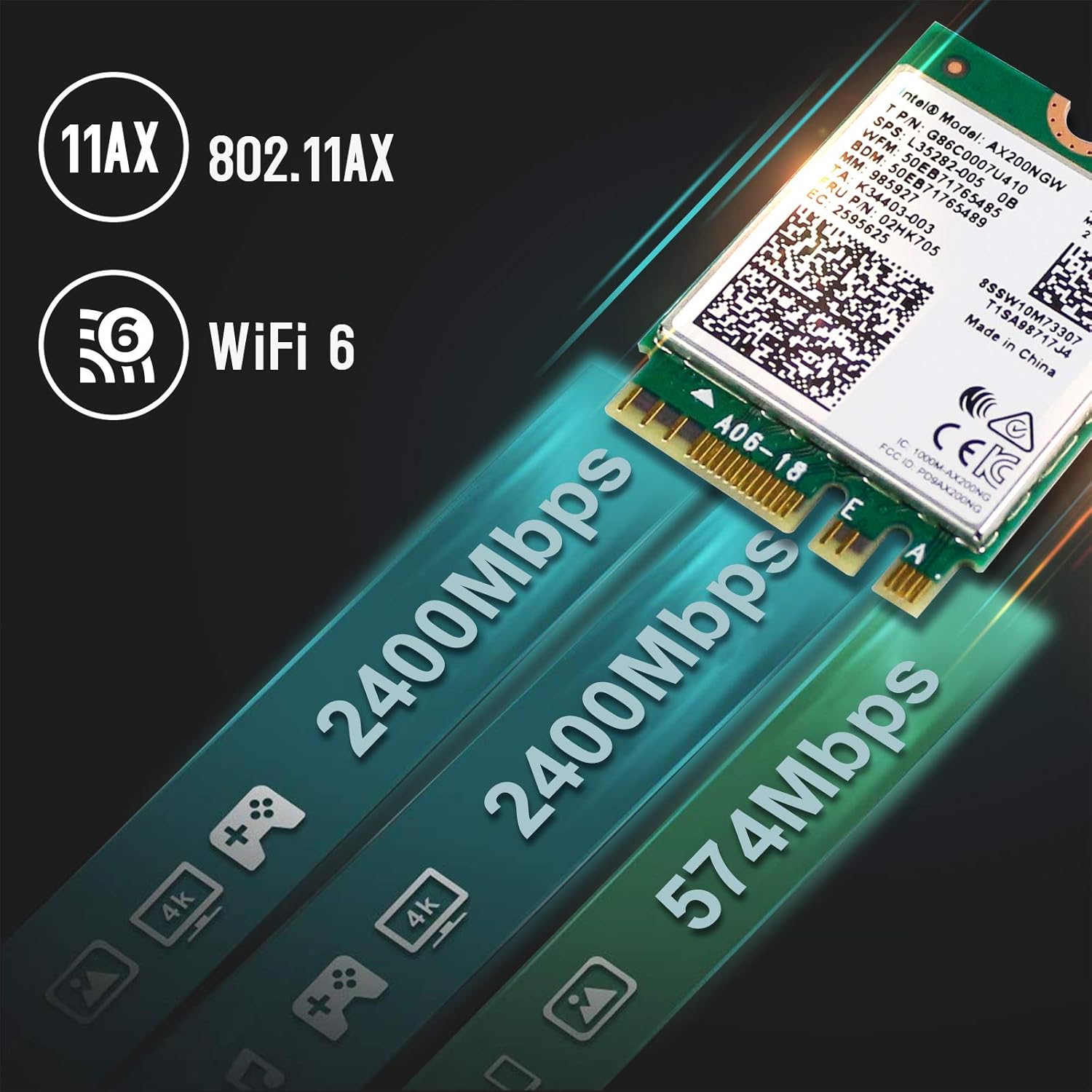
Image: Visual representation of the high-speed data transfer capabilities of the AX200NGW card, highlighting 2400Mbps and 574Mbps speeds.
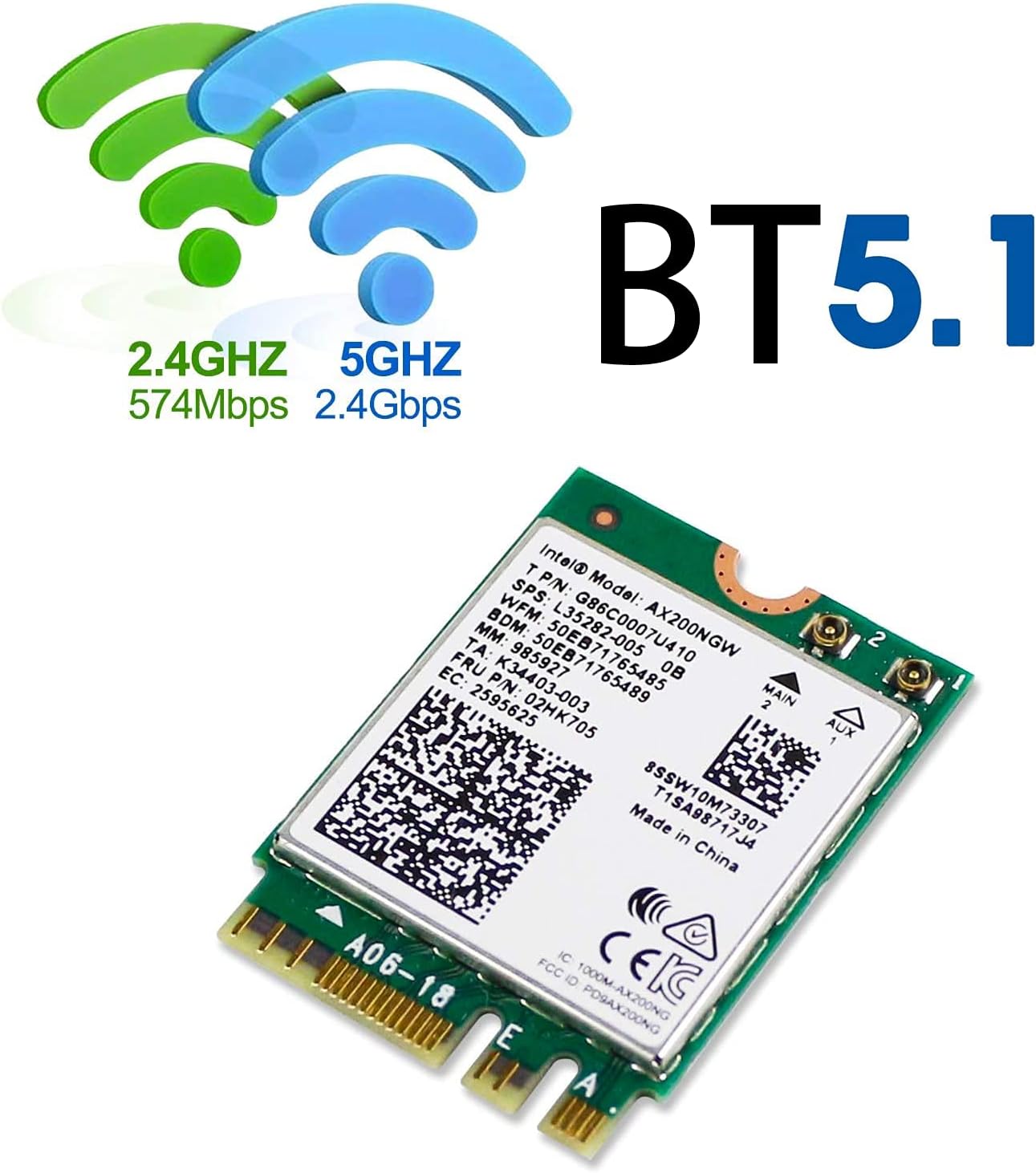
Image: Depiction of Wi-Fi signals (2.4GHz and 5GHz) and the prominent Bluetooth 5.1 logo, indicating dual functionality.
3. Sònrachaidhean
| Feart | Mion-fhiosrachadh |
|---|---|
| Inbhe | 802.11 b/g/n/ac/ax |
| Dual Band Performance | 2.4Gbps (5GHz) + 574Mbps (2.4GHz), 160MHz |
| Tionndadh Bluetooth | Bluetooth 5.1 |
| Pròtacalan tèarainteachd | WPA/WPA2/WPA3 |
| Eadar-aghaidh antenna | IPEX4 (Antenna not included) |
| Siostaman le taic | Windows 10 64-bit only |
| Eadar-aghaidh | M.2 2230 (Key A or E) |
| Meudan toraidh | 1.18 x 0.87 x 0.09 òirleach (30 x 22 x 2.3 mm) |
| Cuideam nì | 1.76 unnsa (50 gram) |
| Modail Àireamh | 4018522 |
| UPC | 700161315172 |

Image: The physical dimensions of the AX200NGW card, illustrating its compact size relative to a 25-cent coin.
4. Dè tha sa bhogsa
Nuair a dh’fhosglas tu pasgan an toraidh, bu chòir dhut na nithean a leanas fhaicinn:
- Intel AX200 Wi-Fi Card
- Driver CD (Note: Latest drivers should be downloaded online for best performance)
5. Riatanasan Co-chòrdalachd
To ensure proper functionality, the WISE TIGER AX200NGW Wireless Card has specific system requirements:
- Siostam-obrachaidh: Exclusively supports Windows 10 64-bit. This module is not compatible with other operating systems.
- Eadar-aghaidh: Requires an M.2 slot (Key A or Key E) on your laptop or desktop motherboard. It is not compatible with M.2 Key M, Key B, or Mini PCIe slots, which are typically used for SSDs or other components.
- Pròiseasar: Designed for use with Intel-based systems.
- Neo-fhreagarrachd: Do not use this module on motherboards that contain an Intel 9560 CNVi part, as this can lead to conflicts or malfunction.
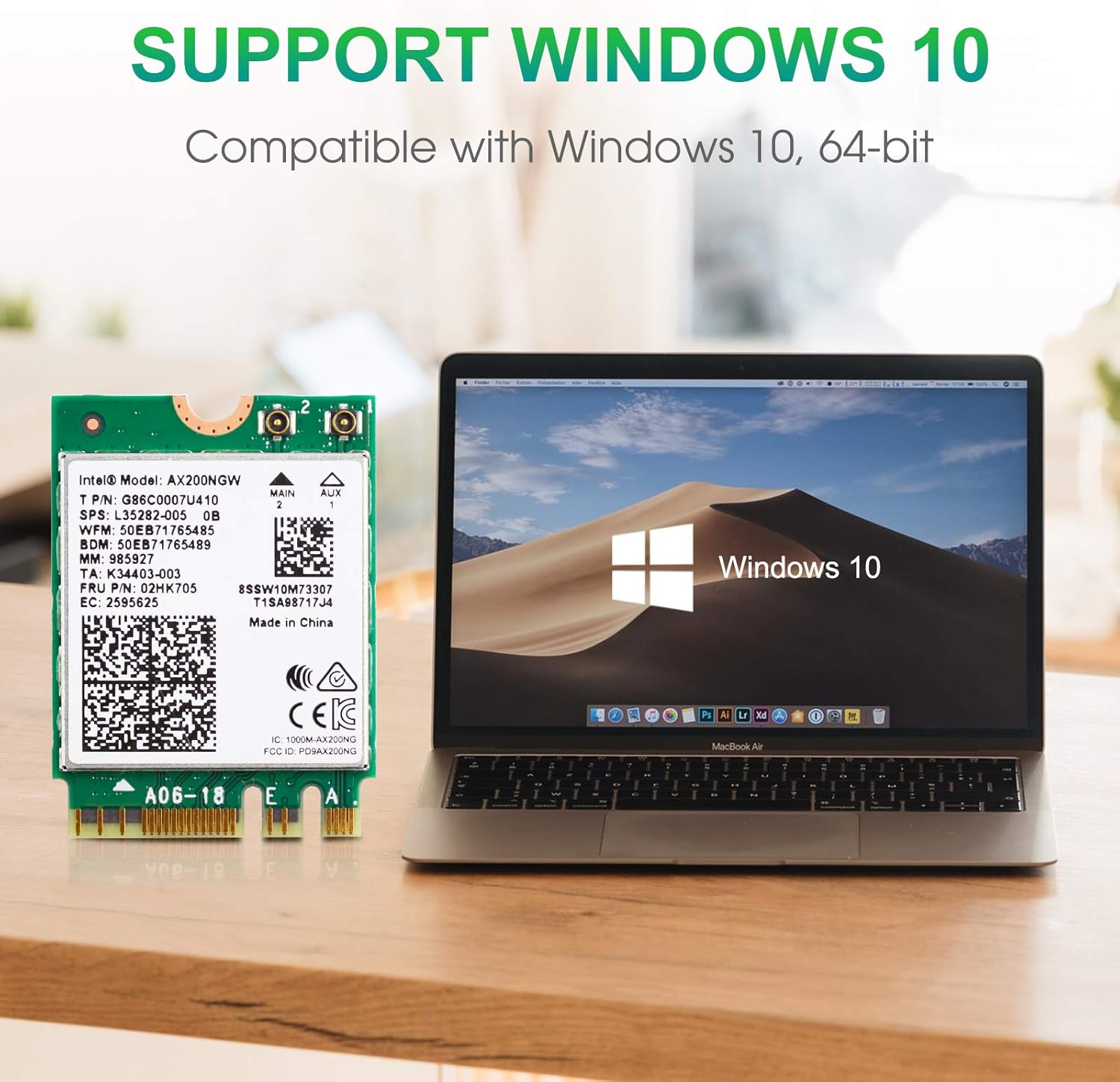
Image: The AX200NGW card positioned next to a laptop screen showing the Windows 10 operating system, emphasizing compatibility.

Image: A clear visual guide indicating the correct M.2 Key A and Key E slots for installation, and explicitly showing incompatible Key M and Mini PCIe slots.
6. Stiùireadh stàlaidh
Follow these steps carefully to install the WISE TIGER AX200NGW Wireless Card into your compatible system:
- Ullaich an siostam agad: Before beginning, power off your computer completely and disconnect it from the power source. For laptops, remove the battery if possible.
- Faigh cothrom air an t-slot M.2: Open your laptop or desktop case to locate the M.2 slot. This may involve removing the back panel of a laptop or the side panel of a desktop. Refer to your computer's service manual for specific instructions on accessing internal components. The M.2 slot should be labeled with a "WiFi" logo or similar indicator.
- Insert the Wireless Card: Gently align the notch on the AX200NGW card with the key in the M.2 slot (Key A or Key E). Insert the card at a slight angle until it is fully seated.
- Sàbhail a’ chairt: Once inserted, push the card down until it lies flat. Secure it with the small screw provided with your computer or the wireless card.
- Ceangail Antennas (mas e iomchaidh): If your system uses external antennas, carefully connect the IPEX4 antenna cables to the corresponding connectors on the AX200NGW card (Main and Aux). Ensure a secure connection.
- Reassemble Your System: Carefully reassemble your computer, ensuring all panels are securely closed and screws are tightened.
Warning: Handle the card by its edges to avoid touching the gold connectors or components. Static electricity can damage electronic components. Consider using an anti-static wrist strap.
7. Operating Instructions (Driver Installation)
After physical installation, drivers must be installed for the wireless card to function correctly:
- Tòiseachadh Tùsail: Power on your computer. Windows 10 may automatically detect the new hardware and attempt to install generic drivers.
- Luchdaich sìos draibhearan: For optimal performance and full functionality (including Bluetooth 5.1), it is highly recommended to download the latest drivers directly from the WISE TIGER official weblàrach. Lorg airson "Intel AX200NGW" drivers.
- Stàlaich draibhear Wi-Fi: Locate the downloaded Wi-Fi driver file (e.g., "WiFi_21.10.1_Driver64_Win10.exe" or similar). Double-click the executable file agus lean an stiùireadh air-sgrion gus an stàladh a chrìochnachadh.
- Stàlaich Bluetooth driver: If you intend to use Bluetooth functionality, download the corresponding Bluetooth driver (e.g., "BT_21.10.1_64_Win10.exe" or similar) from the WISE TIGER website. Double-click the executable file agus lean an stiùireadh air-sgrion gus a stàladh.
- Ath-thòisich an coimpiutair: After installing both drivers, restart your computer to ensure all changes take effect.
- Ceangail ris an Lìonra: Once restarted, you should be able to see available Wi-Fi networks and connect to them. Bluetooth devices can also be paired through Windows settings.
8. A ’dèanamh trioblaid
If you encounter issues with your WISE TIGER AX200NGW Wireless Card, consider the following troubleshooting steps:
- No Wi-Fi or Bluetooth Functionality After Installation:
- Ensure the card is correctly seated in the M.2 slot and securely fastened.
- Verify that you have installed the correct Wi-Fi and Bluetooth drivers for Windows 10 64-bit from the WISE TIGER weblàrach.
- Check Device Manager in Windows to see if the device is recognized and if there are any error codes. Reinstall drivers if necessary.
- Weak Wi-Fi Signal or Frequent Disconnections:
- Ensure that any internal antenna cables are securely connected to the card's IPEX4 ports.
- Check for physical obstructions between your computer and the Wi-Fi router.
- Ùraich firmware an router agad chun dreach as ùire.
- Consider the distance and number of walls between your device and the router.
- Innealan Bluetooth nach eil a’ paidhreachadh:
- Ensure the Bluetooth driver is correctly installed.
- Verify that Bluetooth is enabled in Windows settings.
- Thoir air falbh agus ath-cheangail an inneal Bluetooth.
- Check if the Bluetooth device is in pairing mode.
- System Instability or Blue Screens:
- Confirm that your system is Intel-based and running Windows 10 64-bit.
- Ensure your motherboard does not contain an Intel 9560 CNVi part, as this card is incompatible with such configurations.
- Uninstall and reinstall the drivers. If issues persist, consult your computer manufacturer's support.
9. Barantas agus Taic
For any questions, technical assistance, or warranty inquiries regarding your WISE TIGER AX200NGW Wireless Card, please contact WISE TIGER customer support directly.
Taic Post-d: sales@wise-tiger.com
Please provide your product model number (AX200NGW / 4018522) and a detailed description of your issue when contacting support to facilitate a quicker resolution.