
1. Ro-ràdh
The Xiaomi Mi 5000mAh Power Bank is a portable charging solution designed for smartphones and other USB-powered devices. Its slim 9.9mm design and lightweight construction (156 grams) make it highly portable, fitting easily into a pocket or bag. Equipped with a 5000mAh lithium-ion polymer battery, it provides reliable power on the go. The integrated battery indicator keeps you informed about the remaining charge level.
2. Fiosrachadh Sàbhailteachd
- Do not expose the power bank to extreme temperatures (above 60°C / 140°F or below 0°C / 32°F), direct sunlight, or fire.
- Seachain an inneal a leigeil sìos, a thoirt às a chèile no feuchainn ri càradh thu fhèin. Dh’fhaodadh seo milleadh no dochann adhbhrachadh.
- Keep the power bank away from water, moisture, and other liquids.
- Use only certified charging cables and adapters. Using incompatible accessories may lead to fire, explosion, or other hazards.
- Cùm a-mach à ruigsinn chloinne.
- Dispose of the power bank according to local regulations for electronic waste. Do not dispose of it in household waste.
3. Pasgan-susbaint
- Xiaomi Mi 5000mAh Power Bank (Model XPB5000)
- USB Charging Cable (Micro USB to USB-A)
- Leabhar-làimhe cleachdaiche
4. Toradh thallview
Familiarize yourself with the components of your Xiaomi Mi 5000mAh Power Bank.
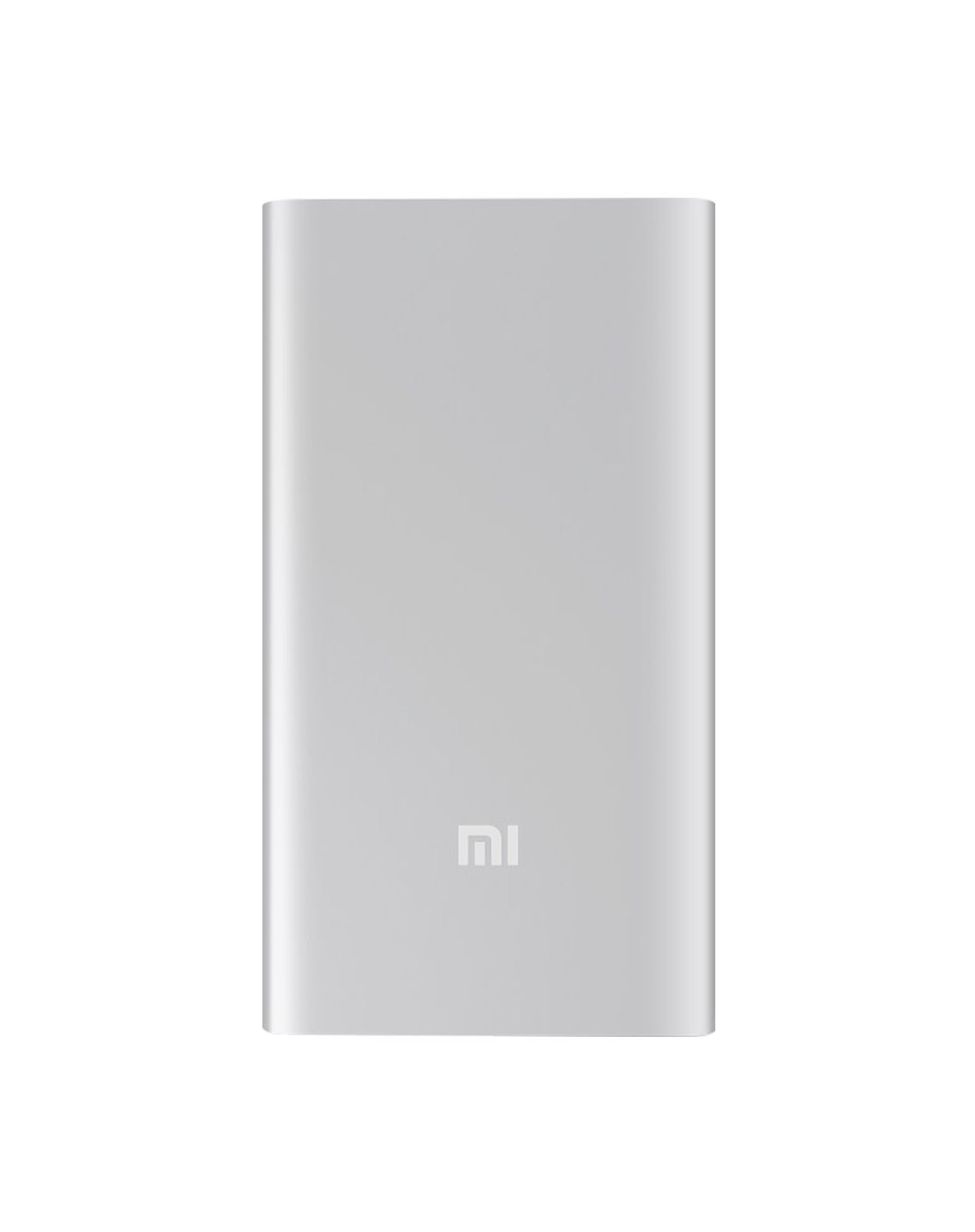
Figear 4.1: Aghaidh view of the Xiaomi Mi 5000mAh Power Bank, silver color with the 'Mi' logo.

Figear 4.2: Mullach view of the power bank, highlighting the ports and indicators.
- Port Cuir-a-steach Micro USB: Used to charge the power bank itself.
- Port toraidh USB-A: Air a chleachdadh gus innealan taobh a-muigh a ghearradh.
- Putan Cumhachd: Press once to check battery level; press and hold to turn on/off (if applicable, some power banks are auto-on).
- Comharran LED: Four small lights that show the remaining battery capacity of the power bank. Each light typically represents 25% of the charge.
5. Suidhich
5.1 Cìs tòiseachaidh
Before using your Xiaomi Mi 5000mAh Power Bank for the first time, it is recommended to fully charge it.
- Connect the Micro USB end of the provided cable to the power bank's Micro USB Input Port.
- Connect the USB-A end of the cable to a USB wall adapter (not included) or a computer's USB port.
- The LED indicators will light up and blink, showing the charging progress. All four LEDs will remain solid when the power bank is fully charged.
6. Stiùireadh Obrachaidh
6.1 A’ cur cosgais air a’ bhanca cumhachd
Gus am banca cumhachd agad ath-lìonadh:
- Use the included USB cable to connect the power bank's Micro USB input port to a power source (e.g., wall charger, computer USB port).
- The LED indicators will show the charging status. When all four LEDs are solid, the power bank is fully charged.
6.2 A’ cur cosgais air an inneal agad
To charge a smartphone or other USB-powered device:
- Connect your device's charging cable to the USB-A Output Port of the power bank.
- Ceangail ceann eile a ’chàball ris an inneal agad.
- Bu chòir don bhanca cumhachd tòiseachadh air cosgais a chur air an inneal agad gu fèin-ghluasadach. Mura dèan, brùth air a’ phutan cumhachd aon uair gus tòiseachadh air a’ chosg.
- The LED indicators will show the power bank's remaining charge while it is in use.
7. Cumail suas
- Glanadh: Cleachd clò bog, tioram airson am banca cumhachd a ghlanadh. Na cleachd ceimigean cruaidh no stuthan sgrìobach.
- Stòradh: Store the power bank in a cool, dry place away from direct sunlight and extreme temperatures. If storing for extended periods, charge it to about 50% every three months to prolong battery life.
- Cùram Bataraidh: Avoid fully discharging the power bank frequently, as this can reduce its overall lifespan.
8. A ’dèanamh trioblaid
| Trioblaid | Fuasgladh comasach |
|---|---|
| Banca cumhachd nach eil a 'cur cosgais | Ensure the charging cable is securely connected to both the power bank and the power source. Try a different cable or wall adapter. Check if the power source is active. |
| Inneal nach eil a’ togail cosgais bhon bhanca cumhachd | Check if the power bank has sufficient charge (indicated by LEDs). Ensure the cable connecting the device to the power bank is functional and securely connected. Press the power button on the power bank once. |
| Cìs slaodach | Ensure you are using a high-quality cable. The charging speed may vary depending on the device being charged and the power bank's remaining capacity. |
| Comharran LED nach eil ag obair | The power bank might be completely discharged or damaged. Try charging it for a few hours. If the issue persists, contact support. |
9. Sònrachaidhean
| Feart | Mion-fhiosrachadh |
|---|---|
| Ainm Brand | Xiaomi |
| Modail Àireamh | XPB5000 |
| Comas Bataraidh | 5000 mAh |
| Co-chruinneachadh cealla bataraidh | Polymer lithium |
| Dath | Airgiod |
| Feartan sònraichte | Aotrom |
| Voltage | 5 Volt |
| Gnàthach | 2.1 Amps |
| Stòr cumhachd | Cumhachd bataraidh |
| Innealan co-fhreagarrach | Fònaichean sgairteil |
| Modalan fòn co-fhreagarrach | Apple iPhone 5S, Apple iPhone 6 (and other USB-compatible devices) |
| Port a-steach | 1 (Micro USB) |
| Port toraidh | 1 (USB-A) |
| Meudan nì (L x W x H) | 15 x 4.5 x 2.5 cm |
| Cuideam | 156 gram (timcheall air) |
| GTIN / UPC | 06954176883742 / 700254076065 190268050890 |
Note: The specification 'Number of Ports: 6' from product data likely refers to the combination of physical ports (Micro USB input, USB-A output) and the four LED indicators.
10. Barantas agus Taic
10.1 Fiosrachadh Barantais
According to the product specifications, this item is sold with "No Warranty". Please refer to your point of purchase for any return or exchange policies.
10.2 Taic teachdaiche
For further assistance or inquiries regarding your Xiaomi Mi 5000mAh Power Bank, please contact the retailer where the product was purchased or visit the official Xiaomi support weblàrach-lìn airson fiosrachadh coitcheann mu thoraidhean.
Xiaomi oifigeil Weblàrach: https://www.mi.com/global/support